
1. はじめに
Welcome to your Headwolf FPad2 8-inch Android 13 Tablet. This manual provides essential information for setting up, operating, and maintaining your device. Please read it carefully to ensure optimal performance and longevity of your tablet.
2. 安全情報
To ensure safe and proper use of your Headwolf FPad2 tablet, please observe the following safety guidelines:
- デバイスを極端な温度、直射日光、または高湿度にさらさないでください。
- タブレットを水やその他の液体から遠ざけてください。
- Use only original or certified compatible charging accessories to prevent damage and ensure safety.
- Do not attempt to disassemble, repair, or modify the device yourself. Refer to qualified service personnel for assistance.
- Keep the device out of reach of small children to prevent accidental ingestion of small parts.
3. パッケージ内容
The Headwolf FPad2 package includes the following items:
- ヘッドウルフ FPad2 タブレット
- 充電アダプター
- USBケーブル
- SIM カード取り出しツール
- ユーザーマニュアル

Figure 3.1: Headwolf FPad2 tablet and included accessories.
4.デバイスオーバーview
Familiarize yourself with the physical components and key features of your FPad2 tablet.
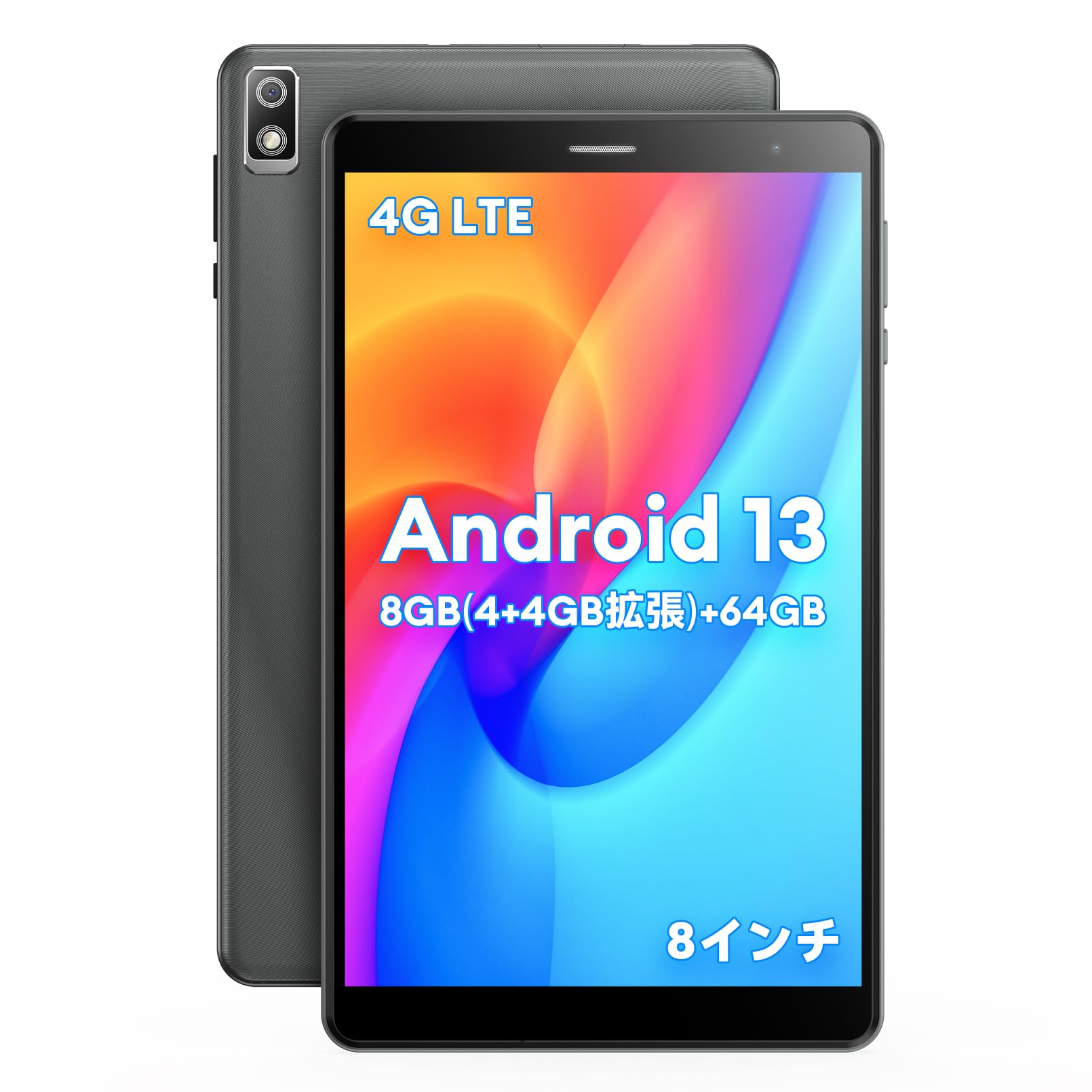
Figure 4.1: Headwolf FPad2 tablet with feature highlights.
The tablet features an 8-inch IPS display, 5MP front and rear cameras, and various ports for connectivity.

Figure 4.2: Headwolf FPad2 connectivity ports.
The device supports 4G LTE, dual-band Wi-Fi (2.4G/5G), and Bluetooth 5.0. It also includes a Type-C port for charging and data transfer, and a 3.5mm headphone jack for audio.
5. セットアップ
Follow these steps for the initial setup of your Headwolf FPad2 tablet:
- 電源オン: Press and hold the power button located on the side of the tablet until the Headwolf logo appears on the screen.
- 言語の選択: Upon first boot, you will be prompted to select your preferred language. Scroll through the list and tap on your desired language (e.g., English, Japanese).
- Wi-Fi接続: Connect to a Wi-Fi network to complete the initial setup. Select your network from the list and enter the password. If no Wi-Fi is available, you can choose to proceed offline.
- Google アカウント: 既存のGoogleアカウントでログインするか、新しいアカウントを作成してください。Google Playストアやその他のGoogleサービスにアクセスするには、アカウントが必要です。
- 日時: Set the correct date, time, and time zone for your region.
Video 5.1: Demonstration of language setup on an Alphawolf tablet. The general steps are similar for Android tablets, including the Headwolf FPad2.
6. 操作手順
6.1. パフォーマンスとストレージ
The FPad2 is powered by a T310 4-core CPU with a main frequency of up to 2.0GHz, ensuring smooth operation while minimizing heat and power consumption. It achieves an AnTuTu score of 160,000 points.

Figure 6.1: T310 4-core CPU performance.
The tablet comes with 8GB RAM (4GB physical + 4GB intelligent allocation from storage) and 64GB internal storage. You can expand the storage up to 512GB by inserting an SD card, allowing you to store a large number of photos, videos, and files without worry.

Figure 6.2: Memory and storage capabilities.
6.2. ディスプレイとカメラ
The 8-inch IPS screen with 800x1280 resolution perfectly displays image colors and quality effects. It features 5MP front and 5MP rear cameras. The rear camera includes a flash function, making night photography and video recording more convenient and realistic.

Figure 6.3: Tablet display and camera features.
The Android tablet also features wireless projection, allowing you to display videos and photos from your tablet to a TV for a more vivid and impactful visual experience.
6.3. 接続性とナビゲーション
The FPad2 tablet supports simultaneous insertion of 1 SIM card and 1 TF card, connecting to 4G LTE, Bluetooth 5.0, and 2.4G/5G WiFi. This ensures stable communication and convenience for travel and business trips.
The triple GPS navigation system (GPS+BDS+GALILEO) covers the entire world without blind spots, making it suitable for use as a car navigation system.
6.4. Parental Control and Face Recognition
The FPad2 includes a secure parental control function, allowing parents to control the time children spend using the tablet, helping to balance study and entertainment. Face recognition unlock enhances device security and protects privacy.
ビデオ6.4.1: オーバーview of the FPD tablet, showcasing various usage scenarios and features.
7.バッテリー管理
The Headwolf FPad2 is equipped with a built-in 5500mAh cobalt acid lithium battery. This large-capacity battery offers excellent durability, high cycle count, strong resistance to degradation, and superior safety compared to ordinary batteries. A charging adapter is included with the tablet.

Figure 7.1: Battery capacity and charging.
To maximize battery life, avoid fully discharging the battery frequently and try to keep the charge level between 20% and 80%.
8. メンテナンス
適切なメンテナンスを行うと、タブレットの寿命が延びます。
- クリーニング: 画面と本体の清掃には、柔らかく糸くずの出ない布をご使用ください。刺激の強い化学薬品や研磨剤の使用は避けてください。
- ソフトウェアアップデート: 最適なパフォーマンスとセキュリティを確保するために、システム アップデートを定期的に確認してインストールしてください。
- ストレージ管理: 定期的に不要なものをクリアする files とアプリをアップグレードしてストレージ容量を解放し、パフォーマンスを向上させます。
- 環境条件: Store and operate the tablet within recommended temperature and humidity ranges.
9。 トラブルシューティング
If you encounter any issues with your Headwolf FPad2, refer to the following common troubleshooting steps:
- デバイスの電源が入らない: Ensure the battery is charged. Connect the tablet to the charger and try powering it on again.
- Wi-Fi接続の問題: Check if Wi-Fi is enabled in settings and that the password is correct. Try restarting your Wi-Fi router and the tablet.
- パフォーマンスの低下またはフリーズ: Close unnecessary background applications. Clear the cache of frequently used apps. If the issue persists, consider a factory reset after backing up all important data.
- 画面が応答しません: Try restarting the device by holding down the power button. If the screen remains unresponsive, contact customer support.
- アプリがクラッシュする: Ensure your apps are updated to their latest versions. Clear the app's cache or reinstall the app.
10. 技術仕様
| 特徴 | 仕様 |
|---|---|
| ブランド | ヘッドウルフ |
| モデル名 | FPad2 |
| オペレーティング·システム | アンドロイド13 |
| 画面サイズ | 8インチ |
| ラム | 4 GB(仮想8 GBまで拡張可能) |
| ストレージ容量 | 64 GB (expandable up to 512GB with SD card) |
| リアカメラ解像度 | 5 MP |
| フロントカメラの解像度 | 5 MP |
| 接続性 | 4G LTE, 2.4GHz/5GHz WIFI, Bluetooth 5.0 |
| バッテリー | 5500 mAhリチウムイオン |
| アイテム重量 | 320グラム |
| 寸法 | 22.4 x 14 x 4.9 cm |
11. 保証とサポート
Your Headwolf FPad2 tablet comes with a 12-month warranty. For any product incompatibilities or issues, please contact our customer support team. We are committed to providing satisfactory support to our customers.
Contact Procedure:
- Amazonアカウントにログインします。
- 「注文履歴」へ進みます。
- Select the relevant order for your Headwolf FPad2.
- Click "Contact Seller" to reach our support team.