
1. はじめに
This manual provides essential information for the installation, operation, maintenance, and troubleshooting of your MSI SPATIUM M480 PRO PCIe 4.0 NVMe M.2 1TB Internal Solid State Drive. Please read this manual thoroughly before using the product to ensure proper functionality and to prevent damage.

画像1.1: 以上view of the MSI SPATIUM M480 PRO 1TB NVMe M.2 SSD.
2. パッケージ内容
製品パッケージにすべてのアイテムが揃っていることを確認します。
- MSI SPATIUM M480 PRO PCIe 4.0 NVMe M.2 SSD (1TB)
- クイックセットアップガイド
3. セットアップとインストール
The MSI SPATIUM M480 PRO is an M.2 2280 form factor SSD designed for PCIe Gen4x4 NVMe interfaces. Ensure your motherboard or device supports this standard before installation.
3.1 安全上の注意
- Always wear an anti-static wrist strap or discharge static electricity by touching a grounded metal object before handling the SSD.
- コンピュータの電源がオフになっており、壁のコンセントからプラグが抜かれていることを確認してください。
- Refer to your motherboard's manual for specific M.2 slot locations and installation procedures.
3.2 インストール手順
- Locate an available M.2 slot on your motherboard. These slots are typically labeled and may be covered by a heatsink.
- Remove any screws or standoffs from the M.2 slot. If a standoff is present, ensure it is set for the 2280 form factor.
- Carefully insert the MSI SPATIUM M480 PRO SSD into the M.2 slot at a 30-degree angle. The gold contacts should slide smoothly into the slot.
- SSD をマザーボードと平行になるまでゆっくりと押し下げます。
- Secure the SSD with the screw provided with your motherboard or the M.2 slot. Do not overtighten.
- If your motherboard has an M.2 heatsink, install it over the SSD according to your motherboard's instructions.
- コンピューターのケースを閉じて、すべてのケーブルを再接続します。
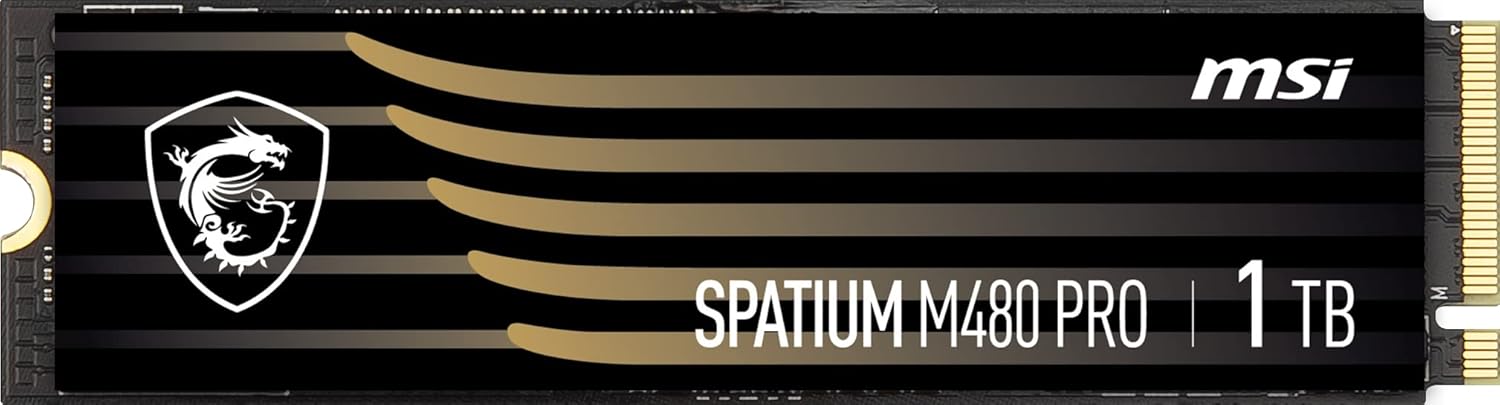
画像3.1: クローズアップ view of the MSI SPATIUM M480 PRO SSD, highlighting the M.2 connector.
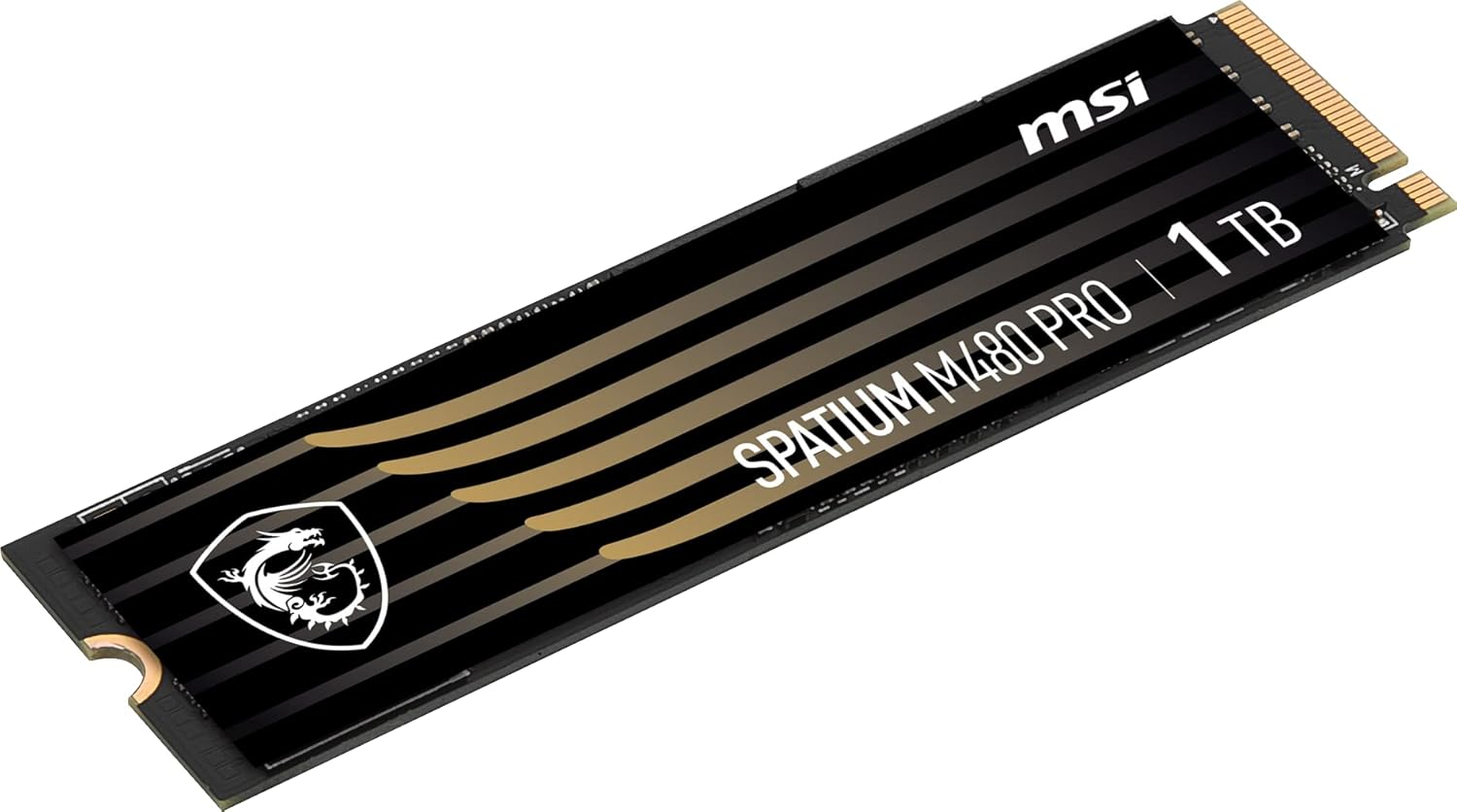
画像3.2: 角度付き view of the MSI SPATIUM M480 PRO SSD, illustrating its slim M.2 2280 form factor.
4. 操作手順
4.1 SSDの初期化とフォーマット
物理的にインストールした後、SSD を使用するには、オペレーティング システムで初期化およびフォーマットする必要があります。
- コンピュータを起動します。
- Windowsの場合: Right-click on the Start button and select "Disk Management". The new SSD should appear as "Unallocated Space". Right-click on the unallocated space, select "Initialize Disk", choose GPT (GUID Partition Table), then right-click again to create a "New Simple Volume". Follow the wizard to assign a drive letter and format the drive (NTFS is recommended for Windows).
- Linuxの場合: GPartedなどのディスクユーティリティツールを使用するか、
fdisk/mkfsドライブをパーティション分割およびフォーマットするためのコマンド。 - macOSの場合: Open "Disk Utility", select the new SSD, and erase/format it with an appropriate file システム (例: APFS または HFS+)。
4.2 NVMe Driver Installation
Modern operating systems (Windows 10/11, recent Linux distributions, macOS) typically include native NVMe drivers. Manual driver installation is usually not required. However, if you experience issues or wish to optimize performance, check the MSI support website for specific NVMe drivers for your motherboard or the SPATIUM M480 PRO.
5. メンテナンス
適切なメンテナンスを行うことで、SSD の寿命が長くなり、最適なパフォーマンスが確保されます。
- TRIMコマンド: Ensure the TRIM command is enabled in your operating system. This command helps the SSD manage data blocks efficiently, preventing performance degradation over time. Most modern operating systems enable TRIM by default for SSDs.
- ファームウェアの更新: 定期的に公式MSIをチェックする website for firmware updates for your SPATIUM M480 PRO SSD. Firmware updates can improve performance, stability, and address potential issues. Follow MSI's instructions carefully when performing firmware updates.
- 満杯状態を避ける: While SSDs perform well even when nearly full, maintaining some free space (e.g., 10-15%) can help sustain optimal write performance and extend drive lifespan.
- 温度監視: Monitor the SSD's temperature using system monitoring software. Excessive heat can impact performance and lifespan. Ensure adequate airflow in your PC case and consider using a motherboard's M.2 heatsink if available.
6。 トラブルシューティング
If you encounter issues with your MSI SPATIUM M480 PRO SSD, refer to the following common troubleshooting steps:
6.1 SSDが検出されない
- 物理的な接続を確認します: SSD が M.2 スロットに正しく装着され、固定されていることを確認します。
- BIOS/UEFI設定: Enter your system's BIOS/UEFI settings. Verify that the M.2 slot is enabled and configured for NVMe mode (if applicable). Some motherboards may require specific PCIe lane configurations.
- マザーボードの互換性: Confirm your motherboard supports PCIe Gen4 NVMe M.2 SSDs.
- ディスクの管理 (Windows): Check Disk Management to see if the drive appears as uninitialized. If so, initialize and format it as described in Section 4.1.
- Try Another Slot/System: If possible, test the SSD in a different M.2 slot or another compatible system to rule out a motherboard issue.
6.2 パフォーマンスの低下
- PCIe Gen4 Compatibility: Ensure your motherboard and CPU fully support PCIe Gen4. If installed in a PCIe Gen3 slot, the SSD will operate at Gen3 speeds.
- TRIM 有効: Verify that the TRIM command is enabled (see Section 5).
- ファームウェア: Check for and install the latest firmware updates (see Section 5).
- 温度: Monitor the SSD's temperature. High temperatures can cause thermal throttling, reducing performance.
- システムリソース: システムに十分な RAM と CPU リソースがあることを確認してください。これらは全体的なストレージ パフォーマンスに影響を与える可能性があります。
7. 仕様
| 特徴 | 仕様 |
|---|---|
| モデル名 | SPATIUM M480 PRO |
| デジタルストレージ容量 | 1000 GB(1 TB) |
| ハードディスクインターフェース | NVMe |
| 接続技術 | PCIe4.0 について |
| フォームファクター | M.2 2280 |
| Read Speed (Sequential) | 最大7400MB/秒 |
| Write Speed (Sequential) | 最大7000MB/秒 |
| NANDフラッシュ | 3D NANDフラッシュ |
| TBW(書き込みテラバイト数) | Up to 3000 TBW |
| 対応デバイス | デスクトップ、ノートパソコン |
| モデル番号 | S78-440L1G0-P83 |
| 商品の寸法(長さ x 幅 x 高さ) | 長さ3.15インチ x 幅0.87インチ x 厚さ0.08インチ |
8. 保証情報
The MSI SPATIUM M480 PRO PCIe 4.0 NVMe M.2 1TB Internal SSD comes with a 3年間保証 from the date of purchase. This warranty covers defects in materials and workmanship under normal use. For detailed warranty terms and conditions, please refer to the official MSI website or contact MSI customer support.
9. サポート
For further assistance, technical support, or to download the latest drivers and firmware, please visit the official MSI support webサイト:
You may also contact MSI customer service directly through their web具体的なお問い合わせについては、こちらのサイトをご覧ください。