
1. はじめに
Thank you for choosing the Rettru XDWIFI Pro Wireless WiFi Camera. This compact camera is designed for versatile security monitoring, offering HD 1080P video recording, night vision, and motion detection capabilities. It is suitable for various applications including home security, baby monitoring, and pet monitoring. This manual provides detailed instructions for setting up, operating, and maintaining your camera to ensure optimal performance.
2. パッケージ内容
以下にリストされているすべてのアイテムがパッケージに含まれていることを確認してください。
- 1 x Rettru XDWIFI Pro Camera
- 1 x磁気ベース
- 1 XマイクロSDカードリーダー
- ユーザーマニュアル x 1
- 電源ケーブル x 1

Image: The package contents include the camera, magnetic base, Micro SD card reader, user manual, and power cable.
3 製品の特徴
- コンパクトなデザイン: The camera features a small form factor, measuring approximately 1.57 x 1.18 x 0.5 inches, making it easy to conceal and place discreetly.
- HD 1080Pビデオ: Records clear video at 1080p resolution.
- 強化されたナイトビジョン: Equipped with two 940nm infrared lights, providing up to 26ft night vision range without visible glow.
- モーション検出: Intelligent motion detection with customizable monitoring areas and times. Sends alarm notifications with images to your phone upon detection.
- デュアルパワーモード: Features a built-in lithium battery for approximately 1.5 hours of continuous operation, and can be connected to a USB power source for extended use.
- ループ録音: 古いものを自動的に上書きします fileメモリカードがいっぱいになると自動的に停止し、連続録画を保証します。
- リモート Viewing: Access live video feed from anywhere via the companion mobile application (V380 Pro).
- 磁気取り付け: Includes a magnetic base for flexible installation on various surfaces.

Image: The camera's compact dimensions are illustrated, emphasizing its small size.

Image: The camera's small size allows for discreet placement, such as within a plant pot.

Image: The camera can be mounted on a desk, bookshelf, or wall using its 360-degree rotating stand.
4.セットアップガイド
4.1 カメラの充電
Before first use, fully charge the camera. Connect the camera to a USB power source (e.g., wall charger, power bank, computer USB port) using the provided USB cable. The charging indicator light will show the charging status.

Image: The camera supports dual power modes, allowing it to be powered by its built-in battery or an external USB source like a power bank or wall charger.
4.2 Micro SDカードの挿入(オプション)
For local video storage, insert a Micro SD card (up to 128GB, purchased separately) into the camera's SD card slot. Ensure the card is inserted correctly with the contacts facing the camera's interior. The camera supports loop recording, overwriting older fileカードがいっぱいになったとき。

Image: Illustration of Micro SD card insertion and the corresponding recording durations for various card capacities.
4.3 アプリのダウンロードとインストール
The Rettru XDWIFI Pro camera uses the V380プロ application for remote viewing and control. Download the app from your device's app store (iOS App Store or Google Play Store).
- 検索する "V380 Pro" in your app store.
- アプリケーションをダウンロードしてインストールします。
- アカウントを登録するか、すでにアカウントをお持ちの場合はログインしてください。

Image: Visual steps for downloading the V380 Pro app, connecting the device, and establishing a WiFi connection.
4.4 カメラをWiFiに接続する
Follow these steps to connect your camera to your home WiFi network:
- カメラの電源を入れます。
- Open the V380 Pro app on your smartphone.
- 「+」アイコンをタップして新しいデバイスを追加します。
- Select the appropriate connection method (e.g., "Add device by WiFi Smart Config" or "Add device by AP Hotspot").
- Follow the on-screen instructions to connect the camera to your 2.4GHz WiFi network. Note: This camera only supports 2.4GHz WiFi networks. It is not compatible with 5GHz networks.
- Once connected, you can name your device and begin viewライブフィードを視聴します。
5. 操作手順
5.1 ライブ Viewing
After successful setup, open the V380 Pro app and select your camera from the device list to access the live video feed. You can view the feed remotely from anywhere with an internet connection.
5.2 モーション検出
The camera features intelligent motion detection. When motion is detected, the camera will send an alarm notification with images to your phone. You can customize motion detection settings within the V380 Pro app:
- 感度: 動き検出の感度を調整します。
- 検出エリア: カメラ内の特定の領域を定義する view 動き検出用。
- スケジュール: モーション検出をアクティブにする特定の時間を設定します。
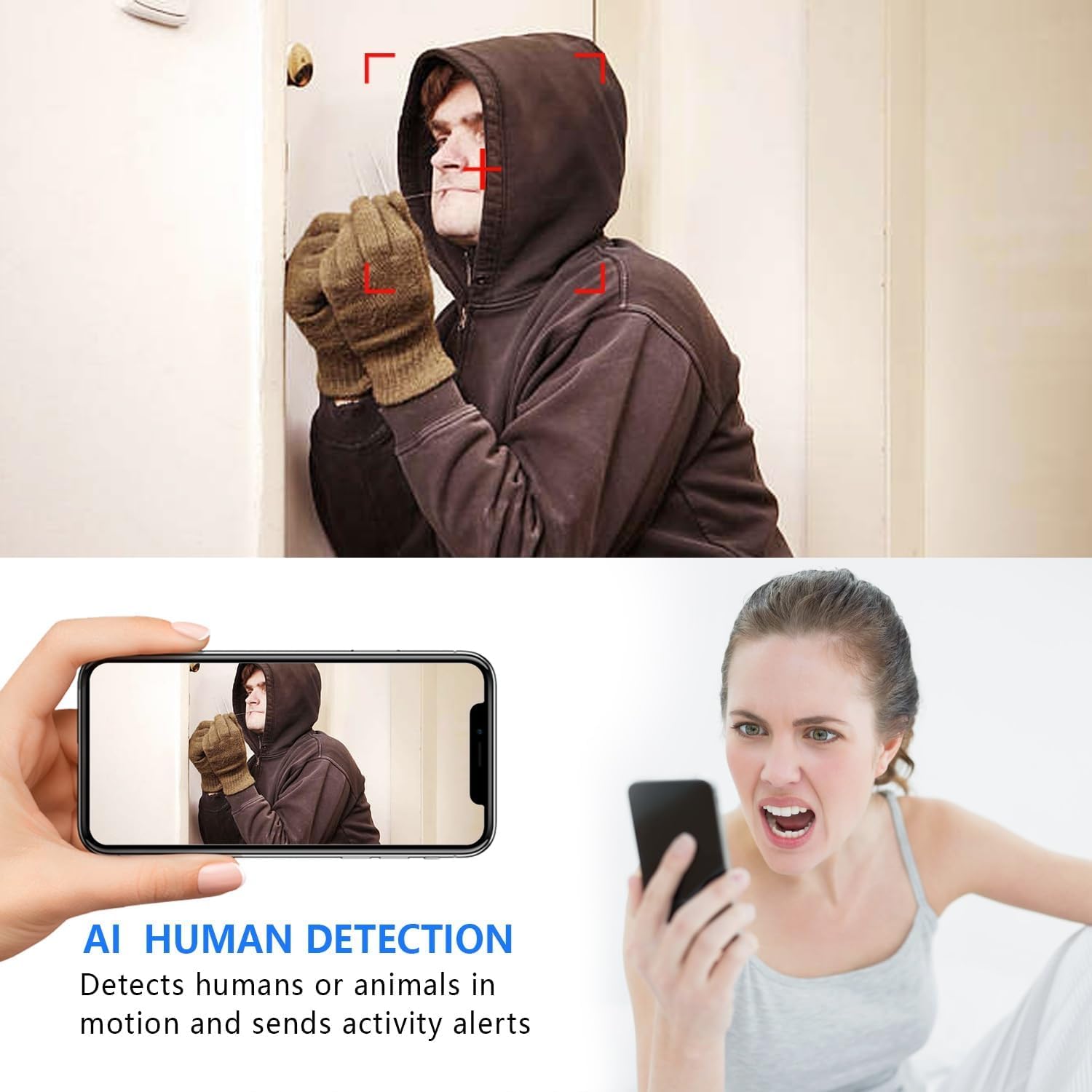
Image: The AI Human Detection feature identifies human movement and sends alerts to your mobile device.
5.3 ナイトビジョン
The camera automatically switches to night vision mode in low-light conditions. The infrared lights are non-glowing, ensuring discreet monitoring in complete darkness up to 26 feet.

Image: Comparison of day and night vision, demonstrating the camera's ability to provide clear images in darkness.
5.4 記録と保存
カメラは主に 2 つの録画方法をサポートしています。
- マイクロSDカード録画: If an SD card is inserted, the camera will record video directly to it. Loop recording ensures continuous operation by overwriting the oldest footage.
- クラウドストレージ: The V380 Pro app may offer optional cloud storage services for your recordings. Refer to the app for details on subscription plans and features.
6. メンテナンス
- クリーニング: カメラのレンズと本体のお手入れには、柔らかく乾いた布をご使用ください。液体クリーナーや研磨剤の使用は避けてください。
- バッテリーのケア: For optimal battery life, avoid extreme temperatures. Recharge the camera regularly, especially if it will be stored for an extended period.
- ファームウェアの更新: Periodically check the V380 Pro app for any available firmware updates for your camera. Keeping the firmware updated ensures the best performance and security.
7。 トラブルシューティング
| 問題 | 考えられる原因 | 解決 |
|---|---|---|
| カメラが WiFi に接続できません。 | Incorrect WiFi password; Camera too far from router; Router is 5GHz only; Network interference. |
|
| ライブビデオフィードはありません。 | Camera is offline; Poor internet connection; App issue. |
|
| モーション検出アラートを受信できませんでした。 | App notifications disabled; Motion detection settings incorrect; Camera offline. |
|
| バッテリー寿命が短い。 | Continuous recording; Frequent motion detection; Low ambient temperature. |
|
8. 仕様
| 特徴 | 詳細 |
|---|---|
| モデル番号 | USA-Heima-XDWIFI New-JIAN-00005 |
| ビデオキャプチャ解像度 | 1080p |
| View角度 | 160度 |
| 暗視範囲 | 最大26フィート |
| 接続プロトコル | Wi-Fi(2.4GHzのみ) |
| 対応デバイス | iOS/Android Phone |
| 電源 | 電池式(リチウムイオン電池1個付属) |
| バッテリー寿命 | 約1.5時間(連続運転) |
| ストレージ | Micro SD カード(最大 128 GB、別売)、クラウド ストレージ(オプション) |
| 商品の寸法 (長さ x 幅 x 高さ) | 1.7 x 1.3 x 0.4インチ |
| アイテム重量 | 0.64オンス(18.14g) |
| 操作アプリ | V380プロ |
| インストールタイプ | Wall-Mounted & Surface-Mounted (with magnetic base) |
| 国際保護格付け | IP65 |
9. 保証とサポート
For warranty information and technical support, please refer to the contact details provided with your purchase or visit the official Rettru webサイトをご覧ください。このマニュアルに記載されていない問題が発生した場合は、カスタマーサービスにお問い合わせください。