
導入
The PPLEE CR1021 Portable White Noise Machine is designed to create a peaceful and soothing environment, aiding in sleep, relaxation, and focus. It features 42 non-looping sounds, a rechargeable battery, night light, and timer functions, making it suitable for home, office, and travel use.
This manual provides detailed instructions for the safe and effective use of your device. Please read it thoroughly before operation and retain it for future reference.
安全情報
デバイスの損傷や自分自身または他の人への傷害を防ぐために、次の安全上の注意事項を守ってください。
- デバイスを水や過度の湿気にさらさないでください。
- デバイスを熱源や直射日光から遠ざけてください。
- ご自身でデバイスの分解や修理を試みないでください。資格のあるサービス担当者にご連絡ください。
- Use only the provided Type-C charging cable and a compatible power adapter (DC 5V/1A).
- Keep out of reach of small children when not in use, especially the charging cable.
- Ensure proper ventilation; do not cover the speaker grille during operation.
パッケージ内容
パッケージにすべてのアイテムが揃っていることを確認します。
- 1x PPLEE CR1021 Portable White Noise Machine
- タイプC電源ケーブル x 1
- 1x Hanging Loop
- ユーザーマニュアル (本書) x 1
設定
デバイスの充電
Before first use, fully charge the white noise machine. The device features a built-in 2200mAh rechargeable battery.
- 付属のType-C充電ケーブルをデバイスの充電ポートに接続します。
- Connect the other end of the cable to a compatible USB power adapter (DC 5V/1A) or a computer's USB port.
- 充電中は充電インジケータライトが点灯し、完全に充電されると消灯します。
A full charge provides approximately 33-58 hours of playtime, depending on volume level and night light usage.
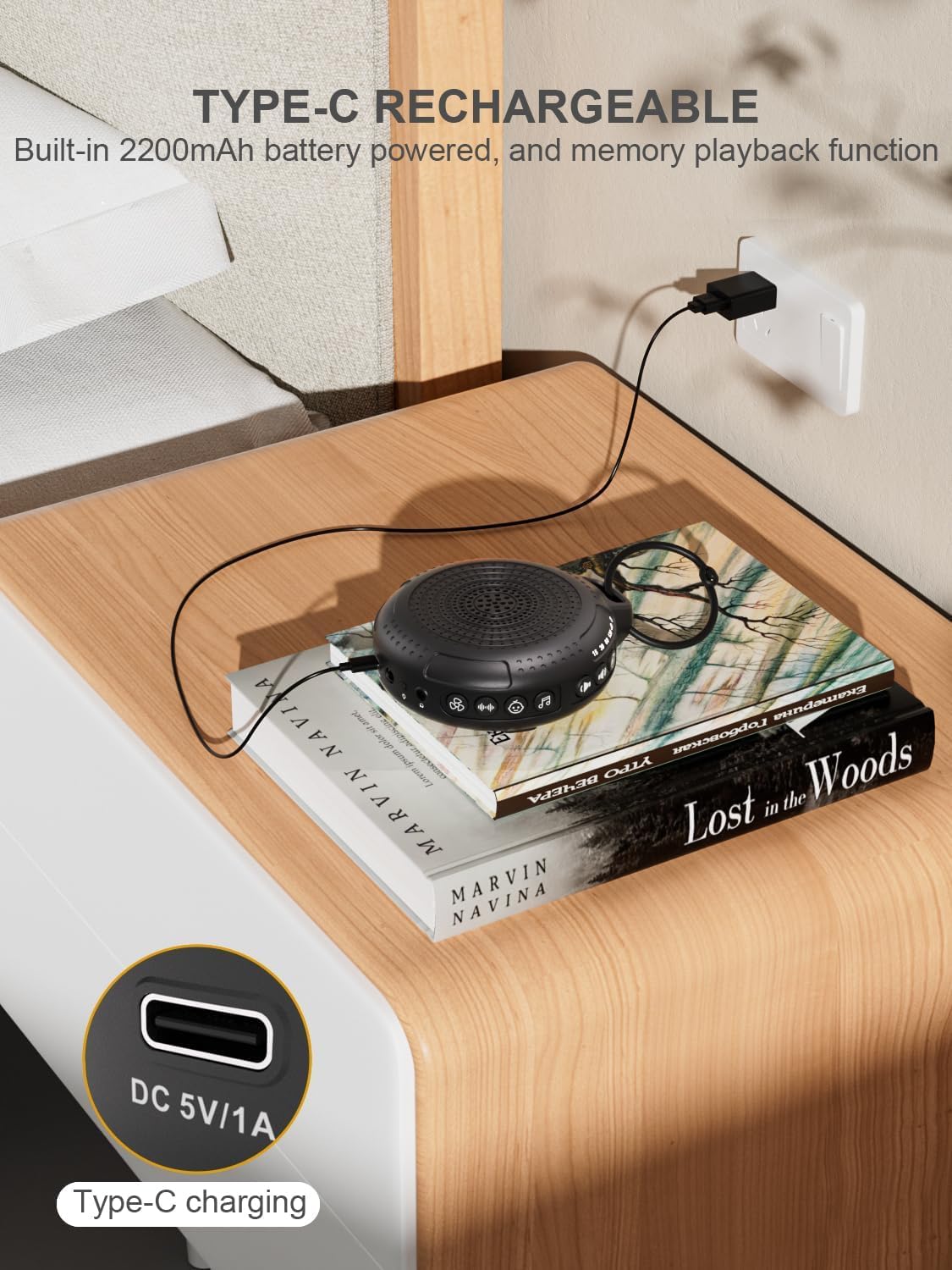
Image: The PPLEE CR1021 White Noise Machine connected to a Type-C charger, demonstrating how to charge the device.
配置
Place the device on a stable, flat surface or use the included hanging loop to attach it to a stroller, car seat, or crib. Ensure the speaker is not obstructed for optimal sound projection.

Image: The PPLEE CR1021 White Noise Machine hanging from a stroller, highlighting its compact and portable design for travel.
操作手順
コントロールオーバーview

画像: 詳細な view of the PPLEE CR1021 White Noise Machine, illustrating the location of its various control buttons and features.
電源オン/オフ
- 電源ボタン (⏻) for 2 seconds to turn the device ON or OFF.
- The device will remember your last sound, volume, and timer settings upon powering on.
サウンドセレクション
The device offers 42 non-looping soothing sounds across four categories:
- ホワイトノイズ: 5音
- ファンの音: 6音
- 子守唄: 15音
- 自然な音: 16音
- Press the Sound Category buttons (e.g., White Noise, Fan, Lullaby, Nature) to switch between sound categories.
- Once a category is selected, press the Sound Selection button (♫) to cycle through the sounds within that category.
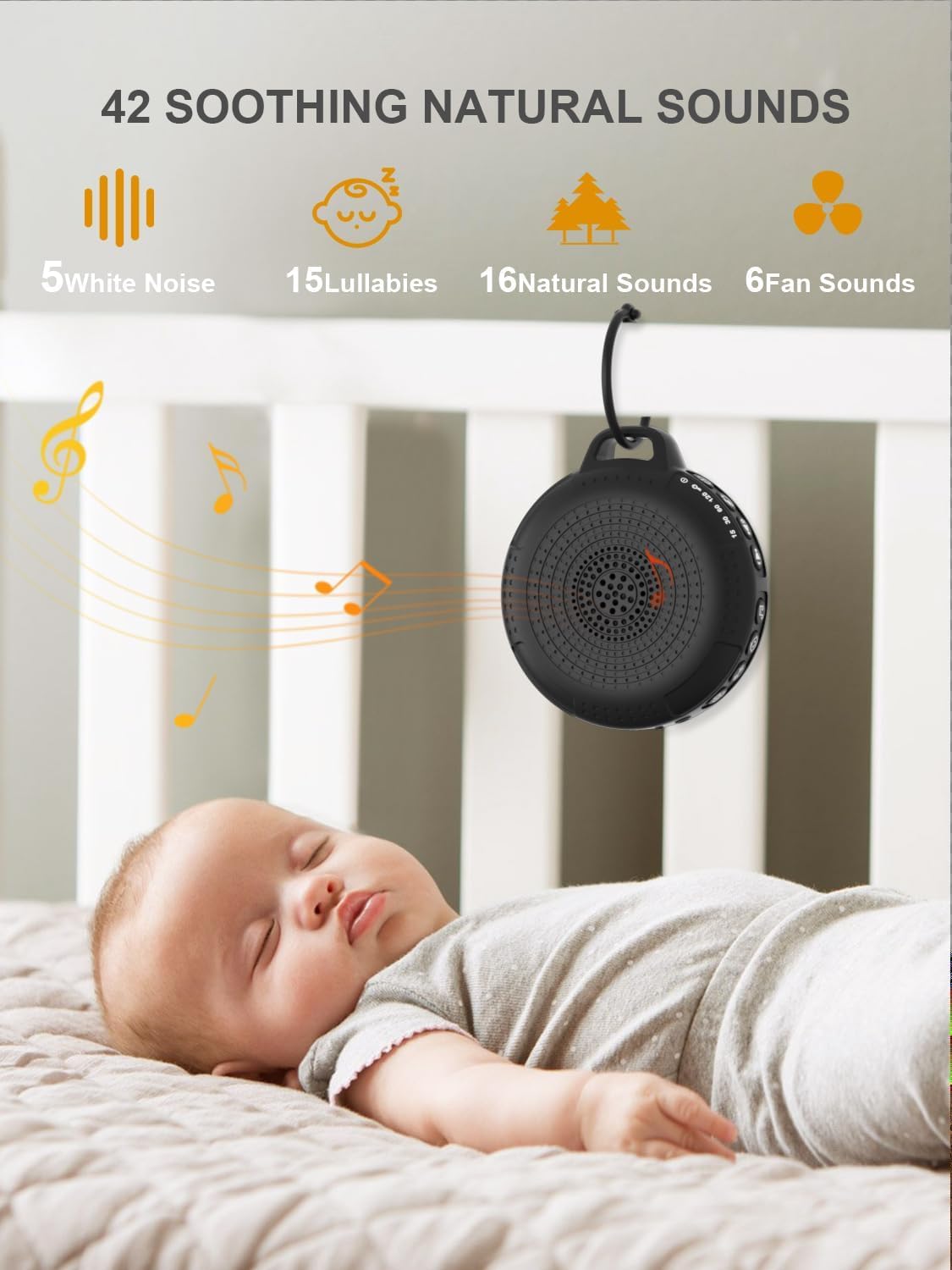
Image: The PPLEE CR1021 White Noise Machine displaying the variety of 42 soothing sounds available, categorized for easy selection.
ボリュームコントロール
Adjust the sound volume using the dedicated volume buttons:
- 音量アップボタン(+)を押して音量を上げます。
- 音量ダウンボタン(-)を押すと音量が下がります。
- There are 8 distinct volume levels.

Image: The PPLEE CR1021 White Noise Machine highlighting its volume adjustment and timer functions, showing options for 15, 30, 60, and 120 minutes.
タイマー機能
The device can play continuously or automatically turn off after a set period:
- タイマーボタン(⏱) to cycle through the available timer settings: 15 minutes, 30 minutes, 60 minutes, 120 minutes, or continuous play.
- An indicator light will show the selected timer duration.
ナイトライト
The integrated night light offers two brightness levels:
- ナイトライトボタン(💡) once for the first brightness level.
- Press it again for the second, brighter level.
- Press a third time to turn the night light off.
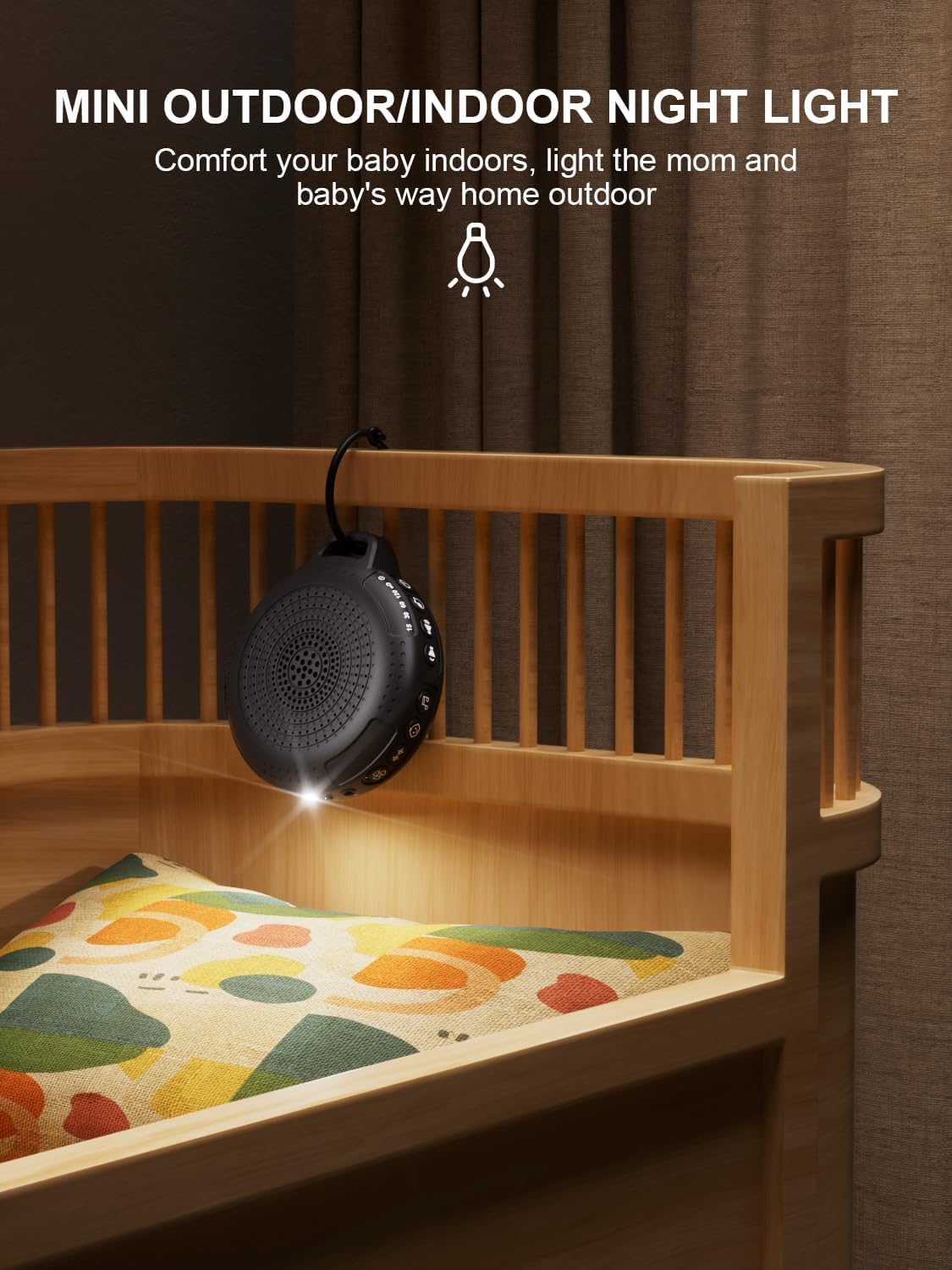
Image: The PPLEE CR1021 White Noise Machine with its night light illuminated, shown hanging on a crib, providing gentle illumination.
チャイルドロック機能
誤って設定を変更することを防ぐには、チャイルド ロックを有効にします。
- チャイルドロックボタン(🔒) for 2 seconds to activate or deactivate the child lock.
- When activated, all other buttons will be unresponsive until the child lock is deactivated.
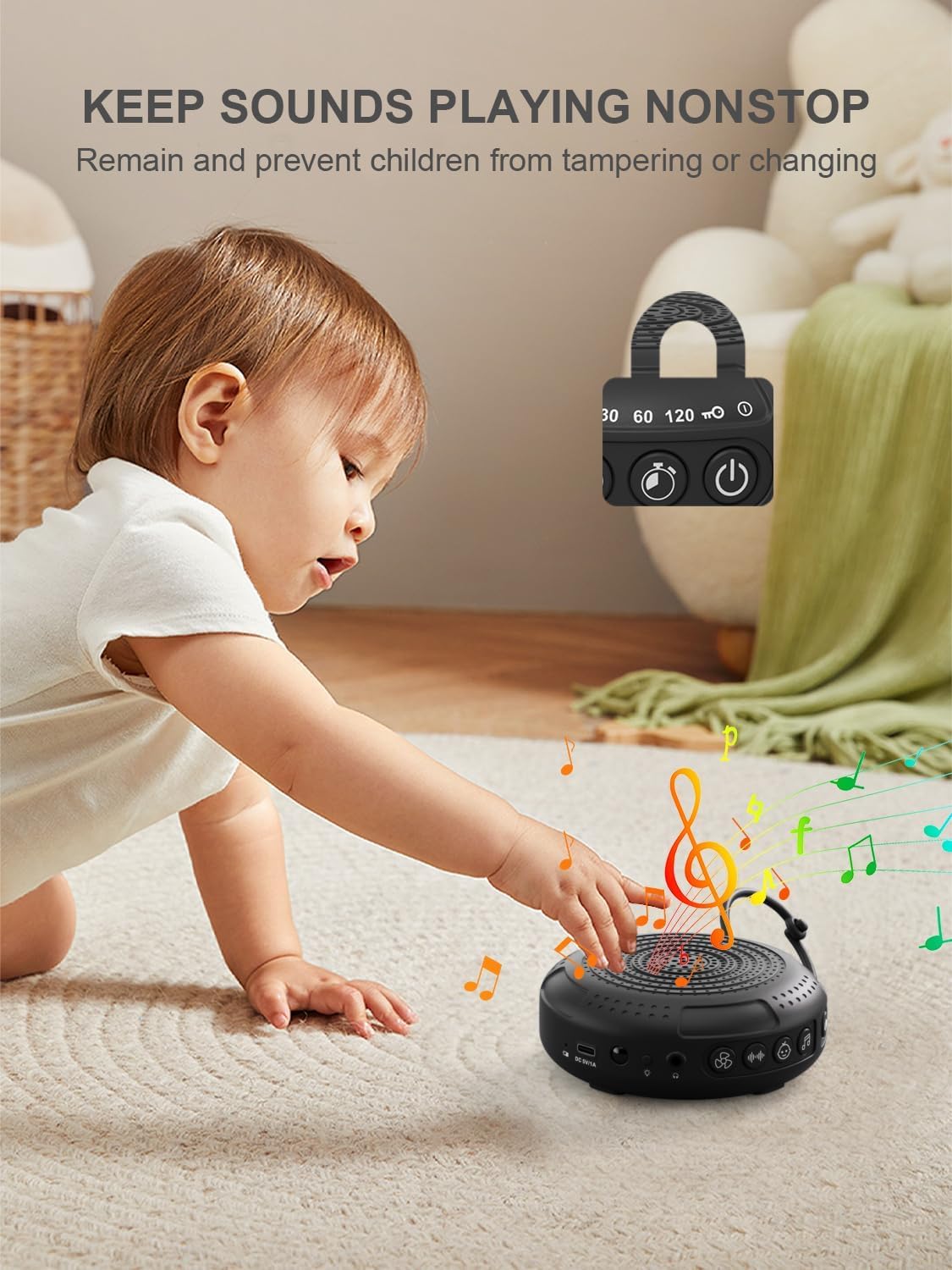
Image: The PPLEE CR1021 White Noise Machine with a visual representation of its child lock feature, designed to maintain settings and prevent tampエリング。
ヘッドホンジャック
For private listening, connect standard 3.5mm headphones to the headphone jack located on the side of the device. The speaker will automatically mute when headphones are connected.
メンテナンス
クリーニング
- 掃除する前に、デバイスの電源がオフになっていて、プラグが抜かれていることを確認してください。
- 外側は柔らかくて乾いた布、または軽く湿らせた布で拭いてください。amp 布。
- 研磨剤入りの洗剤、溶剤、または刺激の強い化学薬品は使用しないでください。
ストレージ
- デバイスは直射日光や極端な温度を避け、涼しく乾燥した場所に保管してください。
- 長期間保管する場合は、バッテリーの寿命を維持するために定期的に充電してください。
トラブルシューティング
| 問題 | 考えられる原因 | 解決 |
|---|---|---|
| デバイスの電源が入らない。 | 電池が消耗しています。 | 付属のType-Cケーブルを使用してデバイスを充電します。 |
| 音が出ません。 | 音量が低すぎるかミュートされています。ヘッドホンが接続されています。 | 音量を上げてください。必要ない場合はヘッドフォンを外してください。 |
| ボタンが反応しません。 | チャイルドロックが有効になっています。 | Deactivate the Child Lock by pressing and holding the Child Lock button for 2 seconds. |
| バッテリーの寿命が予想よりも短くなっています。 | High volume level or continuous night light use. Battery degradation over time. | Reduce volume or night light usage. Ensure full charge. |
| 充電が遅い、または充電が機能しません。 | ケーブルまたは電源アダプターの故障。充電ポートの問題。 | Try a different Type-C cable and a known working 5V/1A USB power adapter. |
仕様
| 特徴 | 詳細 |
|---|---|
| モデル名 | CR1021 |
| ブランド | プリー |
| 電源 | バッテリー駆動(2200mAh充電可能) |
| 充電ポート | Type-C (DC 5V/1A) |
| 音の数 | 42 (5 White Noise, 6 Fan, 15 Lullabies, 16 Natural) |
| 音量レベル | 8 |
| タイマーオプション | 15, 30, 60, 120 minutes, Continuous |
| ナイトライト | 2の明るさレベル |
| 寸法(長さ×幅×高さ) | 12.5 x 11 x 4.3 cm(4.92 x 4.3 x 1.69インチ) |
| 重さ | 177 g (0.39 ポンド) |
| 含まれるコンポーネント | Device, Type-C Cable, Hanging Loop, User Manual |
保証とサポート
For warranty information or technical support, please refer to the contact details provided with your purchase or visit the official PPLEE webサイトでご確認ください。購入証明として購入レシートを保管してください。