
1. はじめに
ご購入ありがとうございますasing the CUPEISI YQ11M Android 13 10.1-inch Tablet. This manual provides essential information for setting up, operating, maintaining, and troubleshooting your device. Please read this manual thoroughly to ensure proper use and to maximize your tablet's performance.
2. 安全情報
デバイスの損傷や自分自身および他人の傷害を防ぐために、次の安全上の注意事項を守ってください。
- タブレットを極端な温度、直射日光、高湿度にさらさないでください。
- タブレットを落としたり、強い衝撃を与えたりしないでください。
- タブレットを水やその他の液体から遠ざけてください。
- 承認されたアクセサリと充電器のみを使用してください。
- タブレットをご自身で分解したり修理したりしないでください。資格のあるサービス担当者にご相談ください。
充電時の注意事項
When charging your CUPEISI YQ11M tablet, it is crucial to use a charger with a 5V / 2.0A出力. Using chargers with different output specifications may lead to device malfunction or damage. The tablet supports both Type-A and Type-C charging terminals. However, chargers with Type-C on both ends may not be compatible. Avoid using multi-type chargers with outputs exceeding 2.0A, chargers that automatically detect current, fast chargers, or chargers specifically designed for other brands (e.g., Apple, Docomo, au).

画像: Charging precautions and pre-applied protective film.
3. パッケージ内容
以下の項目のボックスにチェックを入れてください。
- CUPEISI YQ11M Android 13 Tablet
- USB充電ケーブル
- 電源アダプター
- ユーザーマニュアル(このドキュメント)
4.デバイスオーバーview
Familiarize yourself with the physical features of your CUPEISI YQ11M tablet.
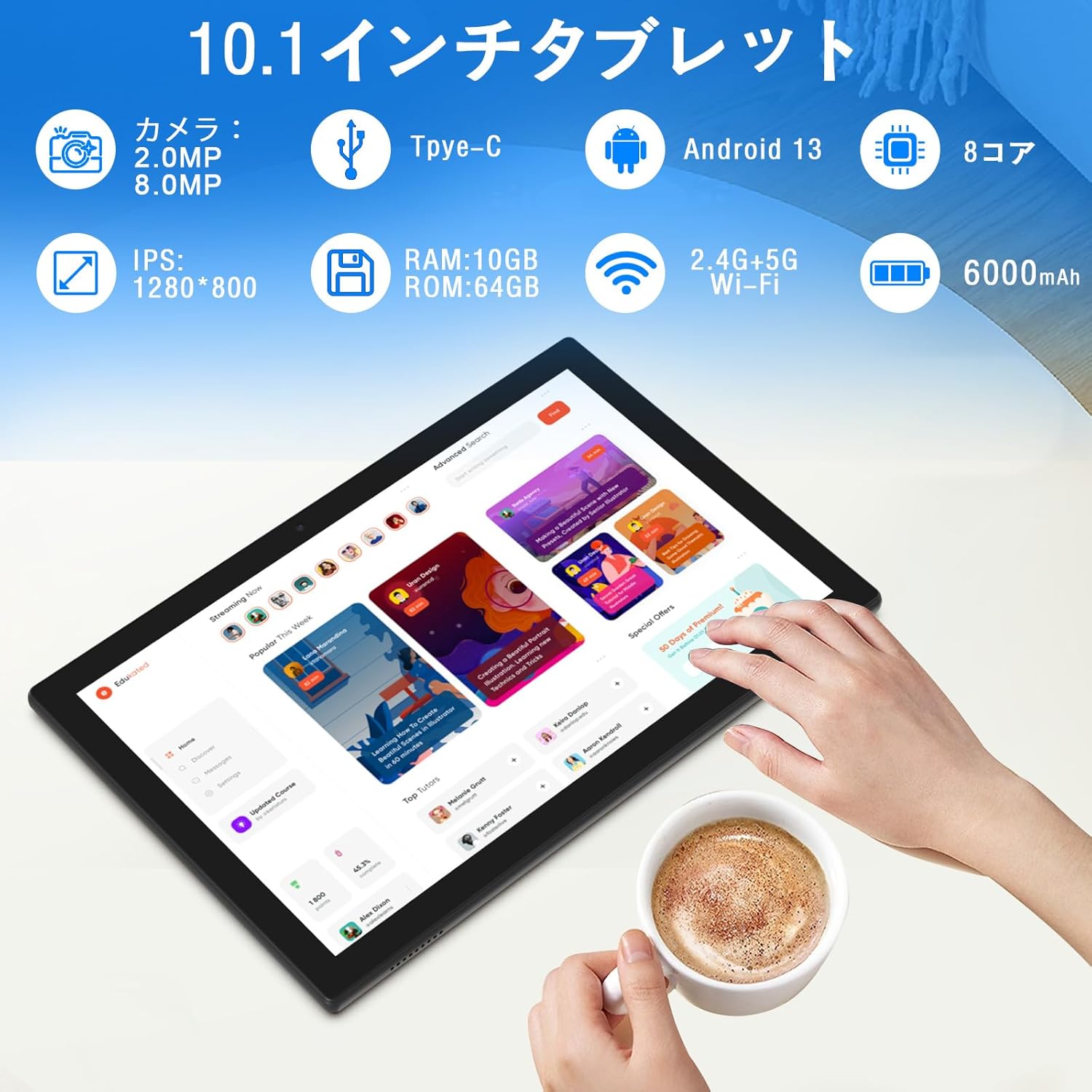
画像: 以上view of tablet features and specifications.
- フロントカメラ: ビデオ通話や自撮りに最適な 2MP。
- リアカメラ: 写真やビデオを撮影するための 8MP。
- 画面: 10.1-inch IPS HD screen (1280x800 resolution).
- 講演者: 強化されたオーディオ体験を実現するデュアルスピーカー。
- 充電ポート: 充電とデータ転送用の Type-C ポート。
- 電源ボタン: デバイスのオン/オフと画面ロックを行うために側面に配置されています。
- 音量ボタン: 音量調整用に側面に付いています。
- MicroSDカードスロット: 最大 1TB まで拡張可能なストレージ。

画像: 前面と背面 view of the CUPEISI YQ11M tablet.
5. セットアップ
5.1初期電源オン
- 画面が点灯するまで電源ボタンを押し続けます。
- 画面上の指示に従って言語と地域を選択し、利用規約に同意します。
5.2 Wi-Fi接続
- 初期設定時に、リストから優先する Wi-Fi ネットワークを選択します。
- 求められたらWi-Fiパスワードを入力し、「接続」をタップします。
- The tablet supports both 2.4G and 5G Wi-Fi for stable and fast connections.
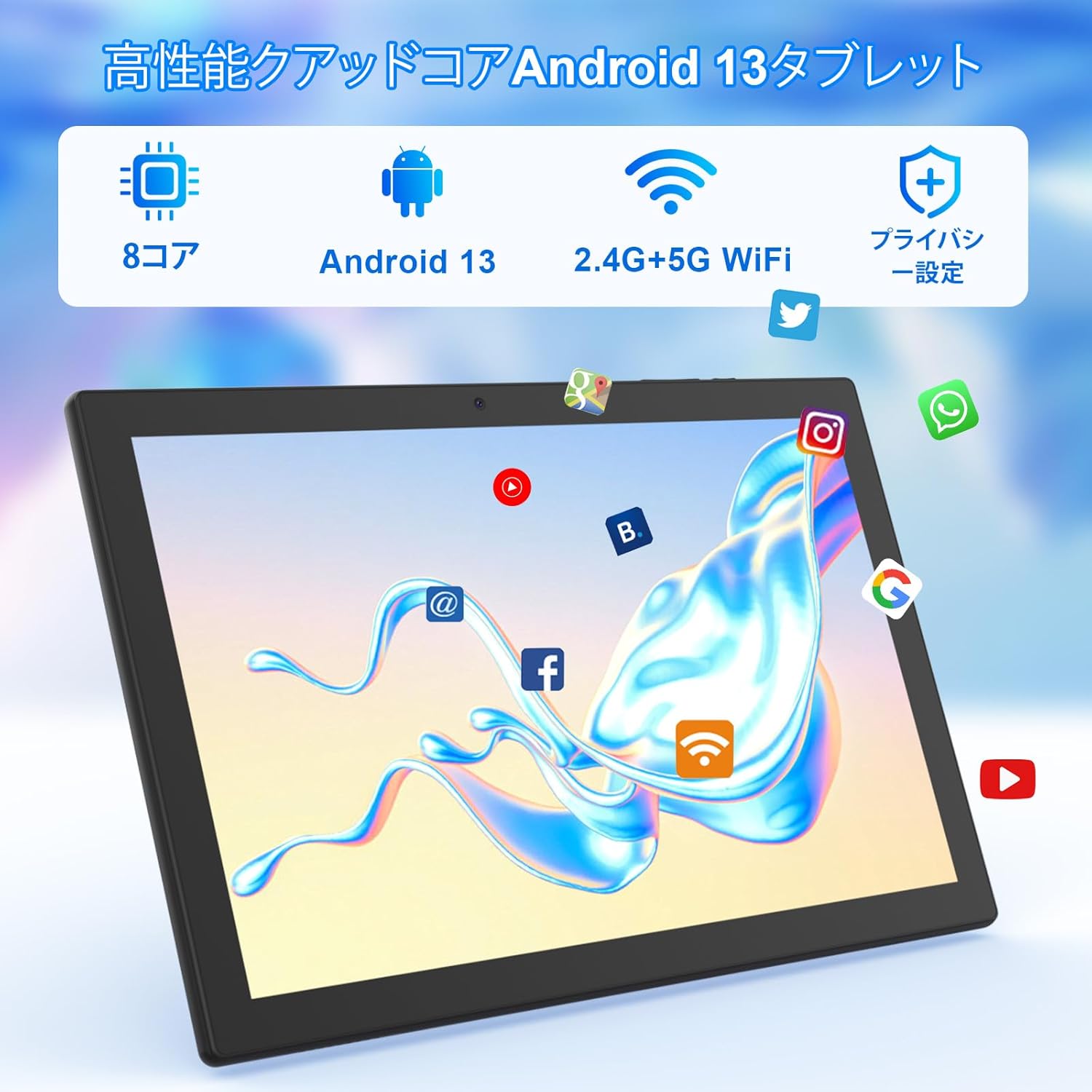
画像: Tablet screen showing app icons and connectivity features.
5.3 Googleアカウントの設定
Sign in with your Google account or create a new one to access Google Play Store, Gmail, and other Google services.
5.4 保護フィルム
The tablet comes with a simple transparent PET protective film pre-applied. You may choose to keep it on or remove it according to your preference. It is designed for easy application without air bubbles or dust.
6. 操作手順
6.1 基本的なナビゲーション
The CUPEISI YQ11M tablet features a 10.1-inch FHD in-cell touchscreen with wide viewing angles and 1280x800 high resolution, offering a clear and vibrant visual experience.

画像: Tablet display features.
- タップ: 項目を選択するか、機能を有効にします。
- スワイプ: 画面間を移動したり、コンテンツをスクロールしたりします。
- ピンチ: 画像を拡大または縮小し、 web ページ。
6.2 アプリ管理
The tablet comes with Google Play pre-installed, allowing you to download and use popular applications such as Facebook, Twitter, YouTube, Line, and Instagram. To install apps:
- 「Playストア」アプリを開きます。
- 検索する 目的のアプリ。
- 「インストール」をタップしてアプリをダウンロードしてセットアップします。
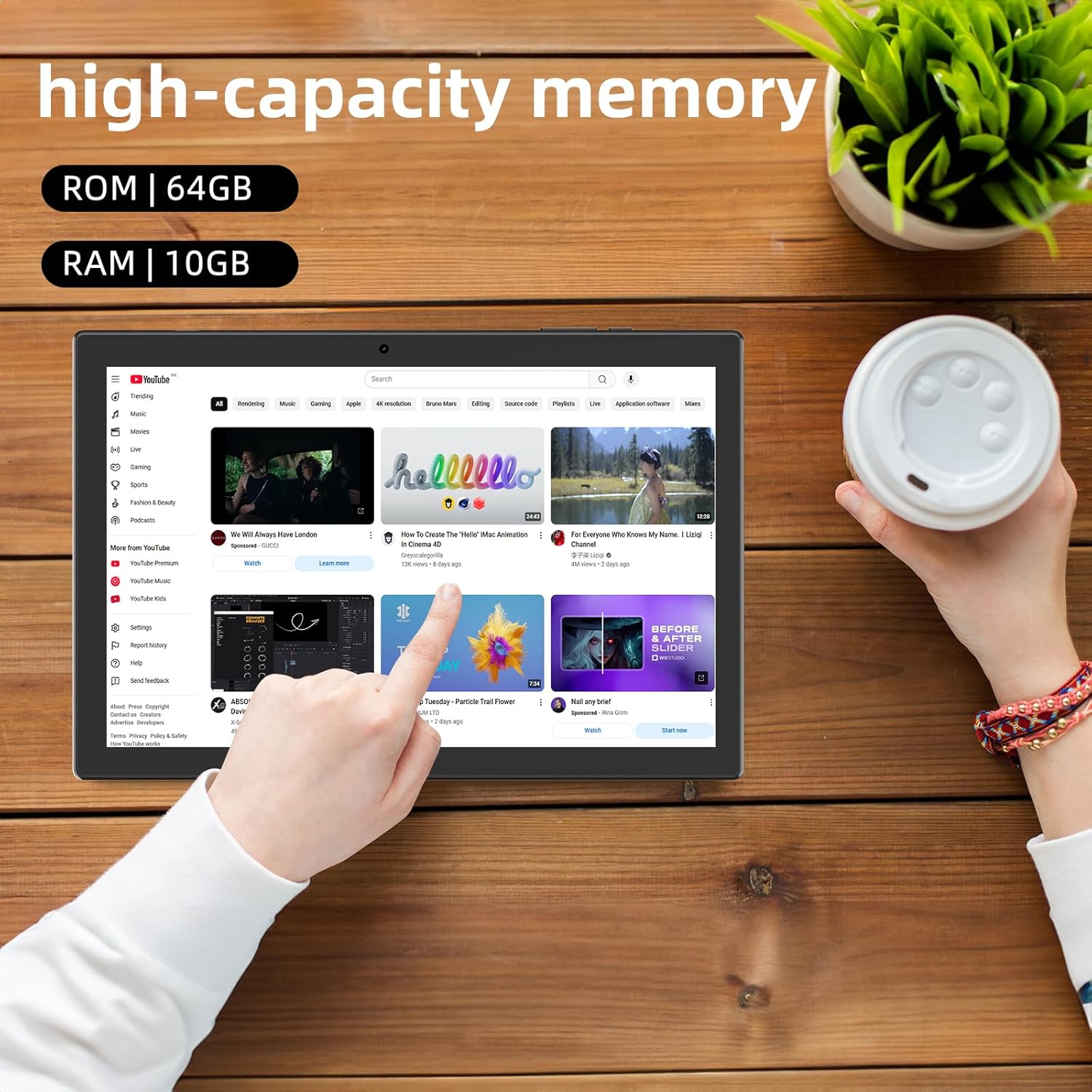
画像: Tablet displaying high-capacity memory and app usage.
6.3 カメラの使用
The tablet is equipped with an 8MP main camera and a 2MP front camera. You can use them for capturing beautiful moments, participating in web conferences, or online classes.
- 「カメラ」アプリを開きます。
- 必要に応じて前面カメラと背面カメラを切り替えます。
- シャッターボタンをタップして写真を撮ったり、ビデオの録画を開始したりします。
6.4 GPS機能
With built-in GPS functionality, you can download offline maps to your tablet and use it for navigation, even without an internet connection.
6.5 バッテリー管理
The tablet features a large 6000mAh battery and AI intelligent power management, allowing for extended use for movies, reading, and browsing.

画像: Tablet highlighting its 6000mAh battery capacity.

画像: Tablet showing Type-C charging and various entertainment uses.
7. メンテナンス
7.1デバイスのクリーニング
Use a soft, lint-free cloth to gently wipe the screen and body of the tablet. Avoid using harsh chemicals or abrasive materials.
7.2ソフトウェアアップデート
最適なパフォーマンスとセキュリティを確保するために、タブレットの設定でシステム アップデートを定期的に確認してください。
7.3 ストレージ管理
The tablet comes with 64GB of internal storage (ROM) and supports MicroSD cards up to 1TB for additional storage. Regularly manage your files and uninstall unused apps to free up space and maintain smooth operation.
8。 トラブルシューティング
- デバイスの電源が入らない: バッテリーが充電されていることを確認してください。タブレットを充電器に接続し、数分間待ってから再度電源を入れてください。
- Wi-Fi接続の問題: 設定でWi-Fiが有効になっているか確認してください。ルーターとタブレットを再起動してください。Wi-Fi信号の範囲内にいることを確認してください。
- パフォーマンスが遅い: Close unused applications. Clear cache and data for frequently used apps. Consider uninstalling unnecessary apps or moving large fileMicroSD カードに保存します。
- 画面が反応しない: Restart the tablet by holding down the power button. If the issue persists, contact support.
9. 仕様
| ブランド | クペイシ |
| モデル | YQ11M (Note: Some specifications may refer to CP31 or UMIDIGI G2 Tab, but YQ11M is the primary model for this product.) |
| オペレーティング·システム | Android 13 (GMS 認定) |
| CPU | MediaTek MTK8768 Octa-core, 2.3 GHz |
| ラム | 10GB(4GB + 6GB拡張) |
| 内部ストレージ (ROM) | 64GB |
| 拡張可能なストレージ | 最大1TBのMicroSD |
| 画面サイズ | 10.1インチ |
| ディスプレイ解像度 | 1280x800 pixels HD IPS |
| フロントカメラ | 2MP |
| リアカメラ | 8MP |
| Wi-Fi | 2.4G + 5G Dual-band (802.11ac/b/g/n) |
| ブルートゥース | はい |
| GPS | はい |
| バッテリー容量 | 6000mAh(22.8ワット時) |
| 充電ポート | タイプC |
| スピーカー | 2チャンネルスピーカー |
| アイテム重量 | 516グラム |
| パッケージ寸法 | 30.9 x 19.3 x 2.9 cm |
10. 保証とサポート
この製品には、 1年間の品質保証. In the unlikely event that you encounter any issues or defects with your product, please do not hesitate to contact us via email. We are committed to providing a prompt response within 24 hours to address your concerns.
Returns and refunds are also possible for customer convenience. Please purchase with confidence.
For support inquiries, please refer to the contact information provided with your purchase or visit the official CUPEISI webサイト。