
導入
This manual provides detailed instructions for the safe and efficient operation of your Acogedor HRD-787 Portable Full Band Radio. Please read this manual thoroughly before using the device and retain it for future reference. The HRD-787 is a versatile multi-band radio featuring FM, VHF, AM, SW, and WB reception, Bluetooth connectivity, and memory card playback, designed for both indoor and outdoor use.

Image: The Acogedor HRD-787 Portable Full Band Radio, showcasinコンパクトなデザインとユーザーインターフェイスが特徴です。
パッケージ内容
開梱したら、以下にリストされているすべてのアイテムが揃っていて良好な状態であることを確認してください。
- 1 x Full Band Radio (HRD-787)
- イヤホン x 1
- 2 x Eartips
- 収納バッグ x 1
- ストラップ x 1
- 充電ケーブル x 1
- 取扱説明書(本書)1部
- 1 x APP Instruction Manual

Image: The Acogedor HRD-787 radio displayed with its complete set of accessories, including earphones, eartips, a storage bag, a lanyard, and a charging cable.
製品終了view
The Acogedor HRD-787 is a compact and versatile portable radio designed for a wide range of listening experiences. Key features include:
- フルバンドレセプション: Supports FM (64-108MHz), VHF (30.000-199.975MHz), AM (520-1710KHz), SW (4.750-21.850MHz), and WB (162.400-162.550MHz).
- Bluetooth 5.0接続: 互換性のあるデバイスからのワイヤレスオーディオストリーミング用。
- メモリーカードの再生: Supports MP3, WAV, WMA formats with up to 256GB capacity (card not included).
- 高品質オーディオ: Features a 40mm speaker with 3W output for clear sound.
- SOSアラーム機能: 緊急事態の場合に。
- 内蔵懐中電灯: 必要なときに照明を提供します。
- 長いバッテリー寿命: 1000mAhリチウム電池を内蔵。
- APP Remote Operation: Control the radio via a smartphone application.
- 直感的なコントロール: Easy-to-use buttons for tuning and volume.
- バックライトディスプレイ: Color-coded backlights for different modes (Green for FM/VHF, Color for AM, Yellow for SW, Red for WB, Blue for Bluetooth, Light Blue for Memory Card).
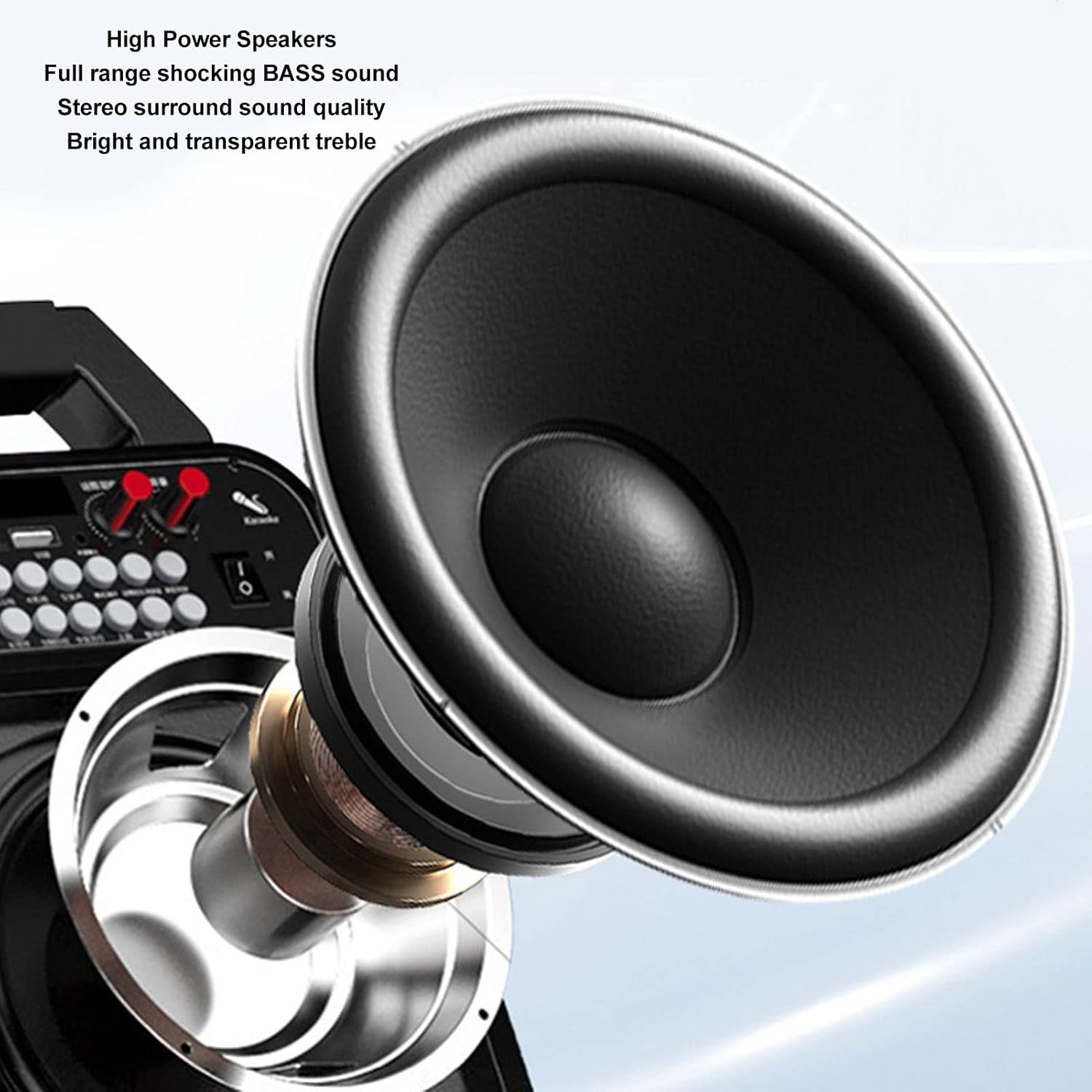
画像: 詳細な view of the high-power speaker, highlighting the full-range shocking bass sound and stereo surround sound quality of the HRD-787 radio.
設定
1. 初期充電
Before first use, fully charge the radio's built-in 1000mAh lithium battery. Connect the provided charging cable to the radio's charging port and a standard USB power adapter (not included). The charging indicator will show the charging status. A full charge typically takes a few hours.
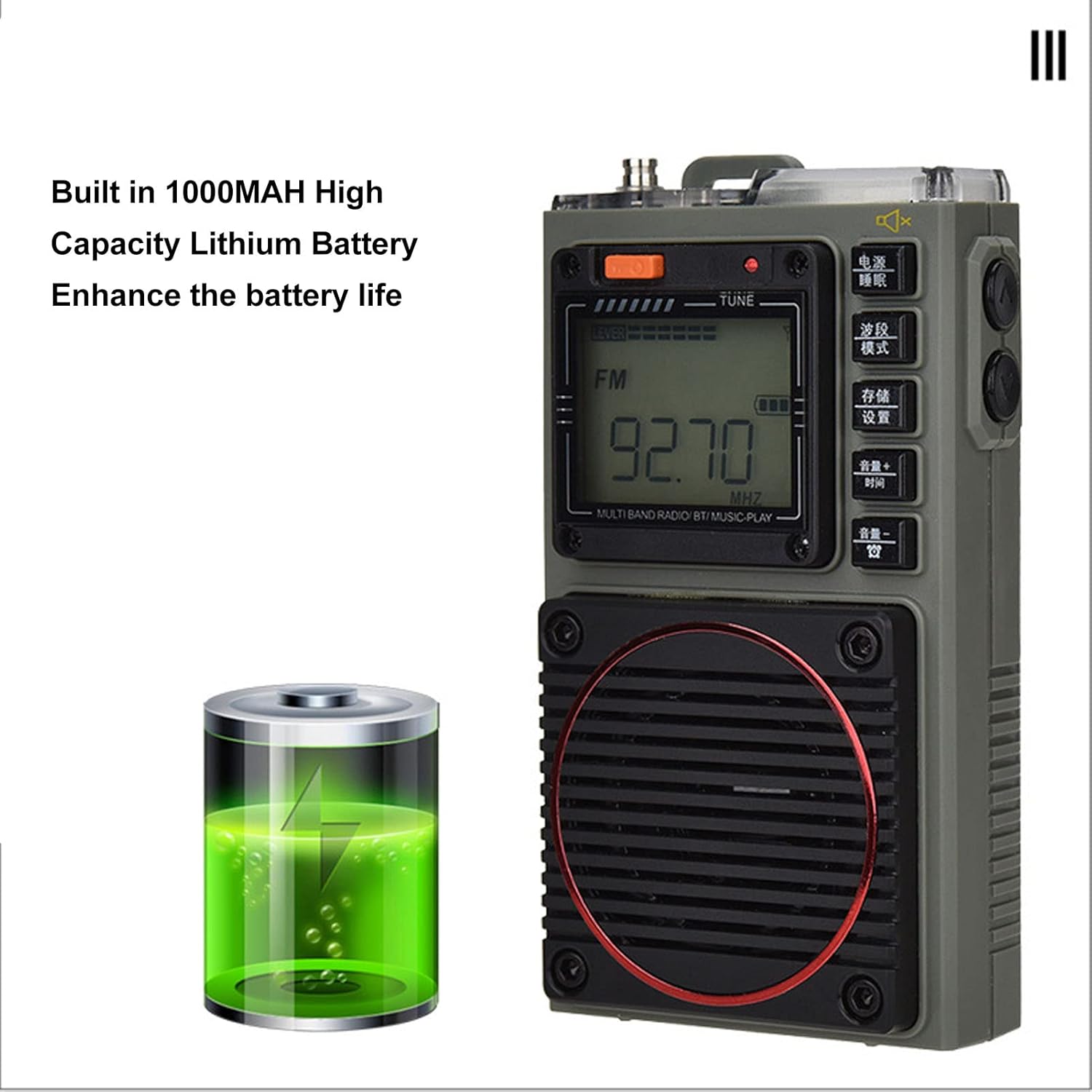
Image: The Acogedor HRD-787 radio is shown alongside a visual representation of its internal 1000mAh high-capacity lithium battery, emphasizing its long battery life.
2.電源のオン/オフ
ラジオの電源を入れるには、 力 button (usually located on the top or side). To power off, press and hold the same button again.
3. メモリーカードの挿入(オプション)
If you wish to use the memory card playback feature, insert a compatible memory card (up to 256GB, formatted to FAT32) into the designated slot. Ensure the card is inserted correctly until it clicks into place.
操作手順
1. Basic Key Operations

画像: 詳細な view of the Acogedor HRD-787 radio's control buttons, highlighting their clear labeling for easy operation of radio tuning and volume adjustments.
- 電源ボタン: 押し続けると、ラジオがオンまたはオフになります。
- BAND/MOD. Button: Short press to cycle through radio bands (FM, VHF, AM, SW, WB) or switch to Bluetooth/Memory Card mode.
- MEMO/SET Button: Used for saving radio stations or accessing settings.
- VOL+/TIME Button: Short press to increase volume. Long press for time settings (if applicable).
- VOL-/LOCK Button: Short press to decrease volume. Long press to lock/unlock buttons.
- TUNE Knob/Buttons: Use the tuning knob or dedicated tuning buttons (if present) to adjust frequency.
2. ラジオのチューニング
- バンドを選択: を押す BAND/MOD. button to select your desired frequency band (FM, VHF, AM, SW, WB). The display backlight color will change accordingly.
- 自動スキャン: 無線モードでは、を長押しします MEMO/SET button to initiate an automatic scan for available stations. The radio will save found stations automatically.
- 手動チューニング: 使用 チューニング knob or the frequency adjustment buttons (if available) to manually tune to a specific frequency.
- 保存したステーションの呼び出し: Use the tuning buttons or a dedicated preset button (if available) to cycle through saved stations.
3. Bluetooth再生
- Bluetoothモードに入る: を押す BAND/MOD. button until "BT" or "Bluetooth" appears on the display, and the backlight turns blue. The radio will enter pairing mode.
- ペアリング: On your mobile device, enable Bluetooth and search for "HRD-787" (or similar device name). Select it to pair. A confirmation sound will indicate successful pairing.
- 再生: Once paired, you can play audio from your device through the radio's speaker. Use your device or the radio's volume controls.
4. メモリーカードの再生

Image: The Acogedor HRD-787 radio's display shows a radio frequency, illustrating its capability for memory card playback of MP3, WAV, and WMA formats.
- メモリカードを挿入します: Ensure a memory card with MP3, WAV, or WMA files がスロットに挿入されます。
- Enter Memory Card Mode: を押す BAND/MOD. button until the display indicates memory card playback (e.g., "CARD" or a music icon), and the backlight turns light blue.
- 再生コントロール: Use the radio's playback controls (e.g., Play/Pause, Next/Previous Track buttons, if available) to manage your music.
5. SOSアラーム機能
In an emergency, activate the SOS alarm by pressing and holding the dedicated SOS button (if present) or a combination of buttons as indicated on the device. This will emit a loud alarm sound and activate the flashlight for signaling.
6. 懐中電灯の操作
To turn on the built-in flashlight, locate the flashlight button or switch (often on the side or top). Press it once to turn on, and again to turn off.
7. Earphone Output

画像: クローズアップ view of the Acogedor HRD-787 radio, highlighting the earphone output jack for private listening and the integrated flashlight.
For private listening, plug the included earphones into the 3.5mm earphone jack located on the side of the radio. The internal speaker will automatically mute when earphones are connected.
8. APP Remote Operation

Image: A smartphone screen shows the dedicated application for remote control of the Acogedor HRD-787 radio, allowing users to select stations and change modes wirelessly.
Download the official Acogedor HRD-787 control application from your smartphone's app store. Follow the instructions in the separate APP Instruction Manual to pair your radio with the app. This allows for remote control of station selection, mode switching, and other functions.
メンテナンス
- クリーニング: Use a soft, dry cloth to clean the radio's exterior. Do not use abrasive cleaners, solvents, or strong chemicals, as these can damage the finish.
- ストレージ: 長期間使用しない場合は、ラジオを直射日光や極端な温度を避け、涼しく乾燥した場所に保管してください。
- バッテリーのケア: To prolong battery life, avoid fully discharging the battery frequently. Recharge the radio regularly, even if not in active use, to maintain battery health.
- 耐水性: The HRD-787 is not waterproof. Avoid exposing it to rain, splashes, or high humidity.
トラブルシューティング
| 問題 | 考えられる原因 | 解決 |
|---|---|---|
| ラジオの電源が入りません。 | 電池が消耗しています。 | 付属のUSBケーブルを使用してラジオを充電します。 |
| ラジオの受信状態が悪い。 | Weak signal area; antenna not extended. | Extend the telescopic antenna fully. Try moving to an open area or adjusting the radio's position. |
| Bluetoothデバイスをペアリングできません。 | Radio not in pairing mode; device too far; Bluetooth off on device. | Ensure the radio is in Bluetooth mode (blue backlight). Keep devices within 10 meters. Check Bluetooth settings on your device. |
| メモリカードが認識されません。 | カードが正しく挿入されていない、フォーマットがサポートされていない、カードの容量が大きすぎる。 | Reinsert the memory card correctly. Ensure it is formatted to FAT32 and contains MP3, WAV, or WMA files. Max capacity is 256GB. |
| スピーカー/イヤホンから音が出ません。 | Volume too low; earphones not fully inserted; mute activated. | Increase volume. Ensure earphones are fully plugged in. Check if mute function is active. |
仕様
| 特徴 | 詳細 |
|---|---|
| モデル | HRD-787 |
| 材料 | ABS(アクリロニトリルブタジエンスチレン) |
| Frequency Band - FM | 64-108MHz |
| Frequency Band - VHF | 30.000-199.975MHz |
| Frequency Band - AM | 520-1710KHz |
| Frequency Band - SW | 4.750-21.850MHz |
| Frequency Band - WB | 162.400-162.550MHz |
| Receiving Sensitivity - FM | ≤8dB |
| Receiving Sensitivity - VHF | ≤8dB |
| Receiving Sensitivity - AM | ≤86dB |
| Receiving Sensitivity - SW | ≤40dB |
| 静的電流 | ≤70uA |
| 最大電流 | ≤820mA |
| スピーカー | Diameter: Approx. 40mm/1.57in, 4Ω, 3W |
| SNR - FM, VHF | ≥40dB |
| SNR - AM | ≥30dB |
| SNR - SW | ≥40dB |
| Stored Radios | 396 |
| Bluetoothバージョン | バージョン 5.0 |
| Bluetooth Reception Range | オープンエリアでは最大10メートル(33フィート) |
| 電池のタイプ | リチウム電池 |
| バッテリー容量 | 1000mAh |
| Memory Card Playback Format | MP3、WAV、WMA |
| Memory Card Max Capacity | 256GB(別売) |
| 特集 | Built-In Flashlight, SOS Alarm, Portable, APP Remote Control |
保証とサポート
Acogedor products are designed for reliability and performance. For information regarding warranty coverage, technical support, or service inquiries, please refer to the warranty card included with your product or visit the official Acogedor website. Please have your model number (HRD-787) and purchase details ready when contacting support.