
導入
This manual provides instructions for the setup, operation, and maintenance of your customizable 1"x1" QR Code Stickers. These labels are designed for various applications, including asset tracking, product labeling, event RSVPs, and digital content access. Please read this manual thoroughly to ensure proper use and optimal performance of your QR code stickers.
セットアップとカスタマイズ
Your QR Code stickers are pre-printed with your custom QR code. The customization process occurs during the order placement. Ensure the URL or data provided for your QR code is accurate and functional before finalizing your order.
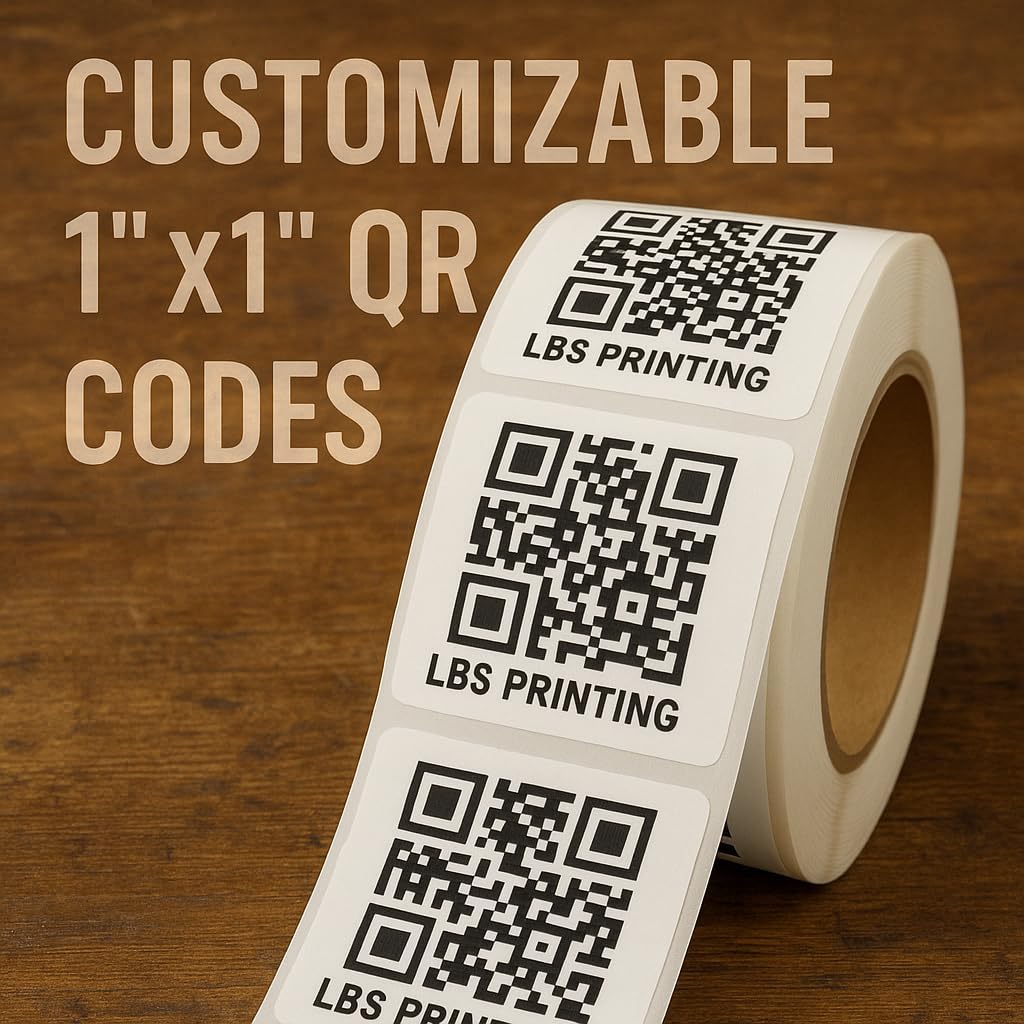
Image: A roll of white 1x1 inch customizable QR code stickers, each featuring a black QR code and 'LBS PRINTING' text, ready for application.
Customization Process (During Order)
- データ提出: Provide the specific data (e.g., URL, text, contact information) you wish to embed in your QR code during the ordering process.
- 検証: 慎重に再view the provided QR code data for accuracy before confirming your order. Once printed, the QR codes cannot be altered.
- 印刷: The stickers are printed with your unique QR code, ensuring high readability and scan accuracy.
操作手順
Applying your QR code stickers is a straightforward process:
- 表面の準備: ステッカーを貼る表面が清潔で乾燥しており、ほこりや油などがないことを確認してください。
- ステッカーを剥がす: Carefully peel a single QR code sticker from its backing. Avoid touching the adhesive side excessively.
- 適用する: Position the sticker on the desired surface and press firmly from the center outwards to remove any air bubbles and ensure good adhesion.
- テストスキャン: After application, use a smartphone or QR code scanner to test the QR code to confirm it scans correctly and directs to the intended destination.

Image: An illustrative diagram demonstrating various applications for personalized QR codes, including linking to products, clothing items, websites, and RSVP events.
一般的な用途
These versatile QR code stickers can be used for a wide range of purposes:
- Product & Inventory Management: Labeling products, inventory, or assets for tracking and identification.
- Marketing & Engagement: Providing quick access to websites, apps, contact information, or multimedia content.
- イベント管理: Facilitating RSVP for events or providing event details.
- 顧客からのフィードバック: Directing users to review pages or feedback forms.
- 教育リソース: Linking to supplemental resources like videos, quizzes, or interactive experiences.
- 安全な認証: Employing for two-factor authentication or access control.
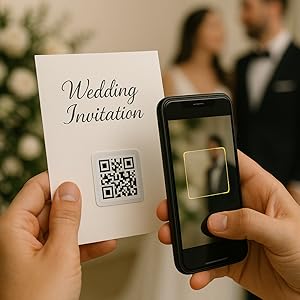
Image: A QR code sticker applied to a wedding invitation, being scanned by a smartphone, demonstrating its use for event RSVPs.
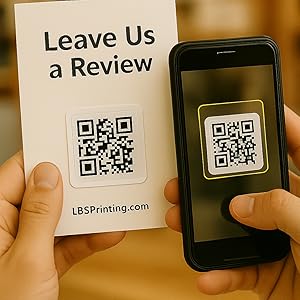
Image: A QR code sticker on a 'Leave Us a Review' card, being scanned by a smartphone, illustrating its use for gathering customer feedback.
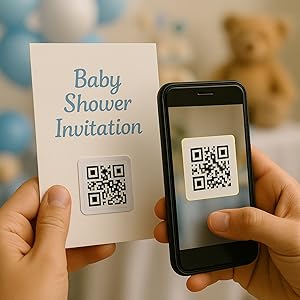
Image: A QR code sticker affixed to a baby shower invitation, being scanned by a smartphone, showcasing its utility for event invitations.
メンテナンス
QR code stickers require minimal maintenance. To ensure longevity and scan accuracy:
- ストレージ: 未使用のステッカーは、粘着力を保つために、直射日光を避けて涼しく乾燥した場所に保管してください。
- クリーニング: If a sticker becomes dirty, gently wipe it with a soft, dry cloth. Avoid abrasive cleaners or excessive moisture, which can damage the print or adhesive.
- 保護: For applications in harsh environments, consider applying a clear protective layer over the sticker.
トラブルシューティング
| 問題 | 考えられる原因 | 解決 |
|---|---|---|
| QR Code does not scan |
|
|
| Sticker does not adhere properly |
|
|
| QR Code links to wrong destination | Incorrect data provided during customization | The QR code is printed based on the data submitted. If the destination is incorrect, the original data provided was likely incorrect. New stickers with corrected data would be required. |
仕様
| 特徴 | 詳細 |
|---|---|
| 製品名 | QR Code Customizable Sticker |
| モデル番号 | BSW1X1 |
| ブランド | ジェネリック |
| Sticker Dimensions | 1 x 1インチ(正方形) |
| 色 | White (Sticker), Black (Ink) |
| 量 | 50 Labels per roll |
| アイテム重量 | 12オンス(約) |
| メーカー部品番号 | QR100 |
| 初回利用可能日 | 7年2023月XNUMX日 |
保証とサポート
This product is provided by LBS Printing. For any questions regarding your order, customization, or product performance, please contact the seller directly through the platform where the purchase was made. Please retain your order details for faster assistance.