
1.製品オーバーview
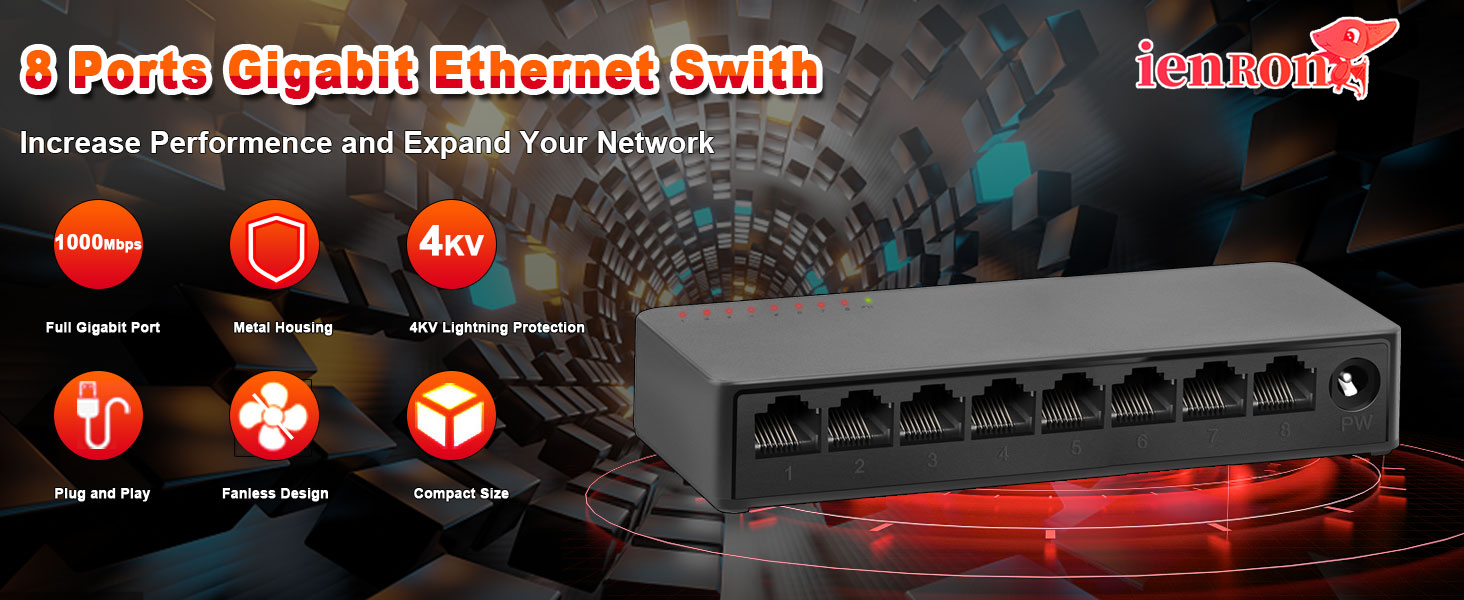
The ienRon 8-Port Gigabit Ethernet Switch is an unmanaged network switch designed to expand your network capacity with high-speed Gigabit connectivity. It features a fanless design for quiet operation, a durable metal shell, and supports both desktop and wall mounting. This switch is ideal for various applications including home networks, small businesses, surveillance systems, and school dormitories.
主な特徴
- 1000 Mbps Gigabit Speed: 要求の厳しいアプリケーションに高速データ転送を提供します。
- プラグアンドプレイ操作: ソフトウェアのインストールや設定は必要ありません。
- ファンレス設計: Ensures silent operation, suitable for any environment.
- 耐久性のある金属Casing: Offers enhanced protection and heat dissipation.
- 4KV雷保護: Built-in protection circuit to prevent circuit failure from lightning.
- Desktop or Wall Mount Support: スペースに合わせて柔軟に設置できるオプション。
- IEEE 802.3Xフロー制御: Provides reliable data transfer by preventing packet loss.
2. セットアップ手順
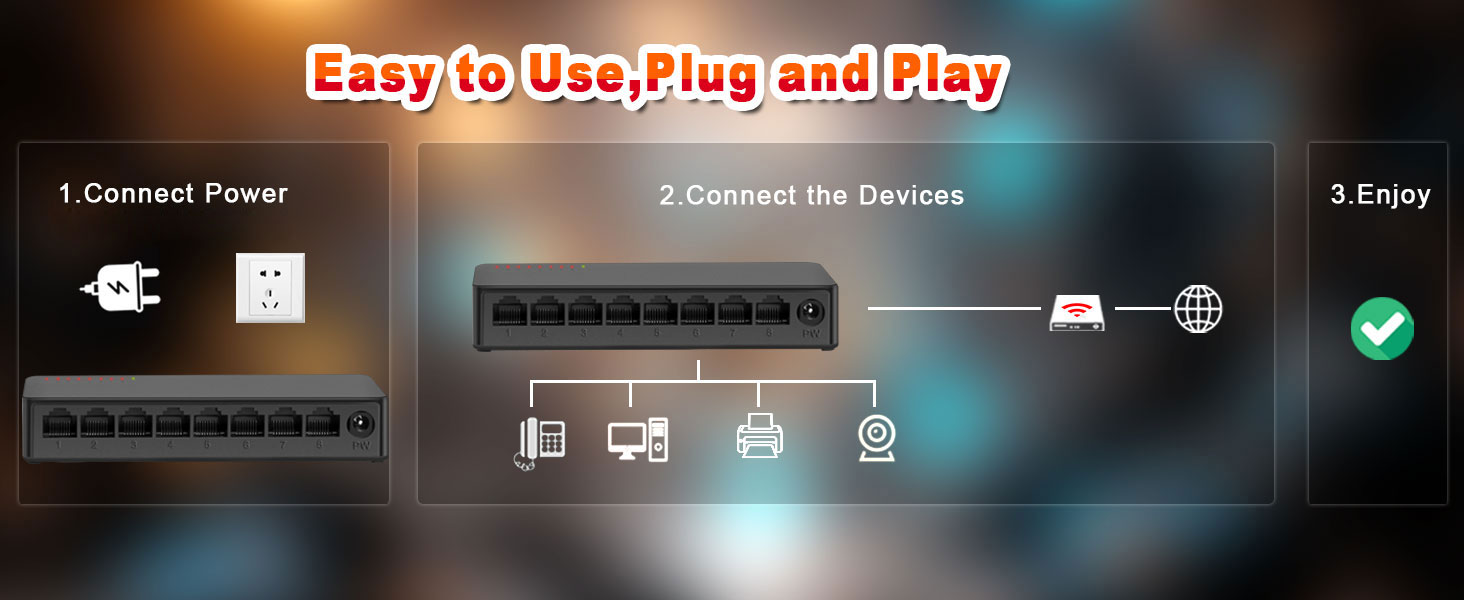
The ienRon 8-Port Gigabit Ethernet Switch is designed for simple plug-and-play installation, requiring no software configuration. Follow these steps to set up your switch:
ステップバイステップのインストール
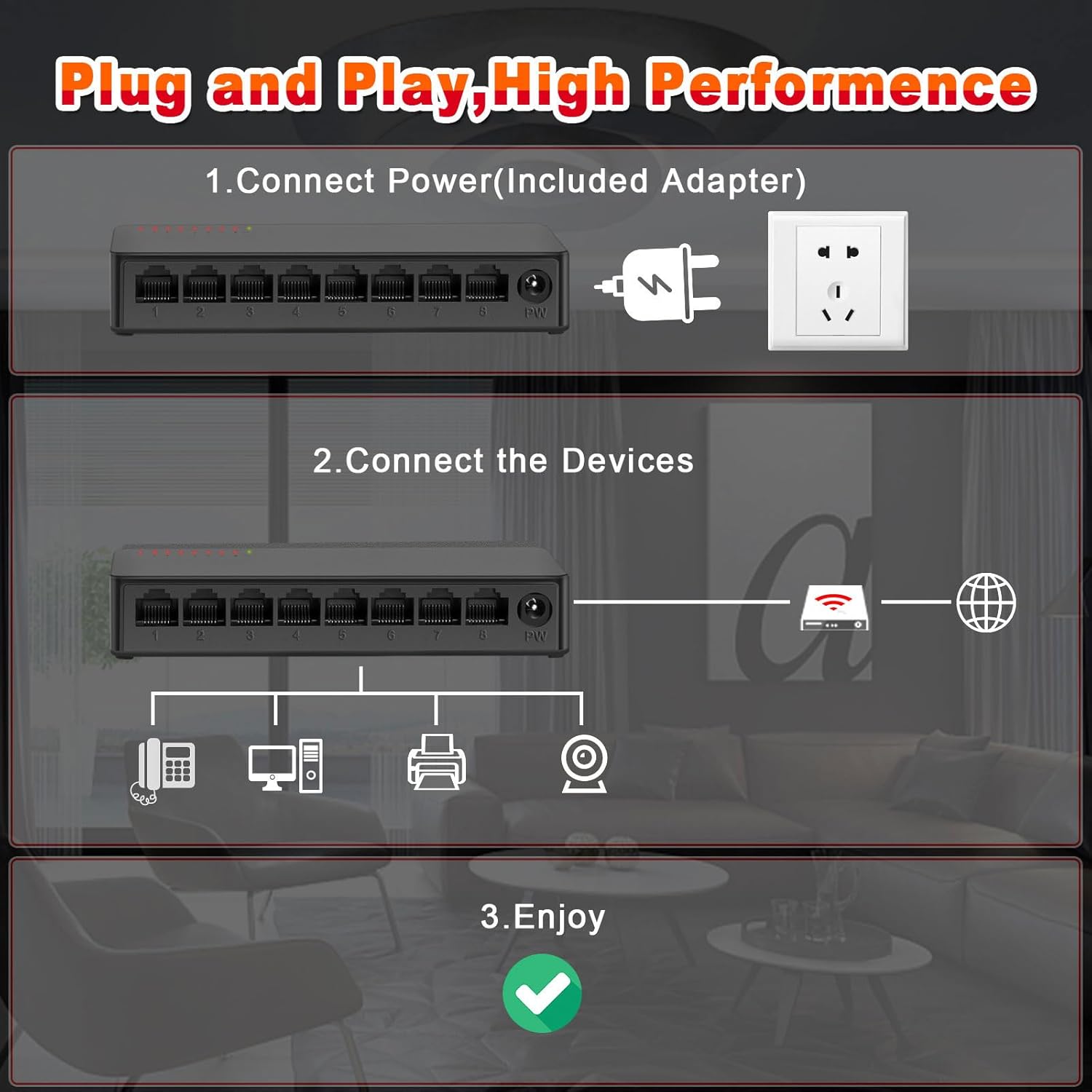
- 接続電源: Connect the included power adapter to the switch's power input port (labeled 'PW') and then plug the adapter into a standard electrical outlet. The power indicator light on the switch will illuminate.
- デバイスを接続する: Connect your network devices (e.g., router, computer, IP camera, printer, IPTV) to any of the 8 Gigabit Ethernet ports using standard RJ45 Ethernet cables.
- 接続を確認します: The corresponding LED indicator for each connected port will light up, indicating an active network connection. If data is being transmitted, the LED will flash.
3. 操作手順
The ienRon 8-Port Gigabit Ethernet Switch operates automatically once connected. As an unmanaged switch, it requires no user configuration for basic network functionality.
ネットワークインジケータ
- 電源LED: 点灯しているライトはスイッチの電源がオンになっていることを示します。
- Port Link/ACT LEDs: Each Ethernet port has an associated LED. A solid light indicates an active network connection (Link). A flashing light indicates data transmission (Activity).
ファンレス設計
The switch features a fanless design, ensuring silent operation. This makes it suitable for deployment in noise-sensitive environments such as homes, offices, or libraries.
4. メンテナンス
The ienRon 8-Port Gigabit Ethernet Switch is designed for durability and minimal maintenance. Adhering to these simple guidelines will help ensure its longevity and optimal performance.
一般的なケア
- 配置: Keep the device in a well-ventilated area, away from direct sunlight, excessive heat sources, and moisture.
- クリーニング: Clean the exterior with a soft, dry cloth. Do not use liquid cleaners, aerosols, or abrasive materials, as these can damage the casing または内部コンポーネント。
- 接続: Periodically check that all Ethernet cables and the power adapter are securely connected.
環境適応性
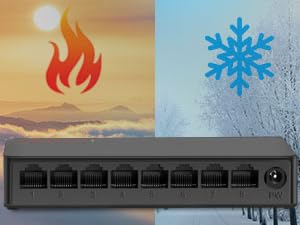
The switch features a multi-layer baking varnish low-temperature process, allowing it to adapt to a wide range of operating temperatures from 5℃ to 50℃ (41℉ to 122℉). Its design resists rust and corrosion, ensuring reliable operation in various indoor environments.
5。 トラブルシューティング
If you encounter issues with your ienRon Gigabit Ethernet Switch, refer to the following common solutions before contacting support.
電源なし
- Ensure the power adapter is securely connected to both the switch's 'PW' port and a working electrical outlet.
- Check if the power indicator LED on the switch is illuminated. If not, try a different outlet or power adapter.
- If the power supply fails after extended use (as noted in some user experiences), consider replacing the power adapter with a compatible one.
No Network Connection (Port LED Off)
- イーサネット ケーブルがスイッチ ポートと接続されたデバイスの両方にしっかりと接続されていることを確認します。
- ケーブルの障害を排除するために、別のイーサネット ケーブルを試してください。
- 接続されているデバイス (コンピューター、ルーターなど) の電源がオンになっていて、正しく機能していることを確認します。
- デバイスをスイッチの別のポートに接続してみてください。
ネットワーク速度が遅い
- Ensure all connected devices and Ethernet cables support Gigabit Ethernet (1000 Mbps) for optimal performance. Using older Fast Ethernet (100 Mbps) devices or cables will limit the speed of that connection.
- Check for excessive network traffic or bandwidth-intensive applications running on your network that might be consuming available bandwidth.
明るいLEDライト
Some users have noted a bright internal LED light that shines through the vents. This is typically a power indicator and does not affect the switch's functionality. If it is disruptive, consider placing the switch in a less visible location or covering the light source if safe to do so without impeding ventilation.
6. 仕様
| 特徴 | 詳細 |
|---|---|
| ブランド | イエンロン |
| モデル番号 | 8 Port Gigabit P |
| ポート数 | 8 |
| データ転送速度 | 1000メガバイト/秒(ギガビット) |
| インターフェースタイプ | RJ45 |
| ケース素材 | プラスチック |
| 色 | 黒 |
| 巻tage | 120ボルト |
| 最大消費電力 | 4ワット |
| 動作温度範囲 | 5℃〜50℃(41℉〜122℉) |
| パッケージ寸法 | 7.52 x 3.27 x 2.83インチ |
| アイテム重量 | 7.2オンス |
| 対応デバイス | IP Phone, IP TV, Printer, Router |
7. 保証とサポート
保証情報
This ienRon product comes with a standard manufacturer's warranty. For specific warranty terms, conditions, and duration, please refer to the product packaging or contact ienRon customer support directly. Keep your proof of purchase for warranty claims.
カスタマーサポート
For technical assistance, product inquiries, or any other support needs, please visit the official ienRon webサイトに掲載されている連絡先情報を通じてカスタマーサポートチームに問い合わせるか、 website or product packaging. When contacting support, please have your product model number and purchase details ready.