
1. はじめに
This manual provides instructions for the proper use and maintenance of the Frigga M1E Single Use Temperature Data Logger with External Probe. This device is designed for accurate temperature monitoring in various applications, particularly within cold chain logistics, medicine storage, and food refrigeration. It records temperature data and generates PDF and CSV reports without requiring special software.
2.製品オーバーview
The Frigga M1E data logger is a compact, single-use device equipped with an external probe for precise temperature measurement. It features an LCD screen for real-time data display and buttons for operation.

画像2.1: Frigga M1E Single Use Data Logger with its key components labeled, including the USB Cover, USB Connector, LED Indicator, LCD Screen, Stop Button, Start Button, Bar Code Label, and External Sensor.
主要コンポーネント:
- USBカバー: USBコネクタを保護します。
- USBコネクタ: Used for connecting to a computer to retrieve data.
- LEDインジケーター: Provides visual feedback on device status (e.g., alarm, recording).
- LCDスクリーン: Displays current temperature, alarm status, and other operational information.
- 停止ボタン: Initiates the stop recording process.
- スタートボタン: Initiates the start recording process.
- Bar Code Label: Contains device identification information.
- 外部センサー 正確な温度測定を提供します。
3. セットアップ
The Frigga M1E data logger is designed for immediate use. No prior setup or charging is required as it comes with a pre-installed, long-lasting CR2450 battery.
- デバイスを開梱します。 Carefully remove the data logger from its packaging.
- 外部プローブ: Ensure the external temperature probe is securely connected to the device. The probe is essential for accurate temperature measurement.
- 配置: Position the data logger and its external probe in the environment where temperature monitoring is required. Ensure the probe is placed to accurately reflect the temperature of the monitored items.
4. 操作手順
4.1 Starting the Data Logger
To begin temperature recording:
- 「始める" button for 5 seconds until the Blue LED blinks. The device will display "8888" then the current temperature, indicating it has started recording.
- 注記: This device is for single-use. Once activated, it cannot be turned off, and the maximum recording time is 100 days.

画像4.1: Visual guide for starting and stopping the Frigga M1E data logger, illustrating the button presses and LED feedback.
4.2 Stopping the Data Logger
To stop temperature recording:
- 「停止" button for 5 seconds until the Red LED blinks, then release it within 40 seconds. The device will display "StoP" indicating recording has ceased.
4.3 Work Status Indicators
The LCD screen provides various status indicators:

画像4.2: Display modes of the Frigga M1E data logger, including Sleep Mode, Start Delay, Recording Mode, Generating Report, and Stop Mode.
- スリープモード: "8888" displayed before starting.
- 開始遅延: 録音を開始する前にプログラムされた遅延を示します。
- 録画モード: Displays current temperature and "REC" icon.
- Generating Report: "PdF" displayed when connected to a computer and generating a report.
- 停止モード: "StoP" displayed after recording has been manually stopped.
4.4 Retrieving Data Reports
After recording is complete, you can easily retrieve the data:
- Remove the USB cover.
- Plug the data logger into a standard USB port on any computer.
- The device will automatically generate a PDF and CSV report. These files はリムーバブルドライブとして表示されます。
- Open the PDF report to view a summary, temperature graph, and detailed data table. The CSV file provides raw data for further analysis.

画像4.3: Illustration of the Frigga M1E's plug-and-play functionality for generating PDF and CSV reports directly from the device when connected to a computer.
ビデオ4.1: This video demonstrates the physical components of the Frigga M1E data logger, how to initiate recording by pressing the START button, how to stop recording using the STOP button, and the process of plugging the device into a computer to automatically generate and access PDF and CSV data reports.
5. 特徴
The Frigga M1E data logger offers several features designed for reliable temperature monitoring:
- 正確な温度データ: Advanced internal sensor provides a measuring range of -40°F ~ 176°F (-40°C ~ 80°C), with an accuracy range of ±0.5℃ (-20℃ to +40℃) and ±1℃ for other ranges.
- Large Data Memory: Stores up to 14400 readings, ensuring comprehensive data collection over extended periods.
- Auto Generated CSV & PDF Report: Directly generates reports upon USB connection, eliminating the need for software or driver installation.
- LEDアラームインジケーター: Alerts users if the temperature exceeds pre-set thresholds, crucial for maintaining temperature stability.
- No Charging Required & Long-lasting Battery Life: Equipped with a CR2450 battery for extended operation without recharging.
- 外部温度プローブ: Allows for remote temperature monitoring in hard-to-reach or specific locations.
- IP65防水グレード: ほこりや水しぶきから保護します。
- 温度単位スイッチ: Allows selection between Celsius and Fahrenheit (current version supports Celsius only).
- Event Mark: Ability to mark specific events during the recording period.
- Zero Data Loss: Designed to ensure data integrity throughout the monitoring process.
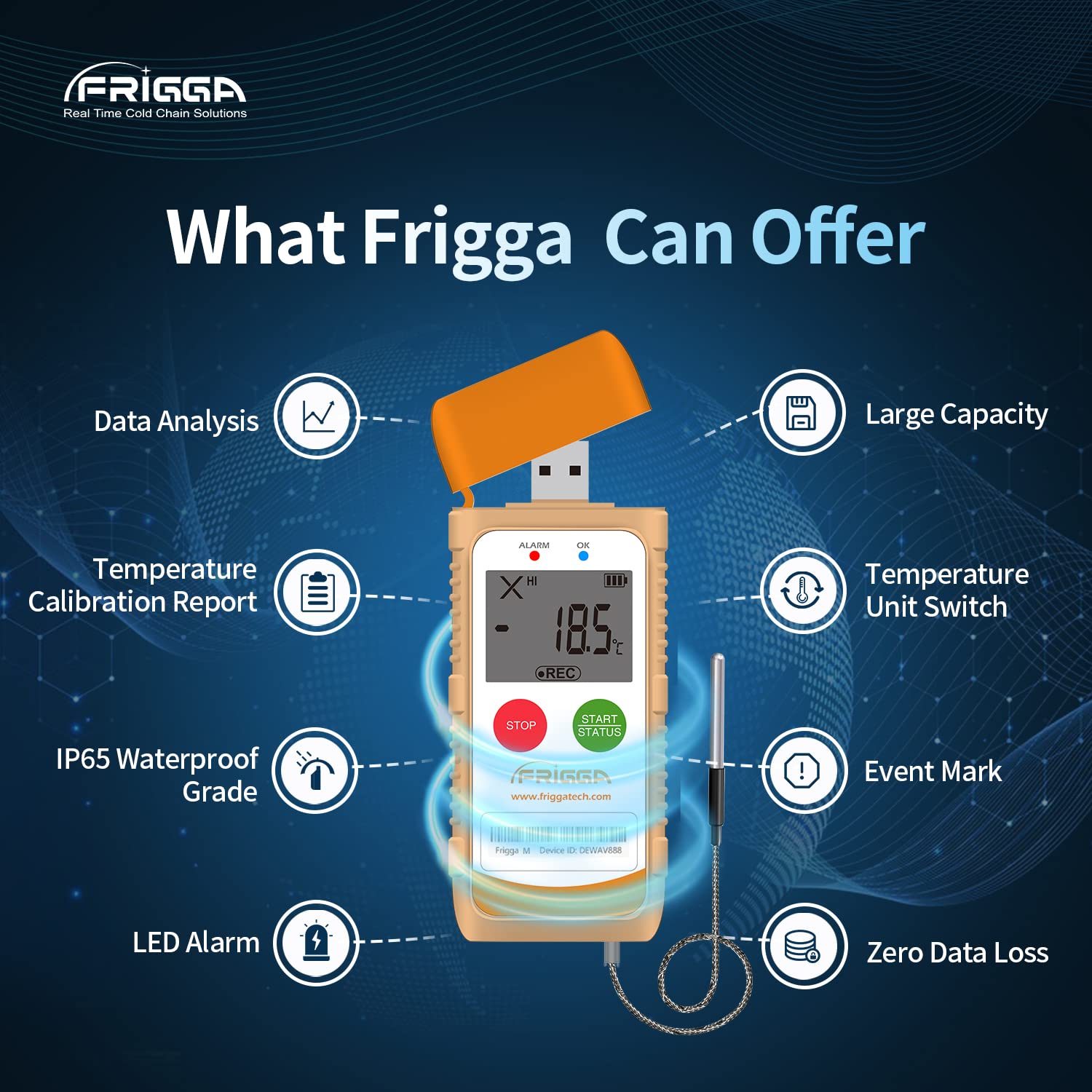
画像5.1: オーバーview of the Frigga M1E's capabilities, including data analysis, temperature calibration report, IP65 waterproof rating, LED alarm, temperature unit switch, event mark, and zero data loss.
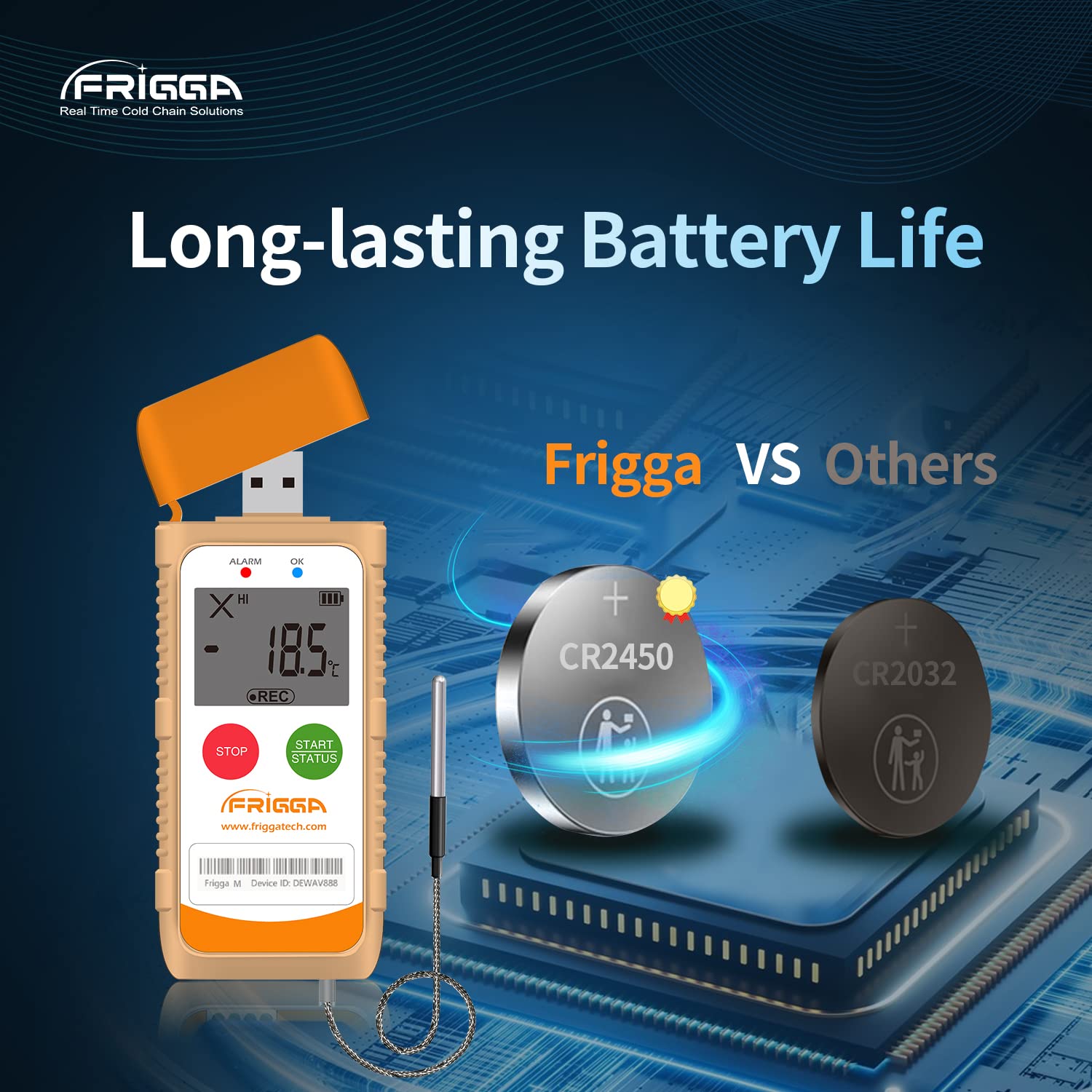
画像5.2: This image highlights the long-lasting battery life of the Frigga M1E, featuring a CR2450 battery.
6. 仕様

画像6.1: Detailed product parameters for the Frigga M1E, including measurement range, accuracy range, and memory capacity.
| パラメータ | 詳細 |
|---|---|
| モデル名 | M1E |
| 測定範囲 | -40°C ~ 80°C (-40°F ~ 176°F) |
| 精度範囲 | ±0.5℃ (-20℃ to +40℃); ±1℃ for other ranges |
| メモリ容量 | 14400 件の読み取り |
| 再利用性 | 使い捨て |
| 電源 | 1 Lithium Ion CR2450 battery (included) |
| 接続技術 | USB |
| 表示タイプ | 液晶 |
| 特集 | Alarm, Fast Reading System, High Accuracy, External Probe |
| 外側素材 | プラスチック |
| 製品のお手入れ方法 | ワイプクリーン |
| アイテム重量 | 11.2オンス |
| アイテムの長さ | 4インチ |
| 屋内/屋外での使用 | 屋内 |
7. メンテナンス
The Frigga M1E is a single-use device and requires minimal maintenance. Follow these guidelines:
- クリーニング: Wipe the device clean with a dry or slightly damp 布で拭いてください。強力な化学薬品や研磨剤入りの洗剤は使用しないでください。
- ストレージ: Store the device in a cool, dry place away from direct sunlight and extreme temperatures before activation.
- バッテリー: The device is equipped with a non-replaceable CR2450 battery designed to last for the entire 100-day recording period. No charging is required.
- 廃棄: As a single-use device, dispose of the data logger responsibly according to local electronic waste regulations after use.
8。 トラブルシューティング
If you encounter issues with your Frigga M1E data logger, consider the following:
- デバイスが起動しない: Ensure the "START" button is pressed and held for the required 5 seconds until the Blue LED blinks. If the device has been previously activated, it cannot be restarted.
- データレポートは生成されませんでした:
- Verify the data logger is securely plugged into a functional USB port on your computer.
- Ensure the recording was properly stopped by long-pressing the "STOP" button until the Red LED blinks.
- Check your computer's file explorer for a new removable drive.
- 不正確な読み取り:
- Ensure the external probe is correctly connected and positioned to accurately measure the desired temperature.
- Verify the device is operating within its specified measurement range.
- LED Alarm Not Functioning: Check that the device is actively recording and that the temperature has indeed exceeded the pre-set alarm thresholds.
For further assistance, please contact Frigga customer support.
9. 保証とサポート
Frigga products are manufactured to high-quality standards. For specific warranty information, please refer to the documentation included with your purchase or visit the official Frigga website. For technical support, troubleshooting assistance, or any inquiries regarding your Frigga M1E data logger, please contact Frigga customer service through their official channels.
詳しい情報と連絡先は、 Frigga Brand Store on Amazon またはメーカーの webサイト。