
1. はじめに
Thank you for choosing the EBTOOLS A9 Magnetic 1080P Mini Camera. This compact and versatile camera is designed for home, office, or courtyard monitoring, offering 1080P high-resolution video recording and Wi-Fi connectivity. This manual provides essential information for setting up, operating, and maintaining your camera to ensure optimal performance.
2. 安全情報
警告: Do not attempt to disassemble, modify, or repair the product yourself to avoid personal injury or equipment damage.
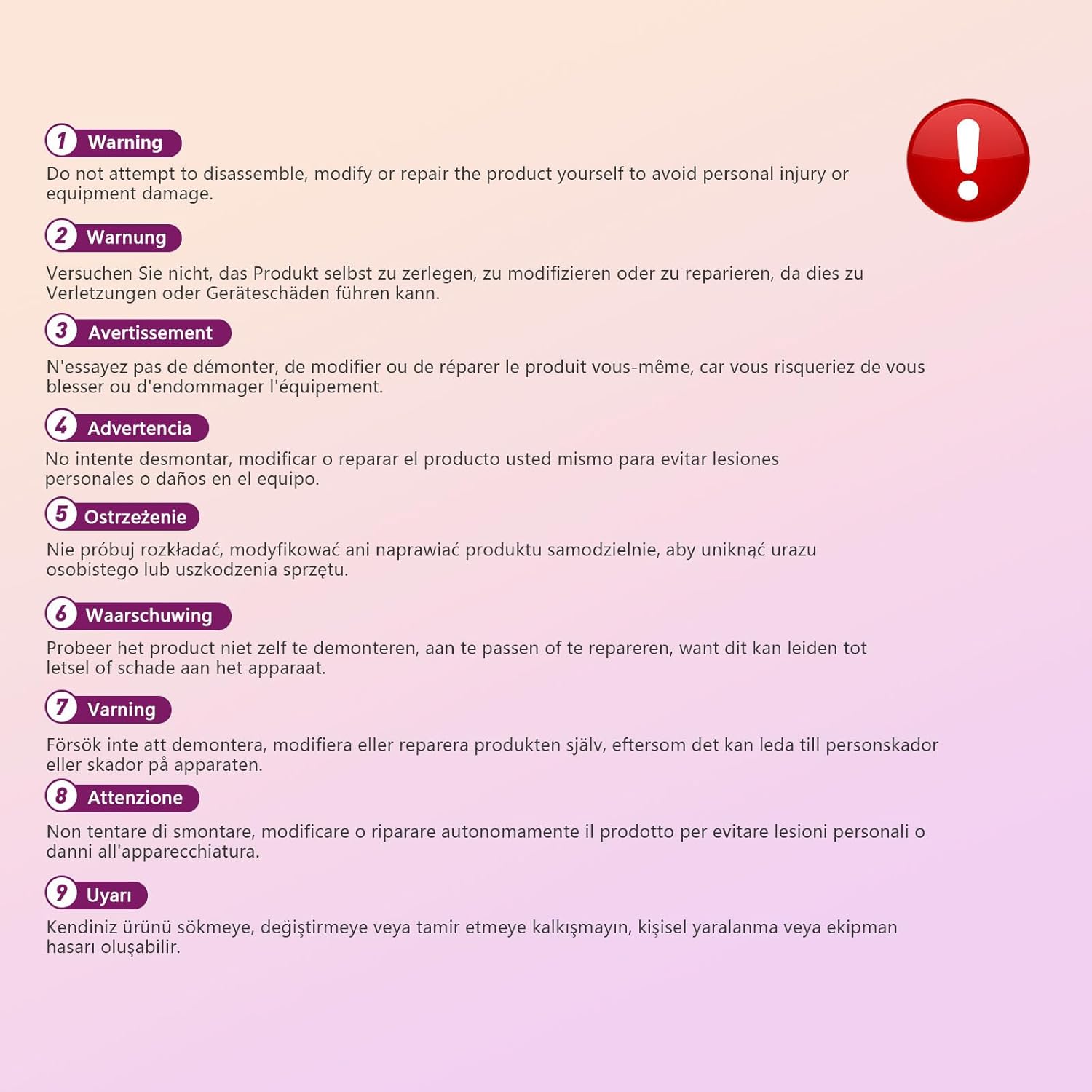
This image displays a warning message in multiple languages, advising users not to disassemble, modify, or repair the product themselves to prevent personal injury or damage to the device.
3. パッケージ内容
パッケージに以下の項目が含まれているか確認してください。
- EBTOOLS A9 Mini Camera
- 磁気マウント
- USB充電ケーブル
- Adhesive Pad (for mount)

This image shows the EBTOOLS A9 Mini Camera, a magnetic mount, and a USB charging cable, which are typically included in the product package.
4.製品オーバーview
カメラのコンポーネントについて理解しましょう。

This image displays the front of the EBTOOLS A9 Mini Camera, highlighting the lens, the ON/OFF button, and the MODE button on the top surface.
- レンズ: The primary camera lens for video capture.
- オン/オフボタン: カメラの電源をオンまたはオフにします。
- モードボタン: さまざまな動作モードを切り替えます。
- インジケーターライト: Provides status feedback (e.g., charging, recording, Wi-Fi status).

この画像は側面を示しています view of the camera, clearly indicating the Micro USB charging port.

This image displays another side view of the camera, highlighting the Micro SD card slot for local storage.
5. セットアップ
5.1 カメラの充電
Before first use, fully charge the camera. Connect the supplied USB cable to the camera's Micro USB port and a 5V USB power adapter (not included). The indicator light will show charging status and turn off when fully charged. The built-in 240 mAh battery provides approximately 45 minutes of continuous operation.
5.2マイクロSDカードの挿入
To store recordings, insert a Micro SD card (up to 128GB, not included) into the Micro SD card slot. Ensure the card is inserted correctly with the contacts facing the camera's front. The camera supports continuous recording and motion-activated recording to the card.

This image shows the EBTOOLS A9 Mini Camera with a Micro SD card partially inserted into its slot, alongside a Wi-Fi signal icon, indicating its storage and connectivity features.
5.3 アプリのインストールとWi-Fi接続
The camera connects via Wi-Fi and is controlled using a smartphone app (compatible with Android devices). Refer to the quick start guide or packaging for the specific app name and download instructions. Once the app is installed:
- カメラの電源を入れます。
- アプリを開き、画面上の指示に従って新しいデバイスを追加します。
- カメラを自宅の Wi-Fi ネットワークに接続します。
- 接続すると、次のことができます view ライブfootage, adjust settings, and access recordings remotely.
6. 操作手順
6.1 電源のオン/オフ
- 電源を入れるには: インジケーターライトが点灯するまで、ON/OFFボタンを押し続けます。
- 電源を切るには: インジケーターライトが消えるまで、ON/OFFボタンを押し続けます。
6.2 録音モード
The camera typically supports two main recording modes:
- 連続記録: Records video continuously to the Micro SD card.
- 動き検出記録: Records only when motion is detected, saving storage space and battery life.
Use the MODE button or the smartphone app to switch between these modes. Refer to the app's instructions for detailed mode configuration.
6.3 モーション検出アラート
When motion detection is enabled, the camera will send alerts to your smartphone via the app when movement is detected within its field of view. This feature is useful for security monitoring.
6.4 アプリコントロール
The dedicated app allows you to:
- View カメラからのライブビデオフィード。
- Access and playback recorded footage.
- Adjust camera settings (e.g., resolution, recording mode, motion detection sensitivity).
- Receive push notifications for motion alerts.
7. メンテナンス
- クリーニング: カメラのレンズと本体のお手入れには、柔らかく乾いた布をご使用ください。液体クリーナーや研磨剤の使用は避けてください。
- ストレージ: 長期間使用しない場合は、カメラを直射日光や極端な温度を避け、涼しく乾燥した場所に保管してください。
- バッテリーのケア: 長期間保管する場合は、バッテリーの寿命を維持するために定期的に充電してください。
8。 トラブルシューティング
If you encounter issues with your camera, refer to the following table:
| 問題 | 考えられる原因 | 解決 |
|---|---|---|
| カメラの電源が入らない | バッテリー残量が少ない; 電源ボタンが故障している | Charge the camera fully; Contact support if issue persists |
| Wi-Fiに接続できません | Wi-Fiパスワードが間違っている、カメラがルーターから離れすぎている、ルーターに問題がある | Verify password; Move camera closer to router; Restart router |
| SDカードに録画できません | SD card not inserted; SD card full or corrupted; Incorrect recording mode | Insert SD card; Format or replace SD card; Check app settings for recording mode |
| ビデオ品質が悪い | Dirty lens; Low light conditions; App resolution settings | Clean the lens; Ensure adequate lighting; Adjust resolution in app |
| App not receiving alerts | Motion detection off; App notifications disabled; Poor Wi-Fi connection | Enable motion detection in app; Check phone notification settings; Ensure stable Wi-Fi |
9. 仕様
| 特徴 | 詳細 |
|---|---|
| モデル番号 | EBTOOLSzi9gg2t6c1-12 |
| ビデオキャプチャ解像度 | 1080p、720p |
| 接続技術 | ワイヤレス(Wi-Fi) |
| 電源 | バッテリー駆動(内蔵240mAh) |
| 材料 | アクリロニトリルブタジエンスチレン(ABS) |
| 取り付けタイプ | 壁掛け(マグネット式) |
| 制御方法 | アプリ |
| 対応デバイス | スマートフォン(Android) |
| アラートの種類 | モーションのみ |
| 屋内/屋外での使用 | 屋内 |
| アイテム重量 | 2.08オンス |
10. 保証とサポート
For warranty information and technical support, please refer to the product packaging or contact EBTOOLS customer service directly. Keep your purchase receipt for warranty claims.