
1. はじめに
ご購入ありがとうございますasing the FunFlix RD-882 Portable Projector. This manual provides essential information for setting up, operating, and maintaining your projector to ensure optimal performance and longevity. Please read this manual thoroughly before use and retain it for future reference.
2. 安全に関する注意事項
- プロジェクターレンズを直接見ないでください。amp 点灯しています。強い光により目を損傷する可能性があります。
- プロジェクターの周囲に適切な換気を確保してください。通気口を塞がないでください。
- プロジェクターを水、湿気、極端な温度から遠ざけてください。
- プロジェクターに付属の電源アダプターのみを使用してください。
- プロジェクターをご自身で修理しようとしないでください。すべての修理は資格のある専門家にご依頼ください。
- 雷雨のときや長期間使用しない場合は、プロジェクターのプラグを抜いてください。
3. パッケージ内容
パッケージにすべてのアイテムが含まれていることを確認します。
- FunFlix RD-882 Portable Projector
- リモコン(電池は含まれていません)
- 電源ケーブル
- HDMIケーブル
- AVケーブル
- ユーザーマニュアル

図3.1: 付属アクセサリ
4.製品オーバーview
4.1フロント View
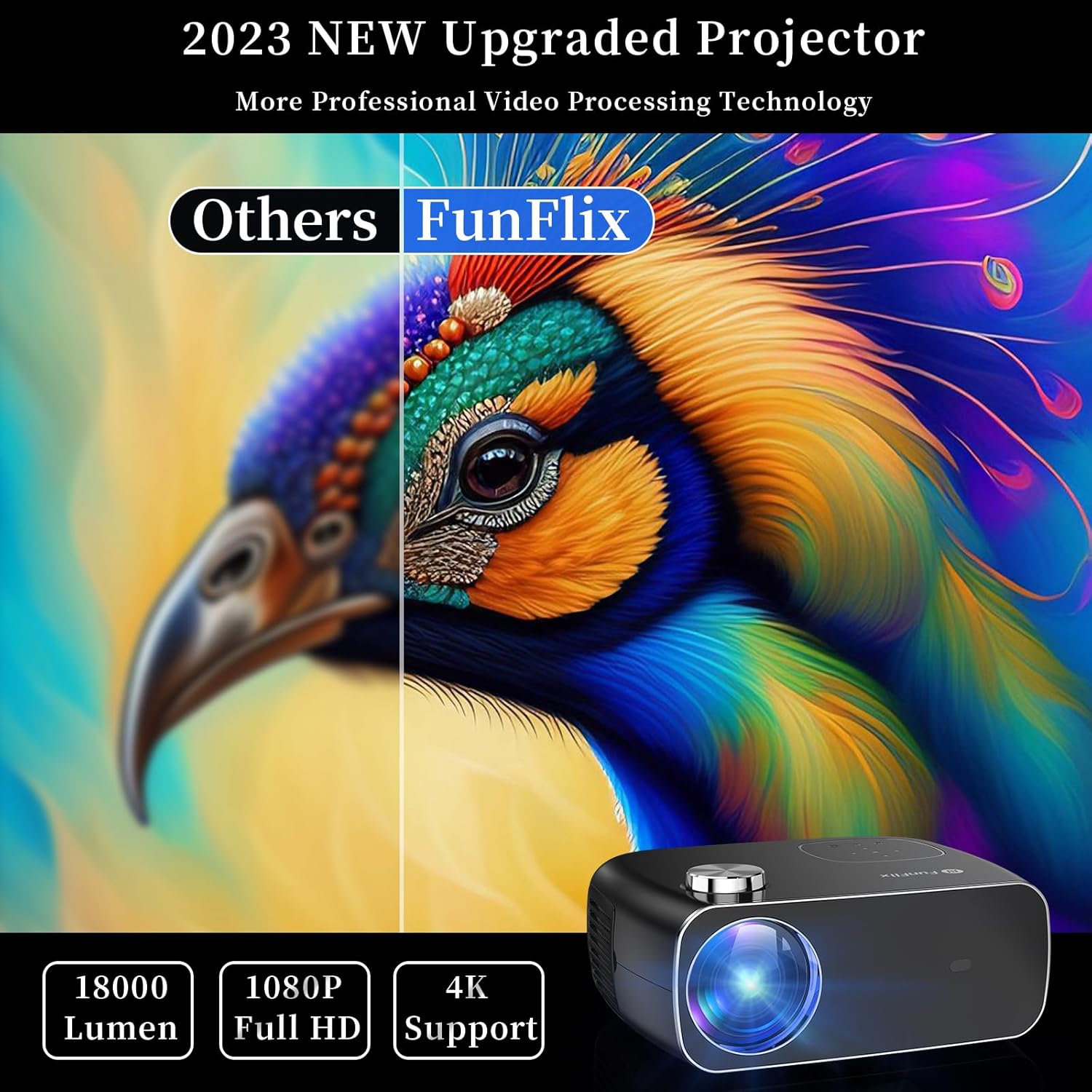
図4.1: 前面 View プロジェクターの
The front of the projector features the projection lens and an infrared receiver for the remote control.
4.2 リア View およびポート

図4.2:背面 View 入力ポート付き
背面パネルには接続オプションがあります。
- HDMIポート(x2): Connect to devices like laptops, gaming consoles, or streaming sticks.
- USBポート(x2): メディアを再生したり外部デバイスに電源を供給したりするために USB ドライブを接続します。
- AVポート: 付属の AV ケーブルを使用して古いデバイスに接続します。
- オーディオ出力: 外部スピーカーまたはヘッドフォンを接続します。
- 電源入力: 電源アダプタを接続します。
5. セットアップ
5.1 配置
Place the projector on a stable, flat surface. Ensure there is enough space around the projector for proper ventilation. The projection distance and screen size can vary. The projector supports projection sizes from 50 to 300 inches.

Figure 5.1: Projector Placement and Projection
5.2電源接続
電源ケーブルをプロジェクターの電源入力ポートに接続し、電源コンセントに差し込みます。
5.3 フォーカスとキーストーン補正
After powering on the projector, adjust the focus ring on the top of the projector until the image is clear. Use the keystone correction feature to adjust the image shape if it appears trapezoidal. The projector supports both manual focus and digital keystone correction.

Figure 5.2: Keystone Correction and Zoom Function
Video 5.1: Demonstrates projector features including power-on, bulb life, display sizes, precise intelligent focusing, native 1080P resolution, zoom function, 5G WiFi support, wireless projection for iOS/Android, wired HDMI connection, built-in speaker, 15-degree gradient correction, Bluetooth connection, and high color reproduction.
6.運用
6.1 電源オン/オフ
プロジェクターまたはリモコンの電源ボタンを押して、プロジェクターの電源をオンまたはオフにします。
6.2 入力ソース
Select the desired input source from the main menu using the remote control or the buttons on the projector.
- HDMI: Connect your device via an HDMI cable.
- USB: メディアを再生するにはUSBドライブを挿入してください files.
- AV: AV ケーブルを使用して古いデバイスを接続します。
6.3 ワイヤレス接続
The FunFlix RD-882 supports 5G WiFi and Bluetooth 5.2 for enhanced connectivity.
6.3.1 5G WiFi Connection
To connect to a 5G WiFi network:
- プロジェクターの「設定」メニューに移動します。
- Select 'Network Settings' or 'WiFi'.
- リストから5G WiFi ネットワークを選択し、パスワードを入力します。

Figure 6.1: 5G WiFi Wireless Connection
6.3.2 Bluetooth 5.2接続
To connect to Bluetooth audio devices:
- 「設定」メニューに移動します。
- 「Bluetooth設定」を選択します。
- Bluetoothを有効にして、利用可能なデバイスを検索します。
- ペアリングする Bluetooth スピーカーまたはヘッドフォンを選択します。

図6.2: Bluetooth 5.2接続
6.4 スクリーンミラーリング
The projector supports screen mirroring from iOS and Android devices. Ensure your device and the projector are connected to the same WiFi network.
- iOSデバイスの場合: Use the 'Screen Mirroring' or 'AirPlay' function on your iPhone/iPad and select the projector from the list of available devices.
- Androidデバイスの場合: Use the 'Cast', 'Smart View', or 'Wireless Display' function on your Android phone/tablet and select the projector.
6.5 設定の調整
Access the projector's menu to adjust various settings:
- 画像設定: 明るさ、コントラスト、色、シャープネスを調整します。
- サウンド設定: Adjust volume, sound mode, and balance.
- 投影モード: 前面投影、背面投影、天井前面投影、または天井背面投影を選択します。
7. メンテナンス
7.1 レンズのクリーニング
柔らかく糸くずの出ない布またはレンズクリーニングペーパーを使用して、レンズを優しく拭いてください。研磨剤入りのクリーナーを使用したり、無理な力で拭いたりするとレンズに傷がつく可能性があるため、使用は避けてください。
7.2 Cleaning Air Filters/Vents
Regularly check and clean the air filters and vents to prevent dust buildup, which can affect cooling and performance. Use a soft brush or a vacuum cleaner with a brush attachment to remove dust.
7.3 ストレージ
プロジェクターを使用しない場合は、直射日光や極端な温度を避け、涼しく乾燥した場所に保管してください。ほこりや損傷を防ぐため、元の梱包材または保護ケースを使用してください。
8。 トラブルシューティング
| 問題 | 考えられる原因 | 解決 |
|---|---|---|
| 画面に画像がありません | Power not connected, incorrect input source, device not connected. | Check power cable, select correct input source, ensure source device is on and connected. |
| 画像がぼやけている | フォーカスが調整されていない、プロジェクターが遠すぎる/近すぎる。 | Adjust the focus ring. Ensure projector is within optimal projection distance. |
| 画像は台形です | キーストーンは修正されません。 | Adjust keystone correction in the settings menu. |
| 音が出ない | Volume too low, incorrect audio output, source device muted. | Increase projector volume, check audio output settings, unmute source device. |
| リモコンが動作しない | 電池残量が少ない/切れているため、IR センサーがブロックされています。 | Replace batteries, ensure no obstructions between remote and projector. |
9. 仕様
- ブランド: ファンフリックス
- モデル番号: RD-882
- 商品の重量: 4.75ポンド
- 製品寸法: 9.57 x 7.87 x 3.98インチ
- ディスプレイ解像度最大: 1920 x 1080 (ネイティブ 1080P)
- 接続性: 5G WiFi, Bluetooth 5.2, HDMI (x2), USB (x2), AV
- 推奨用途: Gaming, Home Theater, Outdoor Projection
- フォームファクター: ポータブル
- 取り付けタイプ: 卓上マウント
10. 保証とサポート
For warranty information and technical support, please refer to the contact details provided on the FunFlix official website or your purchase documentation. Do not attempt to open or repair the device yourself, as this may void your warranty.