
1. はじめに
The Meliconi HP 50 Plus headphones are designed to provide a comfortable and high-quality audio experience for your television and other analog audio sources. With a generous 5-meter cable and a 3.5mm jack, these headphones allow you to enjoy your favorite programs from a comfortable distance. The ergonomic design ensures a snug fit, and the in-line volume control offers convenient audio adjustment.
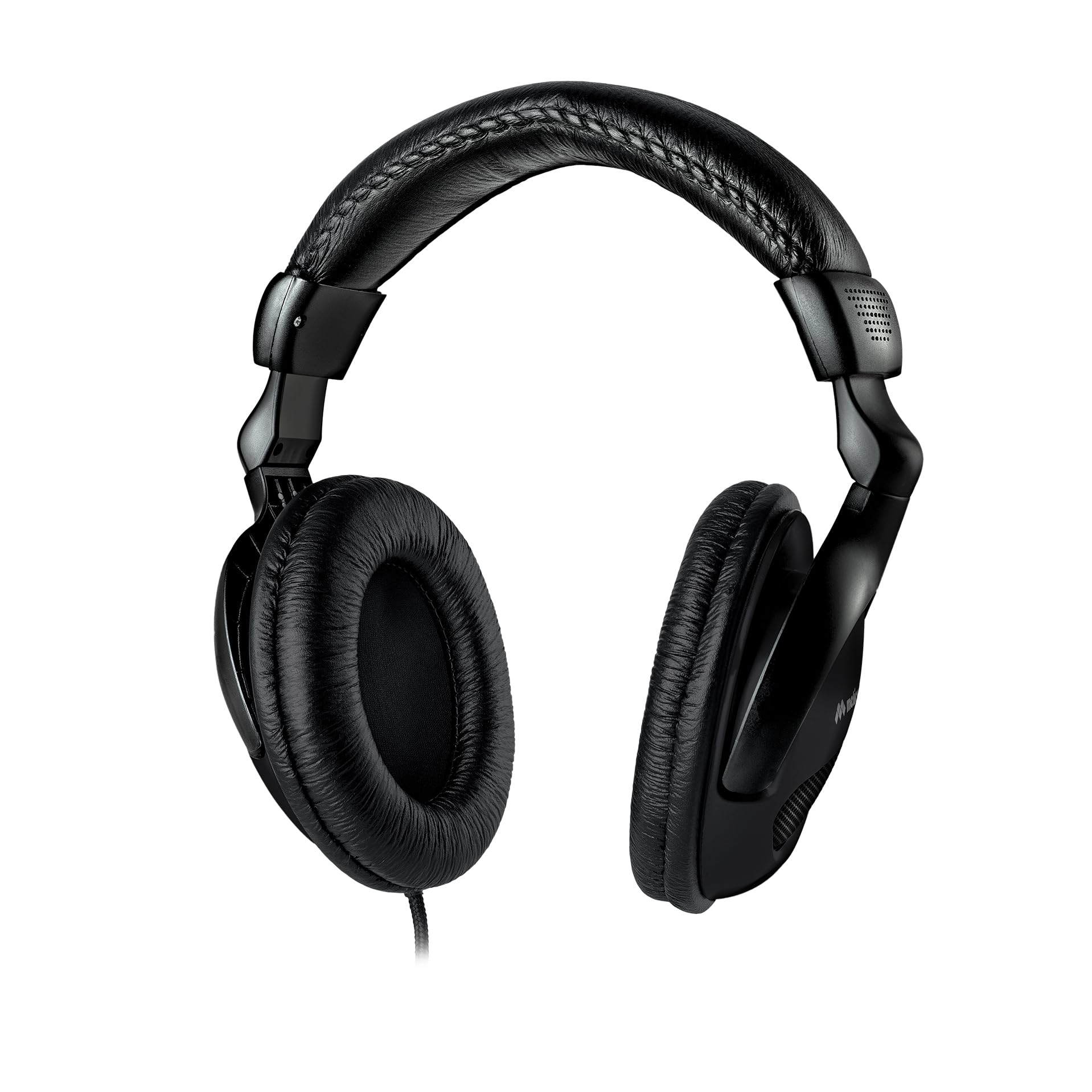
Image 1.1: Meliconi HP 50 Plus Wired TV Headphones. These over-ear headphones feature a long cable for TV viewing。
2. パッケージ内容
パッケージにすべてのアイテムが揃っていることを確認してください:
- Meliconi HP 50 Plus Wired TV Headphones
- 5-meter audio cable with 3.5mm jack (integrated)
- 6.3mm Male to 3.5mm Female adapter
- ユーザーマニュアル(このドキュメント)

Image 2.1: The Meliconi HP 50 Plus headphones shown in their retail packaging, indicating the included items.
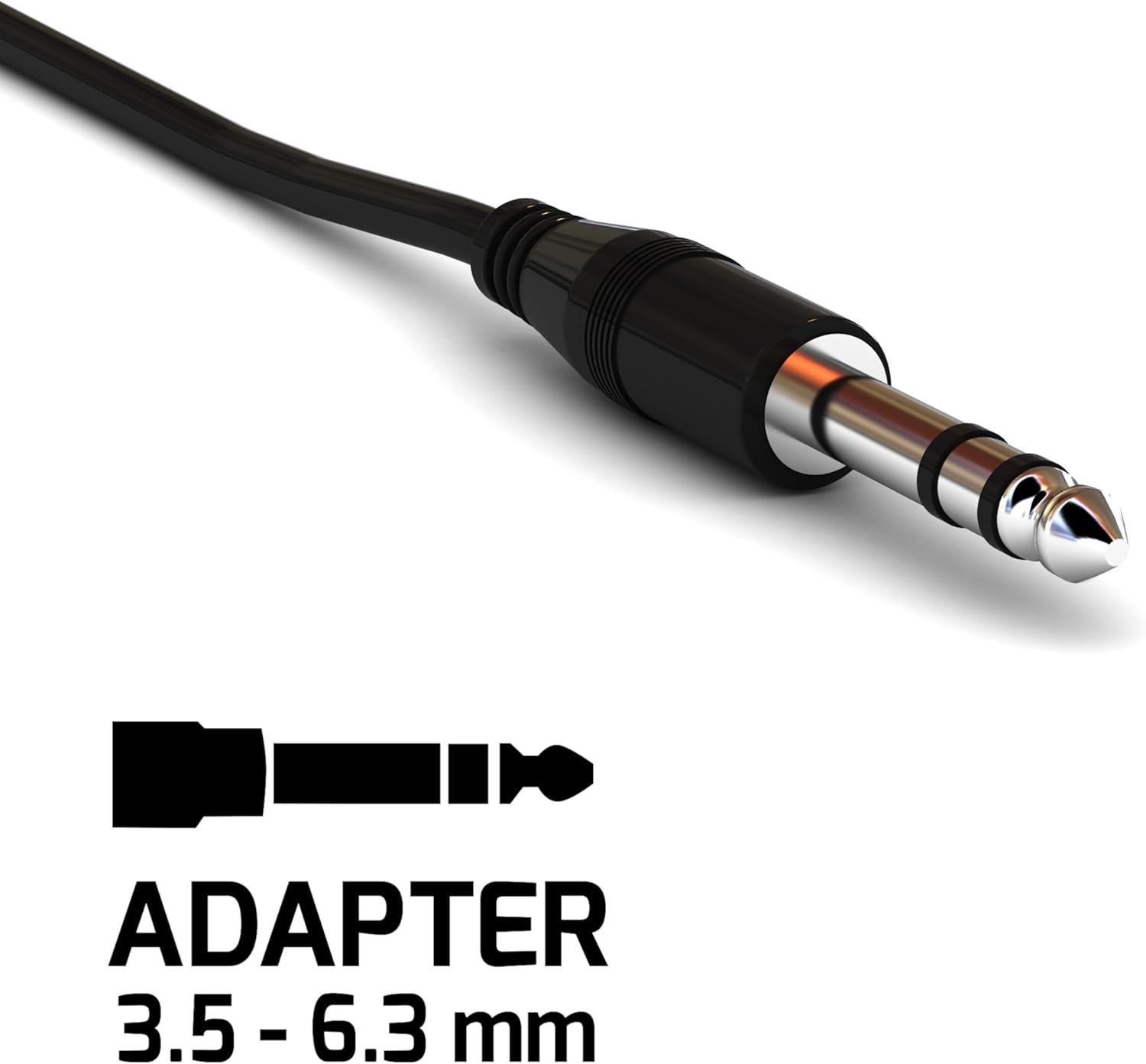
Image 2.2: Close-up of the included 6.3mm Male to 3.5mm Female audio adapter, used for compatibility with various audio ports.
3 製品の特徴
- 機能設計: Wired headphones with a 5-meter audio cable (3.5mm jack), ideal for TV use.
- クイック接続: Easily connects to TVs and other analog audio sources.
- 人間工学に基づいた快適性: Ergonomically designed earcups adapt to the ear's shape for comfortable wear.
- 拡張範囲: The 5-meter cable allows comfortable listening from a sofa or bed.
- インラインボリュームコントロール: Convenient volume adjustment directly on the cable.
- 高品質オーディオ: Equipped with high-quality audio speakers for clear sound.
- 調節可能なヘッドバンド: Numbered notches for optimal adjustment of the headband extension.
- モダンな美学: Features a sleek all-black design.

Image 3.1: Detail showing the adjustable arc of the headphones, allowing users to customize the fit for comfort.

Image 3.2: An icon representing the ergonomic design of the headphones, emphasizing user comfort.
4. セットアップ
- Identify Audio Output: Locate the audio output port on your television or other audio source. This is typically a 3.5mm headphone jack.
- ヘッドフォンを接続します: Insert the 3.5mm jack of the Meliconi HP 50 Plus headphones directly into the 3.5mm audio output port.
- Use Adapter (if necessary): If your audio source has a larger 6.3mm audio output port, attach the included 6.3mm Male to 3.5mm Female adapter to the headphone's 3.5mm jack, then insert the adapter into the 6.3mm port.
- ヘッドバンドを調整します: Place the headphones on your head and adjust the headband using the numbered notches until you achieve a comfortable and secure fit.

Image 4.1: The Meliconi HP 50 Plus headphones in use, connected to a television, demonstrating their intended application.
5. 操作手順
- 電源オン時のオーディオソース: Ensure your television or audio device is powered on and playing audio.
- 音量を調整: Use the in-line volume control located on the headphone cable to adjust the audio level to your preference. Turn the dial up to increase volume and down to decrease it.
- 快適調整: If needed, re-adjust the headband and earcup position for optimal comfort during extended listening sessions.
6. メンテナンス
- クリーニング: Use a soft, dry cloth to wipe the headphones. For earcups, a slightly damp 布で拭いても構いませんが、スピーカーグリルに水分が入らないようにしてください。刺激の強い化学薬品や研磨剤入りの洗剤は使用しないでください。
- ケーブルのお手入れ: Avoid sharp bends or excessive pulling on the cable. Store the headphones in a way that prevents the cable from tangling or being crushed.
- ストレージ: 使用しないときは、ヘッドフォンを直射日光や極端な温度を避け、清潔で乾燥した場所に保管してください。
- アダプターのケア: Keep the 6.3mm adapter clean and free from dust. Store it safely to prevent loss.
7。 トラブルシューティング
| 問題 | 考えられる原因 | 解決 |
|---|---|---|
| ヘッドホンから音が出ません。 |
|
|
| 音が歪んだり不明瞭になったりします。 |
|
|
| ヘッドホンは不快です。 |
|
|
8. 仕様
| 特徴 | 詳細 |
|---|---|
| ブランド | メリコーニ |
| モデル名 | HP 50 plus |
| モデル番号 | 497312 |
| 接続技術 | 有線 |
| ヘッドホンジャック | 3.5ミリジャック |
| ケーブル長さ | 5メートル |
| 耳の位置 | Over-Ear (Extra-auriculaire) |
| フォームファクター | Supra-Aural |
| インピーダンス | 32オーム |
| 感度 | 103デシベル |
| 周波数範囲 | 20 Hz - 20,000 Hz |
| 騒音制御 | 遮音性 |
| 特集 | Adjustable Headband, In-line Volume Control |
| 対応デバイス | テレビ |
| 材料 | プラスチック |
| 色 | 黒 |
9. 保証とサポート
Meliconi products are designed for quality and reliability. For information regarding warranty coverage, please refer to the warranty card included with your purchase or visit the official Meliconi webサイト。
For technical support or further assistance, please contact Meliconi customer service through their official channels.
- 正式 Webサイト: www.meliconi.com (お住まいの地域の web地点)