
アウラS505
AULA S505 USB Gaming Headset Instruction Manual
モデル: S505 | ブランド: AULA
導入
Thank you for choosing the AULA S505 USB Gaming Headset. This manual provides essential information for setting up, operating, and maintaining your headset to ensure optimal performance and longevity. Please read this manual thoroughly before use.

Image: AULA S505 USB Gaming Headset with RGB lighting.
主な特徴
- Immersive Virtual 7.1 Surround Sound: Experience precise positional audio with 50mm neodymium magnet drivers, delivering strong bass and clear treble for an immersive gaming and multimedia experience.
- ノイズキャンセリングマイク: The 360° rotatable microphone reduces ambient noise, ensuring clear and loud voice pickup for effective communication. It can be easily turned on or off via the in-line control.
- 魅力的なRGBバックライト: Built-in LED lights display dynamic rainbow lighting effects, enhancing the gaming atmosphere. The lighting can be turned off when not desired.
- Convenient In-Line Control: The 2.1m USB wired headset features a one-key control button for quick adjustments to volume, mute, microphone on/off, and RGB lighting control.
- ユーザーフレンドリーなデザイン: Lightweight (approx. 320g) with an adjustable padded headband for various head shapes. Soft memory earmuffs with breathable cloth reduce pressure and prevent sweat for comfortable long-term use.
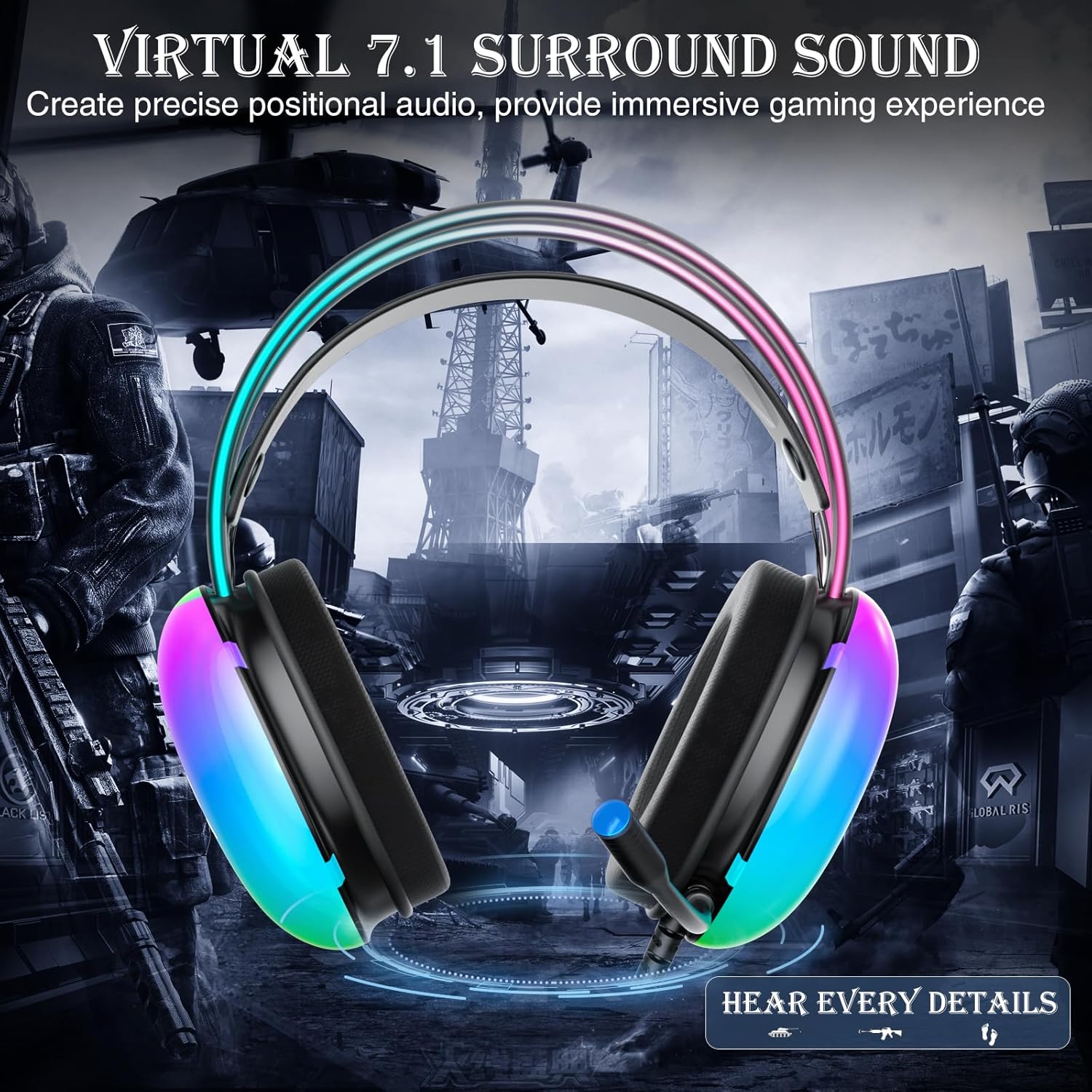
Image: Diagram illustrating virtual 7.1 surround sound and 50mm drivers.
Video: Demonstrating the AULA S505 USB Gaming Headset with Virtual 7.1 Surround Sound.
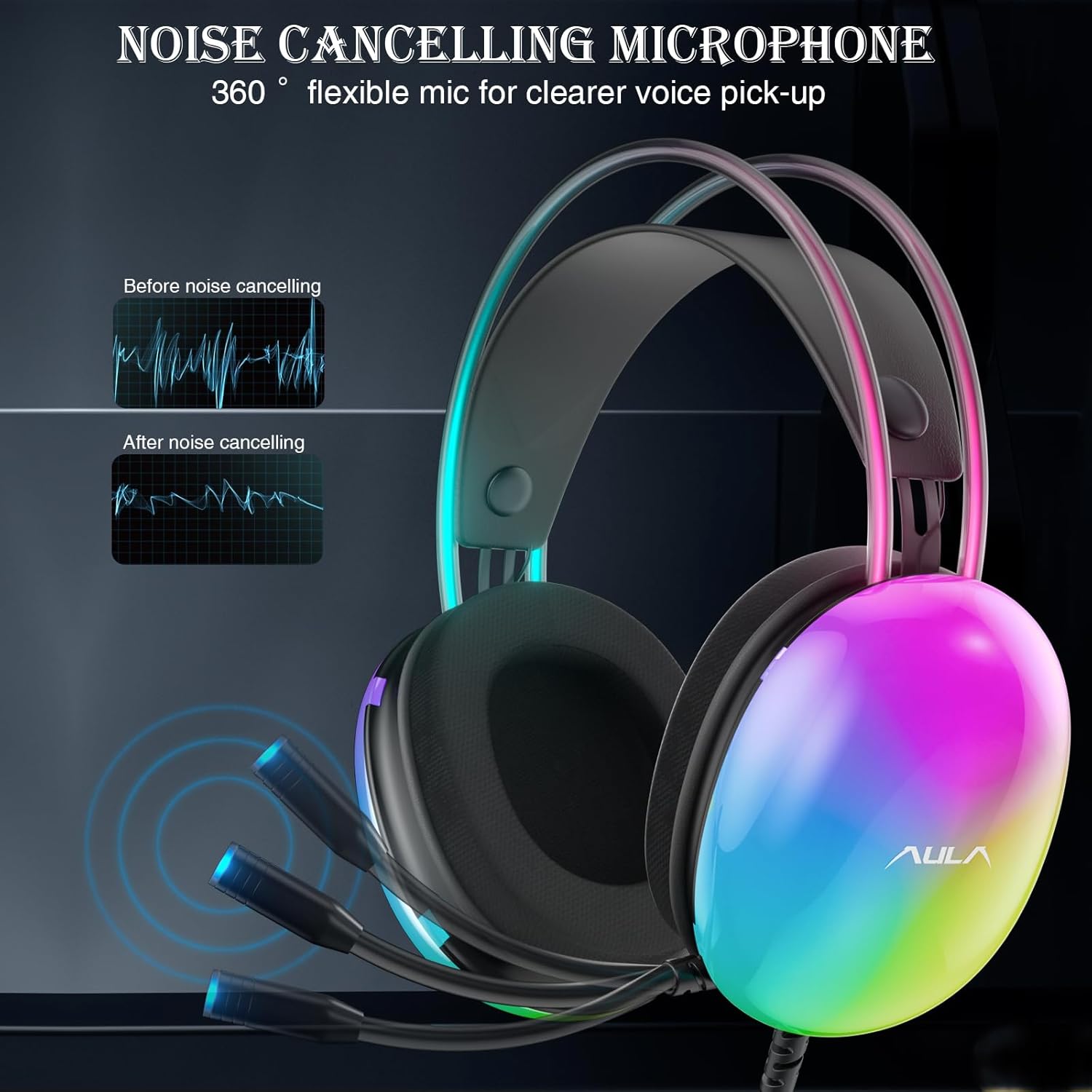
Image: Headset with its noise-canceling microphone extended.
ビデオ: ショーasing the AULA S505 Black USB Gaming Headset with Noise Cancelling Mic.

Image: AULA S505 headset displaying dynamic RGB lighting effects.
Video: Highlighting the unique RGB lighting of the AULA S505 Headset.
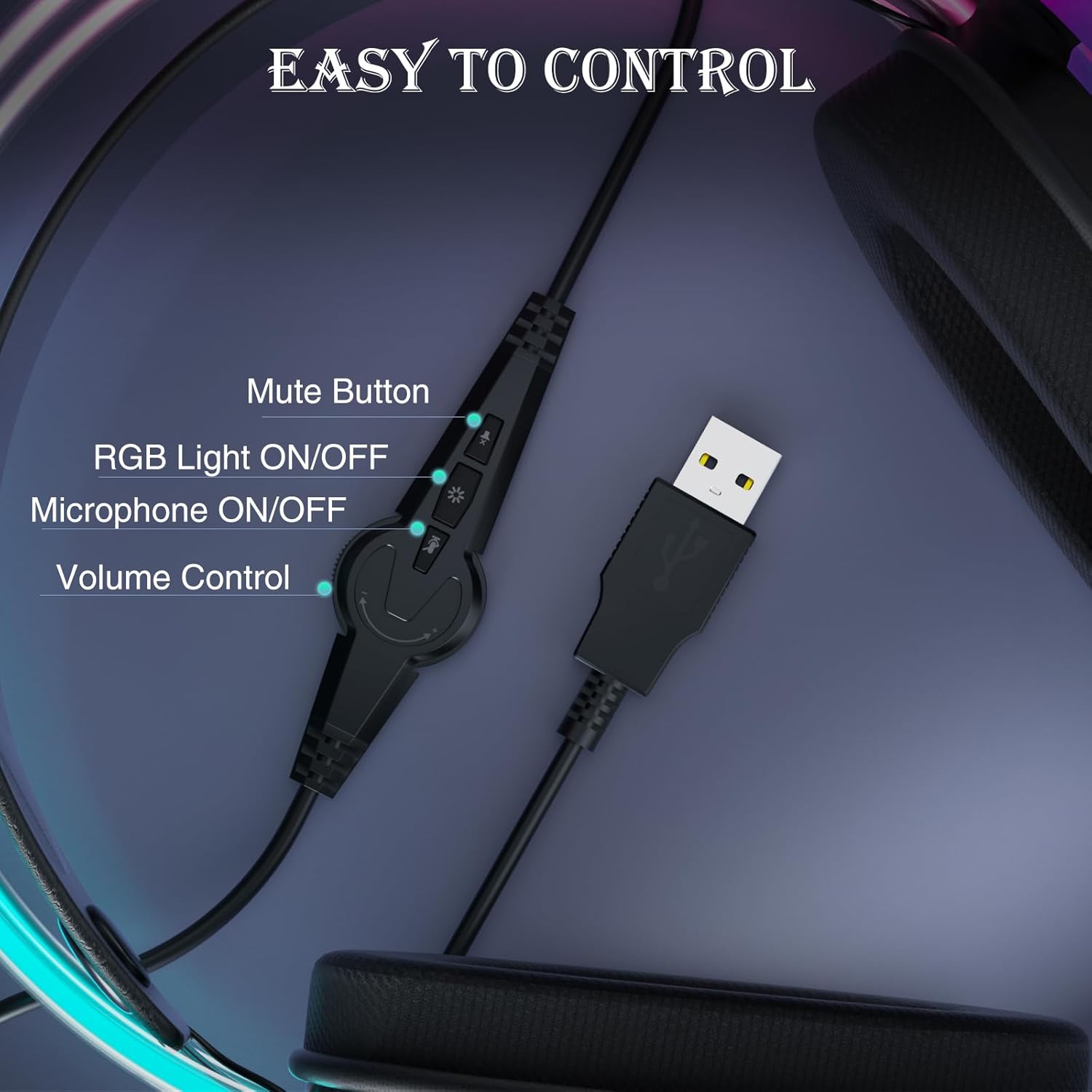
Image: Close-up of the in-line control unit with buttons for volume, mute, mic, and RGB.
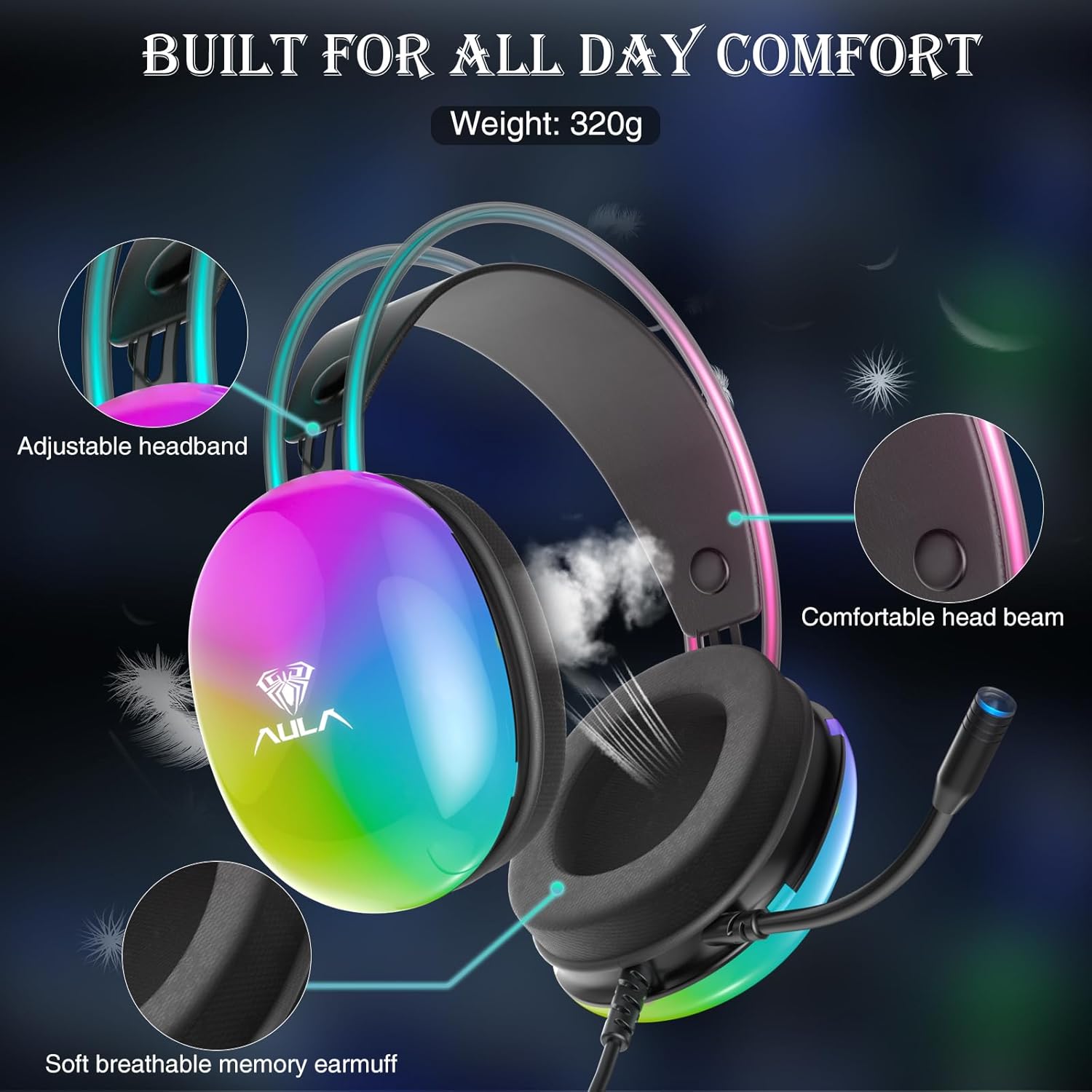
Image: Diagram showing adjustable headband and soft memory earmuffs for comfort.
セットアップ手順
- デバイスに接続します: Plug the USB connector of the AULA S505 headset into an available USB port on your PC, laptop, or other compatible device. The headset is plug-and-play, requiring no additional drivers or software installation.
- ヘッドバンドを調整します: Gently adjust the padded headband to fit comfortably on your head. The headband is designed to be auto-adjustable for various head sizes.
- マイクの位置: Rotate the flexible microphone boom to a position near your mouth for optimal voice pickup.
- 初期ボリュームチェック: Before starting your game or application, use the in-line volume control to set an appropriate listening level.
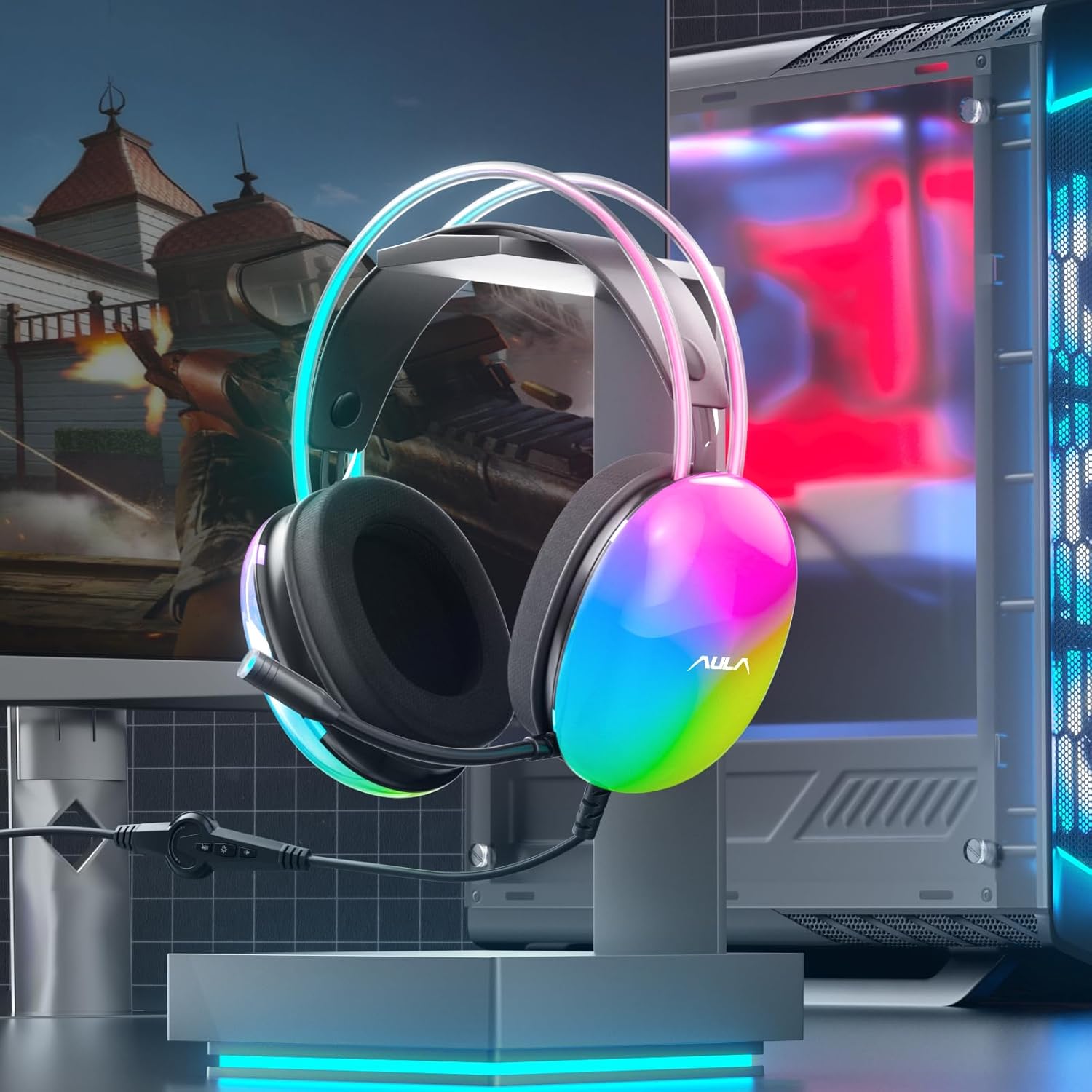
Image: AULA S505 headset connected to a desktop computer setup.
操作手順
- 音量コントロール: Use the rotary dial on the in-line control unit to increase or decrease the audio volume.
- マイクミュート: Press the microphone button on the in-line control to mute or unmute the microphone. An indicator light on the microphone tip may show its status (e.g., blue for active).
- RGB照明コントロール: Press the light button on the in-line control to toggle the RGB backlight effects on or off.
- バーチャル7.1サラウンドサウンド: The virtual 7.1 surround sound is automatically enabled upon connection. Ensure your device's audio settings are configured to output stereo sound for the headset to process the virtual surround effect.

Image: User wearing the AULA S505 headset with active RGB lighting.
メンテナンス
- クリーニング: ヘッドセットは柔らかく乾いた布で拭いてください。イヤーマフの場合は、軽く湿らせた布で拭いてください。amp 布は使用できますが、次に使用する前に完全に乾いていることを確認してください。刺激の強い化学薬品や研磨剤入りの洗剤は使用しないでください。
- ストレージ: ヘッドセットは、直射日光や極端な温度を避け、涼しく乾燥した場所に保管してください。ケーブルが絡まないようにしてください。
- ケーブルのお手入れ: Do not pull the cable forcefully or bend it sharply, as this can damage internal wiring.
トラブルシューティング
- ヘッドセットから音が出ない:
- USB コネクタがポートに完全に挿入されていることを確認します。
- Check the in-line volume control and increase it if necessary.
- Verify your computer's audio output settings are set to the AULA S505 headset.
- Test the headset on another USB port or device to rule out a port issue.
- マイクが機能しない:
- Ensure the microphone is not muted via the in-line control.
- Check your computer's microphone input settings and select the AULA S505 headset as the default input device.
- マイクブームが正しい位置に取り付けられていることを確認します。
- RGB ライトが機能しない:
- Press the RGB light button on the in-line control to ensure it is turned on.
- USB 接続が安全であることを確認します。
仕様
| 特徴 | 詳細 |
|---|---|
| ブランド | アウラ |
| モデル番号 | S505 |
| 接続技術 | 有線(USB) |
| ドライバーサイズ | 50mm |
| サウンドタイプ | バーチャル7.1サラウンドサウンド |
| マイクロフォン | ノイズキャンセリング、360°回転可能 |
| 点灯 | RGBレインボーバックライト |
| インラインコントロール | Volume, Mic On/Off, RGB On/Off |
| 耳の位置 | オーバーイヤー |
| イヤーマフ素材 | Soft Memory Foam with Breathable Cloth |
| アイテム重量 | 390グラム |
| ケーブル長さ | 2.1メートル |
| 対応デバイス | PC, Laptops, Tablets (with USB input) |
保証情報
The AULA S505 USB Gaming Headset comes with a 1年間の限定保証 ご購入日から1年間有効です。本保証は製造上の欠陥および製造工程における不具合を対象としています。誤用、事故、不正な改造、または通常の摩耗や損耗による損傷は保証の対象外となります。保証請求の際は、購入証明書を保管してください。
サポート
For further assistance, technical support, or warranty inquiries, please refer to the contact information provided on the product packaging or visit the official AULA website. You may also contact your retailer for support.
Ask a question about this manual
Ask about setup, troubleshooting, compatibility, parts, safety, or missing instructions. Manuals+ will review the question and use this page’s manual context to help answer it.