
1. はじめに
Thank you for choosing the Baseus Bowie H2 True Wireless Earphones. This manual provides detailed instructions on how to set up, operate, maintain, and troubleshoot your earphones to ensure optimal performance and longevity. Please read this manual thoroughly before using the product.
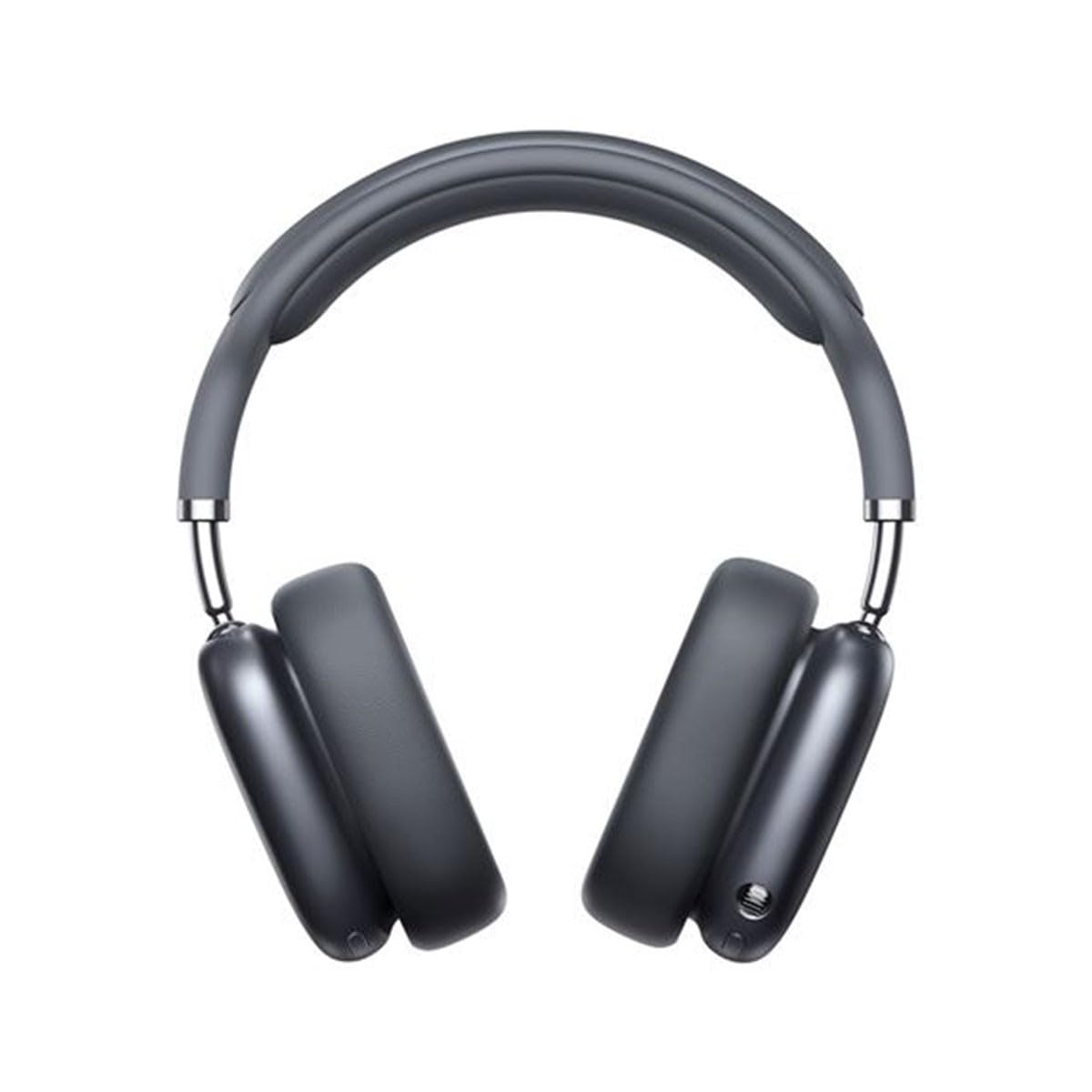
Image 1.1: Baseus Bowie H2 product overview. Please note that while this image displays over-ear headphones, the product described in this manual is the Baseus Bowie H2 True Wireless Earphones (in-ear type).
2. 箱の中身
Carefully unpack the product and ensure all items are present and in good condition. The package should contain:
- Baseus Bowie H2 True Wireless Earphones (Left and Right)
- ワイヤレス充電ケース
- USB充電ケーブル
- ユーザーマニュアル

図2.1: 例ample of Baseus headphones in a case. The Baseus Bowie H2 True Wireless Earphones come with a compact wireless charging case.
3. セットアップ
3.1 イヤホンとケースの充電
Before first use, fully charge the earphones and the charging case. Place the earphones into the charging case. Connect the USB charging cable to the charging port on the case and plug the other end into a USB power adapter (not included) or a computer's USB port. The indicator light on the case will show charging status and turn off or change color when fully charged.
3.2Bluetoothペアリング
- イヤホンが充電されていることを確認してください。
- Open the charging case. The earphones will automatically enter pairing mode, and an indicator light (usually on the earphones or case) will flash, indicating they are ready to pair.
- デバイス(スマートフォン、タブレット、ラップトップ)で Bluetooth を有効にします。
- 検索する available Bluetooth devices. Select "Baseus Bowie H2" from the list.
- Once connected, the indicator light will stop flashing, and you may hear a confirmation tone.
- ペアリングに失敗した場合は、イヤホンをケースに戻し、閉じてから再度開いてペアリングモードを再度開始します。
4. イヤホンの操作
4.1 イヤホンの装着
Gently insert the earphones into your ear canals. Adjust them for a comfortable and secure fit to ensure optimal sound quality and noise isolation. The left (L) and right (R) earphones are marked.

画像4.1:正面 view of Baseus headphones. For the Bowie H2 earphones, ensure a snug fit in the ear canal.
4.2 タッチコントロール
The Baseus Bowie H2 earphones feature touch controls for various functions. The specific touch gestures may vary slightly, but common functions include:
- 再生/一時停止: どちらかのイヤホンを 1 回タップします。
- 次のトラック: 右のイヤホンをダブルタップします。
- 前のトラック: 左のイヤホンをダブルタップします。
- 通話の応答/終了: どちらかのイヤホンを 1 回タップします。
- 通話を拒否: どちらかのイヤホンを長押しします。
- 音声アシスタントを有効にする: どちらかのイヤホンをトリプルタップします。
Refer to the quick start guide included in your package for precise touch control mapping.

画像4.2: 上 view of Baseus headphones. The touch control areas are typically located on the outer surface of the earphones.
5. メンテナンス
Proper maintenance ensures the longevity and performance of your Baseus Bowie H2 earphones.
- クリーニング: イヤホンと充電ケースのお手入れには、柔らかく乾いた糸くずの出ない布をご使用ください。研磨剤入りの洗剤、アルコール、化学溶剤は使用しないでください。
- ストレージ: 使用しないときは、イヤホンをほこりや汚れ、損傷から保護するために、必ず充電ケースに保管してください。
- 水を避ける: イヤホンはある程度の耐水性がありますが、水に浸したり過度の湿気にさらしたりしないでください。
- 温度: イヤホンを極端な温度(高温または低温)や直射日光に長時間さらさないでください。
6。 トラブルシューティング
If you encounter issues with your Baseus Bowie H2 earphones, try the following solutions:
| 問題 | 解決 |
|---|---|
| イヤホンがペアリングされない |
|
| 片方のイヤホンから音が出ない |
|
| 充電の問題 |
|
| 音量が低い、または音質が悪い |
|
7. 仕様
Key technical specifications for the Baseus Bowie H2 True Wireless Earphones (Model: NGTW260013):
- モデル番号:
- NGTW260013
- ブランド:
- ベースス
- 接続技術:
- ワイヤレス(Bluetooth)
- Bluetoothバージョン:
- 5.2
- 耳の配置:
- 耳に装着
- フォームファクター:
- 耳に装着
- コントロールタイプ:
- タッチコントロール
- オーディオ ドライバーの種類:
- ダイナミックドライバ
- 含まれるコンポーネント:
- ワイヤレス充電ケース
- 材料:
- プラスチック
- 商品の重量:
- 582 g (Note: This weight is unusually high for in-ear earphones and may refer to the package weight or a different product variant.)
- 製品寸法:
- 50 x 50 x 28 cm (Note: These dimensions are unusually large for in-ear earphones and may refer to the package dimensions or a different product variant.)
- 対応デバイス:
- スマートフォン、タブレット、ノートパソコン、スマートスピーカー
8. 保証とサポート
Baseus products are designed with quality and reliability in mind. For specific warranty information, please refer to the warranty card included with your purchase or visit the official Baseus webサイトをご覧ください。テクニカルサポートが必要な場合、またはこのマニュアルに記載されていない質問がある場合は、Baseusの公式チャネルを通じてカスタマーサービスにお問い合わせください。
保証請求に備えて購入証明書を保管してください。