
Techkey Black-5.3-1
Techkey 長距離 USB Bluetooth 5.3 アダプター ユーザーマニュアル
Model: Black-5.3-1
1. はじめに
The Techkey Long Range USB Bluetooth 5.3 Adapter is designed to provide seamless wireless connectivity for your desktop PC. Utilizing the latest Bluetooth 5.3+EDR technology, this adapter ensures low energy consumption, high speed, and enhanced anti-interference capabilities. It allows you to connect multiple Bluetooth devices simultaneously, extending your wireless range up to 328 feet (100 meters) in open areas.
This manual will guide you through the setup, operation, and troubleshooting of your new Bluetooth adapter.
2. パッケージ内容
- 1 x Techkey Long Range USB Bluetooth 5.3 Adapter
- ユーザーマニュアル x 1
3.製品オーバーview
The Techkey Bluetooth 5.3 Adapter features a compact USB design with an external antenna for extended range. The antenna is rotatable, offering flexibility in positioning for optimal signal reception.

Image: The Techkey USB Bluetooth 5.3 Adapter, showing its compact USB form factor and the adjustable external antenna.

画像: アドバンスを強調した比較表tages of Bluetooth 5.3+EDR technology, including faster response, better anti-interference, and extended range compared to older Bluetooth versions.
4. システム要件
This Bluetooth adapter is compatible with the following operating systems:
- ウィンドウズ11
- ウィンドウズ10
- ウィンドウズ8.1
注記: このアダプタは ない compatible with Mac OS, Linux, car stereo systems, XBOX, PS4, or TVs.

Image: Visual representation showing compatibility with Windows 8.1, Windows 10, and Windows 11 operating systems.
5. セットアップとインストール
The Techkey Bluetooth 5.3 Adapter is designed for plug-and-play functionality, requiring no driver installation on supported Windows systems.
5.1. 初期設定
- Disable Existing Bluetooth (if applicable): If your computer has a built-in Bluetooth adapter, it is recommended to disable it before installing the Techkey adapter to avoid conflicts. You can usually do this through Windows Device Manager or Bluetooth settings.
- アダプタを差し込みます: Insert the USB Bluetooth 5.3 adapter into an available USB port on your desktop PC.
- 自動認識: Your Windows operating system (11/10/8.1) should automatically detect and configure the adapter. No manual driver installation is typically required.

Image: A visual demonstrating the simple plug-and-play installation of the Bluetooth adapter into a desktop computer, showing the adapter's antenna extended.
5.2. Driver Installation (If Needed)
While the adapter is generally plug-and-play, in rare cases, if Windows does not automatically install the necessary drivers or if you experience connectivity issues, you may need to manually install them. The product typically comes with a mini-CD containing drivers and useful information. Alternatively, you can visit the Techkey official support webお使いのモデルの最新ドライバーをダウンロードするには、こちらのサイトをご覧ください。
6. 操作手順
6.1. Bluetoothデバイスの接続
- Bluetoothを有効にする: Once the adapter is installed, go to Windows Settings > Devices > Bluetooth & other devices. Ensure Bluetooth is toggled "On".
- デバイスを追加する: 「Bluetoothまたはその他のデバイスを追加する」をクリックし、「Bluetooth」を選択します。
- ペアリングモード: Put your Bluetooth device (e.g., headphones, mouse, keyboard, speaker, printer) into pairing mode. Refer to your device's user manual for specific instructions on how to do this (often indicated by a flashing LED).
- 選択して接続: PCが利用可能なBluetoothデバイスをスキャンします。リストからデバイスを選択し、画面の指示に従ってペアリングを完了してください。

Image: An illustration depicting the adapter's capability to connect up to five different Bluetooth devices simultaneously, including printers, phones, headphones, mice, and speakers.
6.2. Simultaneous Connections and Performance
The adapter supports simultaneous connection of up to 5 Bluetooth devices. Thanks to EDR technology and Bluetooth Low Energy (BLE) configuration, it achieves a transmission rate of up to 3Mbps, ensuring fast and stable wireless data connections without significant delay.
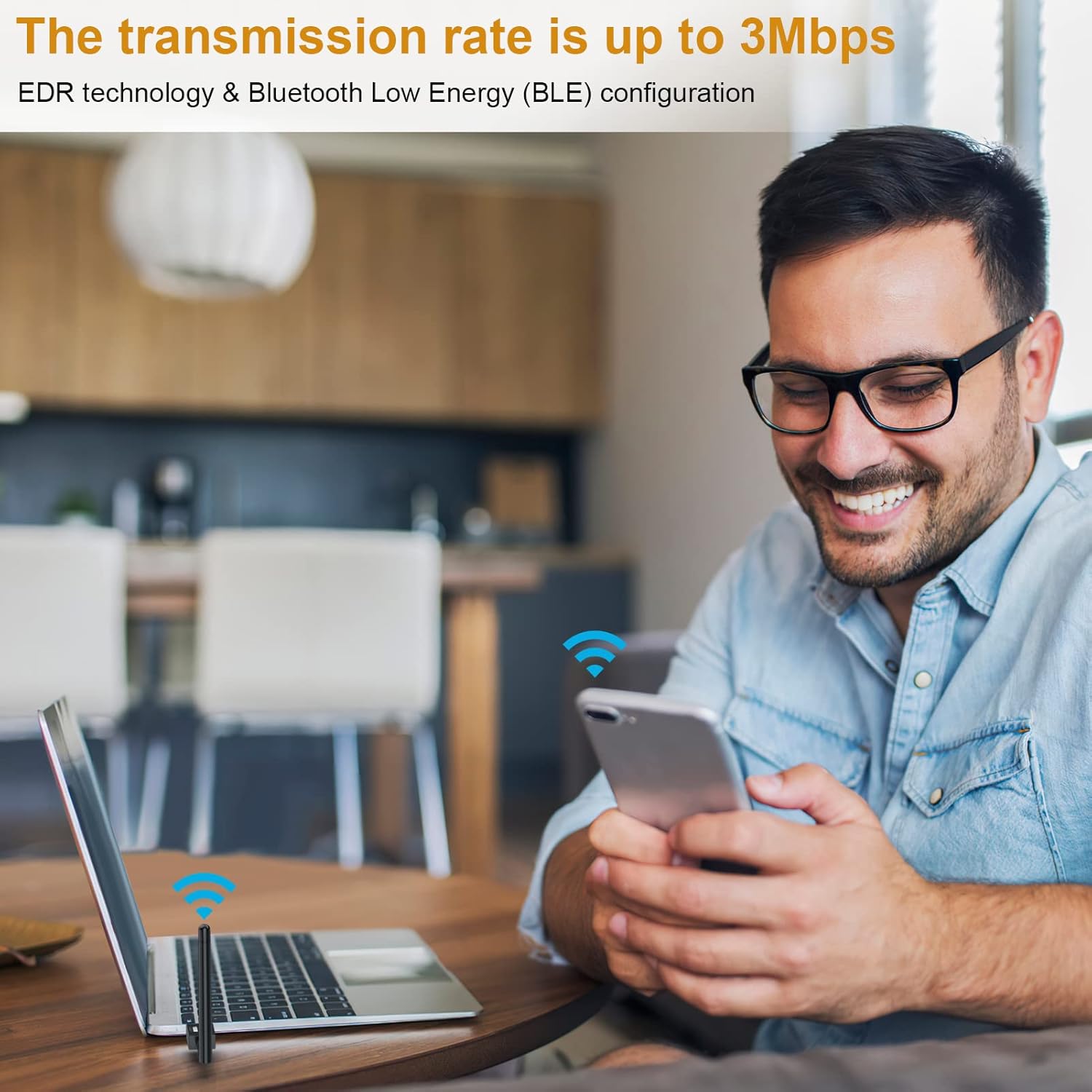
Image: A user enjoying wireless connectivity with their laptop, illustrating the high transmission rate of up to 3Mbps provided by the Bluetooth adapter.
6.3. Extended Range
Equipped with Class 1 radio technology and an extra-long antenna, the adapter offers an impressive transmission range of up to 328 feet (100 meters) in open areas. This significantly reduces the impact of distance on your Bluetooth connections.
注記: Actual transmission range may vary and can be affected by physical obstructions (walls, furniture) and wireless interference from other devices.

Image: A diagram showing the wide coverage area of the Bluetooth adapter within a multi-room environment, emphasizing its long-range capabilities.
6.4. 製品デモビデオ
Video: An official product video demonstrating the plug-and-play functionality, simultaneous device connection, and extended range of the Techkey Bluetooth 5.3 Adapter.
7. メンテナンス
The Techkey Bluetooth adapter requires minimal maintenance. Keep the adapter clean and free from dust. If the adapter feels warm during extended use, this is normal and generally not a cause for concern. Ensure the antenna is not obstructed for optimal performance.
- クリーニング: Use a soft, dry cloth to wipe the adapter. Do not use liquid cleaners.
- ストレージ: When not in use for extended periods, you may unplug the adapter and store it in a cool, dry place.
8。 トラブルシューティング
| 問題 | 考えられる原因 | 解決 |
|---|---|---|
| Adapter not recognized / Bluetooth not appearing |
|
|
| Frequent disconnections or unstable connection |
|
|
| Sound cutting out (especially with headphones) |
|
|
| Cannot connect to specific device |
|
|
9. 仕様
| 特徴 | 詳細 |
|---|---|
| ブランド | テックキー |
| モデル番号 | Black-5.3-1 |
| Bluetoothバージョン | 5.3 + EDR (拡張データレート) |
| 互換性 | Bluetooth 5.2/4.2/4.2 LE/4.0/2.1+EDR |
| 対応OS | ウィンドウズ11/10/8.1 |
| 伝送距離 | 最大328フィート/100メートル(オープンエリア) |
| データ転送速度 | 最大3Mbps |
| ハードウェアインターフェイス | ブルートゥース、USB |
| 製品寸法 | 3.74 x 0.67 x 4.29インチ |
| アイテム重量 | 1.76オンス |
| サポートされているデバイス | Bluetooth speakers, keyboards, headsets, mice, Bluetooth printers, etc. |
10. 保証とサポート
Techkey products are designed for reliability and performance. For warranty information, technical support, or any inquiries regarding your Bluetooth adapter, please refer to the contact information provided with your product packaging or visit the official Techkey support website. Please have your model number (Black-5.3-1) and purchase details ready when contacting support.
Ask a question about this manual
Ask about setup, troubleshooting, compatibility, parts, safety, or missing instructions. Manuals+ will review the question and use this page’s manual context to help answer it.