
1. はじめに
This manual provides comprehensive instructions for the Poly Voyager 5200 Bluetooth headset. It covers essential information for setup, operation, maintenance, and troubleshooting, enabling users to maximize the headset's performance and utilize its advanced features effectively.
2.製品オーバーview
The Poly Voyager 5200 is a professional-grade Bluetooth headset designed for clear communication in various environments. It features advanced noise-canceling technology and voice control capabilities, making it ideal for mobile professionals.
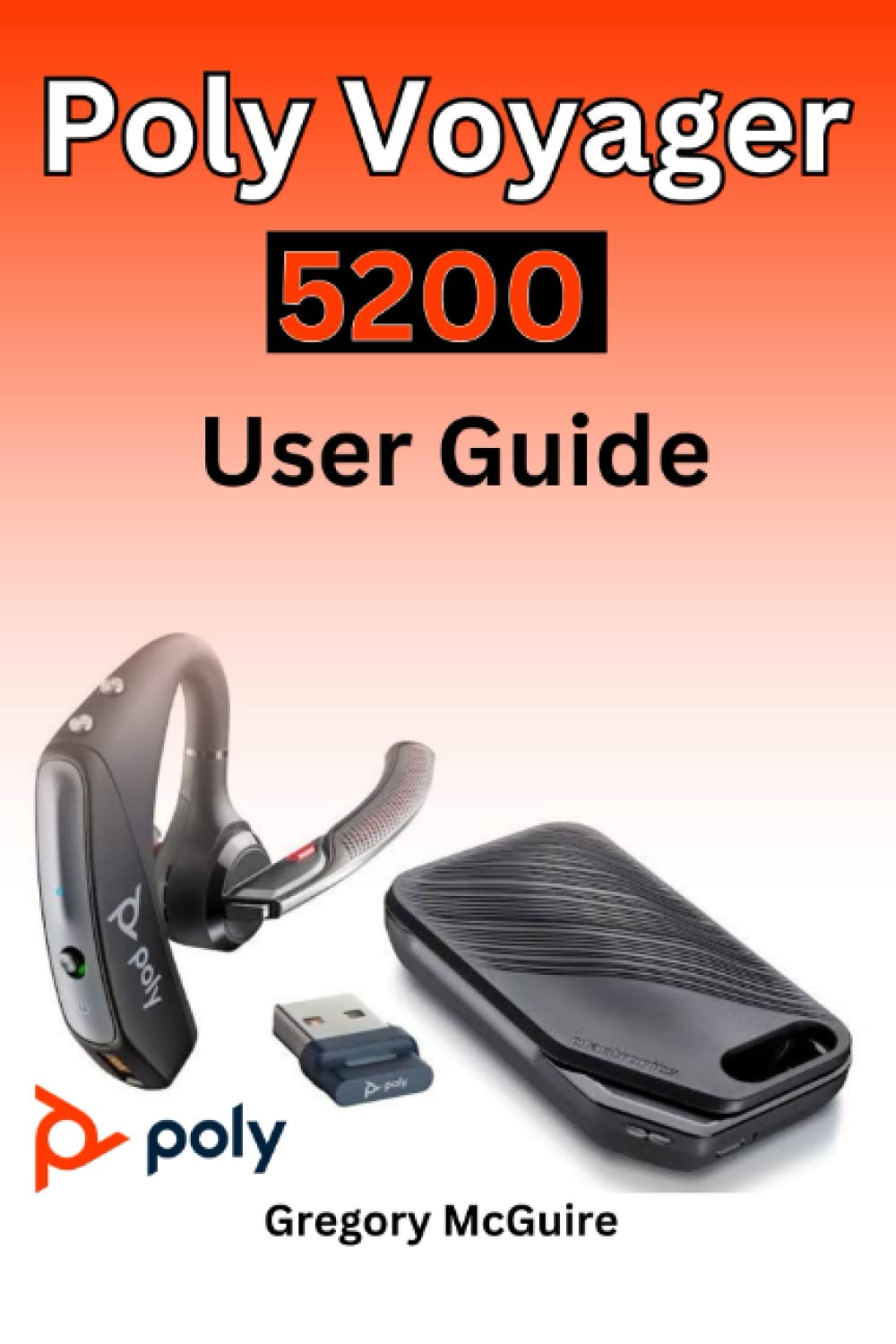
Figure 2.1: Front cover of the Poly Voyager 5200 User Guide book, featuring a red and orange gradient design with 'Copyrighted Material' text.
Figure 2.2: Back cover of the Poly Voyager 5200 User Guide book, displaying the ISBN 9798387380280 barcode and 'Copyrighted Material' text.
3. セットアップ
3.1 ヘッドセットの充電
Before first use, fully charge your Poly Voyager 5200 headset.
- 付属のUSB充電ケーブルをヘッドセットの充電ポートに接続します。
- Plug the other end of the USB cable into a USB wall charger or a powered USB port on your computer.
- The indicator light on the headset will illuminate to show charging status. It will typically turn off or change color when fully charged.
3.2 デバイスとのペアリング
To use your headset, you must pair it with your Bluetooth-enabled device (e.g., smartphone, tablet, computer).
- 電源オン: Turn on your Poly Voyager 5200 headset by pressing and holding the Power button until you hear a voice prompt or see the indicator light flash.
- ペアリングモードをアクティブにする: Press and hold the Call button on the headset until the indicator light flashes red and blue, indicating it is in pairing mode.
- Bluetoothを有効にする: デバイスで Bluetooth 設定に移動し、Bluetooth が有効になっていることを確認します。
- ヘッドセットを選択: From the list of available devices, select "Poly V5200" or "Plantronics V5200". If prompted for a passcode, enter "0000" (four zeros).
- 確認: Once successfully paired, the headset's indicator light will stop flashing red and blue, and you will hear a voice prompt confirming the connection.
4. 操作手順
4.1 基本的な制御
- 電源オン/オフ: 電源ボタンを約2秒間押し続けます。
- 通話の応答/終了: 通話ボタンを1回押します。
- 通話を拒否: 通話ボタンを約2秒間押し続けます。
- 音量コントロール: Use the Volume Up (+) or Volume Down (-) buttons located on the headset to adjust audio levels.
- ミュート/ミュート解除: 通話中にミュート ボタンを押します。
- Voice Commands/Assistant: Press the Voice button to activate your device's voice assistant (e.g., Siri, Google Assistant).
4.2 ヘッドセットの装着
For optimal comfort and sound clarity, adjust the headset as follows:
- Gently place the ear tip into your ear.
- Rotate the microphone boom until it points towards your mouth.
- Ensure the headset is secure and comfortable for extended wear.
5. メンテナンス
5.1 クリーニング
定期的にクリーニングすると、ヘッドセットのパフォーマンスと衛生状態を維持するのに役立ちます。
- Wipe the headset with a dry, soft, lint-free cloth.
- Avoid using harsh chemicals, cleaning solvents, or abrasive materials, as these can damage the headset.
- ヘッドセットを水やその他の液体に浸さないでください。
5.2 ストレージ
Proper storage extends the life of your headset.
- ヘッドセットは、直射日光や極端な温度を避け、涼しく乾燥した場所に保管してください。
- When not in use for extended periods, ensure the headset is partially charged to prevent deep discharge.
6。 トラブルシューティング
If you encounter issues with your Poly Voyager 5200 headset, refer to the following common troubleshooting steps:
- 電源なし: Ensure the headset is fully charged. Verify that the charging cable and power source are functioning correctly.
- ペアリングできません: Confirm the headset is in pairing mode (indicator flashing red and blue). Ensure Bluetooth is enabled on your device and the headset is within range. Try deleting previous pairings on your device and re-pairing.
- 音質が悪い: Check the headset's placement and ensure the microphone boom is positioned correctly towards your mouth. Move closer to your connected device to minimize interference. Ensure there are no physical obstructions between the headset and the device.
- 音が出ない: Verify that the volume levels on both the headset and your connected device are turned up. Confirm that the Poly Voyager 5200 is selected as the audio output device on your phone or computer.
- Headset Not Responding: Try resetting the headset by turning it off and then on again. If the issue persists, consult the official Poly support resources.
7. 仕様
| 特徴 | 詳細 |
|---|---|
| ASIN | B0BYR893FQ |
| 出版社 | 独立出版 |
| 発行日 | 17年2023月XNUMX日 |
| 言語 | 英語 |
| 印刷長 | 35ページ |
| 13ページ | 979-8387380280 |
| アイテム重量 | 3.68オンス |
| 寸法 | 6 x 0.08 x 9インチ |
8. 安全情報
Please read and follow these safety guidelines to ensure safe operation and prevent damage to your headset:
- Avoid exposing the headset to extreme temperatures, direct sunlight, moisture, or corrosive substances.
- Do not attempt to disassemble, modify, or repair the headset yourself. Refer all servicing to qualified personnel.
- Use only manufacturer-approved charging cables and accessories.
- ヘッドセットとその付属品は、子供やペットの手の届かないところに保管してください。
- 長時間大音量で聴くと聴覚障害を引き起こす可能性があります。適度な音量で聴いてください。
9. 保証とサポート
Specific warranty details and support contact information for the Poly Voyager 5200 headset are not provided within this manual. For warranty claims, technical support, or further assistance, please refer to the official Poly (formerly Plantronics) webサイトをご覧いただくか、カスタマー サービスに直接お問い合わせください。