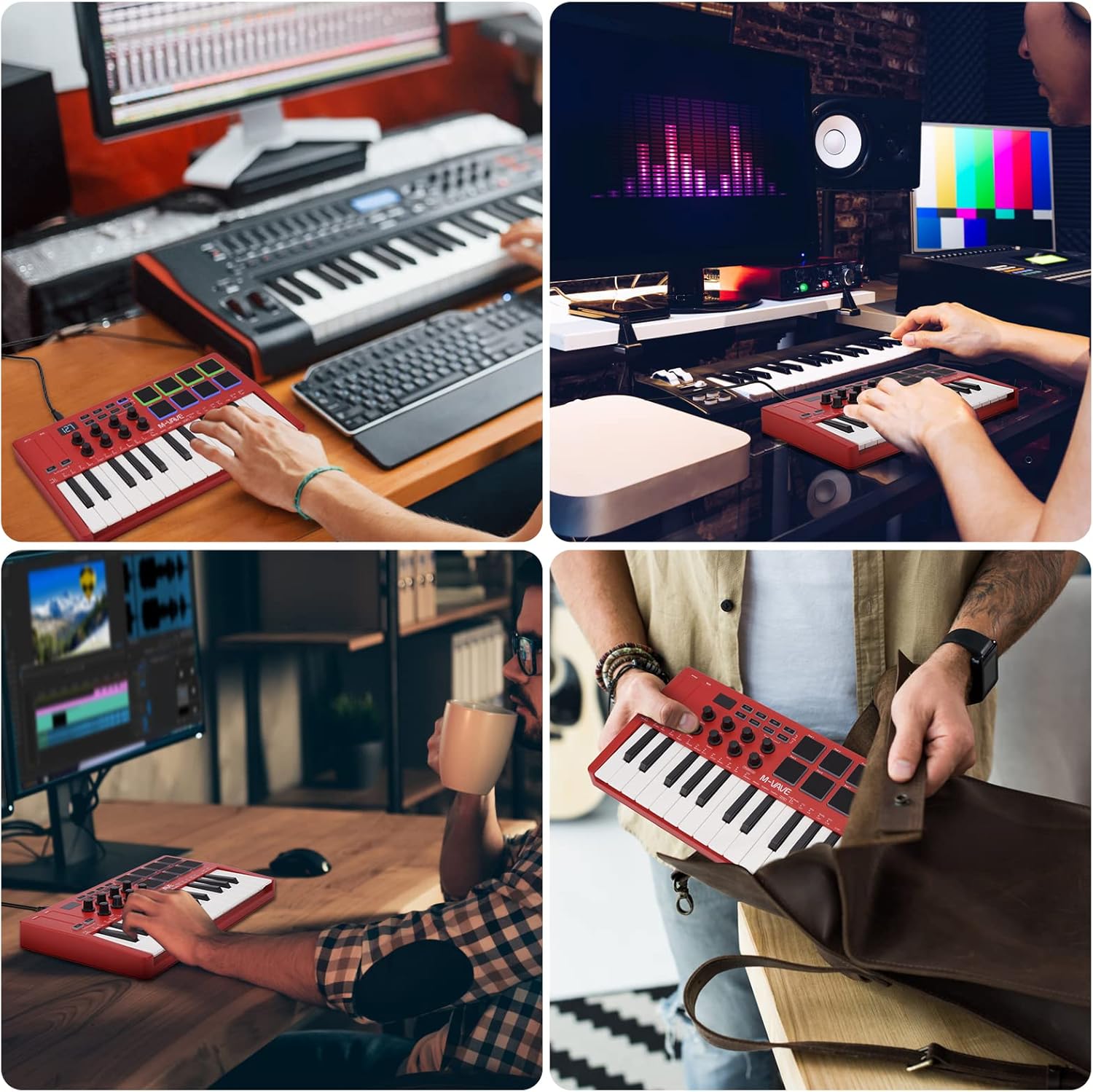
導入
The M-VAVE K5 is a versatile 25-key USB MIDI Keyboard Controller designed for music production and performance. Featuring both wired USB and wireless Bluetooth connectivity, it offers portability and flexibility for musicians on the go. This manual provides essential information for setting up, operating, and maintaining your K5 controller.
主な特徴
- 25 個のベロシティセンシティブ ミニ キー: メロディーとハーモニーの表現力豊かなコントロールを提供します。
- 8個のRGBバックライト付きベロシティセンシティブパッド: Ideal for finger drumming, triggering samples, and creating beats.
- 8 つの割り当て可能なロータリーエンコーダー: Customize control over various parameters in your music software.
- 静電容量式タッチストリップ 2 個: For dynamic pitch bend and modulation effects.
- ワイヤレスBluetooth接続: Connects wirelessly to compatible devices, offering freedom from cables.
- 内蔵 2,000 mAh バッテリー: Provides up to 16 hours of portable use.
- USB電源: Can also be powered and connected via USB.
- スマートコードとスマートサウンド機能: Facilitates quick selection and performance of chords and sounds.
- 幅広い互換性: Works with Windows, Mac OS, Android, and iOS, supporting major DAWs like Ableton Live, FL Studio, Cubase, Logic Pro X, Bitwig, Reason, Studio One, and GarageBand.
設定
デバイスの電源供給
The M-VAVE K5 can be powered in two ways:
- USB電源: Connect the controller to your computer using a USB cable. The device will draw power directly from the USB port.
- 内蔵バッテリー: The K5 features a built-in 2,000 mAh rechargeable Lithium Polymer battery, providing approximately 16 hours of operation. Use the power switch on the back of the device to turn it on/off when operating on battery power. The battery recharges via the USB connection.
デバイスへの接続
- USB接続: Connect the M-VAVE K5 to your computer (Windows or Mac OS) using a standard USB cable. The controller is class-compliant and should be recognized automatically by your operating system and DAW.
- Bluetooth MIDI 接続:
- Ensure the K5 is powered on using the switch on the back.
- Activate Bluetooth on your computer (Windows, Mac OS) or mobile device (Android, iOS).
- In your DAW or music application, navigate to the MIDI settings or Bluetooth MIDI devices.
- Select the M-VAVE K5 from the list of available Bluetooth MIDI devices to pair.
- Bluetooth MIDI offers low-latency performance, suitable for real-time playing and recording.
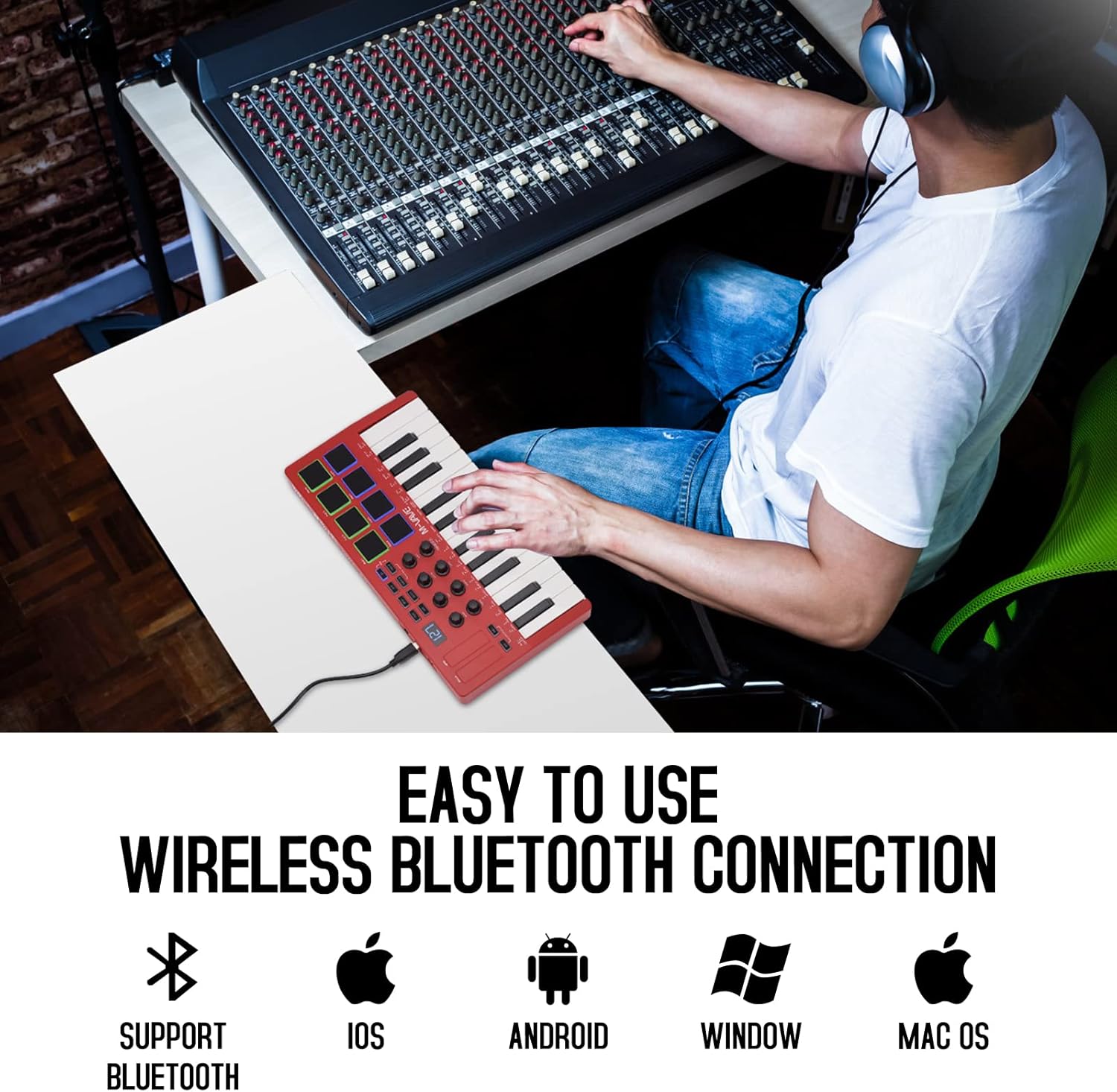
Image: The M-VAVE K5 MIDI Controller connected wirelessly to a laptop, showcasing its compatibility with various operating systems like iOS, Android, Windows, and Mac OS.
Operating the M-VAVE K5
キーとパッド
- 25 個のベロシティセンシティブ キー: Play melodies, chords, and bass lines with dynamic expression.
- 8個のRGBバックライトパッド: Use these velocity-sensitive pads for finger drumming, triggering one-shot samples, or launching clips in your DAW. The RGB backlighting provides visual feedback.

画像: 詳細な view of the M-VAVE K5 MIDI Controller's interface, highlighting its 25 velocity-sensitive keys, 8 RGB backlit pads, 8 assignable rotary encoders, and two capacitive touch strips for pitch bend and modulation.
Rotary Encoders and Touch Strips
- 8 つの割り当て可能なロータリーエンコーダー: These endless encoders can be assigned to control various parameters in your digital audio workstation (DAW) or virtual instruments, such as volume, pan, filter cutoff, or effect sends.
- ピッチベンドとモジュレーションタッチストリップ: The two capacitive touch strips allow for expressive control over pitch and modulation, enhancing your performance.
ディスプレイとナビゲーション
- The 3-digit 7-segment display provides visual feedback for parameter values, modes, and settings, aiding in navigation and control.
- Use the navigation buttons to browse through presets, adjust settings, and access various functions.
Smart Functions and Arpeggiator
- Smart Chord and Smart Sound: Quickly select and play complex chords or specific sounds, simplifying your workflow during performance or composition.
- アルペジエーター: The built-in arpeggiator allows you to create rhythmic patterns from held notes, with adjustable tempo, swing, and other parameters.

画像: 詳細な view of the M-VAVE K5's control panel, illustrating the 2000mAh battery indicator, one-key and spin play, octagon shift switch, host software control, and arpeggiator features, along with the USB port and sustain input.
DAW統合
The M-VAVE K5 is compatible with a wide range of Digital Audio Workstations (DAWs) and music production software, including:
- エイブルトンライブ
- FLスタジオ
- キューベース
- ロジックプロX
- Bitwig
- 理由
- スタジオワン
- ガレージバンド(iOS)
For optimal performance, ensure your DAW's MIDI settings are correctly configured to recognize the M-VAVE K5 as an input device.
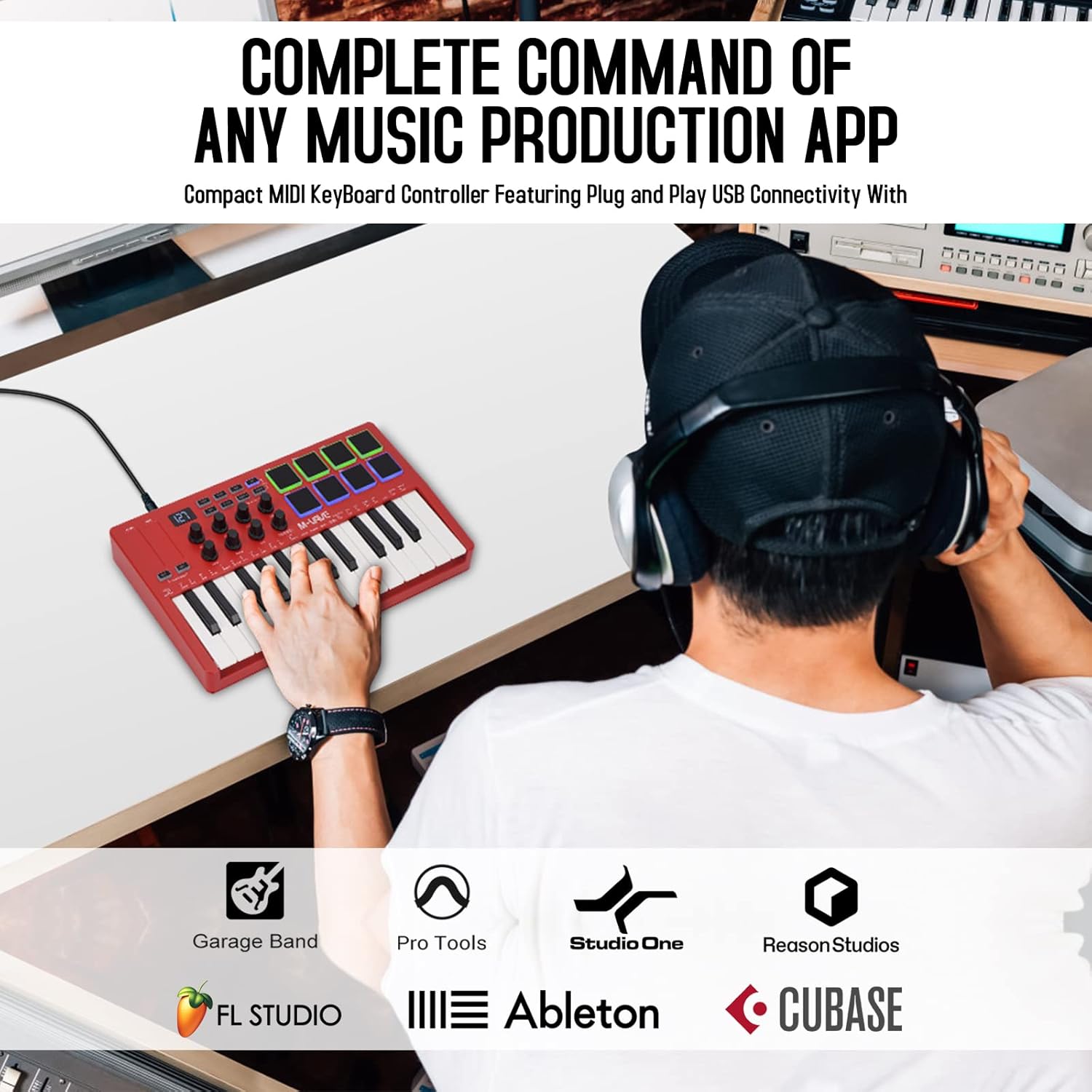
Image: The M-VAVE K5 MIDI Controller being used in a music production environment, illustrating its seamless integration with popular DAWs such as GarageBand, Pro Tools, Studio One, Reason Studios, FL Studio, Ableton, and Cubase.
メンテナンス
To ensure the longevity and optimal performance of your M-VAVE K5 controller, follow these maintenance guidelines:
- クリーニング: Use a soft, dry cloth to clean the surface of the controller. Avoid abrasive cleaners or solvents that could damage the finish or electronic components.
- ストレージ: コントローラーは、直射日光、極端な温度、高湿度を避け、涼しく乾燥した場所に保管してください。
- 取り扱い: デバイスを落としたり、強い衝撃を与えたりしないでください。コントローラーの上に重い物を置かないでください。
- バッテリーのケア: 長期間保管する場合は、バッテリーの状態を維持するために、バッテリーを部分的に(約50%)充電してください。バッテリーを長期間完全に放電することは避けてください。
トラブルシューティング
If you encounter issues with your M-VAVE K5, consider the following:
- 接続の問題:
- For USB connection, try a different USB port or cable.
- For Bluetooth, ensure the controller is powered on and within range. Check your device's Bluetooth settings and MIDI input configurations in your DAW.
- Some Windows computers may experience compatibility issues with Bluetooth MIDI; a wired USB connection is recommended if problems persist.
- キー/パッドが反応しない:
- Verify that the controller is properly connected and recognized by your DAW.
- Check your DAW's MIDI input routing and ensure the correct track is armed for recording or receiving MIDI input.
- Ensure the correct MIDI channel is selected on both the controller and your DAW.
- ソフトウェア構成: For advanced customization of pads, knobs, and buttons, M-VAVE provides companion software (e.g., "MidiSuite" or "Cube Suite"). Refer to the M-VAVE web最新のソフトウェアとドライバーのサイト。
仕様
| 特徴 | 詳細 |
|---|---|
| モデル名 | 25 Key USB MIDI Keyboard Controller |
| 商品型番 | K5 |
| キー | 25個のベロシティセンシティブミニキー |
| パッド | 8 RGB Backlit Velocity-Sensitive Pads |
| ノブ | 8つの割り当て可能なロータリーエンコーダー |
| タッチストリップ | 2 Capacitive (Pitch Bend, Modulation) |
| 接続技術 | ブルートゥース、USB |
| 対応デバイス | Android、Mac OS、Windows、iOS |
| サポートされているソフトウェア | Ableton Live、FL Studio、Cubase、Logic Pro X、Bitwig、Reason、Studio One、GarageBand(iOS) |
| 電池のタイプ | リチウムポリマー 1 個 (付属) |
| アイテム重量 | 2.29ポンド |
| 製品寸法 | 12.6 x 7 x 1.8インチ |
保証とサポート
The M-VAVE K5 comes with a 30日間返金保証 そして 1年間の保証. For technical support, software downloads, or further assistance, please visit the official M-VAVE webサイトにアクセスするか、カスタマーサービスにお問い合わせください。
製品終了view ビデオ
ビデオ: 正直な再view of the M-VAVE 25 Key USB MIDI Keyboard Controller, highlighting its features and performance from a seller's perspective.
追加の製品画像