
1.製品オーバーview
The WALI FTM-2 Full Motion TV Wall Mount is designed to securely hold most flat and curved screen televisions ranging from 32 to 70 inches. This mount offers extensive adjustability, including tilt, swivel, and extension, allowing for optimal viewing angles from various positions in a room. Constructed from reinforced cold-rolled steel, it ensures durability and stability for your television.
2. 重要な安全情報
警告: 設置前にすべての説明書をよくお読みください。説明書の内容が理解できない場合、または設置の安全性に疑問がある場合は、資格のある設置業者にご相談ください。不適切な設置は、重大な傷害や損傷を引き起こす可能性があります。
- 重量容量: 最大荷重40kg(88ポンド)を超えないでください。このマウントは、表示されている最大荷重でのみ使用するように設計されています。表示されている最大荷重を超える製品に使用すると、不安定になり、怪我をする可能性があります。
- 壁の種類: This mount is designed for installation on vertical wood studs, solid concrete walls, or brick walls. 乾式壁のみに取り付けないでください。 取り付け面が、機器と取り付けられたすべてのハードウェアの合計重量を安全に支えられることを確認してください。
- VESAの互換性: テレビのVESA取り付けパターンがサポートされている範囲(100x100mm~400x400mm)内であることを確認してください。
- ツール: Use appropriate tools for installation. Always wear safety gear, including eye protection.
- 子供たち: 設置場所に子供を近づけないでください。小さな部品が窒息する危険があります。
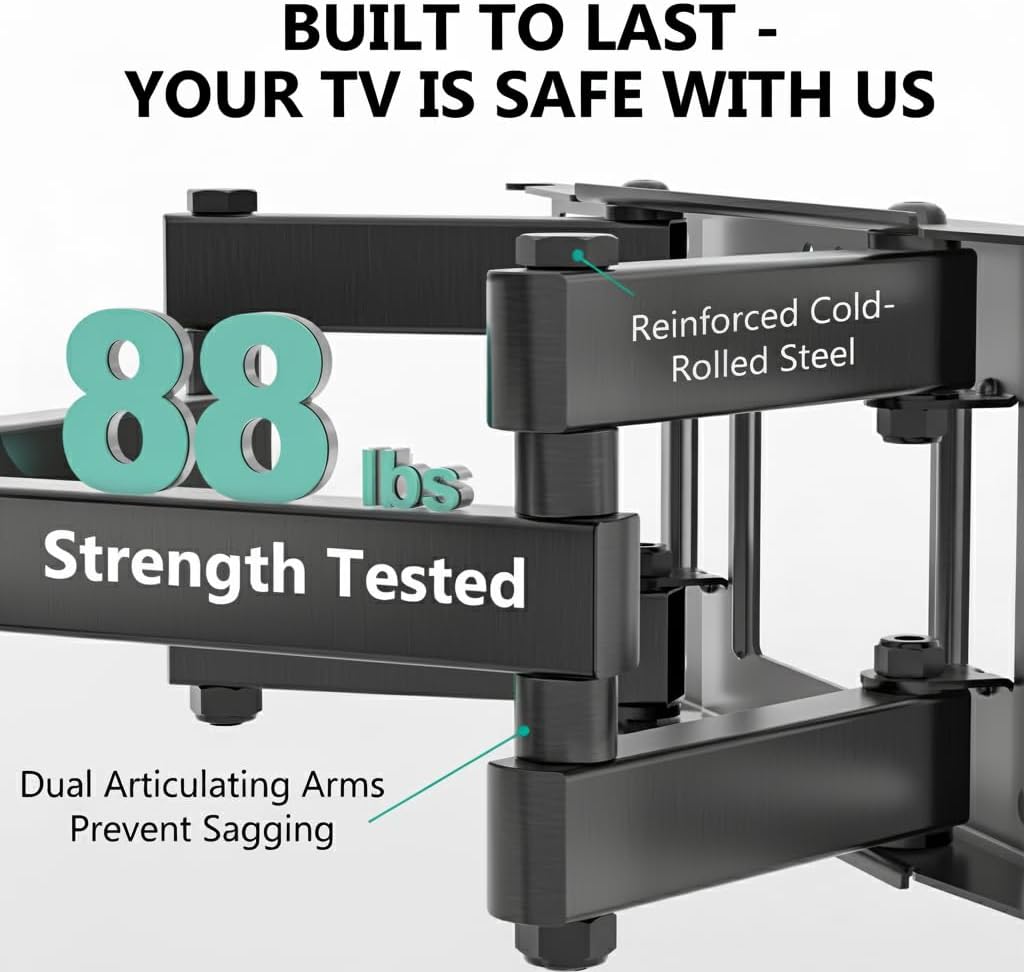
Image: The mount is constructed from reinforced cold-rolled steel, tested to support up to 88 lbs, ensuring structural integrity and safety for your television.
3. パッケージ内容
Verify that all components are present and undamaged before beginning installation. If any parts are missing or defective, contact WALI customer support.
- WALI FTM-2 TV Wall Mount (1 unit)
- 取り付けハードウェアキット(各種ネジ、ワッシャー、スペーサー、アンカー)
- ユーザーマニュアル(このドキュメント)

Image: All necessary hardware for installation is included, such as various bolts, washers, spacers, and wall anchors. A spirit level is also provided to assist with accurate mounting.
4. 互換性チェック
Before installation, confirm your television and wall meet the following requirements:
- テレビサイズ: Compatible with most 32 to 70 inch flat or curved screen TVs.
- テレビの重量: テレビの重量は 88 ポンド (40 kg) 以下である必要があります。
- VESA パターン: The mounting holes on the back of your TV must match VESA patterns from 100x100mm to 400x400mm.
- 壁の種類: Suitable for 12" or 16" wood studs, concrete walls, and brick walls. Not for drywall-only installation.
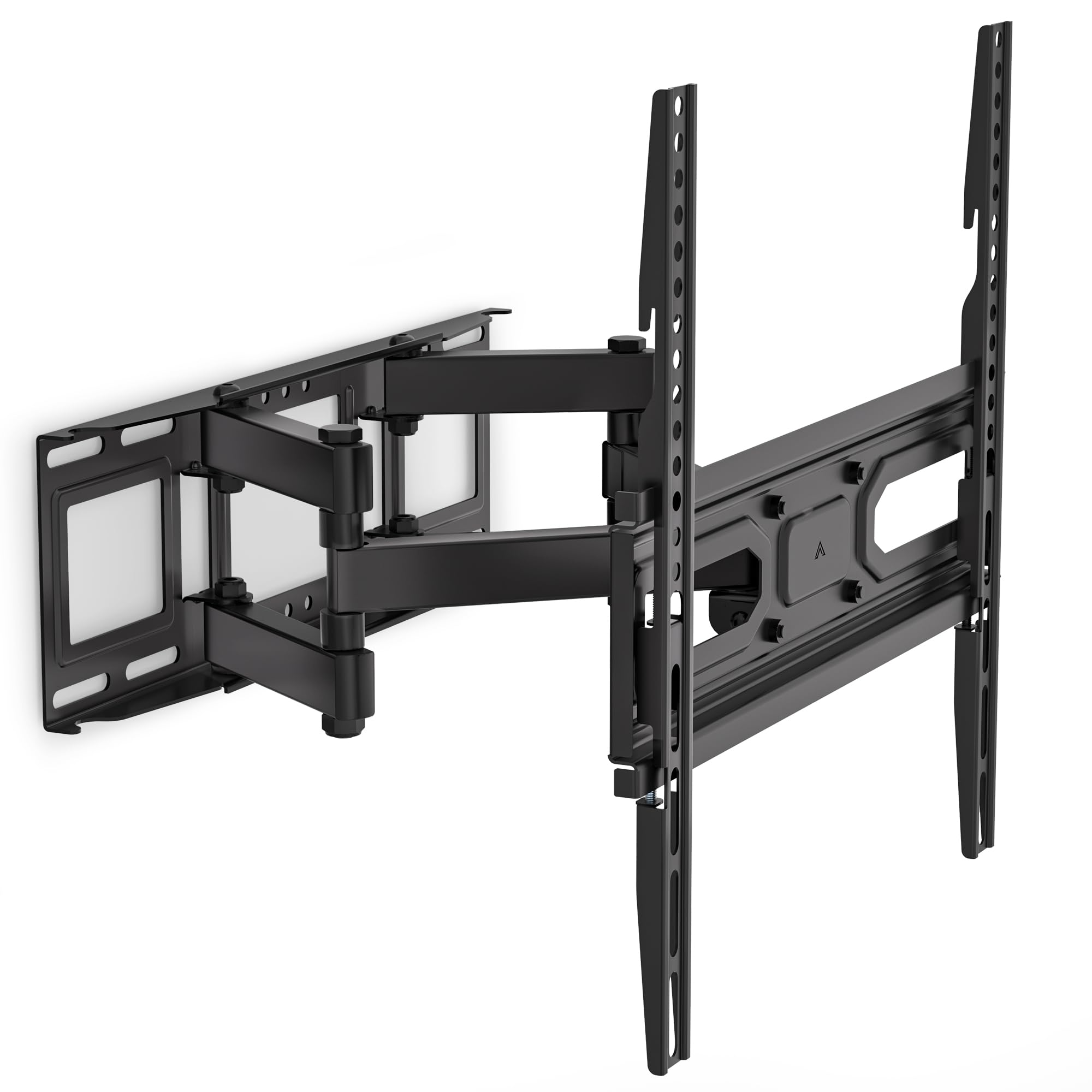
Image: This diagram outlines the four key compatibility checks: TV weight (up to 88 lbs), VESA pattern (100x100mm to 400x400mm), TV size (32-70 inches), and suitable wall types (wood studs, concrete, brick). Installation on drywall alone is not supported.
5. インストール手順
安全に設置するために、以下の手順を慎重に実行してください。設置は2人で行うことを推奨します。
ステップ1:ブラケットを壁に取り付ける
- 壁の希望する取り付け位置を見つけます。必要に応じて、スタッドファインダーを使用して木製のスタッドの位置を確認します。
- Mark the drill holes for the wall plate. Ensure the marks are level using a spirit level.
- Drill pilot holes at the marked locations. For wood studs, use a 5/32 inch (4mm) drill bit. For concrete/brick walls, use a 3/8 inch (10mm) drill bit and insert wall anchors.
- 適切なラグボルトとワッシャーを使用して、壁プレートを壁に取り付けます。しっかりと締め付けます。
Step 2: Attach Plate to TV
- 傷がつかないように、テレビの表面を下にして、柔らかくて清潔な場所に置いてください。
- テレビの背面にある VESA 取り付け穴を確認します。
- ハードウェア キットから、テレビの取り付け穴に適合する適切なネジ、ワッシャー、スペーサーを選択します。
- Attach the TV brackets to the back of your TV. Ensure they are securely fastened but do not overtighten.
Step 3: Hang TV on Bracket
- 補助を受けながら、テレビを慎重に持ち上げ、テレビブラケットを壁プレートに引っ掛けます。
- テレビが中央に配置され、水平になっていることを確認します。
- 付属の安全ネジまたはロック機構を使用して、テレビを壁プレートに固定します。
6. Adjustments (Operating)
The WALI FTM-2 mount offers flexible adjustments to achieve your desired view角度。
- The TV can be tilted +3° upwards and -15° downwards. Loosen the tilt adjustment knobs on the TV brackets, adjust to the desired angle, and then re-tighten the knobs.
- スイベル: The mount allows for a ±60° swivel (left and right) depending on TV size and wall distance. Gently push or pull the TV to the desired swivel angle.
- レベル調整: After installation, if the TV is slightly unlevel, you can adjust it by ±3°. Loosen the leveling screws, adjust the TV, and re-tighten.
- 伸長/収縮: The mount extends from 2.6 inches (6.6 cm) to 14 inches (35.6 cm) from the wall. Gently pull the TV forward or push it back to adjust the distance.

Image: This diagram shows the full range of motion: 15 degrees of tilt, 60 degrees of swivel, extension up to 14 inches from the wall, and 4 degrees of leveling adjustment for a perfect viewing の経験。
7. メンテナンス
定期的なメンテナンスにより、テレビ壁掛け金具の寿命が長くなり、安全に動作することが保証されます。
- 定期点検: Periodically check that all screws and connections are tight and secure. Re-tighten if necessary.
- クリーニング: マウント部分は柔らかく乾いた布で拭いてください。研磨剤入りの洗剤や溶剤は、仕上げを傷める可能性があるため、使用しないでください。
- 可動部品: The articulating arms are designed for smooth movement. No lubrication is typically required. If movement becomes stiff, check for obstructions or loose components.
8。 トラブルシューティング
インストール中またはインストール後に問題が発生した場合は、次の一般的な問題と解決策を参照してください。
- テレビが水平ではありません: Use the leveling adjustment feature (refer to Section 6) to correct the angle. Ensure the wall plate was installed level initially.
- マウントが不安定に感じる: Double-check all wall and TV attachment screws to ensure they are securely tightened. Verify that the wall type is appropriate and that the TV weight does not exceed the mount's capacity.
- テレビがマウントに適合しない: Re-check your TV's VESA pattern against the mount's specifications (refer to Section 4). Ensure you are using the correct screws and spacers for your TV model.
- Difficulty moving the arms: Ensure no cables are snagged or obstructing movement. Check for any overtightened bolts that might restrict articulation.
If problems persist, contact WALI customer support for assistance.
9. 仕様
| モデル番号 | FTM-2 |
| TVサイズの互換性 | 32~70インチ |
| 重量容量 | 88ポンド(40kg) |
| VESA互換性 | 100x100mmから400x400mm |
| 傾斜角度 | +3° / -15° |
| スイベル角度 | ±60° |
| レベリング調整 | ±3° |
| 壁からの延長 | 2.6インチ(6.6cm)~14インチ(35.6cm) |
| 材料 | 強化冷間圧延鋼 |
| 色 | 黒 |
10. 保証と顧客サポート
WALI products are designed for quality and reliability. For warranty information or technical assistance, please contact WALI customer support.
WALI is committed to providing dedicated product support and aims to respond to inquiries within 12 hours.
- 接触: Refer to the WALI official web最新の連絡先情報については、サイトまたは製品パッケージをご覧ください。
- 購入証明: 保証請求のために購入証明書を保管してください。


