
CDN DTTC-W
CDN デジタルプローブ調理用温度計 DTTC-W ユーザーマニュアル
Model: DTTC-W
導入
The CDN Digital Probe Cooking, Cooling Thermometer, Smoker Oven Grill Candy Deep Frying, Multifunctional Thermometer/Timer/Clock (Model DTTC-W) is a versatile tool designed to assist in precise temperature monitoring for various cooking and cooling applications. This manual provides detailed instructions for setup, operation, maintenance, and troubleshooting to ensure optimal performance and longevity of your device.
安全情報
- Always handle the stainless steel probe with care as it can become very hot during use. Use oven mitts or heat-resistant gloves when removing the probe from hot food or ovens.
- Do not immerse the main thermometer unit in water or any other liquid. The unit is not waterproof. Clean only the probe and cable.
- Ensure the probe cable is not pinched or damaged by oven doors or grill grates, as this can affect accuracy and damage the cable.
- デバイスを子供の手の届かない場所に保管してください。
- 温度計を電子レンジで使用しないでください。
- Only use the specified battery type (1 AAA).
コンポーネント
Your CDN DTTC-W package includes the following components:
- Digital Thermometer/Timer/Clock Unit
- Stainless Steel Probe with High-Heat Sensor Cable
- ポットクリップ
- 単1電池XNUMX本(付属)

Image: The CDN Digital Probe Thermometer DTTC-W unit, showing the main display, control buttons, the stainless steel probe, and the pot clip.
設定
- バッテリーの取り付け:
Locate the battery compartment on the back of the main unit. Open the compartment cover and insert one AAA battery, ensuring correct polarity (+/-). Close the cover securely.
- プローブ接続:
Insert the plug of the stainless steel probe cable into the jack located on the side of the main unit. Ensure it is fully inserted for proper connection.

画像: クローズアップ view of the stainless steel probe and its high-heat sensor cable, ready for connection to the main unit.
- ユニットの配置:
The DTTC-W offers two mounting options:
- 磁気バック: The unit has magnetic strips on its back, allowing it to be securely attached to metal surfaces like a refrigerator door or oven exterior.
- 折りたたみ式スタンド: A hinge allows the unit to sit upright on a countertop or stovetop for easy viewing。
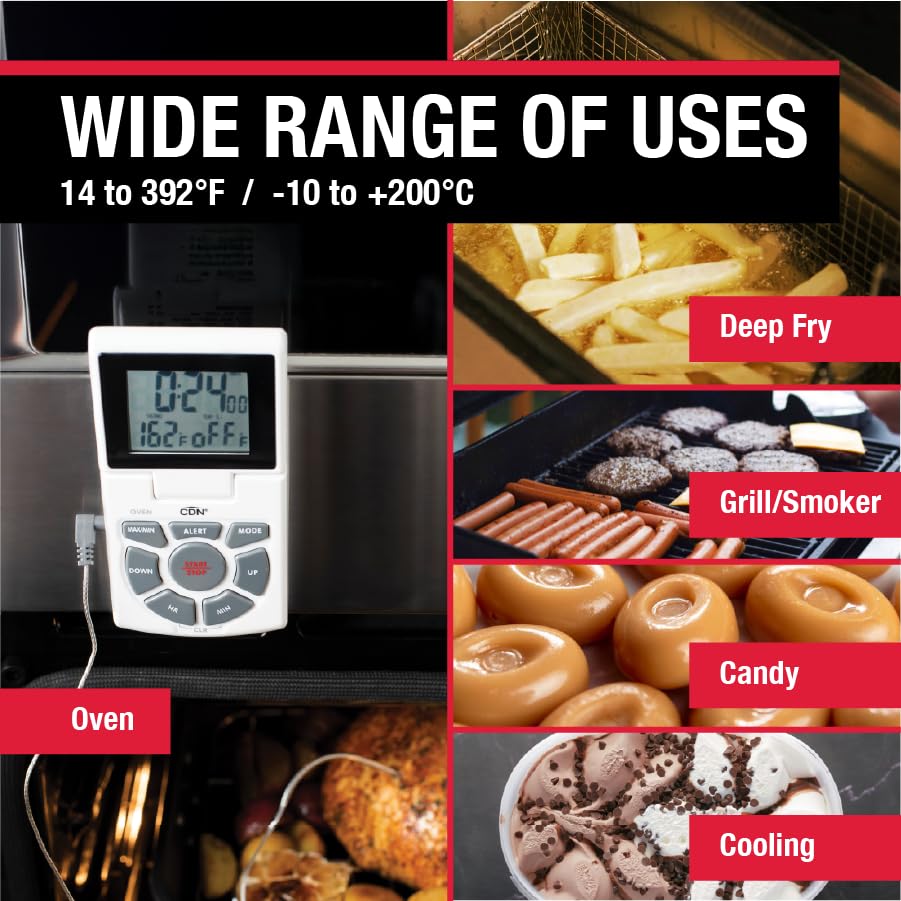
Image: The thermometer unit attached to an oven door via its magnetic back, demonstrating the magnetic mounting option.
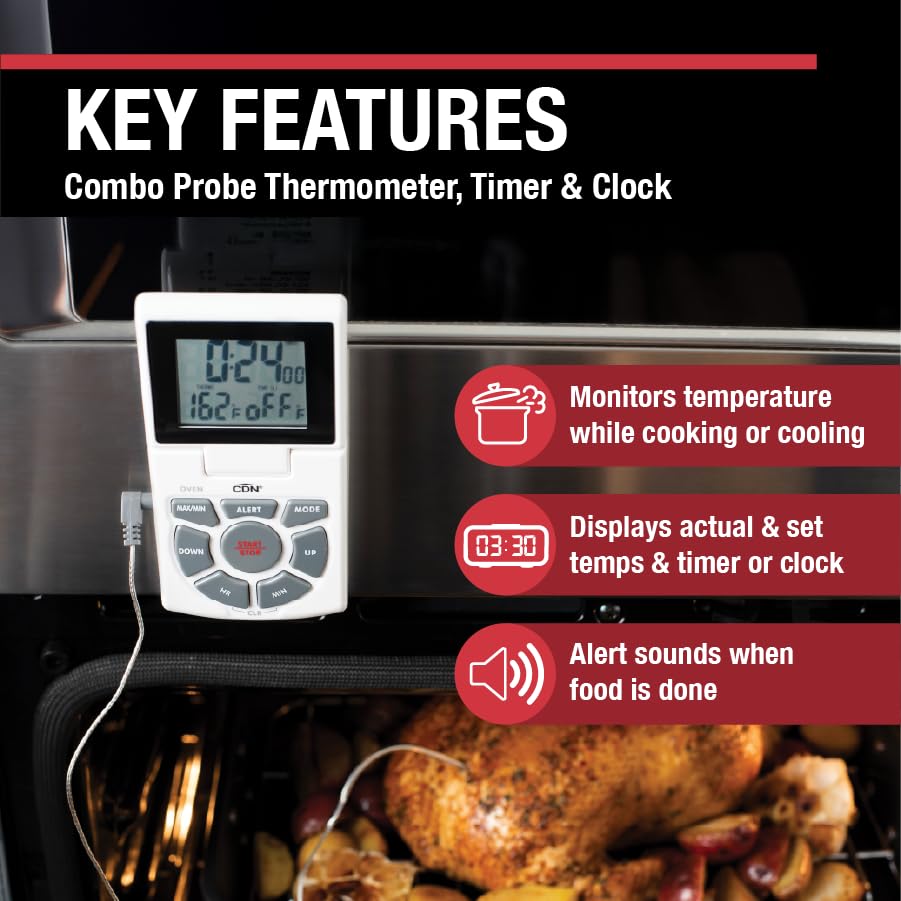
Image: The thermometer unit standing upright on a countertop using its integrated fold-out stand.
操作手順
The DTTC-W features a clear LED screen displaying time, current food temperature, and set temperature. Buttons are clearly marked for ease of use.
動作モード:
を押す モード button to cycle through the three main modes: Thermometer, Timer, and Clock.
1. Thermometer Mode:
- 温度測定: Insert the stainless steel probe into the thickest part of the food, avoiding bone or gristle. The current internal temperature will be displayed on the screen.
- Setting Temperature Alert:
- を押す 警告 button. The set temperature will flash.
- 使用 UP そして 下 希望する目標温度を調整するためのボタン。
- プレス 警告 もう一度押して設定を確認します。
- When the food reaches the set temperature, an alarm will sound. Press any button to silence the alarm.
- 華氏/摂氏選択: Use the switch on the back of the unit to toggle between Fahrenheit (°F) and Celsius (°C) temperature scales.
- Using the Pot Clip: For deep frying or candy making, attach the pot clip to the side of your saucepan. Insert the probe through the clip, ensuring the probe tip is submerged in the liquid but not touching the bottom of the pan.
Image: The pot clip securely attached to the rim of a saucepan, holding the probe in place for accurate temperature monitoring during cooking.
2. タイマーモード:
- カウントダウンタイマーの設定:
- を押す HR そして 分 ボタンを押して希望のカウントダウン時間を設定します。
- プレス スタート/ストップ カウントダウンを開始します。
- 一時停止するには、 を押します スタート/ストップ もう一度押すと再開します。
- タイマーをクリアするには、 を押します。 CLRL.
- An alarm will sound when the timer reaches zero. Press any button to silence.
- カウントアップタイマー:
From Timer mode, ensure the timer is set to 0:00. Press スタート/ストップ to begin counting up. Press スタート/ストップ 一時停止/再開、そして CLRL リセットします。
3. Clock Mode:
- 時計の設定:
- 時計モードでは、 モード 時間の数字が点滅するまでボタンを押します。
- 使用 HR そして 分 buttons to set the hour and minute respectively.
- プレス モード 各設定を確認します。
- The clock displays 12-hour or 24-hour time.

Image: The thermometer probe accurately measuring the internal temperature of a chicken roasting inside an oven.

Image: The thermometer probe inserted into chicken breasts cooking on a grill, demonstrating its use for outdoor cooking.
メンテナンス
- クリーニング:
The stainless steel probe and cable can be cleaned with a damp cloth and mild detergent. Rinse thoroughly and dry immediately. The main unit should be wiped clean with a damp cloth only. Do not immerse the main unit in water.

Image: The thermometer unit and probe resting on a wooden cutting board, illustrating the ease of access for cleaning after use.
- バッテリー交換: Replace the AAA battery when the display dims or the unit stops functioning correctly.
- ストレージ: Store the thermometer in a clean, dry place when not in use. Avoid extreme temperatures or direct sunlight.
トラブルシューティング
| 問題 | 考えられる原因 | 解決 |
|---|---|---|
| 何も表示されないか、表示が暗い。 | バッテリーが切れているか、正しく取り付けられていません。 | 正しい極性を確認して、単4電池を交換してください。 |
| 温度の測定値が不正確です。 | Probe not fully inserted, damaged probe/cable, or probe tip touching bone/pan. | Ensure probe is fully inserted. Check cable for damage. Reposition probe to avoid bone/pan. If issues persist, the probe may need replacement. |
| アラームが鳴らない。 | Alarm volume too low (if adjustable, though this model doesn't specify), or alarm setting incorrect. | Verify alarm temperature is set correctly. Ensure the unit is not in a location where the sound is muffled. |
| Unit resets or freezes. | 電池残量が少ないか、内部に故障があります。 | バッテリーを交換してください。問題が解決しない場合は、カスタマーサポートにお問い合わせください。 |
仕様
- 測定範囲: 14 to 392°F / -10 to +200°C
- タイマー範囲: Up to 24 hours by hr/min
- プローブの長さ: 5.5インチ(14.0 cm)
- センサーケーブルの長さ: 3フィート(91.4cm)
- Sensor Cable Heat Resistance: 最高600°F / 315°C
- 電源: 1 x 1.5V AAA IEC LR03 Alkaline Battery (included)
- 表示タイプ: デジタルLCD
- 取り付けオプション: Magnetic back, Fold-out stand
- 材料: Stainless Steel probe, Plastic unit casing
- 製品寸法: 10.5 x 6 x 1.3 inches; 4 ounces (approximate)
保証
The CDN Digital Probe Cooking Thermometer (DTTC-W) is covered by a two-year warranty against defects in materials and workmanship from the date of purchase. This warranty does not cover damage resulting from misuse, abuse, accident, or unauthorized alteration or repair. Please retain your proof of purchase for warranty claims.
サポート
For technical assistance, warranty claims, or general inquiries, please contact CDN Customer Service. Refer to the official CDN web最新の連絡先情報については、サイトをご覧ください。
Webサイト: www.cdn-timeandtemp.com
Ask a question about this manual
Ask about setup, troubleshooting, compatibility, parts, safety, or missing instructions. Manuals+ will review the question and use this page’s manual context to help answer it.