
1. はじめに
The Audio Array AI-04 is a professional 2x2 USB audio interface designed for high-fidelity recording and playback. It features premium mic pre-amps, 48V phantom power support, and 24-bit/192kHz audio resolution, making it suitable for various audio production needs. This manual provides essential information for setting up, operating, and maintaining your AI-04 audio interface.
2. パッケージ内容
始める前に、箱の中にすべてのアイテムが揃っていることを確認してください。
- 1 x Audio Array AI-04 Audio Interface
- 1 x USB 2.0 B-Male to A-Male Cable
- 1 x USB 2.0 A-Male to Type-C adapter
- 1 x Type-C to USB A-Male Cable
- ユーザーマニュアル (本書) x 1
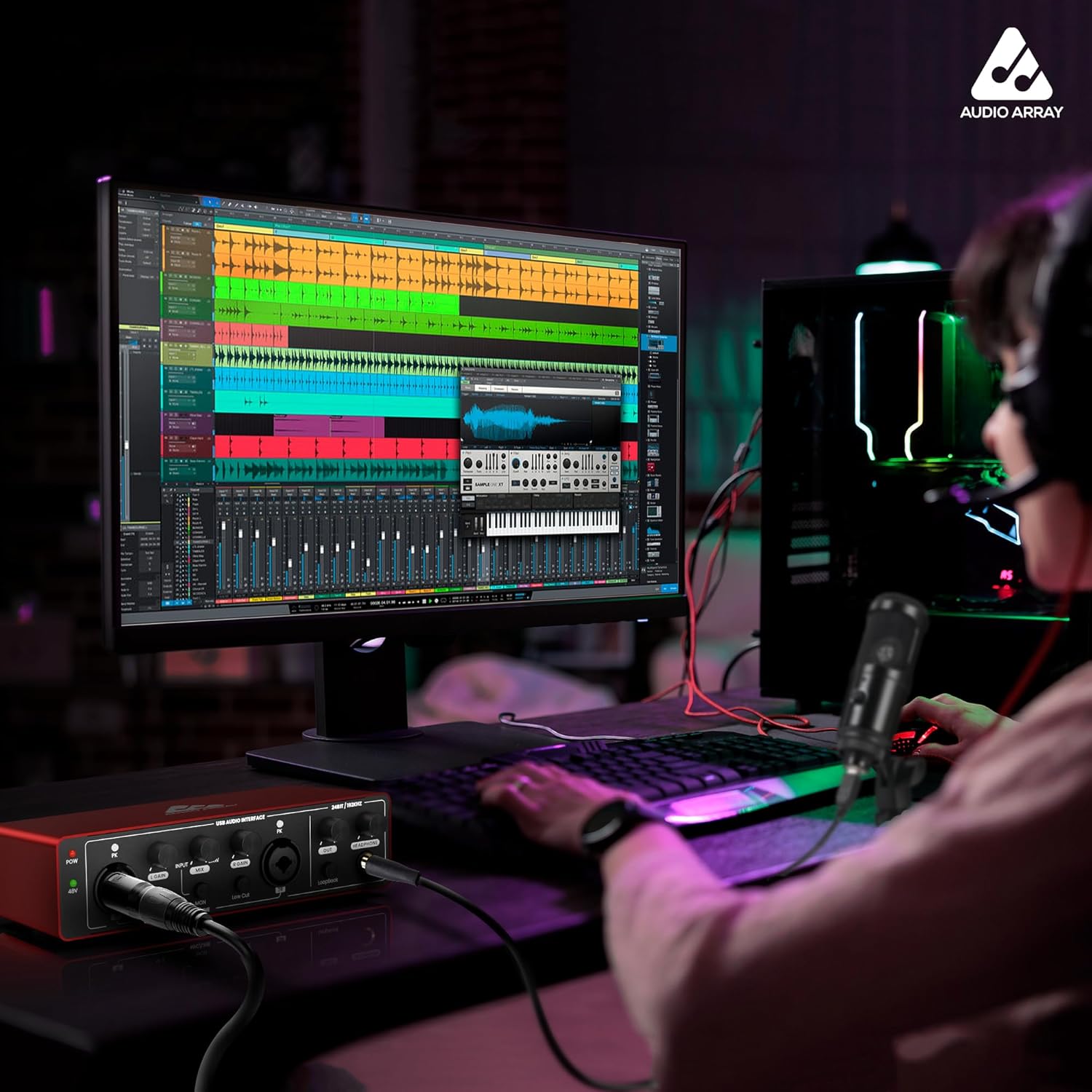
Image: Contents of the Audio Array AI-04 package, showing the red audio interface, various USB cables, and the user manual.
3. セットアップ
3.1 コンピュータへの接続
The Audio Array AI-04 is a plug-and-play device, requiring no additional drivers for most operating systems. It is compatible with Mac OS and Windows XP+.
- Connect the AI-04 to your computer using the provided USB cable. Use the appropriate adapter (USB-A to USB-C) if your computer only has USB-C ports.
- The device will be automatically recognized by your operating system.
3.1.1 Connecting with Windows
- From your Windows taskbar, right-click the Sound Icon and open Sound Settings.
- Choose your output device: 'Headphones (HD USB Audio Device)'.
- Choose your input device: 'Microphone (HD USB Audio Device)'.

Image: Visual guide for configuring the Audio Array AI-04 as the input and output device in Windows Sound Settings.
3.1.2 Connecting with Mac
- On your Mac, choose Apple menu > System Preferences, then select Sound.
- Click Input, then select the 'Microphone (HD USB AUDIO DEVICE)' in the list of sound input devices.
- Click Output, then select the 'Headphones (HD USB AUDIO DEVICE)' in the list of sound output devices.

Image: Visual guide for configuring the Audio Array AI-04 as the input and output device in Mac Sound Preferences.
3.2 マイクと楽器の接続
The AI-04 features versatile input options:
- XLR/MIC/LINE Inputs: Two combo inputs (1L and 2R) support XLR microphones, 1/4" TRS/TS line-level instruments, or Hi-Z instruments.
- 48Vファンタム電源: Activate the 48V phantom power switch for condenser microphones. Ensure phantom power is off when connecting dynamic microphones or line-level instruments.

画像: 前面と背面 views of the Audio Array AI-04, highlighting XLR/MIC/LINE inputs, headphone output, and TRS/TS stereo jacks.
3.3 出力デバイスの接続
Connect your monitors, PA system, or other playback devices to the independent TRS/TS stereo jacks (1L and 2R) on the rear panel. For private listening, use the dedicated headphone output on the front panel.

Image: Rear panel of the Audio Array AI-04, detailing power input, 48V phantom power switch, and output jacks.
4. Operating the AI-04
4.1コントロールとインジケーター
The AI-04 features intuitive controls for managing your audio:
- ゲインノブ: Separate gain controls for each input channel (1L and 2R) allow you to adjust the input level.
- Signal & Overload Indicators: LED indicators (PK) next to each gain knob show signal presence and clipping (overload). Adjust gain to avoid clipping.
- Input/DAW Mix Knob: Adjusts the balance between direct input monitoring and playback from your Digital Audio Workstation (DAW).
- ローカットスイッチ: ローカット フィルターを有効にして、不要な低周波ノイズを低減します。
- Hi-Zスイッチ: Activates high impedance mode for direct connection of guitars and other instruments.
- ループバックスイッチ: Enables the loopback function, allowing you to record computer audio along with your microphone/instrument inputs.
- 出力ボリュームノブ: Controls the overall output volume to your monitors/speakers.
- ヘッドホンボリュームノブ: ヘッドフォン出力の音量を制御します。

画像: 詳細 view of the Audio Array AI-04 front panel, illustrating the function of each knob and switch.
4.2 録音と再生
The AI-04 provides 24-bit/192kHz high-fidelity recording. Use with popular recording software like Pro Tools, Ableton, Cubase, etc. Low-noise balanced outputs ensure clear audio playback. The headphone output allows for high-fidelity private listening.
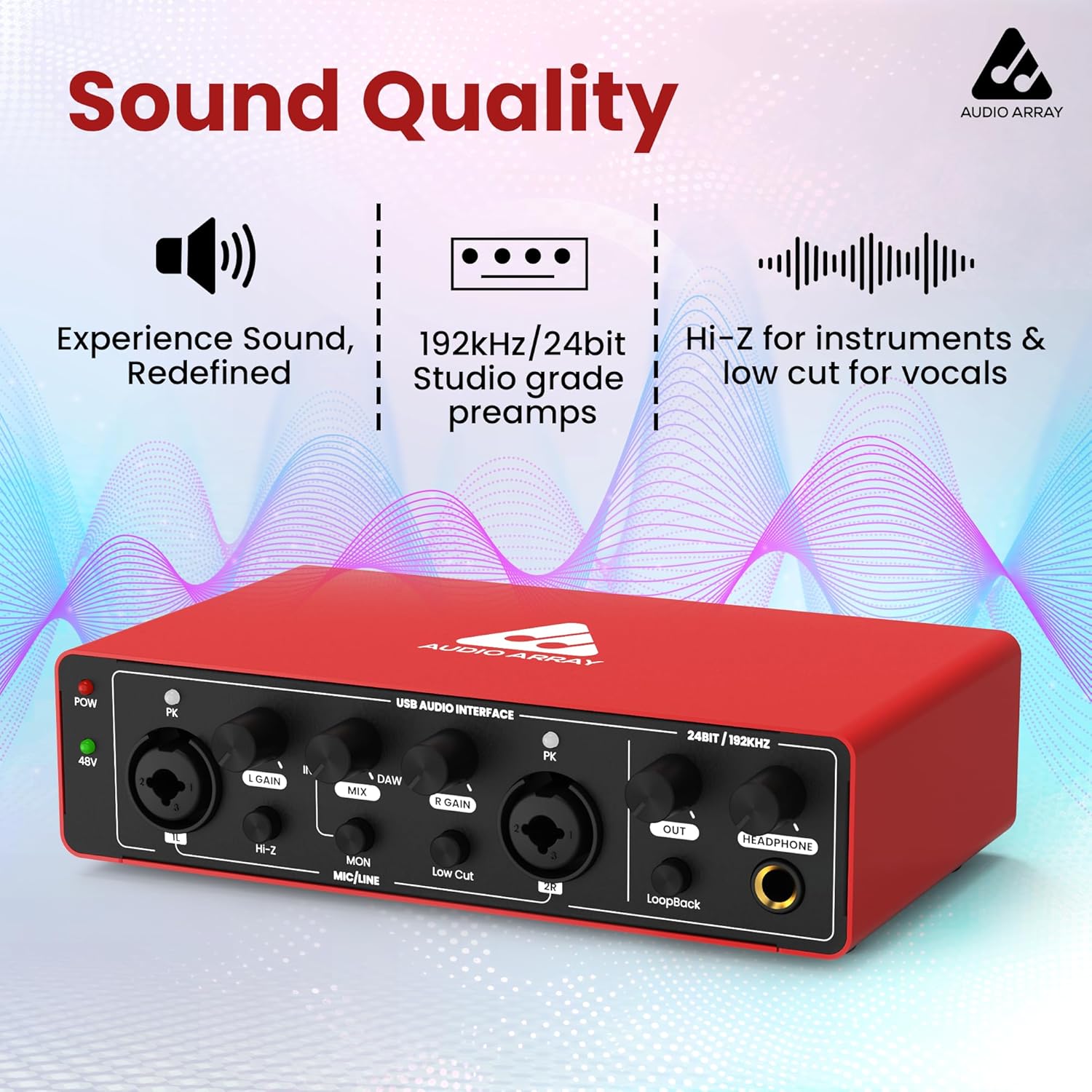
画像: 正面 view of the Audio Array AI-04, emphasizing its sound quality features like studio-grade preamps and high-resolution audio.
4.3 公式製品ビデオ
Watch this official video for a visual guide on the Audio Array AI-04's features and usage:
Video: Official product video for the Audio Array AI-04, demonstrating its key features and applications.
5. メンテナンス
To ensure the longevity and optimal performance of your Audio Array AI-04, follow these maintenance guidelines:
- 柔らかく乾いた布で拭いて、デバイスを清潔に保ちましょう。刺激の強い化学薬品や研磨剤の使用は避けてください。
- インターフェースをほこり、湿気、極端な温度から保護します。
- ユニットの上に重い物を置かないでください。
- デバイスを長期間使用しない場合は、すべてのケーブルを外してください。
6。 トラブルシューティング
If you encounter issues with your Audio Array AI-04, try the following steps:
- 電源なし: Ensure the USB cable is securely connected to both the interface and your computer. If using a separate power source (for smartphone use), ensure it is properly connected and functional.
- サウンド入出力なし:
- Verify all cables (microphone, instrument, output, headphone) are securely connected.
- Check the gain knobs for each input and the master output/headphone volume.
- Confirm the correct input/output device is selected in your computer's sound settings (refer to Section 3.1).
- コンデンサー マイクを使用する場合は、48V ファンタム電源が有効になっていることを確認してください。
- 歪んだオーディオ:
- Reduce the input gain to prevent clipping (indicated by the PK LED).
- Check the audio levels in your recording software.
- レイテンシーの問題: Ensure your DAW's buffer size is set appropriately for low-latency monitoring.
問題が解決しない場合は、カスタマー サポートにお問い合わせください。
7. 仕様
| 特徴 | 詳細 |
|---|---|
| モデル番号 | AI-04 |
| オーディオ解像度 | 24ビット/ 192kHz |
| 入力 | 2 x コンボ XLR/MIC/LINE 入力 |
| 出力 | 2 x TRS/TS Stereo Jacks, 1 x Headphone Output |
| ファントムパワー | 48V switchable |
| 接続性 | USB 2.0 (Type-B), USB Type-C (for power) |
| 互換性 | Mac OS, Windows XP+ |
| アイテム重量 | 1.15ポンド |
| 製品寸法 | 5.71 x 10.55 x 2.64インチ |
8. 保証とサポート
The Audio Array AI-04 is covered under a 3年間保証. If you have any questions or require assistance, please feel free to contact us. Refer to the contact information provided with your product packaging or visit the official Audio Array webサポートサイト。