
導入
This manual provides instructions for the installation, operation, and maintenance of your ANNKE 32-Channel Home Security Camera System. This system includes a 12MP 32-channel Network Video Recorder (NVR) with a pre-installed 6TB Hard Disk Drive (HDD) and 20 wired 5MP Power over Ethernet (PoE) IP cameras. The system is designed for comprehensive surveillance with features such as color night vision, AI motion detection, and facial detection capabilities.
For optimal performance and safety, please read this manual thoroughly before using the product and retain it for future reference.
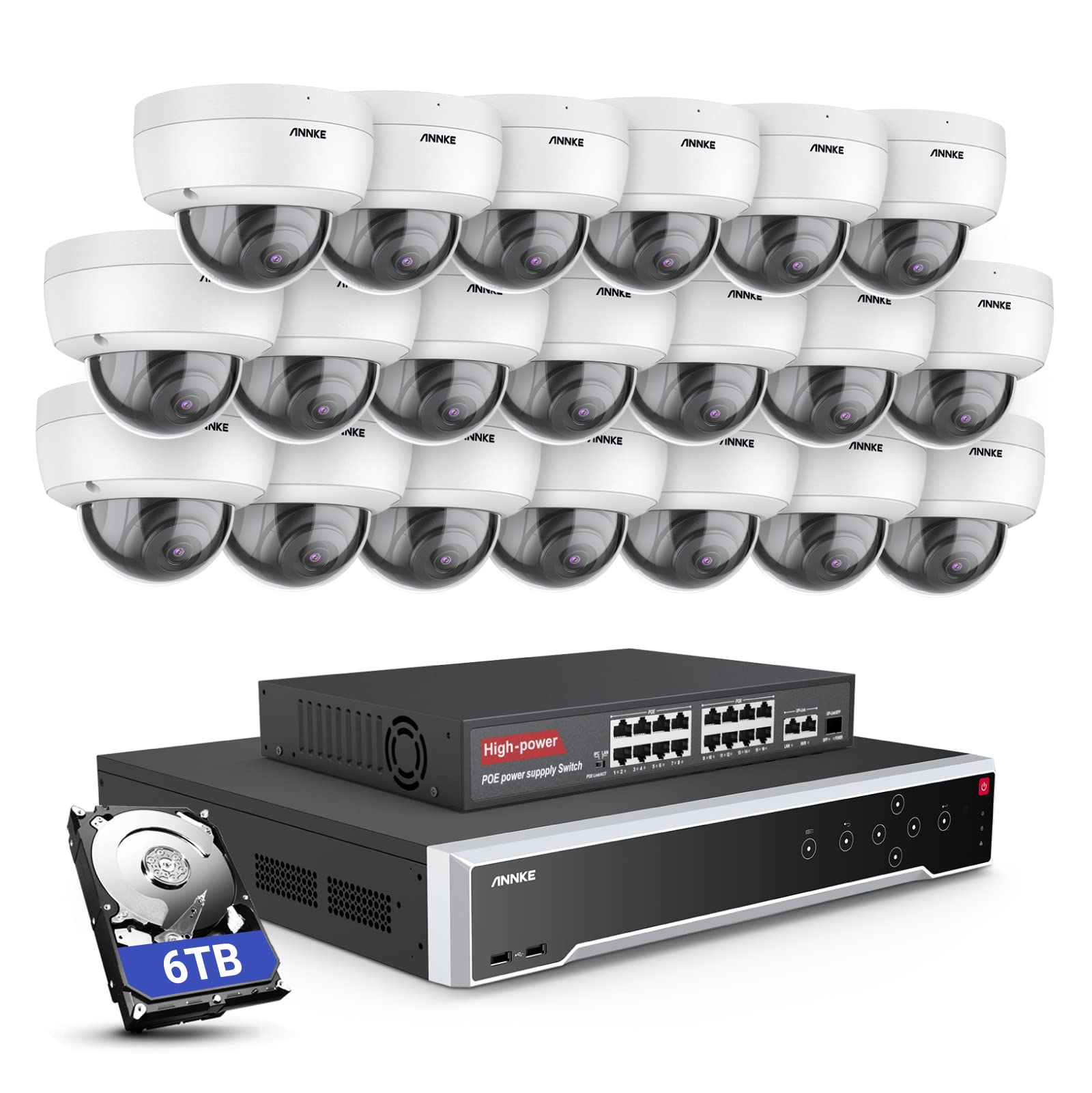
画像: 上view of the ANNKE 32-Channel Home Security Camera System components, including the NVR and multiple cameras.
箱の中身
以下にリストされているすべてのアイテムがパッケージに含まれていることを確認してください。
- 1x 32CH 12MP PoE NVR with 6TB Hard Drive
- 1x 16-Port PoE Switch
- 20x 5MP IP PoE Cameras
- 10本の30m/100フィートのネットワークケーブル
- 10本の18m/60フィートのネットワークケーブル
- 1x Power Adapter & USB Mouse & Quick Instruction Guide
- 1.8m HDMIケーブル×1
- 1mイーサネットケーブル×1
設定
Follow these steps to set up your ANNKE security camera system.
1. NVR and Camera Connection
- 付属の電源アダプターを使用して NVR を電源に接続します。
- Connect the NVR to a monitor using the HDMI cable.
- ナビゲーションのために USB マウスを NVR に接続します。
- Connect up to 16 PoE IP cameras directly to the PoE ports on the NVR using the provided Ethernet cables.
- To expand the system beyond 16 cameras (up to 32 channels), connect the additional cameras to the 16-port PoE switch. Then, connect the PoE switch to the NVR's network port using an Ethernet cable.

Image: Diagram illustrating how to connect PoE cameras to the NVR and how to use a PoE switch to expand the system to 32 channels.
2. ネットワーク接続
Connect the NVR to your router using an Ethernet cable to enable remote access and network features.
3. Remote Access Setup (ANNKE VISION App)
Download the ANNKE VISION app on your smartphone or tablet for remote viewingと制御。
- Download the ANNKE VISION app from the Google Play Store or Apple App Store.
- アカウントを登録してログインします。
- Add your NVR device by scanning the QR code on the NVR or manually entering its details.
- 追加したら、 view ライブフィード、録画の再生、リモートでの設定管理が行えます。

Image: Screenshot of the ANNKE VISION mobile application showing live camera feeds, demonstrating remote access capabilities.
操作手順
Understand the key operational features of your security system.
1. ビデオ品質と夜間視力
The 5MP IP cameras provide clear video resolution. The system supports color night vision in low-light conditions and detailed black and white night vision in complete darkness, with a range of up to 100 feet.

Image: A split image demonstrating the clarity of 5MP video during the day and the effectiveness of night vision at night.
2. AI Motion and Face Detection
The PoE IP cameras are equipped with AI features for advanced detection:
- Line Intrusion Detection: オブジェクトが事前に定義された仮想ラインを越えたときにアラートをトリガーします。
- Region Detection: Triggers an alert when an object enters or exits a specified area.
- 人間/車両検出: Differentiates between human and vehicle movement to reduce false alarms.
- 顔検出: The NVR supports 1-channel facial recognition for video streams or 4-channel facial recognition for face pictures.

Image: An illustration showing the system detecting a person and a vehicle, with a highlight indicating 1-channel facial detection.
3.オーディオ録音
Each PoE camera includes a built-in microphone capable of recording audio up to 20 feet away, providing additional surveillance detail.
4. 録音モードと再生
The NVR supports continuous 24/7 recording and motion detection recording. Recordings can be easily searched and played back through the NVR interface or the ANNKE VISION app.
5. マルチユーザーアクセス
The system supports up to 20 users simultaneously, allowing multiple individuals to view live video feeds and access recordings from various devices such as PCs, laptops, tablets, and smartphones.
6. Alexaとの統合
The system is compatible with Amazon Alexa. You can use voice commands to view live streams from your security cameras on compatible Alexa-enabled devices.
メンテナンス
適切なメンテナンスを行うことで、セキュリティ システムの寿命が長くなり、最適なパフォーマンスが確保されます。
1. 環境保護
The IP cameras are rated IP67 weatherproof, ensuring reliable operation in various outdoor conditions, including heavy snow, rain, and wind. Regularly clean camera lenses to prevent obstruction from dirt or debris.
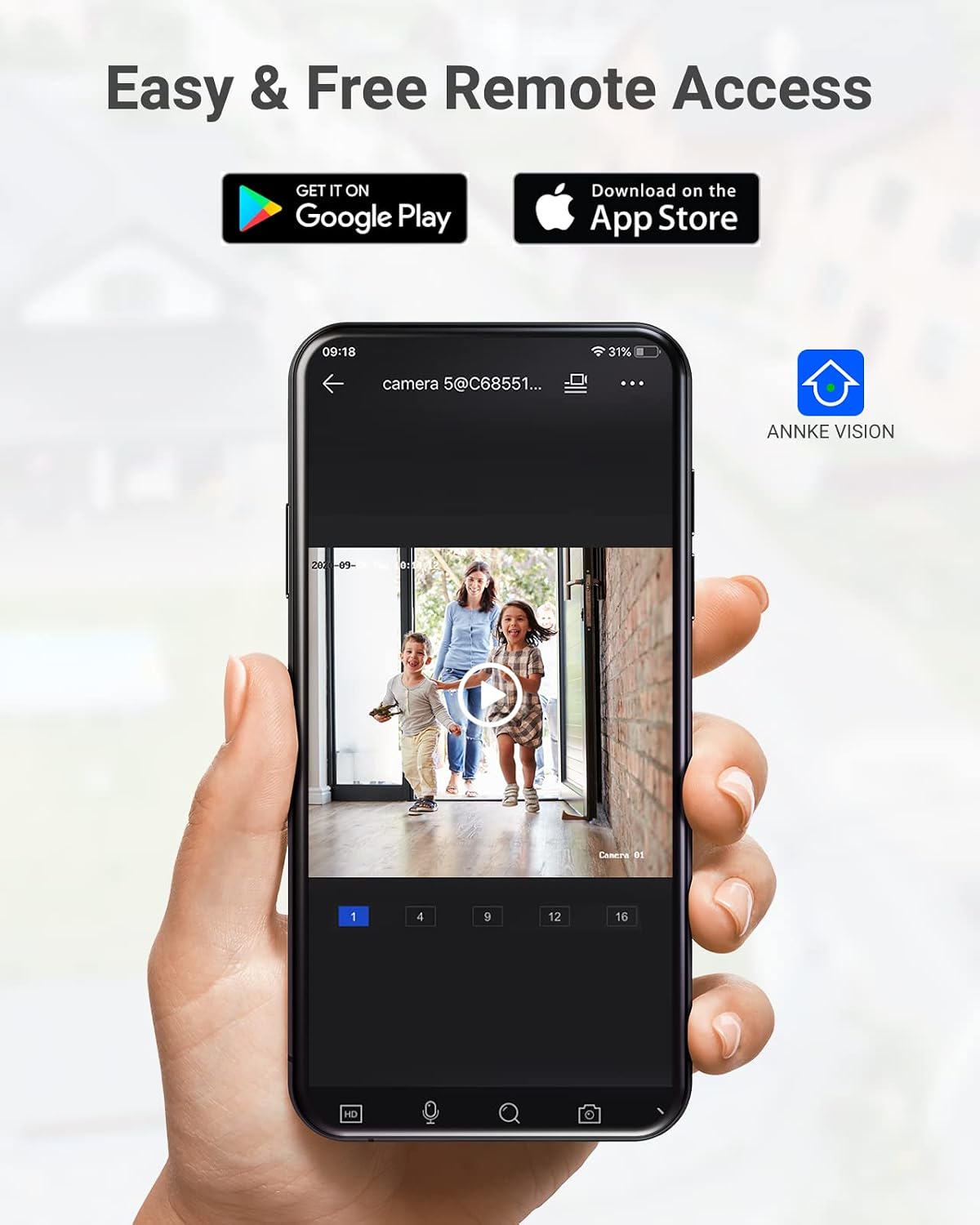
Image: A camera partially submerged in water, illustrating its IP67 weatherproof rating.
2. ストレージ管理
The NVR utilizes H.265+ video compression for efficient storage and longer recording times. The system comes with a 6TB HDD and supports up to 4 SATA HDD interfaces, allowing for a total storage capacity of up to 40TB (10TB per HDD). The NVR features automatic overwrite functionality, ensuring continuous recording by overwriting the oldest footagディスクがいっぱいになったとき。

Image: An NVR unit with its top cover removed, showing four internal bays for hard disk drives, indicating expandable storage up to 40TB.
3. ファームウェアのアップデート
ANNKE公式を定期的にチェックする website or the ANNKE VISION app for firmware updates to ensure your system has the latest features and security enhancements.
トラブルシューティング
If you encounter issues with your system, refer to the following general troubleshooting tips:
- ビデオ表示なし: Check all cable connections (power, HDMI, Ethernet). Ensure the monitor is on and set to the correct input.
- カメラがオフライン: Verify the Ethernet cable connection to the camera and NVR/PoE switch. Ensure the camera is receiving power.
- リモート アクセスの問題: Confirm the NVR is connected to the internet. Check your network settings and ensure the ANNKE VISION app is updated.
- 録音の問題: Check the HDD status in the NVR settings. Ensure there is sufficient storage space or that automatic overwrite is enabled.
- 誤動作アラート: Adjust the sensitivity settings for motion detection in the NVR or app. Utilize AI human/vehicle detection to filter out irrelevant movements.
For more detailed troubleshooting or persistent issues, please contact ANNKE customer support.
仕様
| 特徴 | 仕様 |
|---|---|
| ブランド | アンケ |
| モデル番号 | AU-N931BB6-V2-5KDN-V5+JHJ014-U |
| 接続技術 | 有線(PoE) |
| ビデオキャプチャ解像度 | 5MP(1920p) |
| チャンネル数 | 32 |
| NVR Hard Drive | 6 TB(プリインストール) |
| 最大HDD容量 | 40 TB (4 x 10 TB SATA HDDs) |
| ビデオ圧縮 | H.265 + |
| 暗視範囲 | 100フィート |
| カメラの耐候性評価 | IP67 |
| レンズタイプ | 2.8MM Wide Angle |
| 特集 | App Control, Audio Recording, Automatic Overwrite, Motion Sensor, Privacy Masking, AI Motion Detection, Face Detection |
| 対応デバイス | Cameras, Laptops, Personal Computers, Tablets |
| オペレーティング システム (アプリ) | アンドロイド、iOS |
保証とサポート
ANNKE製品には通常、限定保証が付いています。パッケージに同梱されている保証書、またはANNKE公式ウェブサイトをご覧ください。 web具体的な保証条件については、サイトをご覧ください。
技術サポート、製品に関するお問い合わせ、保証請求については、ANNKEの公式カスタマーサービスまでお問い合わせください。 webサイトまたは製品ドキュメントに記載されている連絡先情報を参照してください。
アンケ公式 Webサイト: www.annke.com