
導入
This manual provides essential information for setting up, operating, and maintaining your Linkind BR30 Matter Smart Light Bulbs. These recessed LED color-changing bulbs offer versatile lighting options and seamless integration with various smart home platforms.
箱の中身
Your Linkind BR30 Matter Smart Light Bulb package includes:
- 4 x Linkind BR30 Matter Smart Light Bulbs
- ユーザーマニュアル x 1

製品の特徴
- 応用: Designed to fit 5" or 6" recessed cans. BR30 LED bulbs have a diameter of 3.74 inches and a height of 5.04 inches.
- 色と明るさ: Offers 16 million vivid colors and tunable white lighting from 1800K (warm white) to 6500K (cool white). Brightness is dimmable from 1% to 100%.
- スマートコントロール: Supports app control via the AiDot App and voice control with compatible smart assistants.
- 物質の適合性: Seamlessly integrates with Matter-compatible hubs for control via Alexa, Apple Home, Google Home, and SmartThings. No hub is required when using the Linkind AiDot app.
- 接続性: Operates on 2.4GHz Wi-Fi networks only.
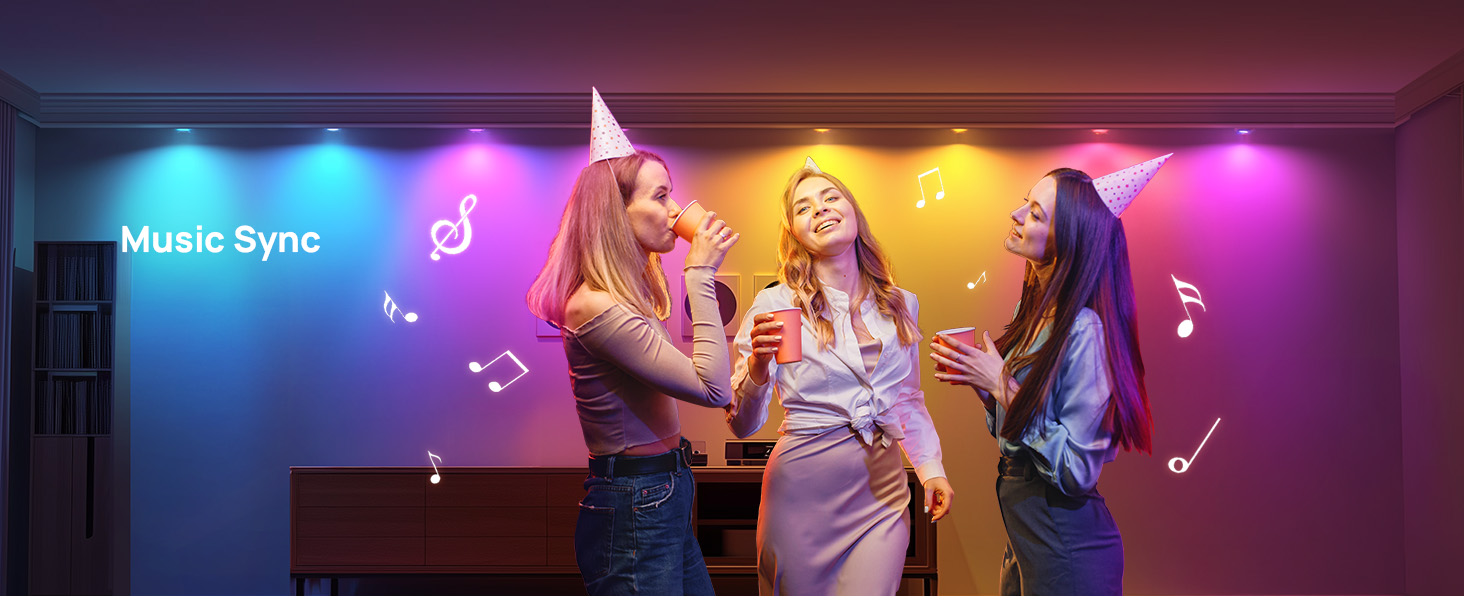
- 特別な機能: Includes music sync, preset scenes (Party, Dynamic, Calm, Auto Rhythm), scheduling, and group control.


セットアップ手順
Follow these steps to set up your Linkind BR30 Matter Smart Light Bulbs:
- 電球を取り付けます。 Screw the smart light bulb into a standard E26 socket.
- 電源オン: Turn on the light switch to power the bulb. The bulb should blink to indicate it's in pairing mode.
- アプリをダウンロード: Download the AiDot App from your device's app store.
- BluetoothとWi-Fiを有効にする: Ensure Bluetooth is enabled on your mobile phone and connect to a 2.4GHz Wi-Fi network (5GHz networks are not supported).
- ペアリング: Open the AiDot App and follow the on-screen instructions to add your device. You may need to scan the Matter QR code found on the bulb or in the user manual.
- スマートホーム統合(オプション): If you wish to control the bulbs with Alexa, Apple Home, Google Home, or SmartThings, ensure you have a compatible Matter hub. Follow the respective app's instructions to add the Matter device.


操作手順
Control your Linkind Smart Light Bulbs using the AiDot App or voice commands:
- アプリコントロール: Use the AiDot App to adjust brightness (1%-100%), change colors (16 million options), set white temperature (1800K-6500K), select from preset scenes, create custom DIY colors, enable music sync modes, and set schedules or routines.
- 音声コントロール: Integrate with Alexa, Apple Home, or Google Home to use simple voice commands for turning lights on/off, adjusting brightness, and changing colors.
- グループコントロール: Create groups of lights within the app for simultaneous control, allowing you to manage multiple bulbs with a single command.


仕様
| ブランド | リンクインド |
| ライトタイプ | 導かれた |
| 特集 | Color Changing, Energy Efficient, Eye-Friendly, Smart Dimming |
| ワットtage | 8ワット |
| 電球の形状サイズ | BR30 |
| 電球ベース | E26 |
| 白熱相当ワットtage | 60ワット |
| 製品の具体的な用途 | Recessed light bulbs |
| ライトカラー | White (Tunable) / RGB |
| 巻tage | 120ボルト |
| ユニット数 | 4.0 カウント |
| 色温度 | 1800 Kelvin - 6500 Kelvin |
| アイテム数 | 4 |
| 輝度 | 650ルーメン |
| 形 | BR30 |
| 材料 | アルミニウム、プラスチック |
| 屋内/屋外での使用 | 屋内 |
| 演色評価数 | 90 |
| 消費電力 | 8ワット |
| 商品パッケージ数量 | 1 |
| 光源の種類 | 導かれた |
| 光源ワットtage | 8ワット |
| 製品寸法 | 幅3.74インチ x 高さ5.04インチ |
| 制御方法 | アプリ、音声 |
| スタイル | Glow Lite 650lm-4pk |
| メーカー | リンクインド |
| スマートホームの互換性 | Smart Home Compatible (Matter) |
| 商品型番 | LS0101911266 |
トラブルシューティング
- ちらつく光: Do not use these bulbs with dimmable fixtures equipped with traditional dimmer switches, as this may cause flickering. Use app or voice control for dimming.
- 接続の問題: Ensure your smart device is connected to a 2.4GHz Wi-Fi network. These bulbs do not support 5GHz networks. If connection fails, reboot the device and try again within 15 minutes of powering on.
- 互換性: Verify that the bulb size (BR30, 3.74" diameter, 5.04" height) matches your recessed can (5" or 6" recommended).
メンテナンス
To ensure optimal performance and longevity of your Linkind Smart Light Bulbs:
- クリーニング: Gently wipe the bulb with a soft, dry cloth. Do not use liquid cleaners or abrasive materials.
- 環境: これらの電球は屋内専用です。湿気や極端な温度にさらさないでください。
- ソフトウェアアップデート: Regularly check the AiDot App for firmware updates to ensure enhanced compatibility and performance.
保証とサポート
Your Linkind BR30 Matter Smart Light Bulbs come with a 1年間のカバレッジ. For any inquiries or assistance, please contact Linkind customer service. Live customer service is available Monday-Friday, 9 AM - 5 PM PST.