1. はじめに
Thank you for choosing the AIRAM Smart Home GU10 PAR16 RGB+CCT LED Bulb. This smart LED lamp offers versatile lighting options, including full-color RGB and adjustable white color temperatures from warm (2700K) to cool (6500K). It is designed for general home lighting and can be controlled via the Airam SmartHome mobile application or through voice commands with compatible smart assistants.
This manual provides essential information for the safe installation, operation, and maintenance of your new smart bulb. Please read it thoroughly before use and retain it for future reference.

Figure 1.1: AIRAM Smart Home GU10 PAR16 LED bulb displaying a gradient of warm to cool white light.
2. 安全情報
製品の損傷やご自身の怪我を防ぐために、次の安全上の注意事項を守ってください。
- Ensure the power is turned off at the main switch before installing or removing the bulb.
- This bulb is designed for indoor use only. Do not expose it to water or high humidity.
- Do not disassemble, modify, or attempt to repair the bulb. This will void the warranty.
- Use only in GU10 compatible fixtures.
- Avoid looking directly into the light source when it is illuminated, as this may cause eye strain.
- お子様の手の届かない場所に保管してください。
3. セットアップ
3.1. 物理的な設置
- Turn off the power to the light fixture at the main switch before installation.
- Insert the AIRAM Smart Home GU10 LED bulb into a compatible GU10 socket.
- Turn the power back on. The bulb should illuminate in its default setting.
3.2. アプリのダウンロードとペアリング
The AIRAM Smart Home bulb is controlled using the Airam SmartHome app. No separate access point or hub is required; the bulb connects directly to your home WiFi network.
- アプリをダウンロード: Download the free Airam SmartHome app from the アプリストア (iOSの場合)または Google Play (for Android). You can also scan the QR code on the product packaging or visit smartapp.tuya.com/iotairam.
- 登録/ログイン: アプリを開き、画面の指示に従ってアカウントを作成するか、ログインします。
- デバイスを追加: アプリ内の「+」アイコンまたは「デバイスを追加」ボタンをタップします。
- ペアリングモードに入る: Turn the bulb on and off three times (on-off-on-off-on) until it starts flashing rapidly. This indicates it is in pairing mode.
- WiFiに接続します: Select your home 2.4 GHz WiFi network and enter the password when prompted. The app will then search for and connect to the bulb.
- デバイスの名前を変更します: Once connected, you can rename the bulb for easier identification (e.g., "Living Room Lamp()。

Figure 3.1: Product packaging showing app download information.
3.3. 音声制御の統合
The AIRAM Smart Home bulb supports voice control with Google Assistant, Amazon Alexa, and Siri Shortcut.
- For Google Assistant/Amazon Alexa: Follow the instructions within the Google Home or Amazon Alexa app to link your Airam SmartHome account. Once linked, you can use voice commands like "Hey Google, turn on Living Room Lamp" or "Alexa, set Living Room Lamp 青に。」
- For Siri Shortcut: Create custom shortcuts within the Airam SmartHome app or Apple's Shortcuts app to control your bulb with Siri commands.
4. 操作
Control your AIRAM Smart Home bulb using the Airam SmartHome app or compatible voice assistants.
4.1. 基本的なオン/オフ制御
You can switch the bulb on or off using the app or the physical light switch. When switched off and on again via the physical switch, the bulb will retain its last lighting setting.
4.2. 色温度(CCT)の調整
Within the Airam SmartHome app, navigate to the bulb's control interface. You can adjust the white light color temperature from a warm 2700K to a cool 6500K to suit your mood or activity.

Figure 4.1: User controlling smart lighting via the mobile app.
4.3. Changing Colors (RGB)
The bulb features an RGB function, allowing you to select from a wide spectrum of colors. Use the color wheel or preset color options in the app to change the light color according to the mood or occasion.
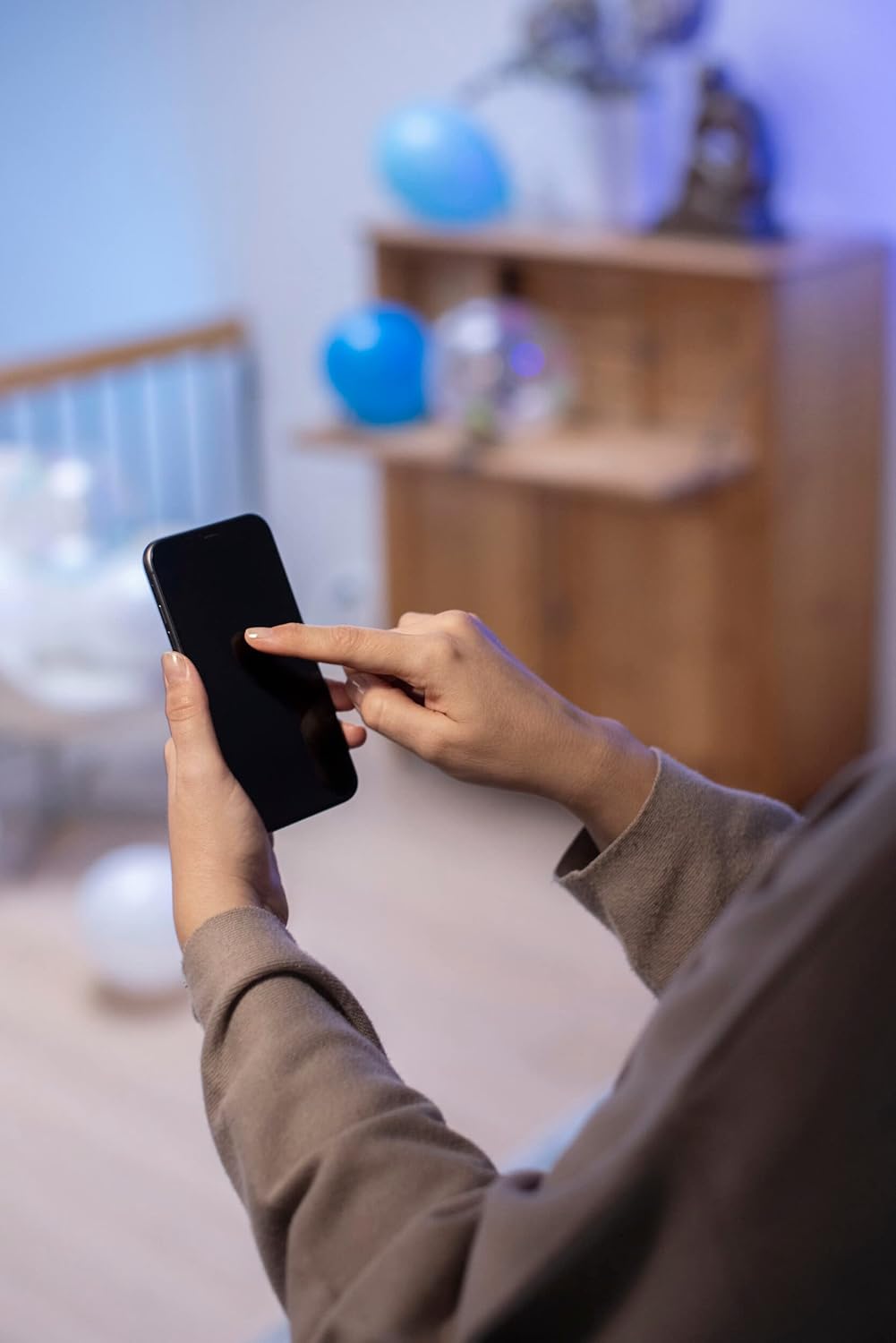
Figure 4.2: Close-up of app interface for color selection.
4.4. Scenes and Automation
The Airam SmartHome app allows you to create custom scenes (e.g., "Movie Night," "Reading") and set schedules or timers for your bulb to turn on/off or change settings automatically.
ビデオ4.1: オーバーview of the AIRAM Smart Home lighting system in various home settings, demonstrating color and brightness adjustments for different activities and moods.
5. メンテナンス
The AIRAM Smart Home LED bulb requires minimal maintenance.
- クリーニング: 清掃する前に、電球が冷えていること、電源がオフになっていることを確認してください。電球は柔らかく乾いた布で拭いてください。液体洗剤や研磨剤入りの洗剤は使用しないでください。
- ストレージ: 電球を長期間保管する場合は、元の包装に入れて涼しく乾燥した場所に保管してください。
6。 トラブルシューティング
If you encounter issues with your AIRAM Smart Home bulb, refer to the following common solutions:
| 問題 | 考えられる原因 | 解決 |
|---|---|---|
| 電球が点灯しません。 | No power; improperly installed; bulb faulty. | Check power supply. Ensure bulb is securely screwed into the socket. Test with another bulb or fixture. |
| Bulb cannot connect to the app. | Incorrect WiFi password; not in pairing mode; 5GHz WiFi network. | Ensure correct 2.4 GHz WiFi password. Put bulb into pairing mode (on-off-on-off-on). Confirm your router is broadcasting a 2.4 GHz network. |
| 音声制御が機能しません。 | Account not linked; incorrect commands. | Ensure your Airam SmartHome account is correctly linked in the Google Home/Alexa app. Use the exact device name configured in the app. |
| 電球の接続が頻繁に切れます。 | Weak WiFi signal; network interference. | Move the bulb closer to the WiFi router or consider a WiFi extender. Reduce interference from other devices. |
7. 仕様
Detailed technical specifications for the AIRAM Smart Home GU10 PAR16 LED Bulb:
- モデル番号: 9410768
- ブランド: エアラム
- ライトタイプ: 導かれた
- 電球形状サイズ: パー16
- 電球ベース: GU10
- ワットtage: 4.7ワット
- 白熱相当: 25ワット
- ルーメン出力: 345ルーメン
- 色温度(CCT): 2700K - 6500K(調光可能なホワイト)
- カラー機能: RGB (Full Color)
- ビーム角度: 36度
- 演色評価数(CRI): 80
- 巻tage: 230ボルト(AC)
- 接続性: Wi-Fi (2.4 GHz)
- 特別な機能: Alexa, Google Assistant, Timer
- 寿命: 最大15,000時間
- 製品寸法: 5 x 5.4 x 5.4 cm
- 重さ: 170グラム
- エネルギー効率の評価: F

Figure 7.1: EU Energy Efficiency Label. For more details, scan the QR code or visit the EPRELデータベース.
8. 保証とサポート
AIRAM products are manufactured to high-quality standards. This product comes with a manufacturer's warranty against defects in materials and workmanship. Please refer to the product packaging or the official AIRAM web具体的な保証条件については、サイトをご覧ください。
For technical support, troubleshooting assistance, or warranty claims, please contact AIRAM customer service through their official channels. You can find contact information on the AIRAM webサイトまたは小売店を通じてご購入いただけます。