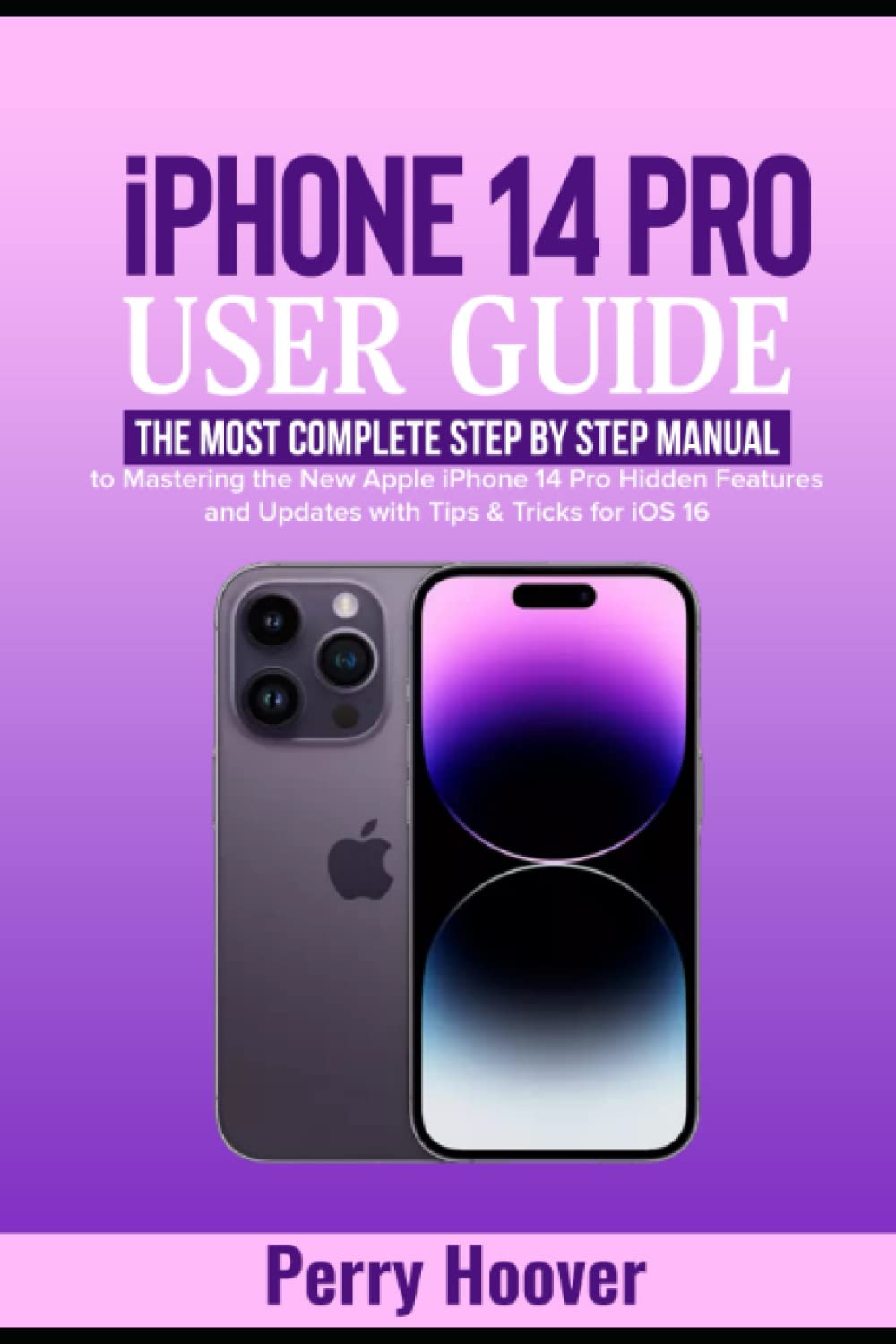
This user guide provides detailed instructions and information for the Apple iPhone 14 Pro, covering its features, operations, and troubleshooting. It is designed to help you maximize your device's capabilities and ensure a smooth user experience.
1. 初期設定
1.1 開梱と最初の電源投入
Carefully remove your iPhone 14 Pro from its packaging. Press and hold the side button until the Apple logo appears to power on the device.
Image: Front cover of the user guide book, featuring the title "iPhone 14 Pro User Guide" and an image of the iPhone 14 Pro.
1.2 Activating and Initial Configuration
Follow the on-screen prompts to select your language, region, and connect to a Wi-Fi network. You will be guided through setting up Face ID, creating a passcode, and restoring data from a previous device or setting up as new.
Creating an Apple ID: If you do not have an Apple ID, you will be prompted to create one. This is essential for accessing Apple services like the App Store, iCloud, and more.
Signing into Apple ID: Enter your existing Apple ID and password to sign in.
Changing Apple ID Email Address: Instructions for updating your Apple ID email can be found in the Settings app under your Apple ID profile.
Setting up Face ID: Follow the on-screen instructions to register your face for secure unlocking and authentication.
Setting a Passcode: Create a strong passcode to protect your device.
1.3 ネットワーク設定
ネットワーク設定の変更: Access Wi-Fi, Cellular, and VPN settings via the Settings app.
Enabling Wi-Fi Syncing: Configure your iPhone to sync with your computer over Wi-Fi through iTunes/Finder settings.
eSIM Configuration: The iPhone 14 Pro utilizes eSIM technology. Follow your carrier's instructions to activate your cellular plan.
2. iPhone 14 Proの操作
2.1 Key Features and iOS 16
The iPhone 14 Pro introduces several new features and enhancements with iOS 16.
ダイナミックアイランド: Learn how to interact with the Dynamic Island for alerts, activities, and notifications.
常時表示ディスプレイ(AOD): Understand how to use and customize the Always-On Display feature.
Car Crash Detection: Information on how the device detects severe car crashes and automatically calls emergency services.
Emergency SOS via Satellite: Details on using satellite connectivity for emergency messaging when outside cellular and Wi-Fi coverage.
2.2 通知とアラート
Exploring Notifications: Access and manage notifications from the Lock Screen and Notification Center.
Using the Notification Center: 左上から下にスワイプして view all your notifications.
Changing Notification Settings: Customize notification styles and alerts for individual apps in Settings > Notifications.
2.3 カメラと写真撮影
The iPhone 14 Pro features an advanced camera system with numerous modes and settings.
Using the Camera App: カメラ アプリを開いて写真やビデオを撮影します。
Exploring Photos and Videos: View and organize your media in the Photos app.
Live Text with Video: Extract text from video frames.
Adjusting Capture Time: Utilize timer functions for photos.
Night Mode Selfies: Capture clear selfies in low-light conditions.
Apple ProRAW: Enable ProRAW for professional-grade photo editing flexibility.
アクションモード: Use Action Mode for smooth, stabilized video recording.
ポートレートモード: 背景をぼかした効果の写真を作成します。
Auto-Focusing Front Camera: Take sharp selfies with the improved front camera.
露出設定: Manually adjust exposure for desired brightness.
HDR (ハイ ダイナミック レンジ): Enable HDR for balanced exposure in high-contrast scenes.
シャッタースピード: Control shutter speed for motion blur or freezing action.
ISO: Adjust ISO for light sensitivity in various conditions.
ホワイトバランス: Set white balance to accurately represent colors.
Cinematic Videos: Record videos with a shallow depth of field.
QuickTake Videos: Press and hold the shutter button to record a quick video.
Slow-motion Video: ドラマチックなスローモーション映像を撮影tage.
ビデオ録画設定: Customize resolution, frame rate, and other video settings.
2.4 通信と接続
Creating Contact Information: Add and manage contacts in the Contacts app.
Live Photo using FaceTime: Capture Live Photos during FaceTime calls.
Web Browsing with Safari: Use Safari for internet browsing.
Customizing Safari Settings: Personalize your Safari experience.
Siri ショートカット: Create custom voice commands for quick actions.
Mail and Contacts Accounts: Set up and manage email and contact accounts.
Synchronizing with PC: Sync your iPhone with a PC using Finder (macOS Catalina or later) or iTunes (Windows).
Transferring Data to/from PC: Use Finder/iTunes or iCloud for data transfer.
2.5 セキュリティとプライバシー
Exploring Security and Privacy Settings: Manage your device's security and privacy options in the Settings app.
Setting up Passkeys: Utilize passkeys for secure, passwordless logins.
共有 Files with iCloud Drive: Securely store and share files using iCloud Drive.
2.6 System Settings and Utilities
バッテリーパーセンtage: バッテリーのパーセンテージを表示tage充電中。
Changing iPhone Volume: Adjust media, ringtone, and alert volumes.
Alarms and Ringtones: Set up alarms and customize ringtones.
Managing Ringtones: Acquire and manage ringtones.
通話管理: Options to decline calls and send to voicemail.
Do Not Disturb and Focus Modes: Configure Do Not Disturb and various Focus modes to manage interruptions.
2.7 App Management and Multitasking
Discovering Apps: Explore and download apps from the App Store.
Showing and Hiding Apps: Organize apps on the Home Screen.
Removing Apps: Use Siri or Search to remove apps.
スマートな提案: Customize app suggestions.
Hiding Apps: Utilize App Library to hide apps from the Home Screen.
アプリスイッチャー: Access recently used apps and switch between them.
Dictating Text: Use voice input for text entry.
オンスクリーンキーボード: Input text using the virtual keyboard.
Picture-In-Picture: Multitask by watching videos in a small, floating window.
3. メンテナンス
iPhone 14 Pro の寿命を延ばし、最適なパフォーマンスを確保するには、次のメンテナンス ガイドラインに従ってください。
ソフトウェアアップデート: Regularly check for and install iOS updates to benefit from new features, security enhancements, and bug fixes. Go to Settings > General > Software Update.
バッテリーの状態: Optimize battery life by managing background app refresh, location services, and display brightness.
ストレージ管理: 定期的に再view and manage your device storage by deleting unnecessary apps, photos, and videos.
4。 トラブルシューティング
This section addresses common issues you might encounter with your iPhone 14 Pro.
デバイスが応答しない: If your iPhone is unresponsive, perform a force restart. Press and quickly release the Volume Up button, then the Volume Down button, then press and hold the Side button until the Apple logo appears.
アプリがクラッシュする: Close and reopen the app. If the issue persists, check for app updates in the App Store or reinstall the app.
接続の問題: For Wi-Fi or cellular problems, try toggling Airplane Mode on and off, restarting your iPhone, or resetting network settings (Settings > General > Transfer or Reset iPhone > Reset > Reset Network Settings).
バッテリーの消耗: Review battery usage in Settings > Battery to identify apps consuming significant power. Adjust settings or restrict background activity as needed.
ストレージがいっぱいです: Delete unused apps, clear browser cache, and offload large media files to iCloud or a computer.
5. 仕様
Key specifications for the iPhone 14 Pro (as detailed in the source material):
画面: 6.1-inch or 6.7-inch Super Retina XDR display with ProMotion and Always-On capability.
プロセッサ: A16 Bionic chip.
カメラシステム: Advanced camera system with Photonic Engine, including 48MP Main, Ultra Wide, and Telephoto lenses.
耐水性: IP68 定格。
フロントプロテクション: Ceramic Shield.
携帯電話: eSIM only for US versions.
バッテリー寿命: 最大23時間のビデオ再生。
6. 保証とサポート
For detailed warranty information and technical support, please refer to Apple's official website or contact Apple Support directly. Your iPhone 14 Pro comes with a limited hardware warranty and complimentary technical support.
保証情報: Details regarding your device's warranty coverage can be found on Apple's official product pages.
マニュアル情報
This manual is based on the "iPhone 14 Pro User Guide" by Perry Hoover.
Image: Back cover of the user guide book, displaying ISBN and barcode information.
Ask a question about this manual
Ask about setup, troubleshooting, compatibility, parts, safety, or missing instructions. Manuals+ will review the question and use this page’s manual context to help answer it.