1. はじめに
This manual provides detailed instructions for the ORICO 2.5 inch Hard Drive Enclosure USB C to SATA III Cable, Model S1-3CB-05. This device allows you to connect a 2.5-inch SATA I/II/III SSD or HDD to your computer via a USB Type-C port, facilitating data transfer, backups, and storage expansion. It supports UASP for enhanced transfer speeds and includes a protective silicone case.

Image: The ORICO 2.5 inch Hard Drive Enclosure with its integrated USB-C cable.
2. パッケージ内容
パッケージにすべてのアイテムが揃っていることを確認します。
- ORICO 2.5 inch Hard Drive Enclosure (SATA to USB-C adapter)
- 2.5-inch Silicone Protective Case
- ユーザーマニュアル

Image: The product packaging showing the SATA adapter, silicone case, and user manual.
3 製品の特徴
- Protective Silicone Case: Designed to safeguard your 2.5-inch hard drive from shocks and friction, extending its lifespan.
- 高速データ転送: Supports up to 5Gbps via USB 3.0, with UASP support for up to 70% faster transfer speeds compared to conventional USB 3.0 when connected to a compatible computer.
- プラグアンドプレイ: No additional drivers required for Windows, Mac, or Chrome OS.
- LEDインジケーター: A blue LED light indicates power and activity status.
- コンパクトで持ち運びに便利: Small form factor for easy transport.
- ケーブル長さのオプション: Available in 30cm, 50cm, or 100cm lengths (depending on specific model variant).
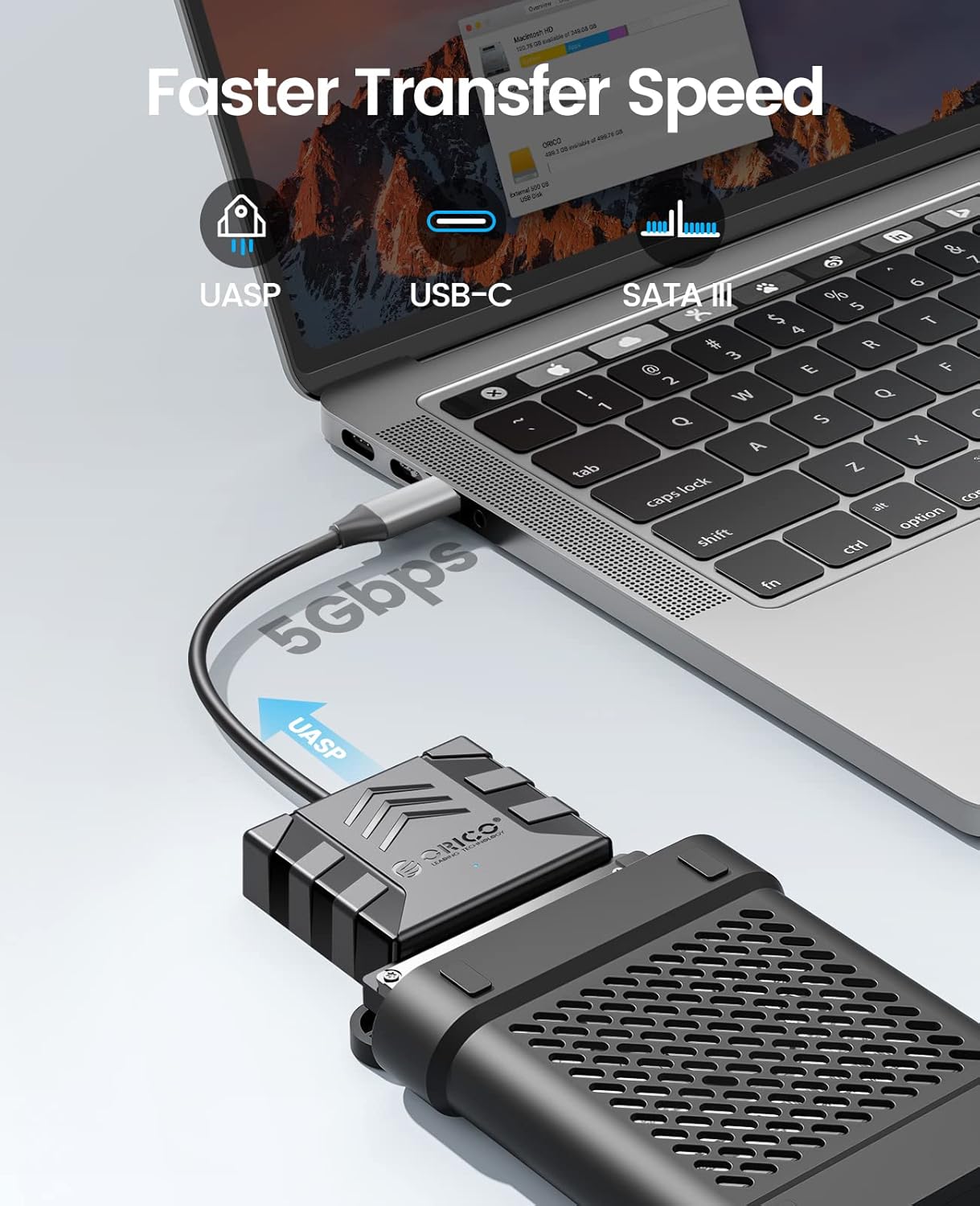
Image: Visual representation of the faster data transfer speeds supported by the enclosure.
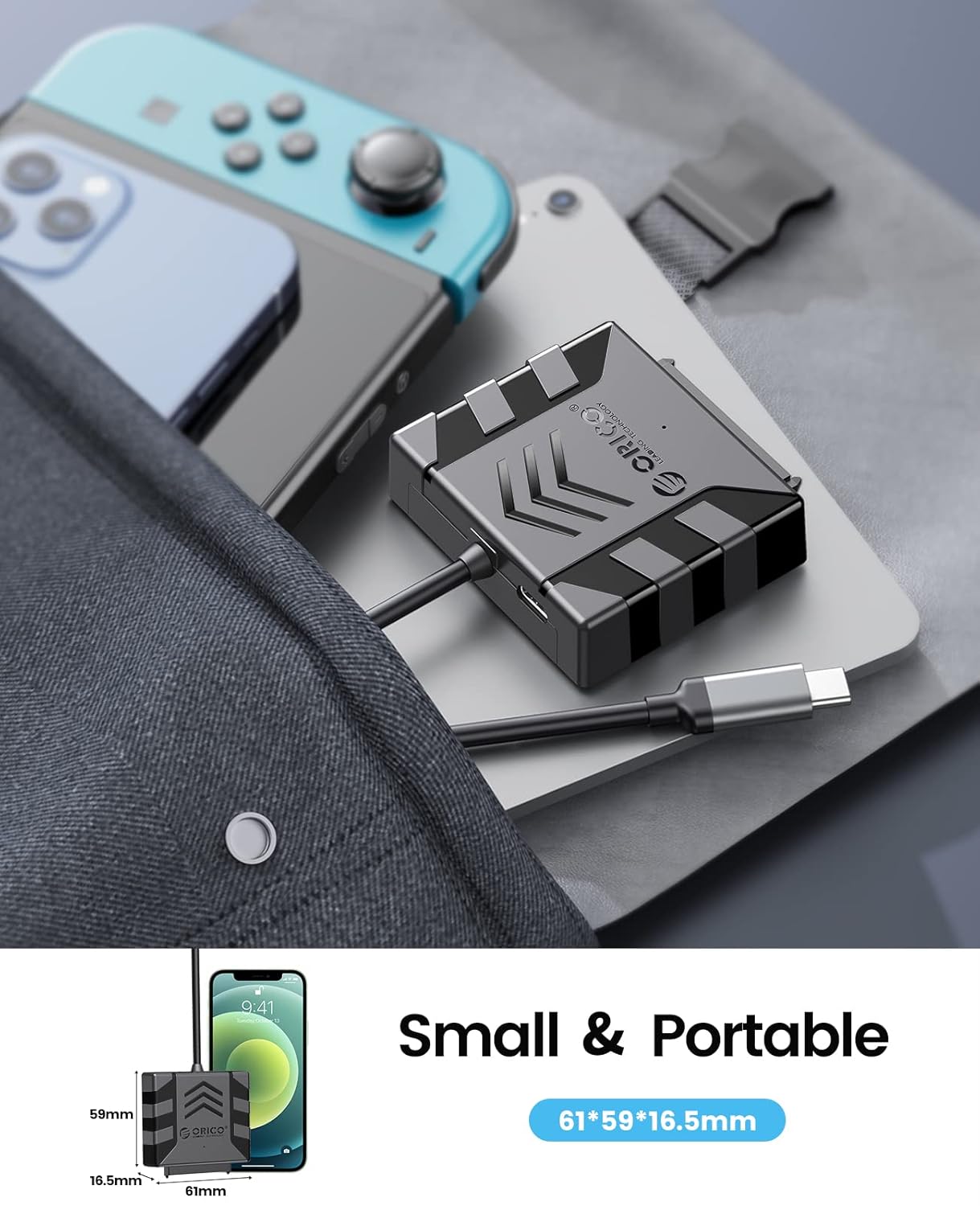
Image: The compact size of the enclosure, highlighting its portability.
4. 互換性
The ORICO S1-3CB-05 is compatible with the following:
- ハードドライブの種類: 2.5-inch SATA I/II/III SSDs and HDDs.
- オペレーティング システム: Windows, Mac OS, Chrome OS, Linux.
- デバイス: Laptops, PCs, Routers, Televisions, Xbox, PlayStation (PS5/PS4/PS3), Nintendo Switch.
Important Note: This product is NOT compatible with 3.5-inch hard drives, ATA (IDE), mSATA, or M.2 interfaces. Please confirm your hard drive type before use.
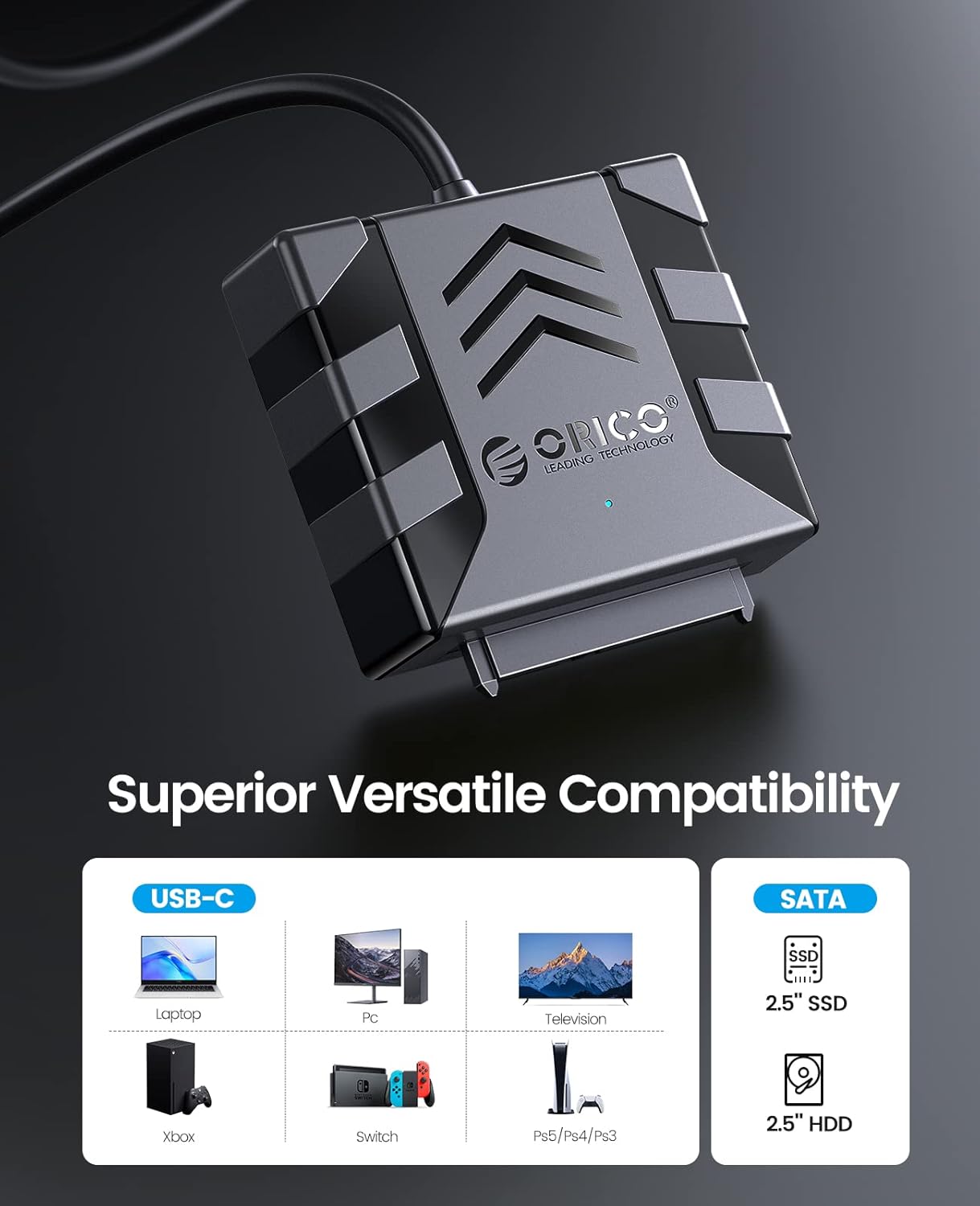
Image: Visual guide to compatible devices and 2.5-inch SATA SSD/HDD types.

Image: The enclosure connected to a computer, demonstrating compatibility with multiple operating systems.
5. セットアップ手順
- ハードドライブを接続します。
Align your 2.5-inch SATA SSD or HDD with the SATA connector on the ORICO adapter. Gently push the drive into the adapter until it is securely seated. Ensure the connection is firm.

Image: A 2.5-inch SATA hard drive connected to the adapter. No external power is required for 2.5-inch drives.
- (Optional) Apply Silicone Case:
For added protection, slide the connected hard drive and adapter into the provided 2.5-inch silicone protective case.
- ホストデバイスに接続します:
Plug the USB Type-C connector of the ORICO adapter into an available USB-C port on your computer, laptop, or other compatible device. The device is plug-and-play, so no drivers are typically needed.
- 接続を確認します:
Observe the blue LED indicator light on the adapter. A steady light indicates power, and a blinking light indicates data activity. Your operating system should detect the new storage device automatically.
Video: Demonstrates the connection process for 2.5-inch and 3.5-inch hard drives. Note: This product is designed for 2.5-inch drives only, as specified in the product features.
6. 操作手順
- データへのアクセス: Once connected, your operating system will recognize the drive. You can access it like any other external storage device through File エクスプローラー (Windows) または Finder (Mac)。
- データ転送: ドラッグアンドドロップ files to and from the connected drive. For optimal performance, ensure your computer's USB-C port supports USB 3.0 or higher and UASP.
- 安全な取り外し データの破損を防ぐために、アダプタを物理的に取り外す前に、必ずオペレーティング システムからドライブを安全に取り外してください。
7. メンテナンス
- Keep the adapter and silicone case clean and free from dust. Use a soft, dry cloth for cleaning.
- デバイスを極端な温度、湿度、または直射日光にさらさないでください。
- Store the adapter and any connected drives in a safe place to prevent physical damage.
8。 トラブルシューティング
- ドライブが検出されません:
- Ensure the 2.5-inch SATA drive is securely connected to the adapter.
- アダプターをコンピューターの別の USB-C ポートに接続してみてください。
- Verify that the drive is a 2.5-inch SATA HDD/SSD and not a 3.5-inch, IDE, mSATA, or M.2 drive.
- Check Disk Management (Windows) or Disk Utility (Mac) to see if the drive is recognized but unformatted or uninitialized.
- 転送速度が遅い:
- Ensure your computer's USB-C port supports USB 3.0 (or higher) and UASP.
- 大量のシステム リソースを使用している可能性のある他のアプリケーションを閉じます。
- Test with a different USB-C cable if possible (though this product has an integrated cable).
- LEDインジケーターが点灯しない:
- Ensure the adapter is firmly plugged into the USB-C port of your host device.
- Try a different USB-C port.
9. 仕様
| 特徴 | 詳細 |
|---|---|
| モデル | S1-3CB-05 |
| ブランド | オリコ |
| ハードウェアインターフェイス | USB 2.0、USBタイプC |
| 対応デバイス | Laptop, PC, Router, Television, Xbox, PlayStation, Nintendo Switch |
| ハードディスクのフォームファクタ | 2.5 Inches (SATA I/II/III SSD/HDD) |
| 対応デバイス数 | 1 |
| データ転送速度 | 5 Gigabits Per Second (with UASP support) |
| 材料 | アクリロニトリルブタジエンスチレン(ABS) |
| エンクロージャ材質 | アクリロニトリルブタジエンスチレン(ABS) |
| 内蔵メディア | Hard drive adapter |
10. 保証とサポート
ORICO製品には通常、メーカーによる標準保証が付いています。パッケージに同梱されている保証書、またはORICOの公式ウェブサイトをご覧ください。 web具体的な保証条件については、サイトをご覧ください。
技術サポート、製品に関するお問い合わせ、保証請求については、ORICOの公式カスタマーサービスまでお問い合わせください。 webサイト:
サポート ページでは追加のリソースや FAQ も見つかります。