
1. はじめに
Welcome to the Nokia T10 Wi-Fi Tablet user manual. This guide provides essential information to help you set up, operate, maintain, and troubleshoot your new device. The Nokia T10 is an 8-inch HD Android 12 tablet designed for everyday use, offering a balance of performance and portability.
Please read this manual carefully to ensure proper use and to maximize the lifespan of your tablet.
2. 箱の中身
Upon unboxing your Nokia T10 tablet, please verify that all the following items are included:
- Nokia T10 Tablet Device
- タイプCのUSBケーブル
- 充電器
- クイックスタートガイド(QSG)
- 安全ブックレット
- User Guide Band
- Plastic Bag (packaging material)
If any items are missing or damaged, please contact your retailer or Nokia customer support immediately.
3. セットアップ
3.1 タブレットの充電
Before first use, fully charge your Nokia T10 tablet. Connect the provided Type-C USB cable to the tablet's charging port and the other end to the charger. Plug the charger into a power outlet. The battery indicator on the screen will show the charging status.
3.2 電源のオン/オフ
- 電源を入れるには: Nokia のロゴが表示されるまで電源ボタンを押し続けます。
- 電源を切るには: 電源オプションが画面に表示されるまで電源ボタンを長押しします。「電源を切る」を選択して確定します。
- 再起動します: Press and hold the Power button until the power options appear. Select "Restart" and confirm.
3.3 初期設定
When you power on your tablet for the first time, you will be guided through an initial setup process:
- 言語の選択: お好みの言語を選択してください。
- Wi-Fi接続: Connect to a Wi-Fi network to access the internet. This is crucial for downloading updates and setting up your Google account.
- Google アカウント: Sign in with your existing Google account or create a new one. This is necessary for accessing the Google Play Store, Gmail, and other Google services.
- 日時: 正しい日付と時刻を設定するか、ネットワークで自動的に設定できるようにします。
- 安全: Set up a screen lock (PIN, pattern, password) and consider enabling AI Face Unlock for convenient access.
3.4 MicroSDカードの挿入
The Nokia T10 supports expandable storage via a MicroSD card. Locate the SIM/SD card tray on the side of the tablet. Use the provided SIM ejector tool to open the tray. Carefully place the MicroSD card into the designated slot with the gold contacts facing down, then reinsert the tray firmly.
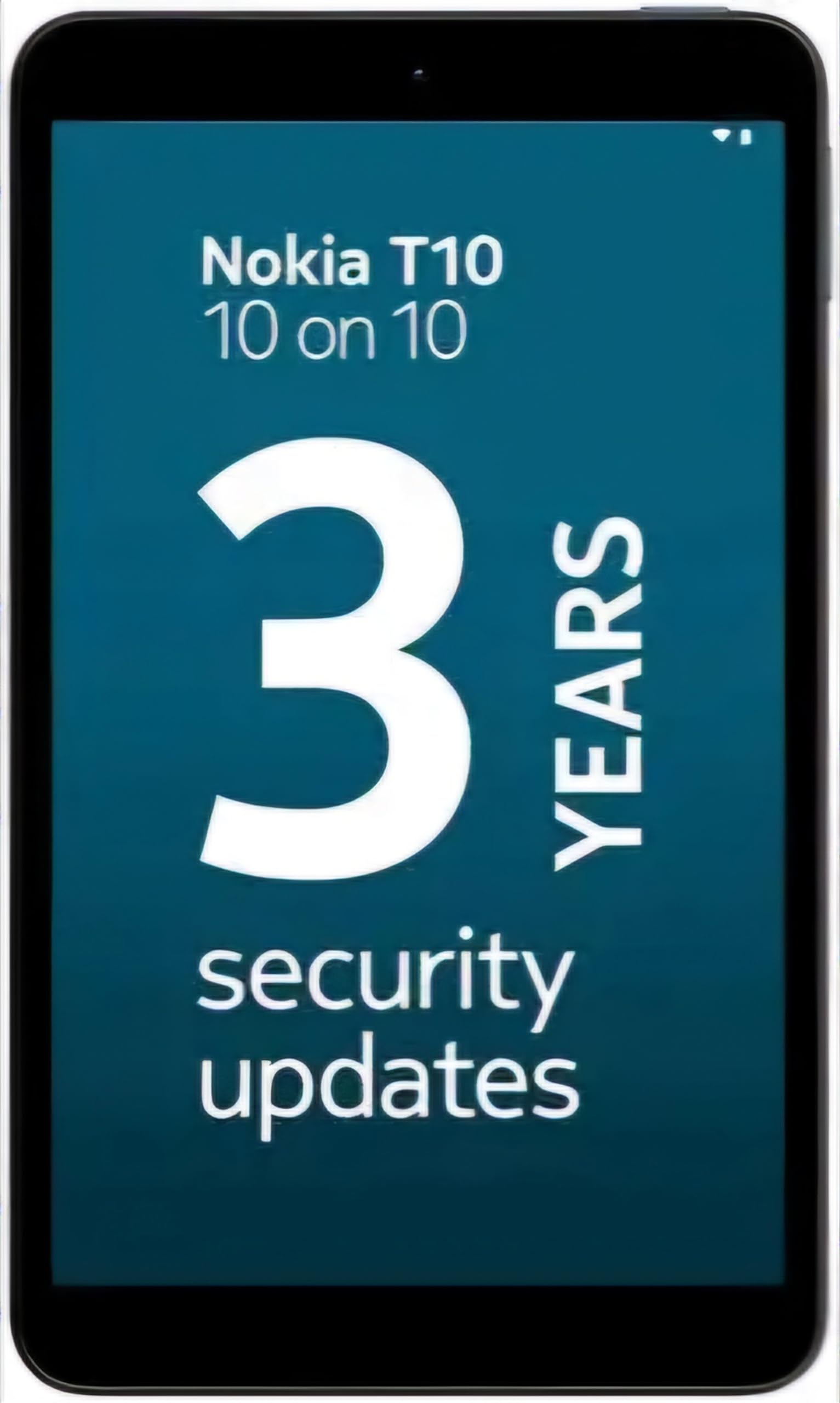
Image: Nokia T10 tablet, showcasin洗練されたデザインと背面カメラモジュールが特徴です。
4. 操作手順
4.1 表示とナビゲーション
The Nokia T10 features an 8-inch HD display (1280x800 pixels). Navigate the interface using touch gestures:
- タップ: 項目を選択するか、アプリを開きます。
- スワイプ: 画面、リスト、またはコンテンツをスクロールします。
- ピンチしてズーム: 写真を拡大または縮小したり、 web ページ。
- 長押し: コンテキスト メニューにアクセスしたり、アプリ アイコンを移動したりします。
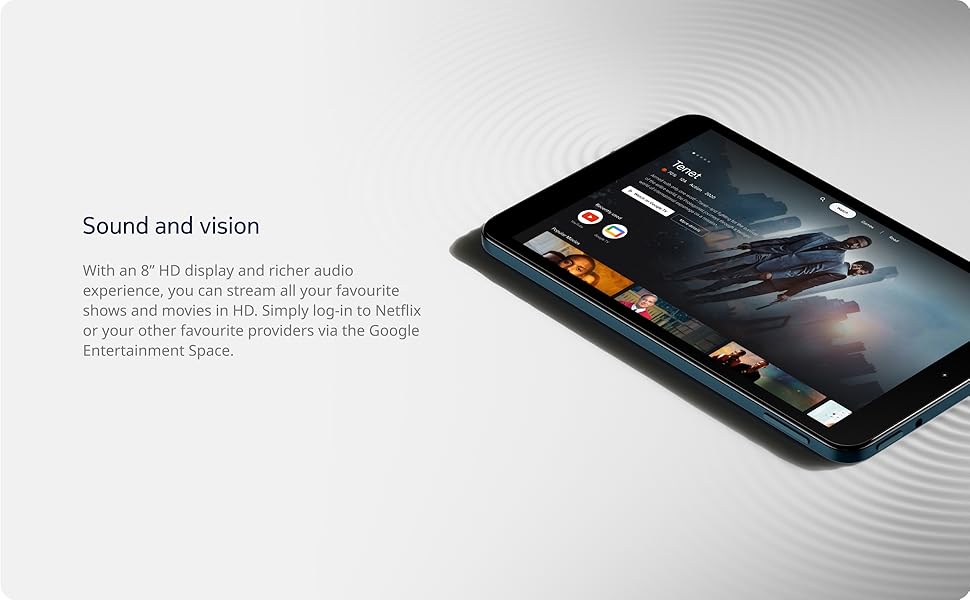
Image: The Nokia T10 tablet showcasing its 8-inch HD display with streaming video content.
4.2 カメラ機能
Your tablet is equipped with an 8MP rear camera with autofocus and flash, and a 2MP front camera.
- 写真を撮る: カメラ アプリを開き、撮影するフレームを決めて、シャッター ボタンをタップします。
- ビデオの録画: Switch to video mode in the Camera app and tap the record button to start/stop. The tablet supports FHD 1080p video capture.
- フロントカメラ: Tap the camera switch icon to use the front camera for selfies or video calls.

Image: A Nokia T10 tablet displaying a video call, highlighting its front camera functionality.
4.3 バッテリー管理
The Nokia T10 has a 5250 mAh battery designed for all-day use. To optimize battery life:
- 画面の明るさを下げます。
- 使用していないときは、Wi-Fi と Bluetooth をオフにしてください。
- バックグラウンドアプリを閉じます。
- 設定でバッテリー節約モードを有効にします。
4.4 接続性
- Wi-Fi: Connect to wireless networks via Settings > Network & internet > Wi-Fi. The tablet supports 802.11a/b/g/n/ac standards.
- ブルートゥース: Pair with Bluetooth devices (headphones, speakers) via Settings > Connected devices > Bluetooth. The tablet features Bluetooth 5.0.
- USBタイプC: 充電とデータ転送には USB-C ポートを使用します。
4.5 AI顔認証
For quick and secure access, set up AI Face Unlock:
- Go to Settings > Security > Face unlock.
- 画面の指示に従って顔を登録します。
- Ensure you are in a well-lit environment during setup and use.
4.6 ソフトウェアとアップデート
The Nokia T10 runs on Android 12. Nokia provides 2 years of OS updates and 3 years of monthly security updates to keep your device secure and up-to-date. You will receive notifications when updates are available. It is recommended to install updates over a Wi-Fi connection.
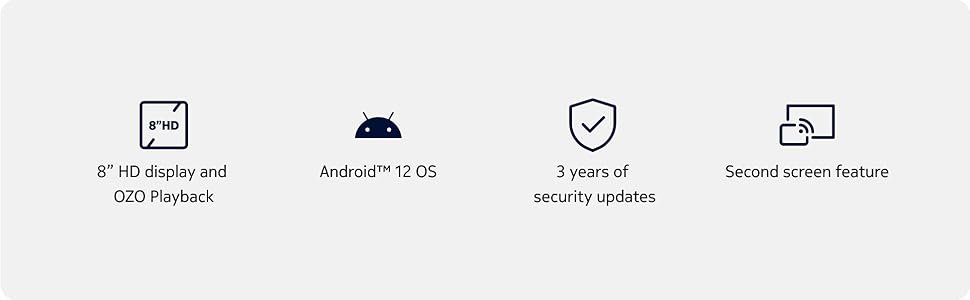
Image: Visual representation of Nokia T10 features including Android 12 OS and 3 years of security updates.
5. メンテナンス
5.1 タブレットのクリーニング
- 画面と本体を清掃するには、柔らかく糸くずの出ない布を使用してください。
- 強力な化学薬品、研磨剤入りの洗剤、エアゾールスプレーの使用は避けてください。
- タブレットを過度の湿気にさらさないでください。
5.2ソフトウェアアップデート
最適なパフォーマンスとセキュリティを確保するため、定期的にソフトウェアアップデートを確認し、インストールしてください。「設定」>「システム」>「システムアップデート」に移動してください。
5.3 ストレージ管理
パフォーマンスを維持するには、タブレットのストレージを定期的に管理してください。
- 不要なアプリを削除し、 files.
- 大きく動かす files (photos, videos) to a MicroSD card or cloud storage.
- Clear app cache regularly via Settings > Apps > [App Name] > Storage & cache.
6。 トラブルシューティング
If you encounter issues with your Nokia T10 tablet, try the following solutions:
| 問題 | 解決 |
|---|---|
| タブレットの電源が入らない | バッテリーが充電されていることを確認してください。充電器を接続し、数分待ってから再度電源を入れてください。 |
| Wi-Fi接続の問題 | Wi-Fiルーターを再起動してください。「設定」>「ネットワークとインターネット」>「Wi-Fi」に移動し、Wi-Fiをオフにしてから再度オンにしてください。ネットワークを削除して再接続してください。 |
| パフォーマンスが遅い | Close unused apps. Clear app caches. Restart the tablet. Check for available software updates. |
| アプリがクラッシュしたりフリーズしたりする | Force stop the app (Settings > Apps > [App Name] > Force stop). Clear the app's cache and data. Reinstall the app. |
| バッテリーの消耗が早い | Reduce screen brightness. Disable unnecessary features like GPS, Bluetooth, and Wi-Fi when not in use. Check battery usage in Settings to identify power-hungry apps. |
If the problem persists after trying these steps, please contact Nokia customer support.
7. 仕様
Below are the key technical specifications for the Nokia T10 Wi-Fi Tablet:
- モデル名: Nokia T10 TA-1472 WIFI 3/32
- オペレーティング·システム: アンドロイド12
- プロセッサ: Unisoc T606 (Octa-core, 1.6 GHz)
- グラフィックコプロセッサー: マリ-G57
- ラム: 3ギガバイト
- 内部ストレージ: 32ギガバイト
- 拡張可能なストレージ: Yes, via MicroSD card (up to 512GB, sold separately)
- 画面: 8-inch HD (1280 x 800 pixels) TFT, 16:10 aspect ratio
- リアカメラ: 8 MP with AF and Flash
- フロントカメラ: 2 MP
- ビデオキャプチャ解像度: FHD 1080p at 30 fps
- バッテリー: 5250mAhリチウムポリマー
- 接続性: Wi-Fi (802.11a/b/g/n/ac), Bluetooth 5.0, USB Type-C, 3.5mm Audio Jack
- セキュリティ機能: AIフェイスロック解除
- オーディオ: Stereo Speakers, OZO Playback
- Dimensions (L x W x Thickness): 20.8L x 12.3W x 0.9Th Centimeters
- 重さ: 375グラム
- 色: 青
8. 保証情報
The Nokia T10 tablet comes with a 1年間のメーカー保証 for the device and battery from the date of purchase. In-box accessories are covered by a 6ヶ月のメーカー保証 from the date of purchase. Please retain your proof of purchase for warranty claims. For detailed terms and conditions, refer to the warranty card included in your product packaging or visit the official Nokia support webサイト。
9. サポート
さらに詳しいサポート、技術サポート、またはサービスセンターを探すには、Nokiaの公式サポートサイトをご覧ください。 website or contact their customer service. You can typically find support contact information on the Nokia website or in the safety booklet provided with your tablet.
オンラインサポート: ノキアサポート Webサイト