
導入
This manual provides detailed instructions for the installation, operation, and maintenance of your SanJie Wireless Doorbell. Designed for versatility, this doorbell system offers a reliable alert solution for homes, classrooms, and other environments, including features beneficial for individuals with hearing impairments.

Figure 1: SanJie Wireless Doorbell System (1 Push Button + 1 Receiver)
製品の特徴
- ワイヤレス操作: Pre-paired for immediate use, battery-operated receiver for portability.
- Enhanced Alert Options: Features colorful flashing LED lights and a vibration function, in addition to audible chimes, suitable for individuals with hearing impairments.
- 複数の作業モード: Four distinct modes (Ringtone + Vibration, Ringtone + Flash, Ringtone + Vibration + Flash, Ringtone only) to suit various needs.
- 調整可能な音量と着信音: 5 volume levels (0-110dB) and 20 selectable ringtones.
- ミュートモード: Allows alerts via vibration or flashing lights without sound, ideal for quiet environments.
- 拡張範囲: Up to 1000 feet (300 meters) wireless receiving range.
- 耐久性に優れたデザイン: IP55 waterproof push button, operational in temperatures from -4°F to 140°F.
- 低バッテリリマインダー: Integrated reminder to ensure continuous operation.

Figure 2: Labeled diagram of the SanJie Wireless Doorbell components and controls.
パッケージ内容
- 1 x Wireless Doorbell Receiver
- 1 x Wireless Push Button (Transmitter)
- 3 x AAA Batteries (for receiver)
- 1 x 12V 23A Battery (pre-installed in push button)
- Mounting Hardware (double-sided tape, screws)
- ユーザーマニュアル
セットアップ手順
1.バッテリーを取り付けます
- 受信者: Open the battery compartment on the back of the receiver and insert the 3 AAA batteries, ensuring correct polarity.
- ボタンを押す: The 12V 23A battery is typically pre-installed. If not, open the push button casing and insert the battery.


Figure 3: Battery installation for receiver and push button.
2. Pairing Transmitters (if needed)
The doorbell units are pre-paired from the factory. If you need to re-pair them or add additional push buttons/receivers, follow these steps:
- Step 1: Select Music. Press the music button on the receiver to choose your desired ringtone.
- ステップ 2: ペアリング モードに入ります。 Press and hold the volume button on the receiver until the LED light flashes and emits a "ding" sound. This indicates it's in pairing mode.
- Step 3: Send Signal. Press the push button (transmitter) once to send a signal. The receiver will make a "ding-ding" sound and flash.
- ステップ4: ペアリングを確認します。 Press the push button again. The receiver should now sound with the selected ringtone, confirming successful pairing.
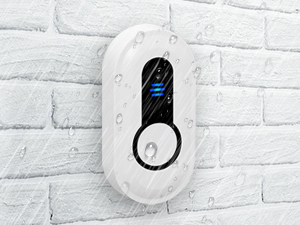
Figure 4: Pairing process for the SanJie Wireless Doorbell.
3. プッシュボタンの取り付け
The push button can be installed using either double-sided tape or screws.
- 両面テープ: Clean the desired surface thoroughly. Apply the tape to the back of the push button and firmly press it onto the wall.
- ネジ: Mark the desired mounting location. Drill pilot holes, then secure the push button using the provided screws.
Ensure the push button is placed in a location where it is easily accessible and within the wireless range of the receiver. The push button is IP55 waterproof, making it suitable for outdoor installation.

Figure 5: Waterproof push button suitable for outdoor use.
操作手順
1. 受信機の配置
The portable receiver can be carried with you or placed in any desired location within the 1000-foot wireless range. Its back clip allows for convenient attachment to clothing or other objects.
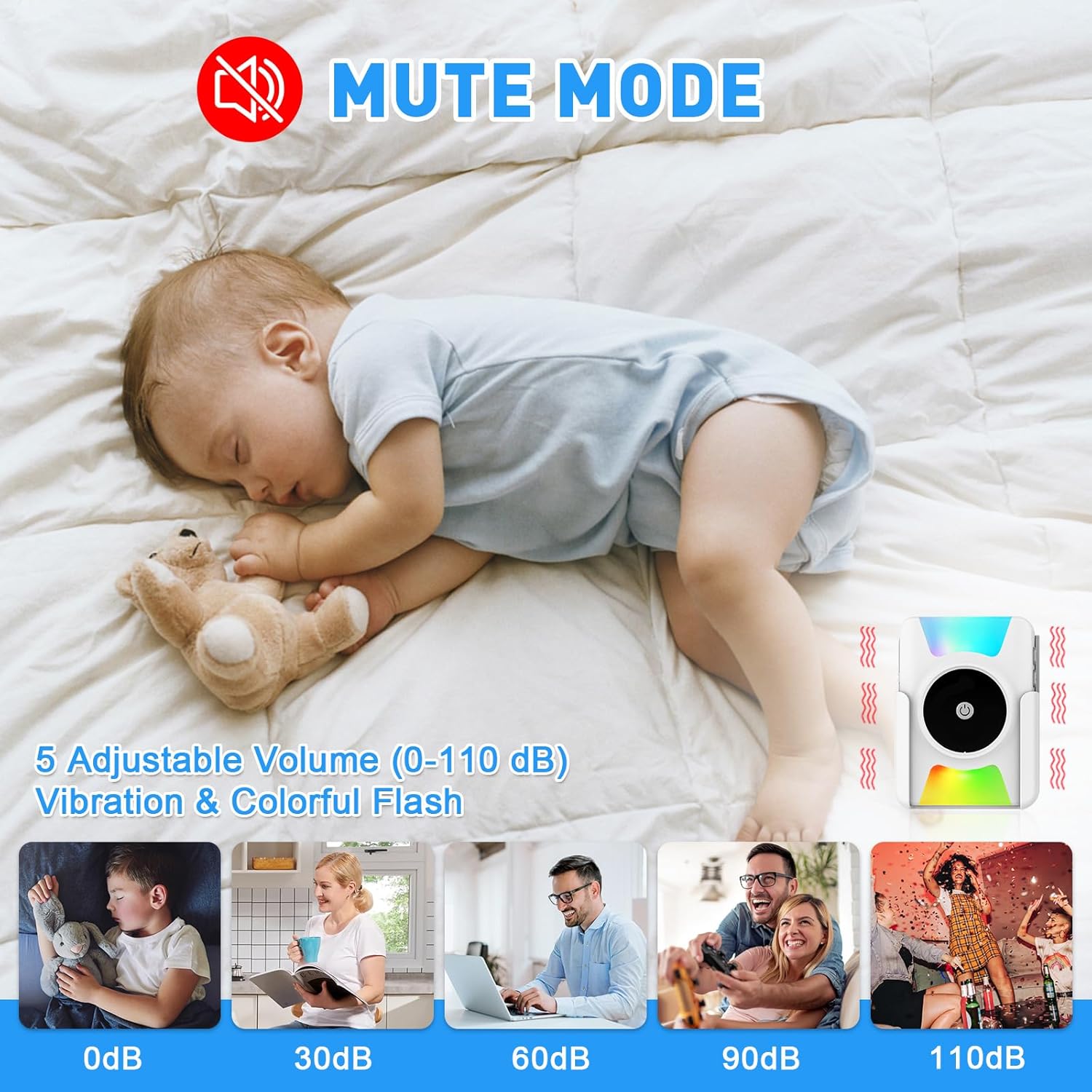
Figure 6: Doorbell receiver placement and wireless range.
2.音量の調整
Press the volume button on the receiver to cycle through 5 adjustable volume levels (0-110dB). The 0dB setting activates mute mode, where only vibration or flashing lights will alert you.

Figure 7: Mute mode for quiet environments.
3. 着信音の変更
Press the music selection button on the receiver to cycle through the 20 available ringtones. You can set different ringtones for multiple push buttons (e.g., front door, back door) if you have additional transmitters paired.

Figure 8: Doorbell with 20 ringtones and adjustable volume.
4. 動作モードの選択
The receiver offers 4 working modes (A, B, C, D) which combine sound, vibration, and colorful flashing lights. Use the mode selection switch on the side of the receiver to choose your preferred alert method.
- モードA: Ringtone + Vibration
- モードB: Ringtone + Colorful Flash
- モードC: Ringtone + Vibration + Colorful Flash
- モードD: Ringtone Only
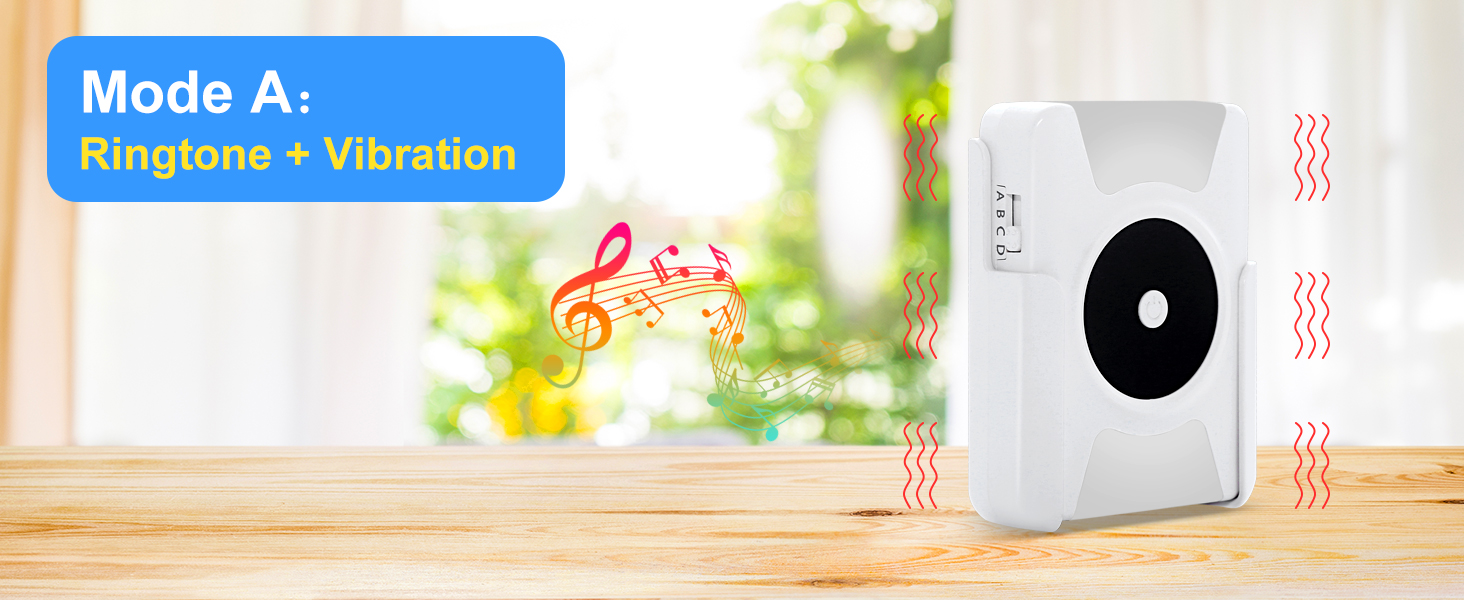


Figure 9: Available working modes for the receiver.
メンテナンス
- バッテリー交換: Replace AAA batteries in the receiver when the low battery reminder activates. The push button battery (12V 23A) has an estimated 3-year lifespan and should be replaced when the button no longer activates the receiver.
- クリーニング: Wipe the doorbell units with a soft, dry cloth. Avoid using harsh chemicals or abrasive cleaners.
- 環境条件: While the push button is IP55 waterproof, avoid submerging it in water. Ensure the receiver is kept in a dry environment.
トラブルシューティング
| 問題 | 考えられる原因 | 解決 |
|---|---|---|
| Doorbell does not ring/flash/vibrate. |
|
|
| Receiver rings continuously or randomly. |
|
|
| 音量が低すぎるか高すぎます。 | 音量設定を調整する必要があります。 | 受信機の音量ボタンを押して、希望のレベルに調整します。 |
| No vibration or flash in mute mode. | Incorrect working mode selected. | Ensure Mode A, B, or C is selected using the mode switch. Mode D is ringtone only. |
仕様
- モデル番号: CC21WH-DB19WH
- 無線範囲: 最大1000フィート(300メートル)
- 着メロ: 20の選択可能なメロディー
- 音量レベル: 5段階(0~110dB)
- 動作モード: 4 (Ringtone+Vibration, Ringtone+Flash, Ringtone+Vibration+Flash, Ringtone Only)
- Push Button Waterproof Rating: IP55
- 動作温度: -4°F ~ 140°F (-20°C ~ 60°C)
- 受信機電力: 3 x AAA電池(付属)
- Push Button Power: 1 x 12V 23Aバッテリー(付属)
- 材料: アブソリュート
- 製品寸法: 3.94 x 2.36 x 3.94 inches (Overall product dimensions, specific receiver/button dimensions not provided)
- 商品の重量: 6.7オンス
保証とサポート
SanJie provides a 100% guarantee and service for this product. If you encounter any questions or issues regarding your SanJie Wireless Doorbell, please contact us via Amazon mail. We are committed to providing a satisfactory solution.
For further assistance, please refer to the contact information provided with your purchase or visit the official SanJie store on Amazon: SanJie Store.