
1. はじめに
This manual provides comprehensive instructions for the Digitek DWM-002 Wireless Microphone system. Please read this manual carefully before using the product to ensure proper operation and to maximize its performance. This device is designed for use with iPhone X/11/12/13/14 Series featuring a Lightning (LTC) port.
2. パッケージ内容
パッケージにすべてのアイテムが含まれていることを確認します。
- 2xワイヤレスマイク
- 1 x Receiver with Lightning Connector
3.製品オーバーview
The Digitek DWM-002 system consists of two wireless microphones and one receiver, designed for clear audio capture with iOS devices. The compact design ensures portability and ease of use.
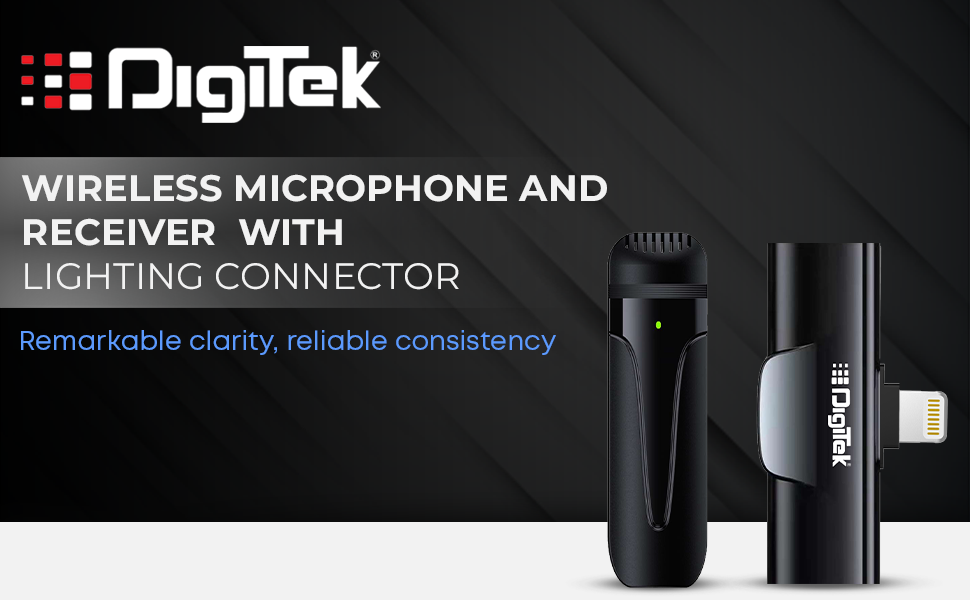
Image: Digitek DWM-002 Wireless Microphone and Receiver with Lightning Connector. The image shows the microphone and receiver units side-by-side, highlighting their compact form factor and the Lightning connector on the receiver.
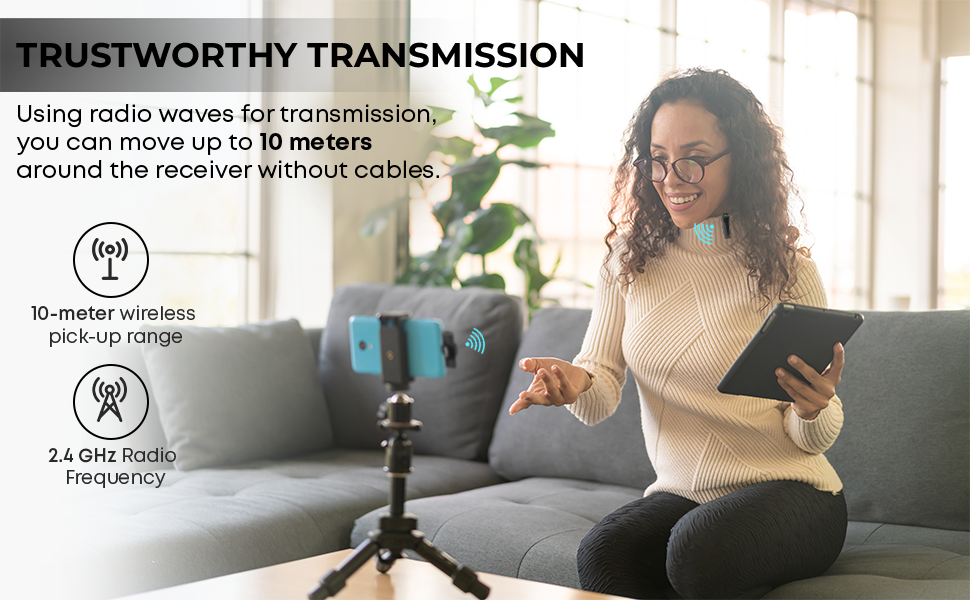
Image: Convenient Configuration. This image illustrates the solid build and compact design of the microphone and receiver, emphasizing the top-notch connector and sturdy construction.
4. セットアップ手順
- 互換性チェック: Ensure your iPhone is from the X/11/12/13/14 Series and features a Lightning (LTC) port. This microphone system is not compatible with Type-C models.
- Unlock iPhone: Before connecting the receiver, unlock your iPhone's screen.
- 受信機を接続する: Plug the receiver into your iPhone's Lightning port. The microphone will only function correctly after the screen is unlocked and the receiver is connected.
- マイクの電源オン: The microphone unit typically powers on automatically or via a power button (if present, not explicitly detailed in provided data). A green indicator light on the microphone usually signifies it is on and ready.
- 自動ペアリング: The microphone and receiver are designed to pair automatically upon connection. No manual pairing steps are usually required.
5. 操作手順
5.1 基本操作
- Once the receiver is connected to your unlocked iPhone and the microphone is powered on, the system is ready for use.
- Clip the microphone to your collar or clothing for optimal audio capture.
- The system operates on a 2.4 GHz frequency, providing stable and interference-free wireless transmission.
- Maintain a wireless operating range of up to 10 meters for optimal performance.
5.2 ノイズキャンセリング
The Digitek DWM-002 features a built-in noise cancellation function to ensure clear and crisp audio by reducing ambient background noise.
5.3 充電
- The microphone units are equipped with a built-in 50 mAh Li-Poly battery.
- The system supports fast charging, allowing for quick recharging and extended use.
- The power input is DC 5V/1A, compatible with standard power sources for convenient recharging.
- A full charge provides up to 4 hours of non-stop usage.
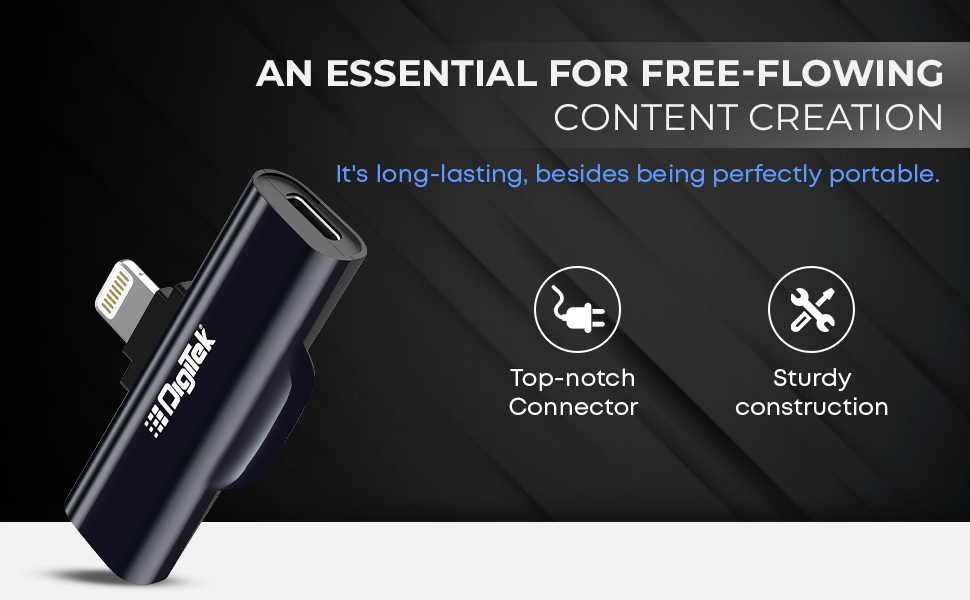
Image: Simplified Communication and Creation. This image highlights the microphone's battery life of up to 4 hours of non-stop usage and its built-in 50 mAh Li-Poly battery.
5.4 推奨される使用シナリオ
This wireless microphone system is well-suited for various applications requiring clear audio:
- ビデオブログ
- ビデオ会議
- ポッドキャスティング
- ライブストリーミング
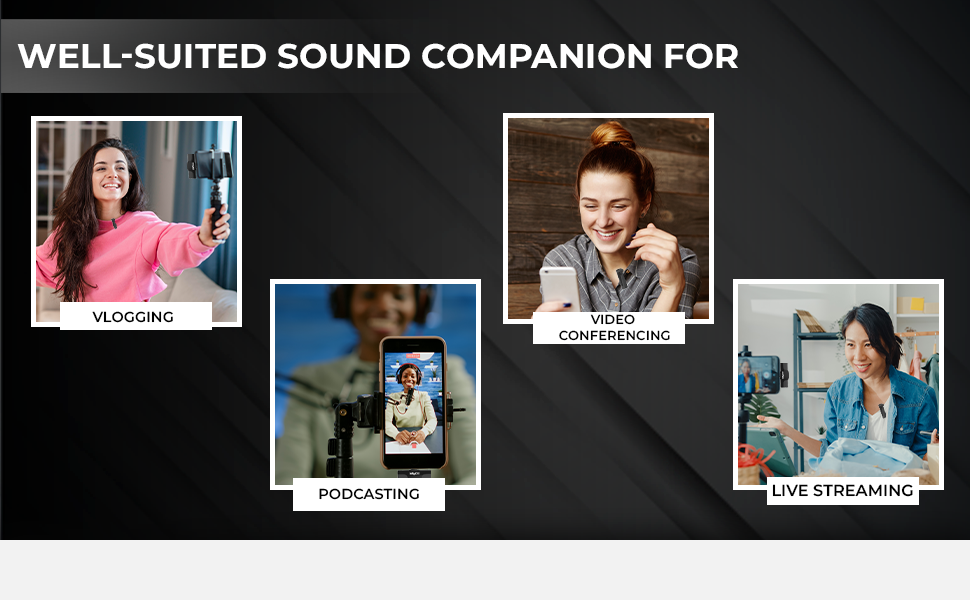
Image: Well-suited Sound Companion. This image displays various usage scenarios for the microphone, including vlogging, video conferencing, podcasting, and live streaming.
6. メンテナンス
- Keep the microphone and receiver clean and dry. Avoid exposure to moisture or extreme temperatures.
- Use a soft, dry cloth to clean the surfaces. Do not use harsh chemicals or abrasive materials.
- 損傷を防ぐために、使用していないときはデバイスを保護ケースに保管してください。
- 落としたり、強い衝撃を与えないでください。
7。 トラブルシューティング
| 問題 | 考えられる原因 | 解決 |
|---|---|---|
| Microphone not working after connecting to iPhone. | iPhone screen was locked during connection. | Ensure your iPhone screen is ロック解除 before plugging in the receiver. Disconnect and reconnect the receiver after unlocking the screen. |
| 音声が出ない、または音質が悪い。 | Microphone not powered on; out of range; interference; low battery. |
|
| Receiver not fitting or charging port issues. | Incorrect cable type; manufacturing defect. |
|
| マイクが受信機とペアリングされていません。 | Microphone or receiver not powered; out of range; temporary glitch. |
|
8. 仕様
| 特徴 | 詳細 |
|---|---|
| ブランド | デジテック |
| モデル番号 | DWM-002 |
| 接続技術 | 稲妻 |
| コネクタタイプ | 稲妻 |
| 特集 | Mute Function, Wireless, Noise Cancellation |
| 対応デバイス | iPhone (Lightning port models) |
| 極性パターン | 全方向 |
| インピーダンス | 2200オーム |
| マイクフォームファクター | マイクシステム |
| 電源 | 電池駆動 |
| 電池の数 | 1 Lithium Polymer battery required (included) per microphone |
| 信号対ノイズ比 | 75デシベル |
| ハードウェアプラットフォーム | スマートフォン |
| チャンネル数 | 1 |
| 周波数応答 | 2.4GHz帯 |
| 周波数範囲 | 100 Hz - 10 KHz |
| 色 | 黒 |
| エンクロージャ材質 | 合金鋼、プラスチック |
| アイテム重量 | 300グラム(パッケージ全体) |
| アイテムの寸法 | 11 x 4 x 10 センチメートル |
| 原産国 | 中国 |
9. 保証情報
The Digitek DWM-002 Wireless Microphone comes with a 1 Year Carry-in Warranty from the date of purchase. Please retain your purchase receipt for warranty claims. The warranty covers manufacturing defects but does not cover damage caused by misuse, accidents, unauthorized modifications, or normal wear and tear.
10. カスタマーサポート
For technical assistance, warranty claims, or product inquiries, please contact Digitek customer support:
- 電話: 011 4707 4444
- メーカー/輸入業者: IMS MercantilesPvt。 株式会社
You can also visit the official Digitek web詳細情報とサポート リソースについては、サイトをご覧ください。