
1. はじめに
Thank you for choosing the Baseus Tungsten Gold USB-C to USB-C 100W Charging Cable. This manual provides essential information for the proper use, care, and maintenance of your new cable. Please read this manual thoroughly before using the product to ensure optimal performance and longevity.

Image 1.1: The Baseus Tungsten Gold USB-C to USB-C 100W Charging Cable. This image shows the cable coiled, highlighting its braided design and the USB-C connectors.
2 製品の特徴
The Baseus Tungsten Gold USB-C to USB-C 100W Charging Cable is designed for efficient and reliable power delivery and data transfer. Key features include:
- 高出力供給: Supports up to 100W (20V/5A) fast charging, compatible with various USB-C devices including laptops, tablets, and smartphones.
- 耐久性のある構造: Features a high-density braided cable jacket for enhanced resistance against wear, tear, and tangling.
- Smart E-Marker Chip: An integrated E-Marker chip intelligently regulates the output current and voltage to protect your devices during charging.
- Magnetic Coiled Design: The cable maintains a coiled helix shape, allowing for easy and organized storage.
- Premium Connectors: Equipped with robust USB-C connectors for a secure and consistent connection.
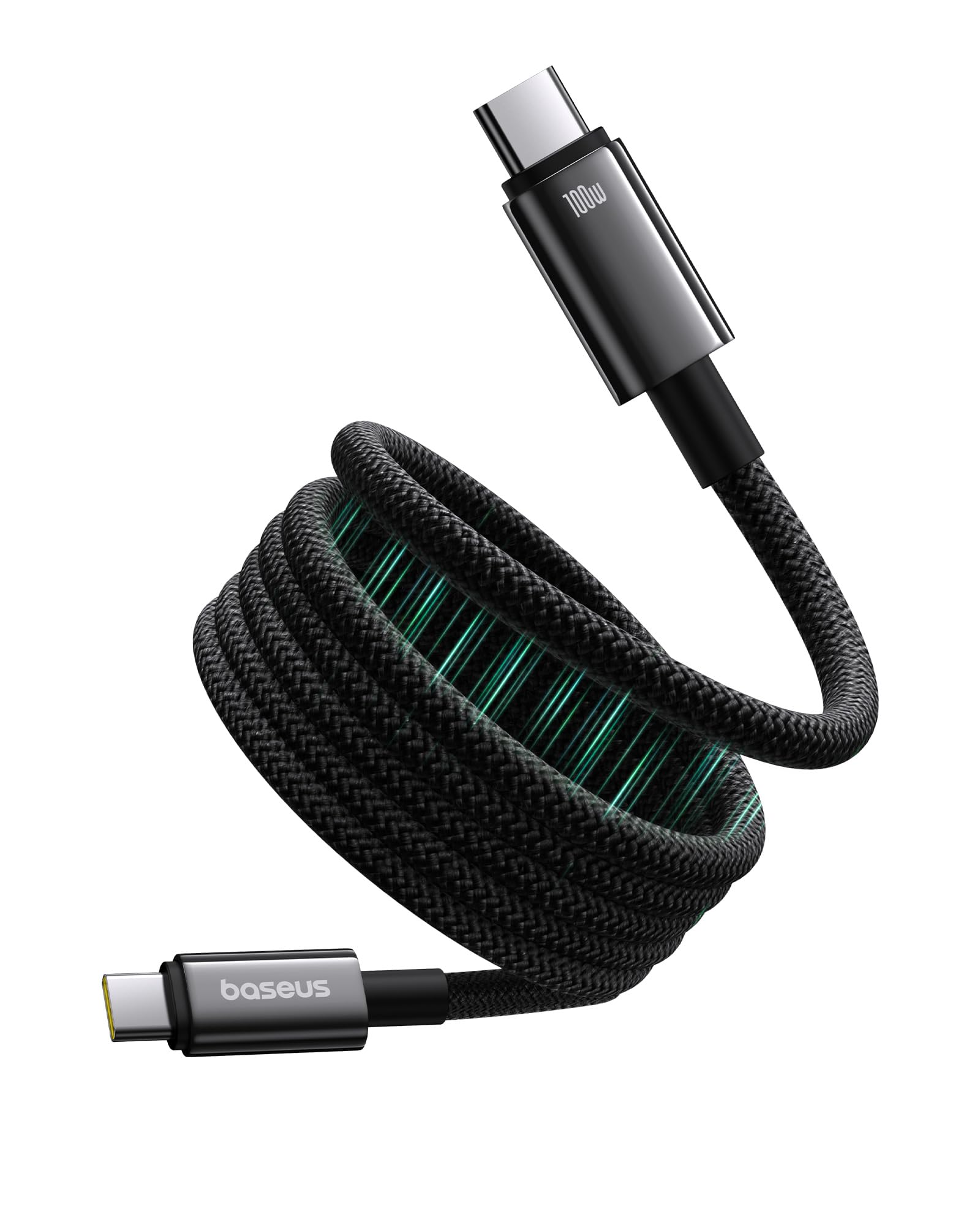
Image 2.1: The USB-C connector of the Baseus cable, illustrating its premium design and 100W power capability. The image emphasizes the 'Crisp Plug & Unplug' feature with robust housing.

Image 2.2: Demonstration of the magnetic coiled cable storage. The top panel shows the cable neatly coiled for storage, while the bottom panel shows a messy, unorganized cable, highlighting the benefit of the magnetic feature.
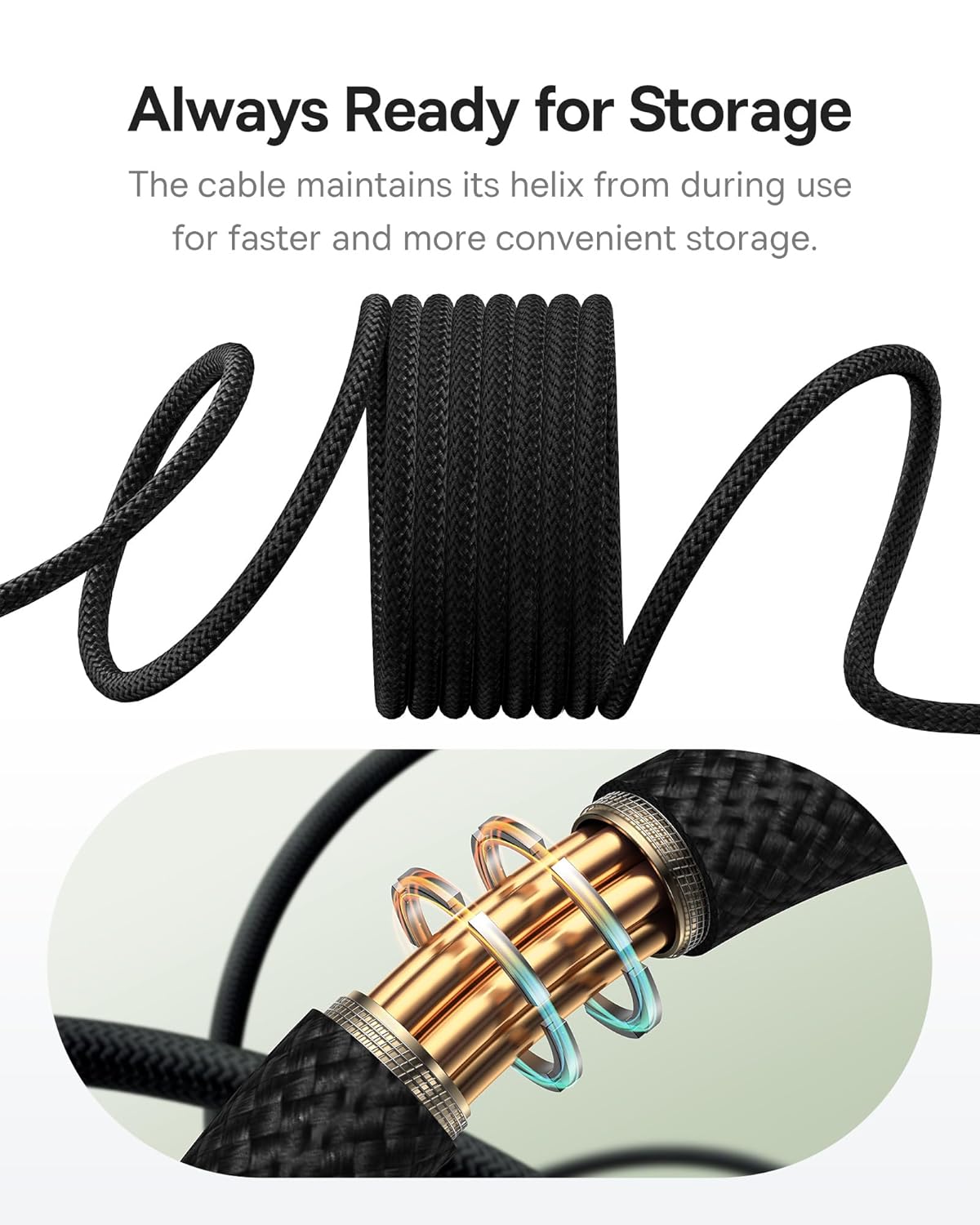
Image 2.3: Close-up of the cable's braided texture, showing how it naturally maintains its coiled helix shape for easy storage and retrieval, labeled 'Always Ready for Storage'.

画像2.4: 詳細な view of the high-density braided cable jacket, emphasizing its durability and resistance to wear and tear, described as 'Outlasting Your Old Cables'.

Image 2.5: An illustrative diagram of the E-Marker chip embedded within the cable, highlighting its role in regulating power output for 'Faster Charging, Healthier Battery'.
3. セットアップ
Setting up your Baseus Tungsten Gold USB-C to USB-C 100W Charging Cable is straightforward:
- ポートを識別します: Ensure both your charging source (e.g., wall adapter, power bank) and your device (e.g., laptop, smartphone, tablet) have compatible USB-C ports.
- 電源に接続します: Insert one end of the USB-C cable firmly into the USB-C output port of your power adapter or power bank.
- デバイスに接続します: Insert the other end of the USB-C cable firmly into the USB-C input port of your device.
- 接続を確認します: Confirm that your device indicates it is charging or connected for data transfer.
4. 操作手順
This cable supports both power delivery (charging) and data transfer. Follow these guidelines for optimal operation:
4.1 デバイスの充電
- For fast charging, ensure your power adapter supports USB Power Delivery (PD) and provides sufficient wattage(最大100W)。
- Connect the cable as described in the Setup section. The E-Marker chip will automatically negotiate the appropriate power level with your device.
- Avoid using the cable with damaged ports or adapters.
4.2データ転送
- Connect your device to a computer or another compatible device using the cable.
- Ensure both devices are powered on and configured for data transfer (e.g., selecting 'File Transfer' mode on your smartphone).
- The cable supports data transfer speeds up to 0.48 Gigabits Per Second (USB 2.0 speed).
5. メンテナンス
Proper care and maintenance will extend the life of your cable:
- クリーニング: Gently wipe the cable and connectors with a dry, soft cloth. Avoid using harsh chemicals or abrasive materials.
- ストレージ: Utilize the magnetic coiled design for neat storage. Avoid tightly bending or kinking the cable, especially near the connectors. Store in a cool, dry place away from direct sunlight and extreme temperatures.
- 取り扱い: Always grasp the connector head when plugging or unplugging the cable. Do not pull on the cable itself, as this can damage the internal wires.
- 検査: ケーブルとコネクタにほつれ、切れ目、ピンの曲がりなどの損傷がないか定期的に点検してください。損傷が見られる場合は使用を中止してください。
6。 トラブルシューティング
If you encounter issues with your Baseus charging cable, refer to the following common problems and solutions:
| 問題 | 考えられる原因 | 解決 |
|---|---|---|
| デバイスが充電されない | 接続が緩い 電源アダプタの故障 Device issue 出力不足 | Ensure cable is firmly connected at both ends. 別の電源アダプターを試してください。 別のデバイスでテストします。 Use a power adapter that supports the required wattagお使いのデバイスのe。 |
| 充電が遅い | Power adapter not supporting fast charging 消費電力の少ないデバイス Background apps on device | Use a USB PD compatible power adapter with higher wattage. Check device settings or close unnecessary applications. |
| データ転送が機能しない | Incorrect device settings 接続が緩い Driver issues on computer | Ensure device is set to 'File Transfer' mode. ケーブルをしっかりと接続し直してください。 Update USB drivers on your computer. |
| ケーブルが損傷しているようです | 身体的ストレス 消耗 | Discontinue use immediately to prevent further damage or safety hazards. Contact support if within warranty. |
7. 仕様
Detailed technical specifications for the Baseus Tungsten Gold USB-C to USB-C 100W Charging Cable:
- ブランド: ベースス
- モデル番号: P10319805111-00
- コネクタタイプ: USB タイプ C (オス - オス)
- ケーブルタイプ: USB
- 電力供給: 最大100W(20V / 5A)
- データ転送速度: 0.48ギガビット/秒(USB 2.0)
- ピンの数: 24
- 対応デバイス: Smartphones, Tablets, Laptops with USB-C ports
- 屋内/屋外での使用: 屋内
- 商品の重量: 約0.08キログラム(2.82オンス)
- 長さ: 1 meter (Black)
8. 保証とサポート
Baseusは 2年間保証 for this product, covering manufacturing defects from the date of purchase. Please retain your proof of purchase for warranty claims.
For technical support, warranty claims, or further inquiries, please contact Baseus customer service through their official website or the retailer where the product was purchased. Provide your model number (P10319805111-00) and a detailed description of the issue for efficient assistance.

Image 8.1: The retail packaging for the Baseus Tungsten Gold USB-C to USB-C 100W Charging Cable, showing key features like 100W PD and E-Marker chip.