
1.製品オーバーview
The Septekon Model 764 is a 1080p wireless outdoor security camera designed for reliable home surveillance. It features enhanced dual Wi-Fi antennas for stable connectivity, AI motion detection with real-time alerts, two-way audio communication, and advanced night vision capabilities. Its IP66 waterproof rating ensures durability in various weather conditions, while enterprise-grade encryption protects your video data stored in the cloud or on an SD card.

Image 1.1: Septekon 1080p Wireless Outdoor Security Camera highlighting key features like 1080p resolution, night vision, instant alerts, motion detection, Alexa compatibility, IP66 rating, two-way audio, cloud/TF card storage, 2.4GHz WiFi, and siren.
主な特徴:
- Enhanced Dual Wi-Fi Antenna: Provides a stronger Wi-Fi signal and extended transmission range for stable 2.4G Wi-Fi connectivity.
- AI Motion Detection and Two-Way Audio: Integrated motion sensor and AI technology send accurate, real-time alerts. Built-in microphone and speaker allow for communication or deterrence.
- 1080p Live Video and Advanced Night Vision: Features a 2-megapixel HD lens and 8 advanced infrared LEDs for ultra-clear night vision up to 20 meters (65 feet).
- Easy Installation and IP66 Waterproof Rating: Simple setup via the Septekon app. Anti-corrosion body and waterproof rubber rings ensure reliable operation in all weather conditions.
- Enterprise-Grade Video Encryption and Cloud/SD Card Storage: AES256 encryption for secure data transmission. Supports cloud storage and local micro SD card storage up to 128GB (not included).
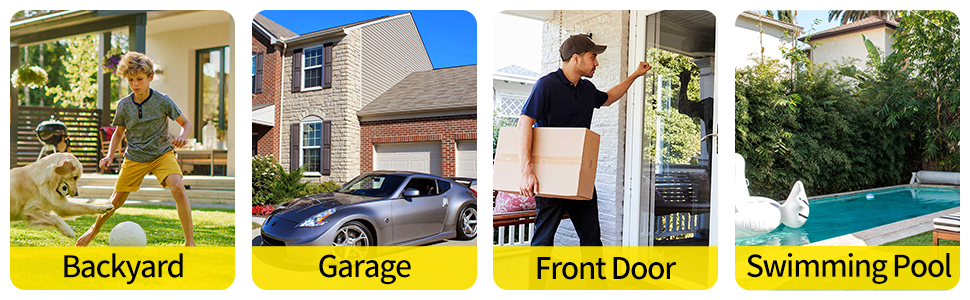
図1.2: 例amples of common installation locations and usage scenarios for the outdoor security camera.
2. パッケージ内容
開梱したらパッケージの内容を確認し、すべてのアイテムが揃っていることを確認してください。
- Septekon 1080p Wireless Outdoor Security Camera (Model 764)
- 電源アダプター
- 取り付けネジと壁プラグ
- ユーザーマニュアル(このドキュメント)
3. セットアップ
3.1. Download the Septekon App
検索する "Septekon" in your smartphone's app store (Google Play Store for Android or Apple App Store for iOS) and download the official application. Follow the on-screen instructions to create an account.
3.2. カメラの電源を入れます
Connect the provided power adapter to the camera and plug it into a standard electrical outlet. The camera will power on and initiate its startup sequence. Wait for the indicator light to show it is ready for connection (refer to the app for specific light indications).
3.3. Wi-Fiに接続する
- Open the Septekon app and tap on "Add Device" or the '+' icon.
- Select your camera model or scan the QR code located on the camera or its packaging.
- Follow the in-app instructions to connect the camera to your 2.4GHz Wi-Fi network. Ensure your phone is also connected to the same 2.4GHz network during setup. 注意: このカメラは 5GHz Wi-Fi ネットワークをサポートしていません。
- 接続したら、カメラに名前を付けてセットアッププロセスを完了できます。
3.4.カメラの取り付け
設置場所として屋外の適切な場所を選び、視界が確保できる場所を選んでください。 view and proximity to a power source. The camera is designed for wall mounting.
- カメラの取り付けベースをテンプレートとして使用して、壁にドリルポイントをマークします。
- 穴を開けて壁プラグを挿入します。
- 付属のネジを使用して取り付けベースを壁に固定します。
- カメラを取り付けベースに取り付け、最適なカバー範囲になるように角度を調整します。
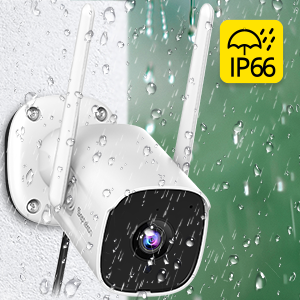
Image 3.1: Illustrates the process of mounting the camera to a wall.
4. 操作手順
4.1.ライブ View
Open the Septekon app and select your camera from the device list to access the live video feed. You can view リアルタイムフーtagインターネット接続があればどこからでも。

Image 4.1: Demonstrates the ability to watch live video remotely and share access with multiple users.
4.2. 双方向オーディオ
ライブ中 view, tap the microphone icon in the app to speak through the camera's built-in speaker. Tap the speaker icon to listen to audio from the camera's surroundings. This feature allows for direct communication with visitors or deterrence of unwanted individuals.

Image 4.2: A user communicating with a delivery person via the camera's two-way audio feature.
4.3. 動きの検知とアラート
The camera's AI motion detection system will send real-time alerts to your phone when suspicious activity is detected. You can customize motion detection sensitivity and alert settings within the Septekon app.

Image 4.3: Depicts real-time motion alerts and the activation of a siren to deter intruders.
4.4. ナイトビジョン
The camera automatically switches to advanced night vision mode in low-light conditions, providing clear black-and-white footage up to 20 meters (65 feet). This ensures continuous surveillance around the clock.
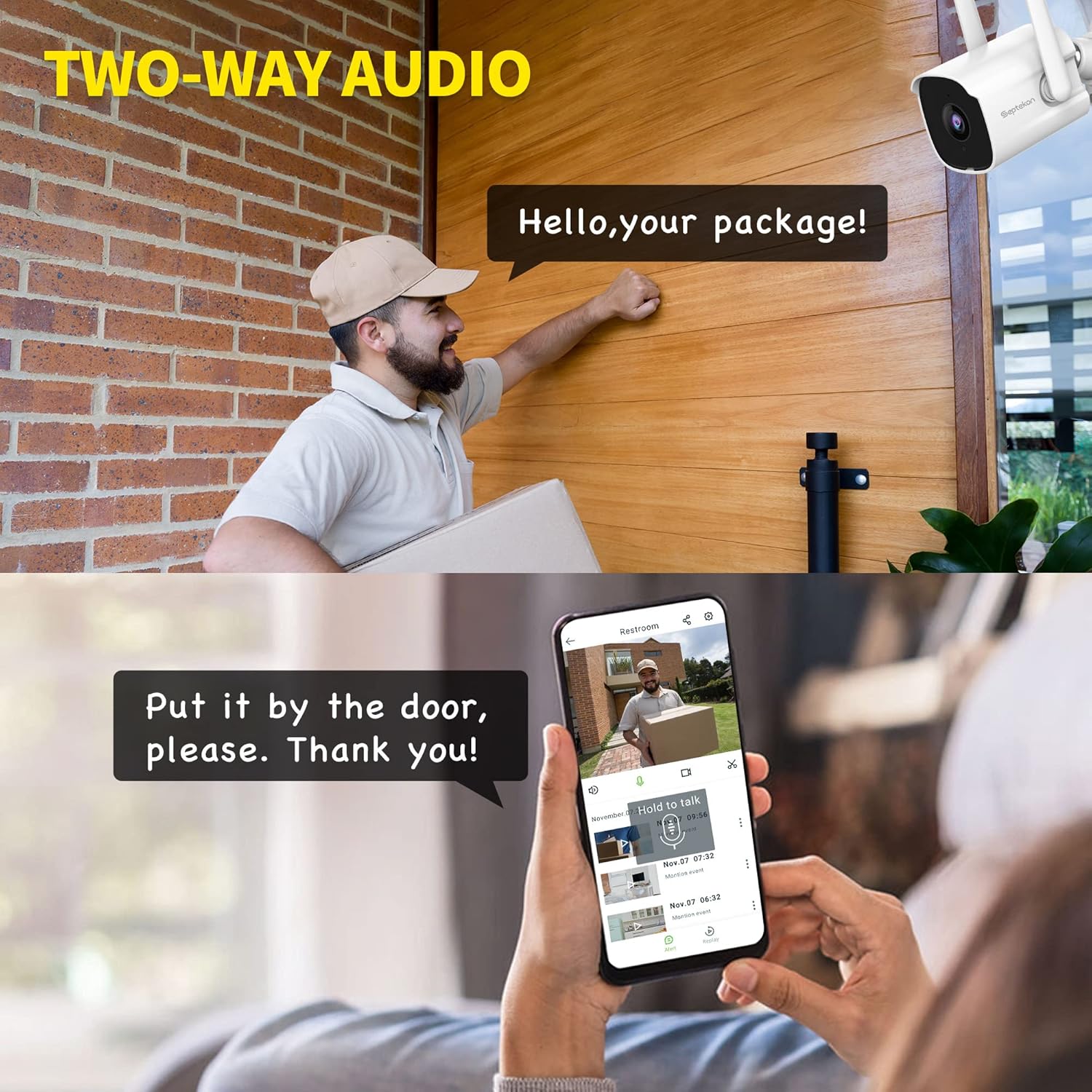
Image 4.4: Illustrates the clarity of the camera's enhanced night vision feature.
4.5. 記録と保存
カメラは録画した映像の保存オプションを2つサポートしていますtage:
- クラウドストレージ: Securely store your video data in the cloud with AES256 encryption. Access, review, download, and share recordings anytime from the Septekon app. A subscription may be required for cloud services.
- マイクロSDカードストレージ: Insert a micro SD card (up to 128GB, not included) into the camera's designated slot for local storage. Footagアプリを通じてアクセスし、管理することができます。

Image 4.5: Shows the options for encrypted cloud storage and local SD card storage.
4.6. 複数ユーザー共有
You can share access to your camera's live feed and recordings with up to 20 other users through the Septekon app. This allows family members or trusted individuals to monitor your property.

Image 4.6: Illustrates the multi-user sharing feature, allowing several people to view カメラフィード。
5. メンテナンス
Regular maintenance ensures optimal performance and longevity of your Septekon security camera.
- クリーニング: カメラのレンズとハウジングを定期的に柔らかくてきれいな布で拭いてください。amp cloth to remove dust, dirt, or water spots. Do not use harsh chemicals or abrasive materials.
- ファームウェアの更新: Check the Septekon app regularly for available firmware updates. Keeping your camera's firmware up-to-date ensures access to the latest features and security enhancements.
- 接続チェック: Ensure the power cable and Wi-Fi connection remain stable. Re-secure any loose connections.
- 環境チェック: While IP66 rated, periodically inspect the camera for any signs of wear or damage, especially after extreme weather events.
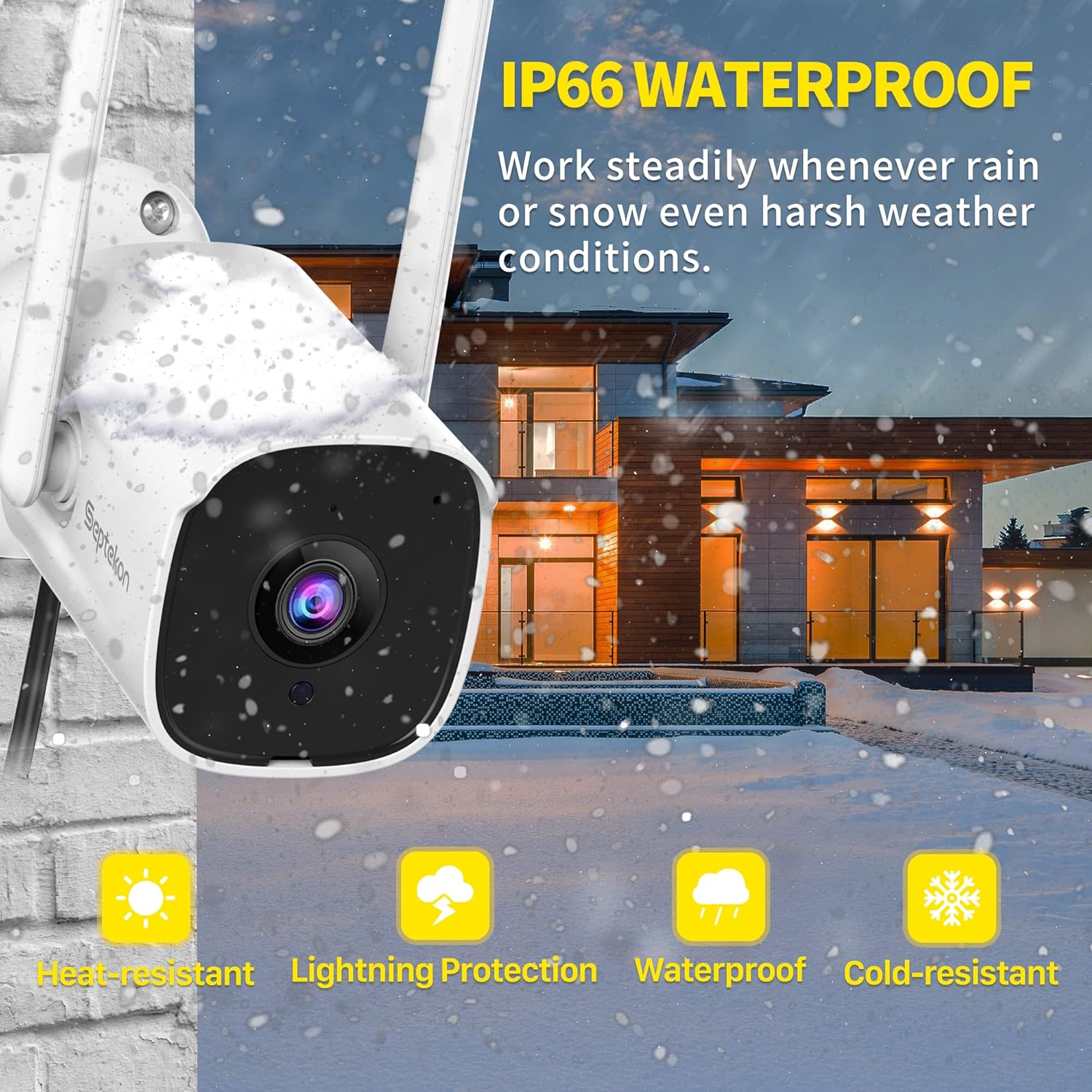
Image 5.1: The camera's IP66 rating ensures durability against various weather conditions like rain and snow.
6。 トラブルシューティング
カメラに問題が発生した場合は、次の一般的な問題と解決策を参照してください。
| 問題 | 考えられる原因 | 解決 |
|---|---|---|
| カメラがオフライン/Wi-Fiに接続できない | Weak Wi-Fi signal, incorrect Wi-Fi password, 5GHz network used. | Ensure camera is within Wi-Fi range. Verify Wi-Fi password. Connect to a 2.4GHz network. Restart camera and router. |
| 画像なし/画質が悪い | Lens is dirty, insufficient lighting, network bandwidth issues. | Clean the camera lens. Ensure adequate lighting or check night vision settings. Check internet speed. |
| 動き検出が機能しない、または敏感すぎる | 感度設定が正しくない、検出ゾーンが設定されていない、環境要因(例:枝の移動) | Adjust motion detection sensitivity in the app. Configure detection zones to exclude irrelevant areas. |
| 双方向オーディオの問題 | Microphone/speaker blocked, app permissions, low volume. | Ensure nothing is obstructing the microphone or speaker. Check app permissions for audio. Adjust volume settings. |
| SDカードに録画されない | SD カードがいっぱいか、破損しているか、正しく挿入されていません。 | Check SD card status in the app. Format the SD card (this will erase data). Replace with a new SD card if corrupted. Ensure it's inserted correctly. |
7. 仕様
Detailed technical specifications for the Septekon 1080p Wireless Outdoor Security Camera (Model 764):
| 特徴 | 仕様 |
|---|---|
| モデル番号 | 764 |
| ブランド | セプテコン |
| 接続技術 | ワイヤレス(Wi-Fi 2.4GHz) |
| ビデオ録画解像度 | 1080p |
| Effective Capture Resolution | 2メガピクセル |
| 特集 | ナイトビジョン、モーション検知、双方向オーディオ |
| 屋内/屋外での使用 | 屋外 |
| 国際保護格付け | IP66 |
| 対応デバイス | スマートフォン |
| 電源 | 電気ケーブル |
| 取り付けタイプ | 壁掛け |
| 色 | 白 |
| 光源の種類 | 赤外線 |
| View角度 | 105度 |
| 分野 View | 120度 |
| 商品の寸法 (長さ x 幅 x 高さ) | 13 x 13 x 6.5 cm |
| ワットtage | 5ワット |
| 電池が必要 | いいえ |
| IR LEDの数 | 8 |
| 最大SDカードストレージ | 128 GB(マイクロSDは付属していません) |
8. 保証とサポート
For warranty information, technical support, or any inquiries regarding your Septekon 1080p Wireless Outdoor Security Camera, please refer to the official Septekon web公式サイトをご覧いただくか、カスタマーサービスに直接お問い合わせください。保証請求のために購入時のレシートを保管してください。