
1. はじめに
The Rettru XDWIFI Mini Wireless WiFi Camera is a compact surveillance device designed for discreet monitoring. It offers HD1080P video resolution, night vision capabilities, motion detection, and remote viewing via a mobile application. This manual provides detailed instructions for setting up, operating, and maintaining your camera.
ビデオ: 終了view of the Rettru XDWIFI Mini Wireless WiFi Camera, highlighting its compact size and features.
2. パッケージ内容
パッケージに以下のすべての項目が含まれていることを確認してください。
- 1 x Rettru XDWIFI Camera
- ユーザーマニュアル x 1
- USBケーブル1本
- 1 XマイクロSDカードリーダー
- 1 x磁気ベース

Image: All components included in the Rettru XDWIFI Mini Wireless WiFi Camera package.
3 製品の特徴
- 超コンパクト設計: The camera measures approximately 1.57 x 1.18 x 0.5 inches, making it highly discreet and easy to conceal.
- HD1080P Video: 鮮明な監視のために高解像度のビデオを記録します。
- 強化されたナイトビジョン: Equipped with two 940nm infrared lights, providing clear visibility up to 26 feet in low light or total darkness without visible glow.
- インテリジェントな動き検出: Features customizable motion detection zones and times. Sends alarm notifications with images to your phone upon detection.
- ループ録音: Supports continuous recording, overwriting the oldest file■メモリーカードがいっぱいになったとき。
- クラウドストレージ: Offers cloud service for video storage (subscription may be required).
- リモート Viewing: Access live video remotely via the mobile application on iOS/Android devices.
- 柔軟な設置: Includes a magnetic base and mounting options for versatile placement.

Image: The camera's compact size, held between two fingers.
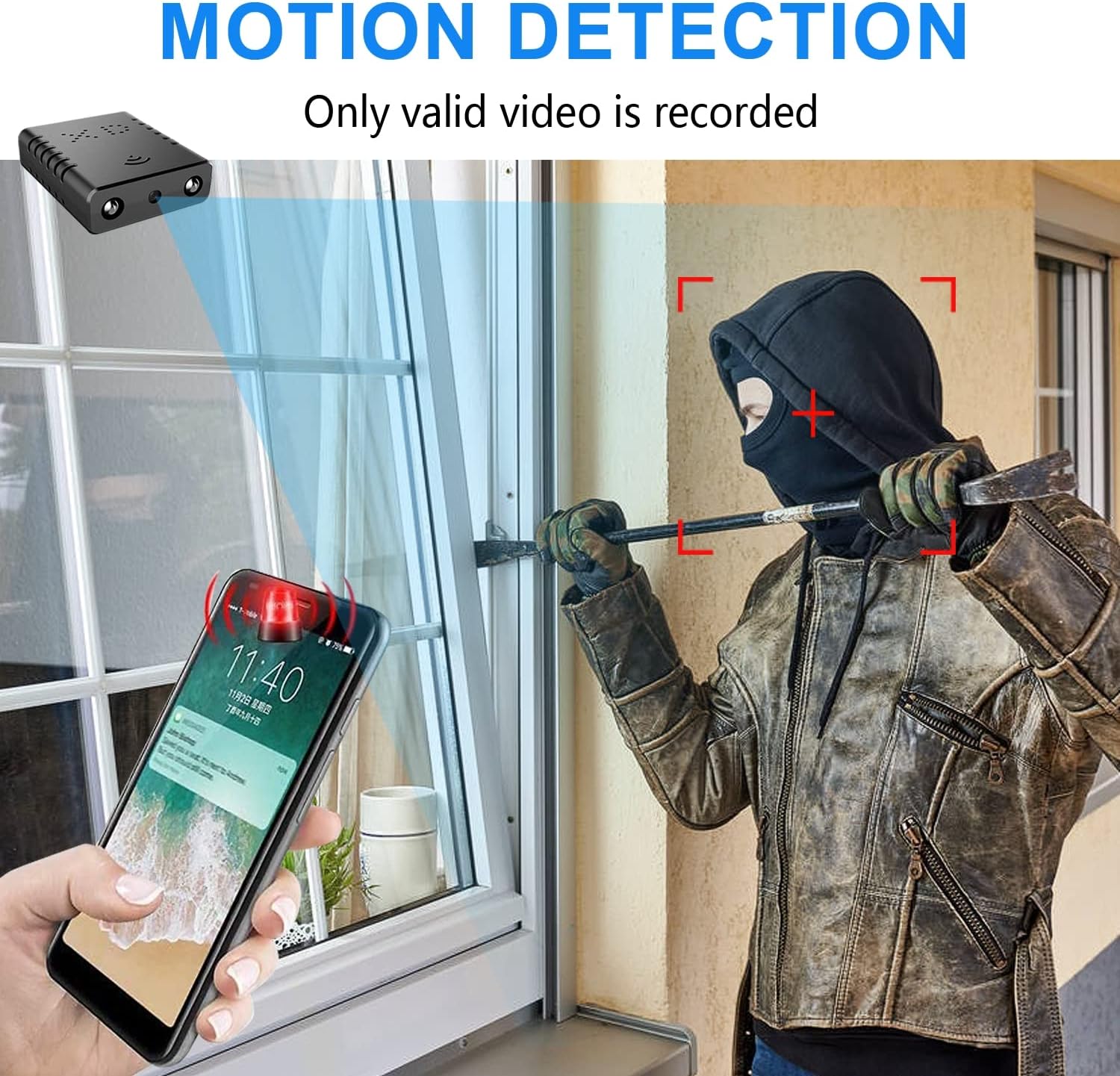
Image: Illustration of the motion detection feature, showing an alert on a smartphone.

Image: Day and night vision comparison, showing clear infrared night vision.
4.セットアップガイド
4.1. 初期充電
Before first use, fully charge the camera for approximately 6 hours. During charging, a yellow light will illuminate. The camera charges via a USB-C port.
4.2. No-WiFi Recording Mode
To record without a WiFi connection, insert a compatible Micro SD card (16GB to 128GB, formatted in FAT32) into the TF card slot. Press the power button. When the blue light flashes, continuous recording will begin automatically in 5-minute clips. No app registration or device binding is needed for this mode. (Micro SD card not included, purchased separately).

画像: サイド view of the camera highlighting the TF card slot and charging port.
4.3. WiFi Recording Mode (App Connection)
リモート用 viewing and advanced features, connect the camera to your home WiFi network via the mobile application. The recommended app is V380 Pro.
- アプリをダウンロード: 検索する "V380 Pro" in your device's app store (iOS/Android) and install it.
- アカウントを登録する: アプリを開き、画面の指示に従って新しいアカウントを登録します。
- カメラの電源オン: カメラをオンにします。
- Hotspot Connection (Method 1):
- Hold the "Reset" button until both red and blue lights flash simultaneously.
- When the blue light flashes again, the camera will send out a hotspot signal.
- On your phone's WLAN settings, connect to the camera's hotspot (e.g., "@MC-********" or "@IPC-********"). No password is required.
- The device should be added automatically in the app. Go to "Device Settings" > "Wi-Fi Network" and choose your available home WiFi network. Enter the password and confirm.
- Bluetooth Connection (Method 2):
- 携帯電話のBluetoothをオンにします。
- Log into the O-KAM Pro app (or V380 Pro), go to the "Mine" page, tap "System Permissions," and enable Bluetooth.
- In the app, click the "+" button in the upper right corner. The app will automatically detect the camera's UID. Click "Connect."
- Enter your correct WiFi password and complete the connection steps. Finally, click "Get Start" to begin using your camera.

Image: Step-by-step guide for easy app installation and WiFi connection.
Video: Detailed tutorial on camera setup and app connection for the Rettru XDWIFI camera.
5. 操作手順
5.1. リモート Viewing
アプリに接続すると、 view live video from anywhere in the world. The app allows multiple users to view 同時にカメラを向けます。
5.2. モーション検出
Configure intelligent motion detection settings within the app. You can manually set monitoring areas and schedules. Upon detection, the camera sends alarm notifications with images to your phone.
5.3. ナイトビジョン
The camera automatically switches to night vision in low light conditions, providing clear black and white video up to 26 feet.
5.4. 連続録画
With an inserted Micro SD card, the camera supports loop recording. When the card is full, new footage will automatically overwrite the oldest files, ensuring continuous surveillance.
5.5. クラウドストレージ
Utilize the powerful cloud service for secure storage of your video data. This ensures your recordings are safe even if the camera is tamp紛失したり紛失したり。
6. メンテナンス
To ensure optimal performance and longevity of your Rettru XDWIFI camera, follow these maintenance guidelines:
- クリーニング: カメラのレンズと本体は、柔らかく乾いた布で優しく拭いてください。刺激の強い化学薬品や研磨剤の使用は避けてください。
- バッテリー寿命: For prolonged use, ensure the camera is regularly charged. While battery-powered, continuous live viewing or frequent motion alerts can drain the battery faster.
- SDカード管理: Regularly check the status of your Micro SD card. If using loop recording, ensure the card is functioning correctly. Periodically back up important footage.
- ファームウェアの更新: Check the V380 Pro app for any available firmware updates to ensure your camera has the latest features and security enhancements.
7。 トラブルシューティング
カメラに問題が発生した場合は、次の一般的な解決策を参照してください。
- 接続失敗: If the camera fails to connect to the app or WiFi, try resetting the camera and attempting to reconnect.
- デバイスをリセットする: To restore factory settings, power on the camera and hold the "Reset" button until both red and blue lights flash simultaneously. This will clear previous settings and allow for a fresh connection attempt.
- No QR Code for Setup: Some users have reported issues with missing or non-functional QR codes. Follow the manual connection methods (hotspot or Bluetooth) as detailed in Section 4.3.
- 録音の問題: Ensure a compatible Micro SD card (16GB-128GB, FAT32) is properly inserted. Check app settings for recording mode (continuous, motion-activated) and storage preferences.
- オフラインステータス: Verify your WiFi network is stable and within range. Ensure the camera is powered on and fully charged.
8. 仕様
| 特徴 | 詳細 |
|---|---|
| モデル | XDWIFI |
| ビデオキャプチャ解像度 | 1080p |
| 接続技術 | ワイヤレス(Wi-Fi) |
| 対応デバイス | iOS/Android Phone/Window/Mac PC |
| 電源 | 電池駆動 |
| コントローラータイプ | V380Proアプリ |
| 取り付けタイプ | Surface Mount (Magnetic Base) |
| 暗視範囲 | 26~28フィート |
| 商品の寸法 (長さ x 幅 x 高さ) | 1.6 x 1.2 x 0.5インチ |
| アイテム重量 | 0.8オンス |
| 特集 | HD1080P, Local Recording, Motion Sensor, Night Vision, Portable |
| 屋内/屋外での使用 | 屋内/屋外(IP65定格) |
| オーディオビジュアル録画機能 | ビデオ |
| IR LEDの数 | 2 |
9. 保証とサポート
For any issues or inquiries regarding your Rettru XDWIFI Mini Wireless WiFi Camera, please contact our after-sales service. The contact email is typically provided in the user manual included in your package. We are committed to providing support and assistance.