
導入
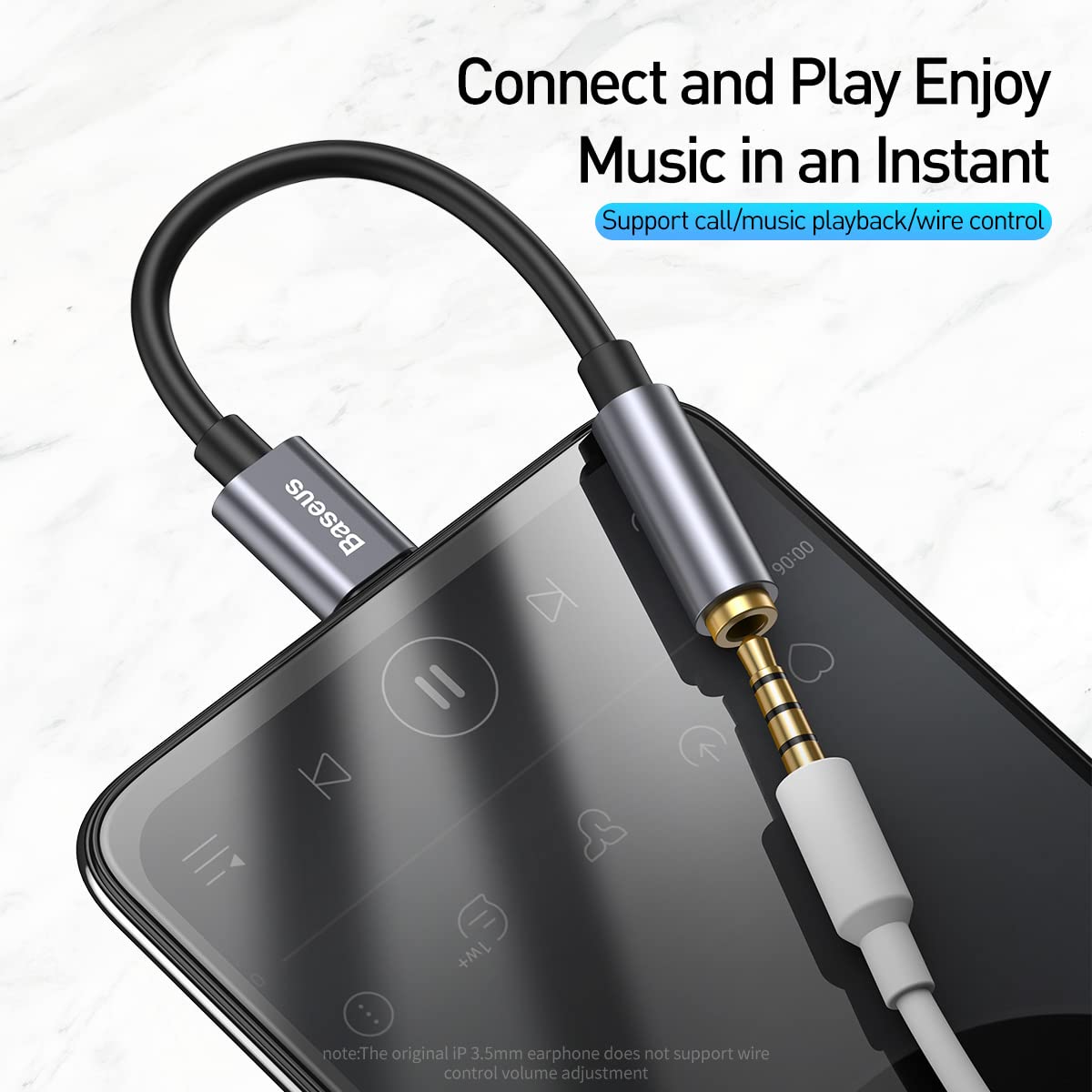
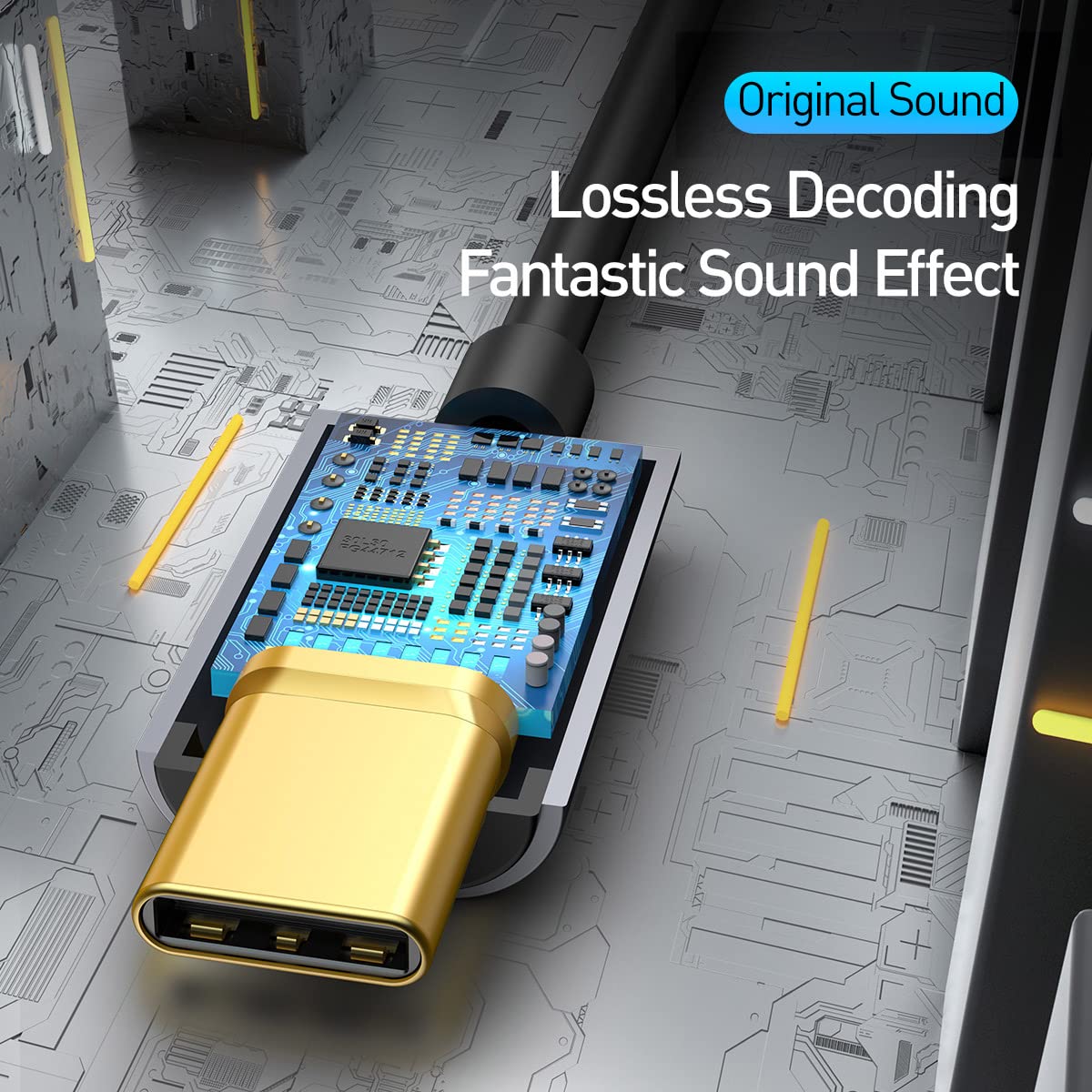
This manual provides instructions for the Baseus Type C to 3.5 mm Female Adapter L54. This adapter allows you to connect 3.5mm audio devices, such as headphones, to your Type-C enabled mobile phone or other compatible devices. It features a built-in Digital-to-Analog Converter (DAC) for lossless audio decoding and supports call and music playback with wire control.

セットアップ手順
Follow these steps to set up your Baseus Type C to 3.5 mm Female Adapter L54:
- Identify the Type-C port on your mobile phone or device.
- Insert the Type-C male connector of the adapter into your device's Type-C port. Ensure a secure connection.
- Connect your 3.5mm headphones or audio device into the 3.5mm female jack of the adapter.
- Your device should now recognize the connected audio accessory.

操作手順
The Baseus Type C to 3.5 mm Female Adapter L54 is designed for straightforward operation:
- オーディオ再生: Once connected, audio from your Type-C device will be routed through the 3.5mm port to your headphones. The adapter supports 24bit/48KHz high-definition sampling rate for clear audio.
- 通話機能: The adapter supports call functionality and music playback with wire control, depending on your connected 3.5mm headphones and device compatibility.
- Lossless Decoding: The built-in DAC chip ensures lossless audio decoding, providing high-fidelity sound output.

メンテナンス
アダプタの寿命を延ばし、最適なパフォーマンスを確保するには、次のメンテナンス ガイドラインに従ってください。
- Keep the adapter clean and free from dust and moisture. Use a soft, dry cloth for cleaning.
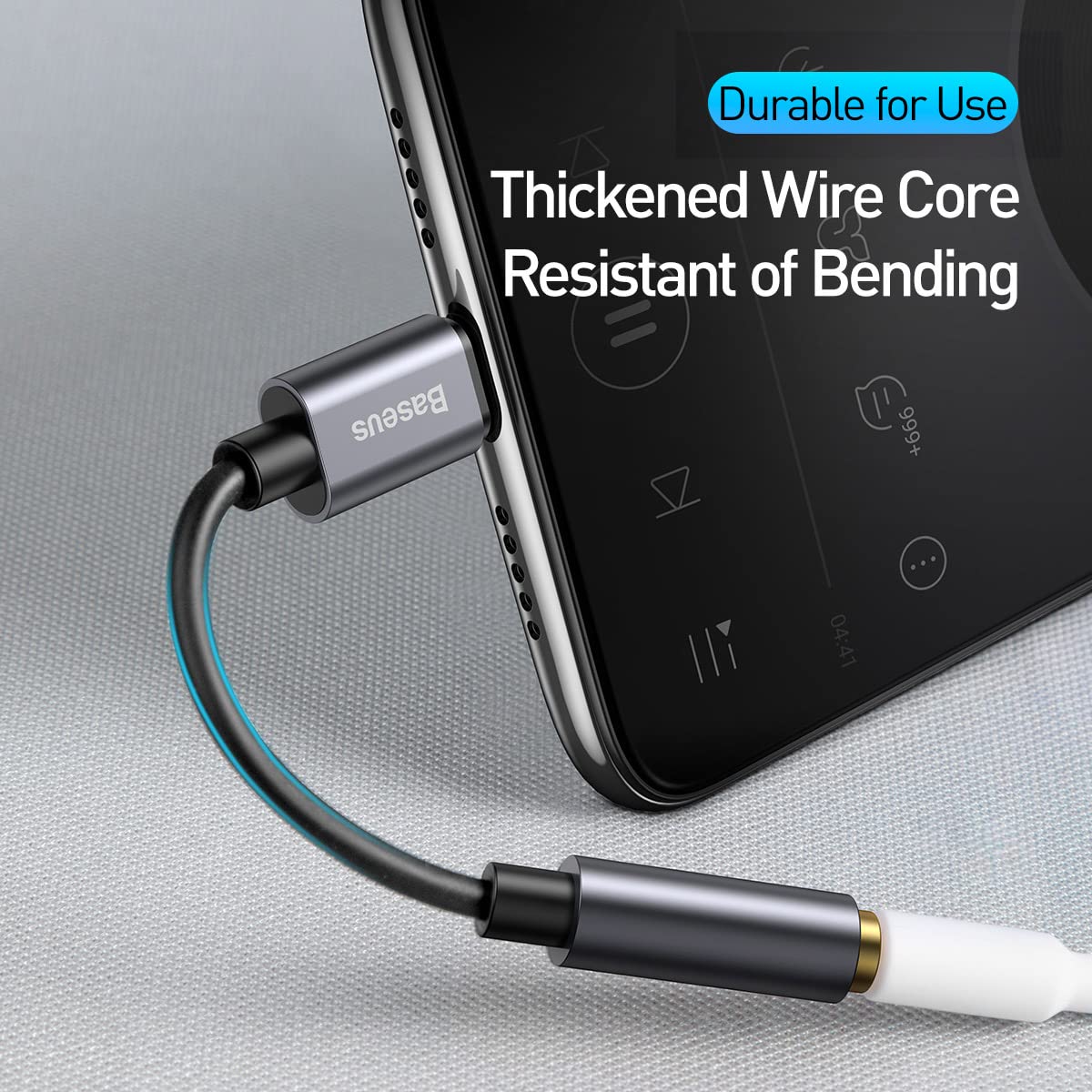
- Avoid bending the cable excessively to prevent internal damage. The adapter features a thickened wire core for enhanced durability.
- 使用していないときは、アダプターを涼しく乾燥した場所に保管してください。
トラブルシューティング
If you encounter issues with your Baseus Type C to 3.5 mm Female Adapter L54, refer to the following common problems and solutions:
- オーディオ出力なし:
- Ensure both the Type-C connector and the 3.5mm jack are fully inserted. Check your device's volume settings. Verify that your device supports audio output via its Type-C port. Some devices may require specific settings or may not support audio output through Type-C.
- Low audio volume:
- Adjust the volume on your connected device and headphones. Note that output volume can vary by device and headphone impedance.
- Sound quality issues (e.g., white noise):
- Ensure all connections are secure. Test with different headphones or audio devices to rule out issues with the peripherals. While the adapter features noise cancellation, minor white noise at very low volumes has been reported by some users.
- Adapter heats up during use:
- It is normal for electronic devices to generate some heat during operation. If the adapter becomes excessively hot or causes unusual battery drainage, discontinue use and contact support.
- Microphone/Call function not working:
- Confirm your headphones have a microphone and that your device supports microphone input through the Type-C adapter. Some original 3.5mm earphones may not support wire control or microphone functions through adapters.
仕様
| 特徴 | 詳細 |
|---|---|
| ブランド | ベースス |
| モデル番号 | CATL54-01-0G |
| コネクタタイプ | USB Type C Male to 3.5mm Female |
| オーディオSampリンレート | 24bit/48KHz HD |
| デコードチップ | 内蔵DAC |
| 材料 | アルミ合金シェル |
| 対応デバイス | Cellular Phones, Headphones with 3.5mm jack |
| アイテム重量 | 10グラム |
| パッケージ寸法 | 12.3 x 6.2 x 1.2 cm |
| 原産国 | 中国 |

保証とサポート
本製品にはメーカー標準保証が付いています。具体的な保証条件については、パッケージに同梱されている保証書をご覧ください。
For technical support or further inquiries, please visit the official Baseus webサイトにアクセスするか、カスタマーサービスにお問い合わせください。
You can also scan the QR code on the product packaging for additional information or support: http://weixin.qq.com/r/JnXp8RfE6kqVrVOS9yA0