
導入
Thank you for choosing the Perel VTBAL206 Smart Body Scale. This manual will guide you through the proper use and care of your new smart scale, designed to help you monitor your body composition with ease through the Tuya Smart app.
安全情報
- ペースメーカーやその他の体内医療機器を装着している場合は、このデバイスを使用しないでください。
- 妊娠中の方はこの装置を使用しないでください。
- Keep the scale dry. Avoid placing it in wet environments.
- スケール面は濡れていると滑りやすいので、乗降には十分注意してください。
- 体重計に飛び乗らないでください。
- この体重計は家庭用であり、医療診断や治療には使用できません。
パッケージ内容
- Perel VTBAL206 Smart Body Scale
- 取扱説明書(本書)
- 電池(付属している場合はパッケージをご確認ください)
設定
1. バッテリーの取り付け
Locate the battery compartment on the underside of the scale. Open the cover and insert the required batteries, ensuring correct polarity. Close the battery compartment cover securely.
2. アプリのダウンロードとインストール
The Perel VTBAL206 Smart Body Scale works with the Tuya Smart app. Download the app from the Apple App Store (for iOS devices) or Google Play Store (for Android devices).
- 検索する "Tuya Smart" in your device's app store.
- アプリをダウンロードしてインストールします。
- 新しいアカウントを登録するか、すでにアカウントをお持ちの場合はログインしてください。
3. Pairing the Scale with the App
- スマートフォンでBluetoothが有効になっていることを確認します。
- TuyaSmartアプリを開きます。
- Step onto the scale briefly to activate it. The display should light up.
- In the Tuya Smart app, tap "Add Device" or the "+" icon in the top right corner.
- Select "Fitness Equipment" or "Scale" from the device list.
- Follow the on-screen instructions to connect the scale. The app should automatically detect the scale via Bluetooth.
- Once connected, you may be prompted to enter personal information such as gender, age, height, and activity level. This information is crucial for accurate body composition analysis.

Image: The Perel VTBAL206 Smart Body Scale shown alongside a smartphone displaying the Tuya Smart app, illustrating the connection process.
操作手順
測定を行う
- 体重計は硬くて平らな面に置いてください。カーペットや凹凸のある床面は避けてください。
- 足が清潔で乾燥していることを確認してください。
- Open the Tuya Smart app on your smartphone and ensure it's connected to the scale.
- Step onto the scale barefoot, placing your feet on the metal electrodes. Stand still until the measurement is complete.
- The scale display will show your weight. The app will then display a comprehensive analysis of your body composition data.
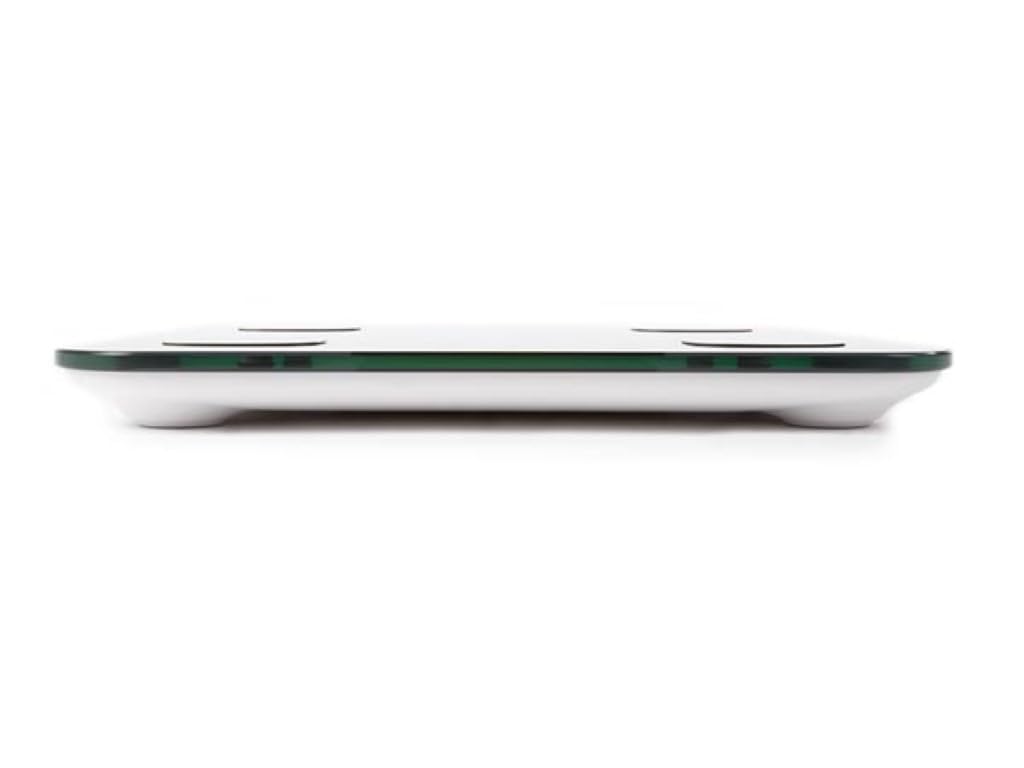
Image: The scale's LED display showing a weight measurement of 49.7 kg.

画像: 詳細な view of the Tuya Smart app interface, displaying various body metrics after a measurement.

Image: Further details from the Tuya Smart app, including water content, muscle, calorie, and other health indicators.
データの理解
The Tuya Smart app provides various metrics to help you understand your body composition:
- 重さ: あなたの体重の合計。
- BMI(ボディマス指数): 身長と体重に基づいた体脂肪の測定値。
- 体脂肪: パーセントtag体内の脂肪の量。
- 含水量: パーセントtag体内の水分量。
- 筋肉量: 体内の筋肉の総重量。
- 骨量: 体内の骨の総重量。
- 内臓脂肪: 臓器の周りに蓄積された脂肪。
- タンパク質: パーセントtag体内のタンパク質の量。
- BMR (基礎代謝率): 体が安静時に必要とするカロリー数。
Consult a healthcare professional for personalized advice based on your body composition data.
メンテナンス
クリーニング
- スケールの表面を柔らかくて乾いた布で拭きます。amp 布。
- 研磨剤入りの洗剤を使用したり、スケールを水に浸したりしないでください。
- 保管または次回の使用の前に、スケールが完全に乾いていることを確認してください。
ストレージ
体重計は直射日光や極端な温度を避け、涼しく乾燥した場所に保管してください。使用していないときは、体重計の上に重い物を置かないでください。
トラブルシューティング
| 問題 | 考えられる原因 | 解決 |
|---|---|---|
| スケールがオンになりません。 | 電池残量が少ない、または電池が切れている、または電池が正しく取り付けられていない。 | 電池を交換します。極性が正しいことを確認してください。 |
| アプリは体重計に接続できません。 | Bluetooth is off; scale not activated; app not open; interference. | Ensure Bluetooth is on; step on scale to activate; open app; try pairing again. Move closer to the scale. |
| 不正確な体重測定。 | Scale on uneven surface; scale not calibrated; user movement. | Place scale on a hard, flat surface. Step on and off quickly to calibrate to zero. Stand still during measurement. |
| 体組成データが表示されません。 | Not standing barefoot; feet not on electrodes; personal info not entered in app. | Ensure bare feet are on all four electrodes. Verify personal information in the Tuya Smart app. |
仕様
| 特徴 | 詳細 |
|---|---|
| モデル番号 | VTBA206 |
| ブランド | ペレル |
| 材料 | 強化ガラス |
| 表示タイプ | 導かれた |
| 寸法(長さ×幅×高さ) | 約33 cm x 31 cm x 4.5 cm |
| 接続性 | Bluetooth (Tuya Smart App compatible) |
| 測定単位 | kg (kilograms) |

Image: The Perel VTBAL206 Smart Body Scale with its physical dimensions indicated.
保証とサポート
Perel products are designed for quality and reliability. For warranty information or technical support, please refer to the warranty card included with your purchase or contact your retailer. You can also visit the official Perel webさらにサポートが必要な場合は、サイトをご覧ください。
For general inquiries, please contact Perel customer service.