
ロジクール C930s Pro HD Webcamユーザーマニュアル
モデル:960-001403
ブランド: ロジクール
1.セットアップガイド
1.1 箱の中身
- Web5フィート(1.5 m)のUSB-Aケーブルが接続されたカム
- 取り付け可能なプライバシーシャッター
- ユーザードキュメント

Image: The Logitech C930s Pro HD Webcam, its attached USB-A cable, the detachable privacy shutter, and user documentation are neatly arranged, showing all included components.
1.2 接続 Webカム
The Logitech C930s Pro HD Webcam is designed for easy plug-and-play setup. Follow these steps to connect your webカム:
- Unfold the universal mounting clip on the webカム。
- を配置 webcam on your monitor, laptop, or a tripod. Ensure the clip is securely resting on the top edge of your display, with the front lip flush with the screen.
- USB-Aケーブルを webcam into an available USB port on your computer (PC or Mac).
- の webcam should be automatically recognized by your operating system (Windows, macOS, ChromeOS) and ready for use with most video conferencing applications.

画像: 透明な前線 view of the Logitech C930s Pro HD Webcam, highlighting its lens and sleek design, ready for mounting.
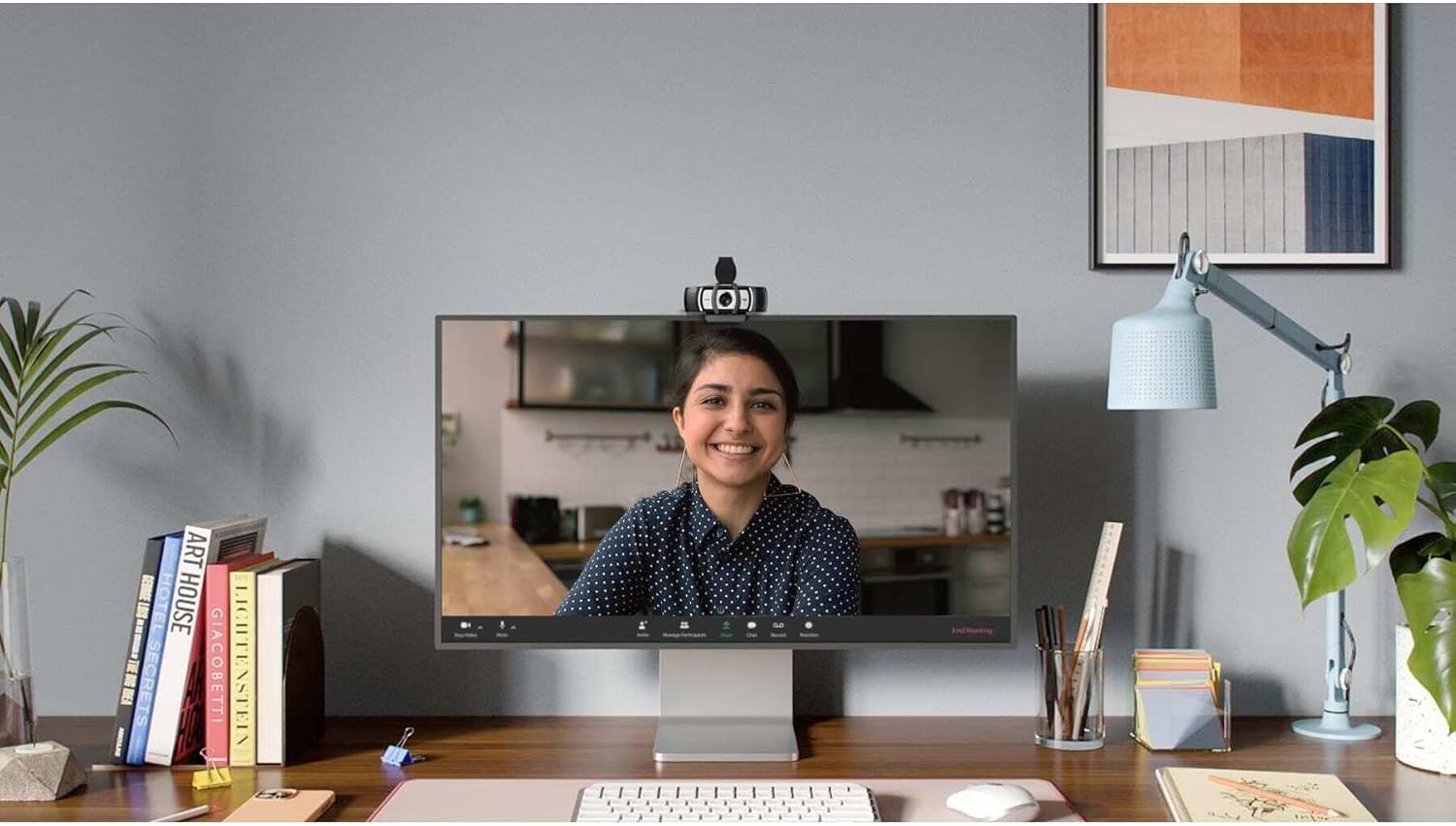
Image: The Logitech C930s Pro HD Webcam is shown mounted securely on top of a computer monitor, demonstrating its typical placement for video calls.
1.3 Installing Software (Optional)
For advanced features and customization, download and install the Logi Tune or G HUB software from the official Logitech webサイト。このソフトウェアを使用すると、次のことが可能になります。
- Adjust camera settings such as brightness, contrast, and white balance.
- Utilize 4x HD zoom, pan, and tilt capabilities.
- Receive automated firmware updates.
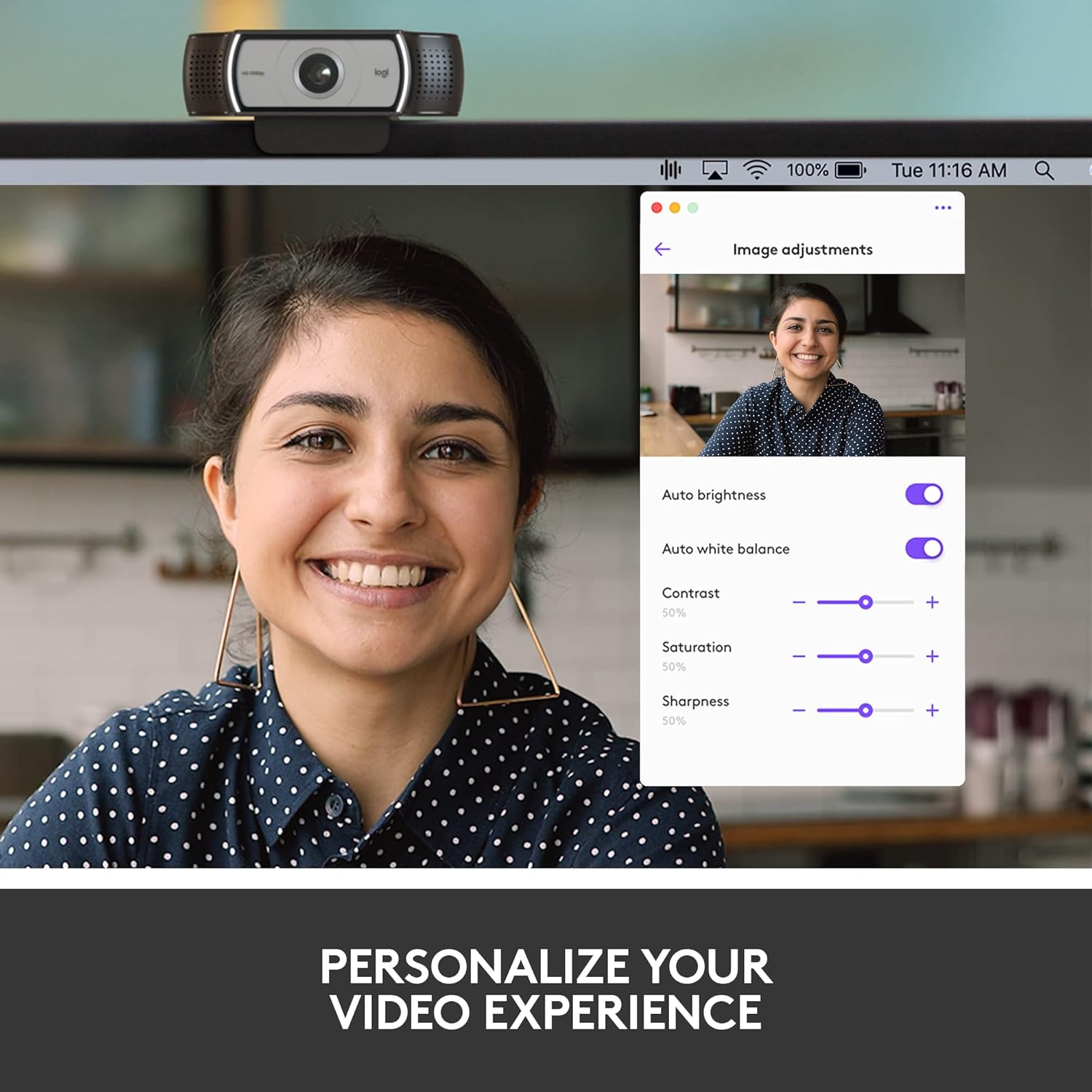
Image: A screenshot of the Logi Tune software interface, showing various image adjustment options like auto brightness, white balance, contrast, saturation, and sharpness, allowing users to personalize their video experience.
2. 操作 Webカム
2.1 ビデオ品質機能
The C930s Pro HD Webcam is equipped with features to ensure high-quality video output:
- フルHD 1080pビデオ: Delivers crystal-clear video calls at 1080p resolution.
- RightLight 2 テクノロジー: Automatically adjusts lighting to compensate for low light or backlighting, ensuring you look your best.
- 90°の広い視野 View: Allows you to include more of your surroundings or multiple participants in the frame.
- Up to 60 Frames Per Second (fps): Provides smooth and vivid recordings, ideal for dynamic presentations or streaming.

Image: A person smiling during a video call, with text overlay stating "1080P LETS YOU LOOK YOUR BEST ON VIDEO CALLS", illustrating the high-definition video capability.
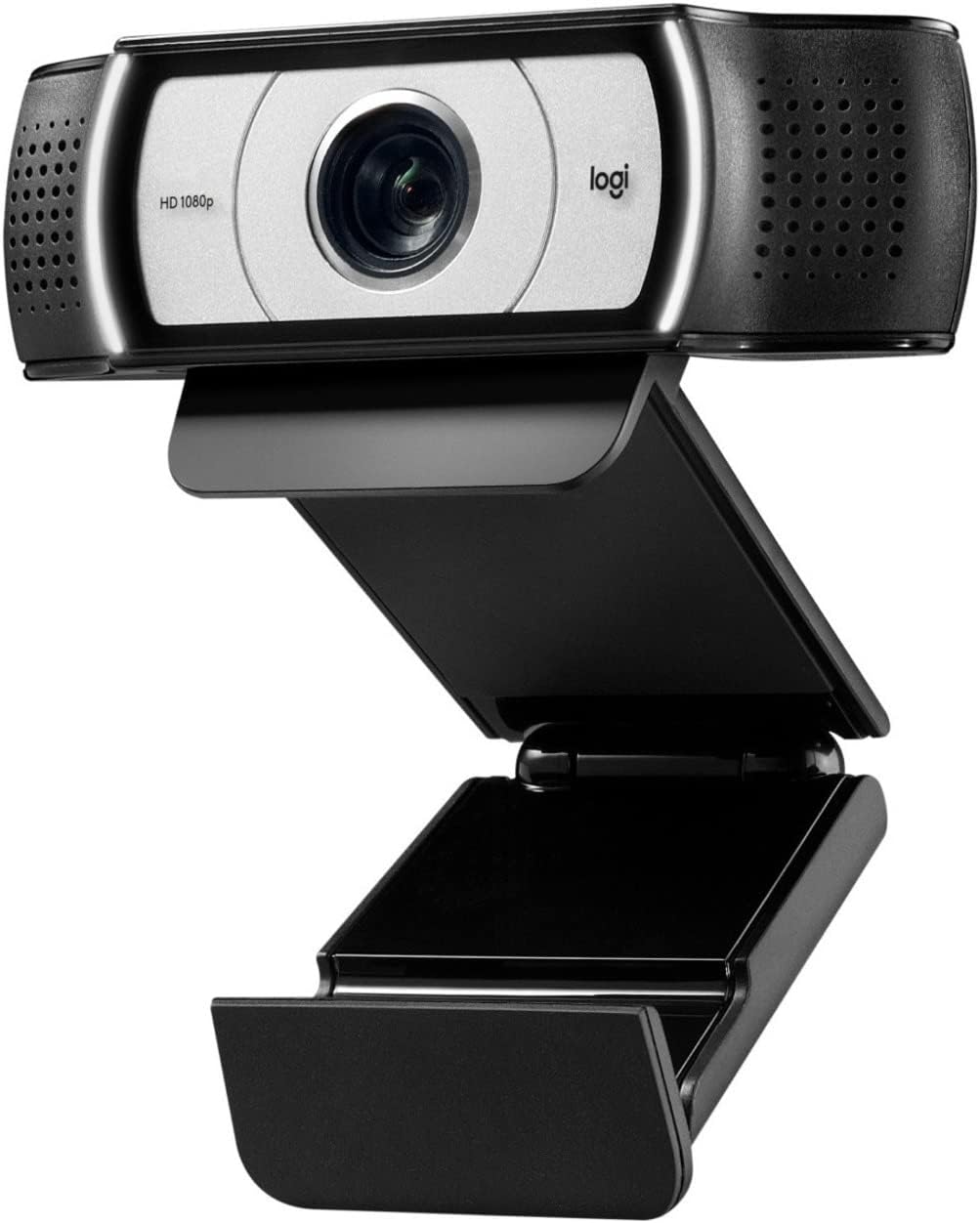
Image: A side-by-side comparison showing a person's face, with one side appearing darker and the other brighter, accompanied by text "HD RESOLUTION WITH AUTO LIGHT CORRECTION", demonstrating the webcam's ability to improve image quality in various lighting conditions.

Image: A person's face with white bracket lines around it, indicating the ability to "FRAME YOURSELF PERFECTLY" using the webcam's field of view and zoom features.

Image: A computer screen displaying a business graph, with text overlay "UP TO 60 FPS HIGH FRAME RATE", indicating the webcam's capability for smooth video capture.
2.2 オーディオ機能
The C930s Pro HD Webcam ensures clear audio capture:
- Dual Omnidirectional Mics: Capture your voice clearly from up to one meter away, making conversations natural and easy to hear.

Image: The Logitech C930s Pro HD Webcam with stylized sound waves emanating from its sides, accompanied by the text "COMMUNICATE WITH EXCEPTIONAL CLARITY", highlighting its dual microphone capability.
2.3 プライバシーシャッターの使用
The attachable privacy shutter provides physical security for your webカム:
- To cover the lens, simply flip the shutter down.
- To expose the lens for use, flip the shutter up.

Image: A detailed diagram of the Logitech C930s Pro HD Webcam, pointing out key features such as the attachable privacy shade, ultra-wide 90° dFOV, dual mics, auto light correction, and versatile mounting options.
3. メンテナンス
To ensure the longevity and optimal performance of your Logitech C930s Pro HD Webcam の場合は、次のメンテナンス ガイドラインに従ってください。
- レンズの掃除: Gently wipe the lens with a soft, lint-free cloth. Avoid using abrasive cleaners or solvents that could damage the lens coating.
- 本体のクリーニング: 柔らかくてamp 外側を拭く布 webカム。 web水中に放置したり、過度の湿気を含んだままにしないでください。
- ストレージ: When not in use, especially during transport, use the privacy shutter to protect the lens from dust and scratches. Store the web涼しく乾燥した場所に保管してください。
- ケーブルのお手入れ: 内部の損傷を防ぐため、USB ケーブルを極端に曲げたり、ねじったりしないでください。
4。 トラブルシューティング
If you encounter issues with your Logitech C930s Pro HD Webcam の場合は、次の解決策を試してください。
| 問題 | 考えられる解決策 |
|---|---|
| No video or image |
|
| Poor image quality (blurry, dark, grainy) |
|
| 音声が出ない、または音質が悪い |
|
| Webカメラがコンピュータに認識されない |
|
より詳細なトラブルシューティングについては、公式の ユーザーマニュアル(PDF).
5. 仕様
| 特徴 | 詳細 |
|---|---|
| ブランド | ロジテック |
| シリーズ | ロジクール C930s Pro HD Webカム |
| 商品型番 | 960-001403 |
| 最大画面解像度 | FHD (1080p) |
| ビデオキャプチャ解像度 | 1080p |
| ハードウェアプラットフォーム | Mac、PC、ラップトップ |
| アイテム重量 | 5.7オンス |
| 製品寸法(長さx幅x高さ) | 2.8 x 3.7 x 1.69インチ |
| 色 | ブラック / シルバー |
| 後方 Webカム解像度 | 2 MP |
| フォトセンサー技術 | 他の |
| 最大焦点距離 | 1 |
| 最大絞り | 2 倍 |
| フラッシュメモリタイプ | SD |
| ビデオキャプチャフォーマット | MP4 |
| サポートされているオーディオ形式 | MP3、AAC |
| 画面サイズ | 2.4インチ |
| 接続技術 | USB |
6. 保証とサポート
6.1製品保証
The Logitech C930s Pro HD Webカムには 1年間のハードウェア限定保証 購入日から。この保証は通常の使用における材料および製造上の欠陥をカバーします。
For full terms and conditions of the warranty, please refer to the documentation included with your product or visit the official Logitech support webサイト。
6.2 カスタマーサポート
For technical assistance, product registration, or to access the latest drivers and software, please visit the official Logitech support webサイトをご覧ください。よくある質問やコミュニティフォーラムもご覧いただけます。
包括的なユーザーマニュアルは PDF 形式でダウンロードできます。 ロジクール C930s Pro HD Webcam User Manual (PDF).