
MINLOVE PJ118S
MINLOVE PJ118S プロジェクター ユーザーマニュアル
Model: PJ118S | Brand: MINLOVE
1. はじめに
Thank you for choosing the MINLOVE PJ118S Native 1080P WiFi Bluetooth Projector with Built-in DVD Player. This projector is designed to provide a versatile and immersive home theater experience, offering high-definition visuals, robust connectivity, and the convenience of an integrated DVD player. This manual will guide you through the setup, operation, maintenance, and troubleshooting of your new device.

Figure 1.1: MINLOVE PJ118S Projector highlighting its key features.
2. 箱の中身
パッケージの内容をチェックして、すべてのアイテムが揃っていることを確認してください。
- Projector (x1)
- キャリーバッグ(1個)
- リモコン(x1)
- 三脚(x1)
- AVケーブル(1本)
- HDMIケーブル(1本)
- 電源コード(x1)
- Projector Lens Cover (x1)
- ユーザーマニュアル (x1)
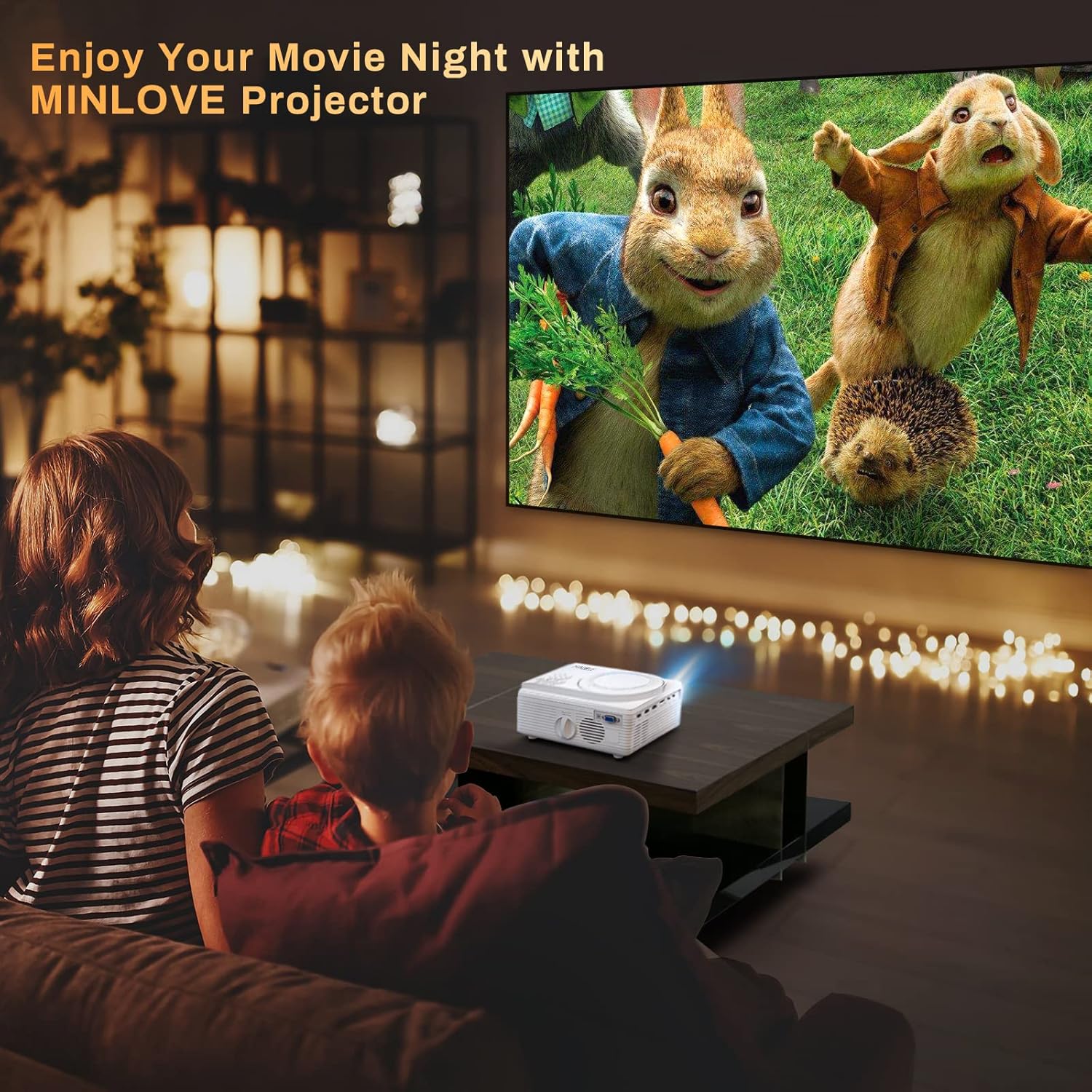
Figure 2.1: All items included in the MINLOVE PJ118S Projector package.
3.セットアップガイド
3.1開梱と配置
- プロジェクターとすべての付属品をパッケージから慎重に取り出します。
- プロジェクターを安定した平らな面に設置してください。最適な状態で viewing, position it directly in front of your projection screen or wall.
- Ensure there is adequate ventilation around the projector to prevent overheating.
3.2電源接続
- 電源コードをプロジェクターの電源入力ポートに接続します。
- 電源コードのもう一方の端を標準の電源コンセントに差し込みます。
3.3 Lens Cap Removal
Before powering on the projector, ensure you remove the lens cap.

Figure 3.1: Remove the lens cap before operating the projector.
3.4 フォーカスとキーストーン調整
電源を入れた後、フォーカスとキーストーン補正を調整して、鮮明な長方形の画像を表示します。
- フォーカスリング: 画像が鮮明に表示されるまで、プロジェクター レンズのフォーカス リングを回転させます。
- キーストーン補正: Use the keystone adjustment knob (usually located near the lens) to correct any trapezoidal distortion, ensuring the image is perfectly rectangular. The projector supports ±15° keystone correction.

Figure 3.2: Adjusting keystone correction for a perfect image.
4. 操作手順
4.1 基本操作
Use the included remote control or the buttons on the projector to navigate menus, select input sources, and adjust settings.
4.2 内蔵DVDプレーヤー
The MINLOVE PJ118S features an integrated DVD player, allowing you to play your favorite discs directly.
- Open the DVD tray located on top of the projector.
- Gently place a DVD or CD onto the spindle, ensuring it is seated correctly.
- Close the DVD tray. The projector will automatically detect the disc and begin playback.

Figure 4.1: The projector's built-in DVD player in action.
4.3 ワイヤレス接続(WiFi と Bluetooth)
The projector supports WiFi for screen mirroring and Bluetooth for audio output.
4.3.1 WiFi & Screen Mirroring
Connect your iOS or Android device wirelessly to mirror its screen content.
- For iOS Devices (Airplay Mode):
- Connect your iPhone/iPad to the projector's WiFi network (e.g., "MINLOVE-xxx").
- On your iPhone/iPad, open Control Center and tap "Screen Mirroring".
- Select "MINLOVE-xxx" from the list of devices.
- For Android Devices (Miracast Mode):
- On your Android phone, enable the "Miracast Function" (or similar, e.g., "Wireless Display", "Smart View()。
- Select "MINLOVE-xxx" from the available devices.

Figure 4.2: Screen mirroring setup for iOS and Android devices.
4.3.2 Bluetooth接続
外部 Bluetooth スピーカーまたはヘッドフォンを接続すると、オーディオが強化されます。
- Bluetoothオーディオデバイスがペアリングモードになっていることを確認します。
- プロジェクターで、Bluetooth 設定に移動します。
- リストからペアリングするデバイスを選択します。

Figure 4.3: Connecting Bluetooth audio devices.
4.4 外部機器の接続
プロジェクターには、さまざまなデバイスを接続するための複数のポートが備わっています。
- HDMI(×2): Connect TV Box, Chromebook, PC, Laptop, Tablet, Blue-ray DVD player, Game Consoles (PS5, Xbox).
- USB: Connect USB Flash Drives for media playback.
- AV: 付属の AV ケーブルを使用して古いデバイスを接続します。
- VGA: コンピューターまたはラップトップを接続します。
- マイクロSDカード: Insert Micro SD cards for media playback (supports up to 32GB; 64GB high-speed flash memory cards are not supported).

Figure 4.4: Various input ports and compatible devices.
4.5 Audio Settings for Fire TV Stick
If using a Fire TV Stick, you may need to adjust audio settings for optimal sound output, especially for copyrighted content.
- Click the "Setting" button on your Fire TV Stick remote.
- Choose "Display & Audio".
- Click "Audio".
- Click "Surround Sound", then select "PCM".
Note: Due to Netflix copyright protection, the sound of some Netflix videos may not play normally. Turning off Dolby sound (by selecting PCM) can resolve this. The WiFi feature does not support copyrighted smartphone apps such as Netflix, Amazon Prime Video, and Hulu directly; these can be played via HDMI connection.

Figure 4.5: Steps to adjust Fire TV Stick audio settings.
5. メンテナンス
適切なメンテナンスを行うことで、プロジェクターの寿命が長くなり、最適なパフォーマンスが確保されます。
- レンズの掃除: 光学レンズ専用の柔らかく糸くずの出ない布を使用してください。研磨剤入りのクリーナーやレンズを傷つける可能性のある布は使用しないでください。
- プロジェクター本体のクリーニング: 外側は柔らかく乾いた布で拭いてください。頑固な汚れには、軽く湿らせた布で拭いてください。amp 布で拭いた後、乾いた布で拭いてください。
- 換気: Regularly check that the ventilation ports are clear of dust and debris to ensure proper airflow and prevent overheating.
- ストレージ: 長期間使用しない場合は、プロジェクターをキャリングバッグに入れて、直射日光や極端な温度を避け、涼しく乾燥した場所に保管してください。
6。 トラブルシューティング
プロジェクターで問題が発生した場合は、次の一般的な問題と解決策を参照してください。
| 問題 | 考えられる原因 | 解決 |
|---|---|---|
| 画像がない、または画像がぼやけている | Lens cap on, out of focus, incorrect keystone, incorrect input source. | Remove lens cap, adjust focus ring, adjust keystone, select correct input source. |
| 音が出ない、または低音 | Volume too low, incorrect audio output settings, incompatible audio format (e.g., Dolby for Netflix). | Increase volume, check projector's audio settings, adjust external device audio settings (e.g., Fire TV Stick to PCM), connect external speakers. |
| WiFi/Screen Mirroring issues | Incorrect network connection, device compatibility, app copyright restrictions. | Ensure correct WiFi connection, verify device compatibility, use HDMI for copyrighted streaming apps. |
| プロジェクターの過熱 | 換気が妨げられた状態での長時間の使用。 | Ensure vents are clear, turn off projector and allow to cool, operate in a well-ventilated area. |
| リモコンが動作しない | Dead batteries, obstruction, too far from projector. | Replace batteries, remove obstructions, ensure line of sight to IR receiver. |
7. 仕様
| 特徴 | 詳細 |
|---|---|
| モデル番号 | PJ118S |
| ネイティブ解像度 | 1920×1080P(フルHD) |
| 輝度 | 8000 Lumens (approx. 75% higher than similar projectors) |
| コントラスト比 | 10000:1 |
| 接続技術 | Wi-Fi、Bluetooth 5.0 |
| 入力ポート | 2x HDMI, USB, AV, VGA, Micro SD Card |
| 組み込み機能 | DVD Player, Stereo Speaker |
| Max Projection Screen Size | 250インチ |
| キーストーン補正 | ±15° |
| Lamp 人生 | 最大60,000時間 |
| アイテム重量 | 5.19ポンド |
| 製品寸法 | 8.67 x 7.3 x 3.9インチ |
8. 保証とサポート
The MINLOVE PJ118S Projector comes with a 1年間保証. For any questions, technical assistance, or support, please contact our customer service team. We offer 7*24 after-sales service to provide satisfactory solutions as soon as possible.
追加のリソースについては、公式ユーザーマニュアルの PDF を参照してください。 MINLOVE PJ118S User Manual (PDF)
Ask a question about this manual
Ask about setup, troubleshooting, compatibility, parts, safety, or missing instructions. Manuals+ will review the question and use this page’s manual context to help answer it.