
1. はじめに
The Ring Spotlight Cam Pro Plug-In is an advanced security camera designed to provide comprehensive surveillance for your home or business. It features 2K HDR video, color night vision, two-way talk with Audio+, and advanced 3D Motion Detection. This manual provides instructions for setting up, operating, and maintaining your device.
2. 箱の中身
インストールを開始する前に、すべてのコンポーネントが揃っていることを確認してください。
- スポットライト カム プロ
- 取り付けブラケット
- 取り付けツールとネジ
- USB-C Power Adapter (19.7 feet long)
- ユーザーマニュアル(このドキュメント)
- セキュリティステッカー
3. セットアップとインストール
The average installation time for the Spotlight Cam Pro is 5-10 minutes. A vertical or horizontal surface is required for mounting.
- Ringアプリをダウンロード: Download the Ring app from your device's app store. Create an account or log in if you already have one.
- デバイスを追加: In the Ring app, tap 'Set Up a Device' and follow the on-screen instructions to add your Spotlight Cam Pro.
- 取り付け: Secure the mounting bracket to your desired location using the provided tools and screws. Ensure the location provides a clear view and access to a standard power outlet.
- カメラを取り付ける: Attach the Spotlight Cam Pro to the mounting bracket.
- 接続電源: Plug the USB-C Power Adapter into the camera and then into a standard power outlet.
- 調整する View: Adjust the camera's angle to cover your desired area.

Figure 3.1: Easy DIY Installation of the Ring Spotlight Cam Pro.
4. 操作手順
The Ring Spotlight Cam Pro offers several features to enhance your security.
4.1 ビデオモニタリング
The camera provides 2K HDR video with a 140° horizontal and 80° vertical field of view. It also features Color Night Vision, allowing you to see clear, full-color video even in low-light conditions.

Figure 4.1: Retinal 2K Video with Color Night Vision displayed on a mobile device.
4.2 モーション検出
Utilize 3D Motion Detection with Bird's Eye Zones and Bird's Eye View for precise motion alerts. You can customize motion zones within the Ring app to focus on specific areas and reduce unwanted notifications.

Figure 4.2: Visual representation of 3D Motion Detection.

Figure 4.3: Customizing Motion Zones in the Ring App.
4.3 Two-Way Talk with Audio+
Communicate with visitors or deter intruders using the built-in microphone and speaker. Audio+ provides advanced noise cancellation for clearer communication.
4.4 統合スポットライトとサイレン
The camera features two 3000° Kelvin spotlights that can be activated manually or automatically upon motion detection. A remote-activated security siren is also included to alert others and deter unwanted activity.
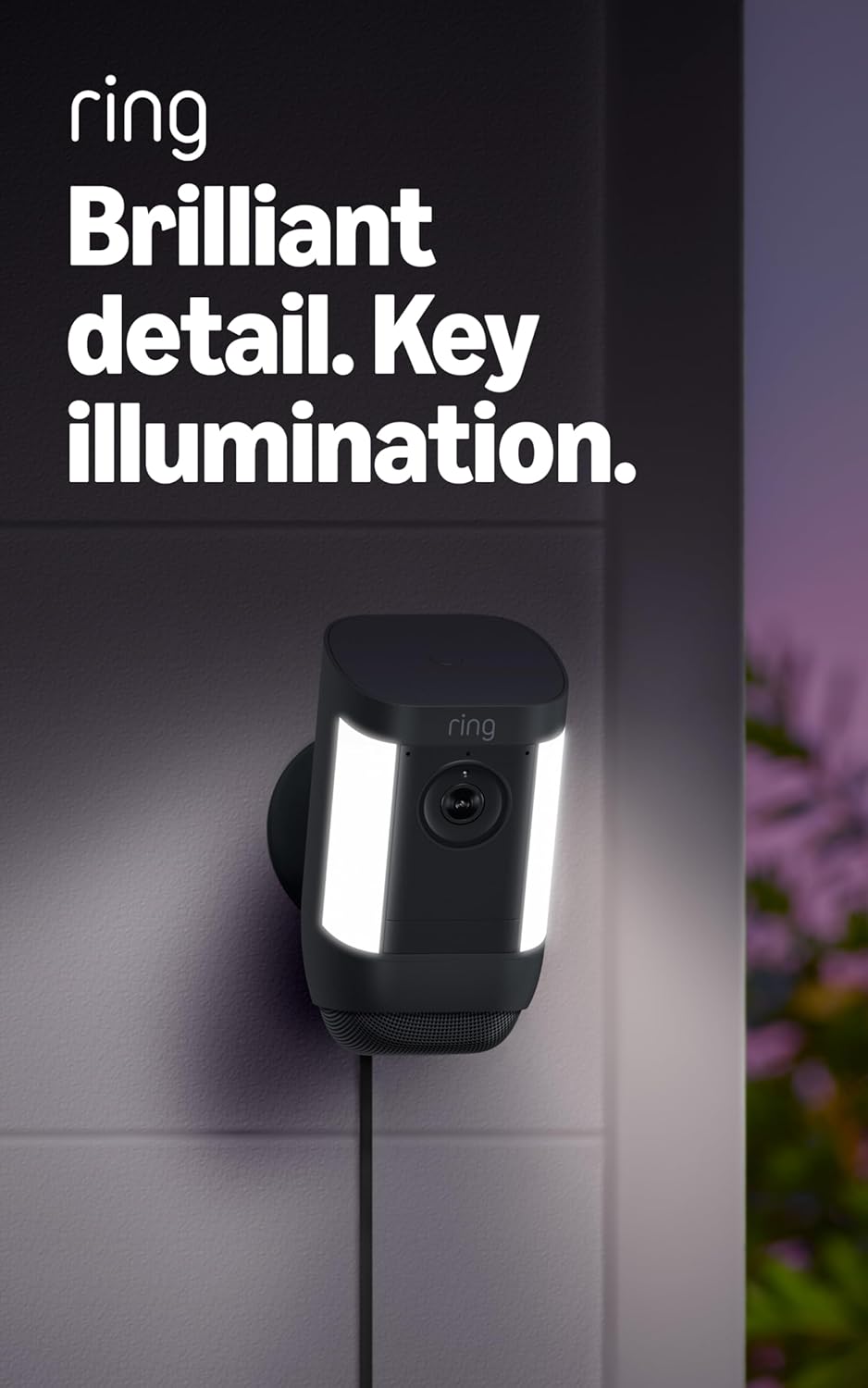
Figure 4.4: Spotlight Cam Pro with activated illumination.
4.5 Alexa統合
The Spotlight Cam Pro works with Alexa. You can receive announcements on Echo devices when motion is detected and use select Echo and Fire TV devices to see, hear, and speak to people on camera.
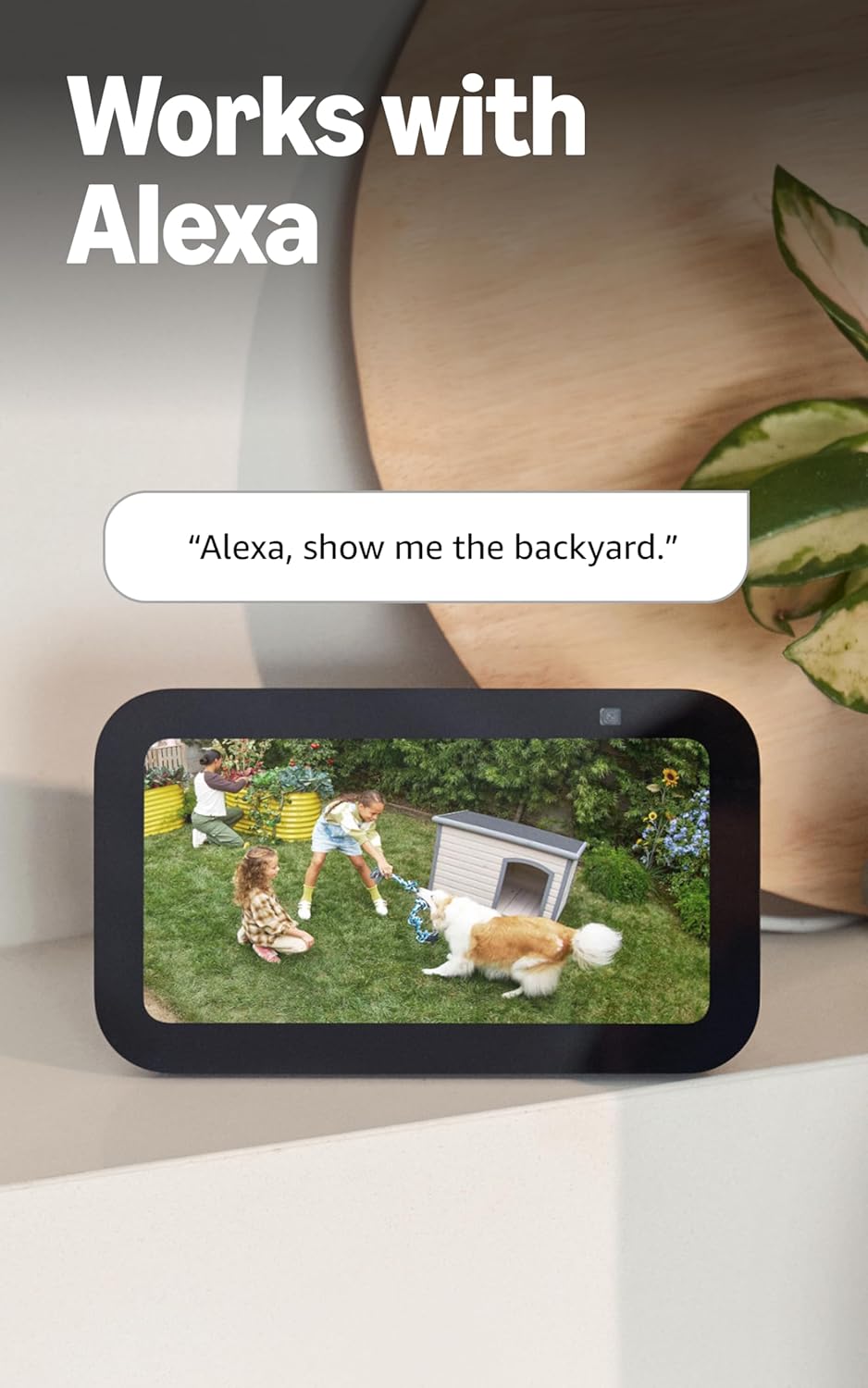
Figure 4.5: Ring Spotlight Cam Pro integration with Alexa.
5. メンテナンス
To ensure optimal performance and longevity of your Ring Spotlight Cam Pro, follow these maintenance guidelines:
- クリーニング: カメラのレンズとハウジングを定期的に柔らかくて乾いた布で拭いてください。amp ホコリや汚れを取り除く布。刺激の強い化学物質や研磨材の使用は避けてください。
- ファームウェアの更新: 最新の機能とセキュリティ強化を活用するには、Ring アプリを通じてデバイスのファームウェアが常に最新であることを確認してください。
- 電源接続: Regularly check the USB-C power adapter and cable for any signs of damage.
6。 トラブルシューティング
If you encounter issues with your Ring Spotlight Cam Pro, consider the following common solutions:
- 電源なし: Ensure the USB-C power adapter is securely plugged into both the camera and a working power outlet.
- ビデオ品質が悪い: Check your internet connection. A recommended minimum upload speed of 4.5 Mbps is required for optimal performance. Video resolution may vary with bandwidth.
- モーション検出の問題: Verify that motion zones are correctly configured in the Ring app. Ensure there are no obstructions blocking the camera's view.
- 接続の問題: Confirm your Wi-Fi network is operational. The camera supports 802.11 b/g/n/ac Wi-Fi @2.4GHz and 5.0GHz. Try restarting your router.
- アプリが応答しない: Close and reopen the Ring app. If the issue persists, try reinstalling the app.
さらにサポートが必要な場合は、サポート セクションを参照するか、Ring カスタマー サービスにお問い合わせください。
7. 仕様
| 平均インストール時間 | 5~10分 |
| ビデオ | 2K、HDR、ライブ View、カラーナイトビジョン |
| 分野 View | 水平140°、垂直80° |
| モーション検出 | バードアイゾーンとバードアイによる3Dモーション検出 View |
| オーディオ | オーディオ+と高度なノイズキャンセリングによる双方向通話 |
| サイレン | 遠隔操作可能なセキュリティサイレン |
| ライト | 3000°ケルビンスポットライト2個 |
| Alexaと連携 | Illuminates and sends announcements to Echo devices whenever motion is detected, and lets you see, hear and speak to people on camera with select Echo and Fire TV devices. |
| 力 | Plug-In USB-C Power Adapter (19.7 feet long) |
| デュアルパワーモード | Dynamic switching between plug-in and battery power modes (requires purchase of Quick Release Battery Pack) |
| インターネット要件 | 最適なパフォーマンスを得るには、アップロード速度4.5 Mbps以上を推奨します。ビデオの解像度はインターネット帯域幅によって異なる場合があります。 |
| 接続性 | 802.11 b/g/n/ac Wi-Fi connection @2.4GHz and 5.0GHz |
| 動作条件 | -4°F ~ 120°F (-20°C ~ 48.5°C)、耐候性 |
| 利用可能な色 | ホワイト、ブラック |
| セットアップ要件 | Vertical or horizontal surface for mounting. |
| 寸法 | 3.1インチx3.2インチx5.7インチ(77.8 mm x 81.5 mm x 144.63 mm) |
8. 保証とサポート
Your Ring Spotlight Cam Pro comes with a one-year limited warranty. Purchase and use of the product are subject to terms and conditions.
For additional information, troubleshooting guides, and customer service, please visit the official Ring support page. You can also find information regarding software security updates in the Ring Control Center.
Important Disclaimers:
- Limited to 10 devices at one location. Not compatible with select features.
- Recordings are temporarily stored in the cloud, up to 14 days. This feature is dependent upon network connectivity and other factors.
- Your Ring videos in the cloud are stored temporarily, up to 180 days of Video Event History. Changing your video storage time will only affect videos that are recorded after you adjust your storage time setting. Check Ring Subscription Plans for more information.
- Ring Home Premium subscription required, sold separately. For customers in Illinois & Texas: Ring Smart Video Search is not available on Ring devices due to specific state legislation. Feature only available in English.


