
PlayStation CFI-1102A
PlayStation 5 本体ユーザーマニュアル
Model: CFI-1102A
導入
The PlayStation 5 console unleashes new gaming possibilities that you never anticipated. Experience lightning fast loading with an ultra-high speed SSD, deeper immersion with support for haptic feedback, adaptive triggers, and 3D Audio, and an all-new generation of incredible PlayStation games.
安全情報
Always read and follow all warnings and instructions provided with the PlayStation 5 console and any accessories. Keep the console and accessories out of reach of small children. Do not expose the console to extreme temperatures, high humidity, or direct sunlight. Ensure proper ventilation to prevent overheating.
箱の中身
The PlayStation 5 console package typically includes the following items:
- PlayStation 5 Console (Model CFI-1102A)
- DualSense ワイヤレスコントローラー
- HDMIケーブル
- AC電源コード
- USBケーブル
- ベース(垂直または水平方向用)
- Printed Materials (Quick Start Guide, Safety Guide)

Image: The PlayStation 5 console, its DualSense wireless controller, and the product's retail packaging. The console is shown both inside and outside its box, highlighting its sleek white and black design.
設定
1. 物理的なセットアップ
- コンソールの配置: Place the console on a flat, stable surface. Ensure adequate space around the console for ventilation. Use the included base to position the console vertically or horizontally.
- HDMIケーブルの接続: Connect one end of the HDMI cable to the HDMI OUT port on the PS5 console and the other end to the HDMI input on your TV or display.
- 電源コードの接続: Plug the AC power cord into the AC IN connector on the PS5 console, then plug the other end into a wall outlet.
- Connecting the DualSense Controller: Connect the DualSense wireless controller to the console using the included USB cable to pair and charge it.
2. コンソールの初期設定
- 電源オン: Press the power button on the console or the PS button on the paired controller to turn on the PS5.
- 画面上の指示に従ってください: The console will guide you through initial setup steps, including language selection, internet connection (Wi-Fi or Ethernet), display settings, and user account creation or login.
- システムソフトウェアアップデート: It is recommended to update the system software to the latest version for optimal performance and access to all features.
コンソールの操作
電源のオン/オフ
- 電源を入れるには: Press the power button on the console or the PS button on the DualSense controller.
- To Enter Rest Mode: Select [Power] from the control center, then select [Enter Rest Mode].
- 電源を切るには: Select [Power] from the control center, then select [Turn Off PS5].
ユーザーインターフェースの操作
The PS5 features a streamlined user interface. Use the DualSense controller's directional buttons or left stick to navigate menus. The X button confirms selections, and the O button (or Circle button) typically cancels or goes back.
ゲーム体験
The PlayStation 5 offers a revolutionary gaming experience with advanced features:

画像: オーバーview of the PlayStation 5's stunning gaming capabilities, including Ray Tracing for realistic lighting, HDR Technology for vibrant colors, support for 4K-TV gaming, up to 120 frames per second with 120Hz output, and backward compatibility with PS4 games.
- Stunning Graphics: Marvel at incredible graphics with support for Ray Tracing, HDR Technology, and 4K-TV Gaming.
- 高フレームレート: Enjoy smooth and fluid gameplay at up to 120fps with 120Hz output for compatible games.
- 下位互換性: Play over 4,000 PS4 games on your PS5 console, with Game Boost for improved frame rates.
Breathtaking Immersion with DualSense Controller
The DualSense wireless controller enhances immersion through innovative feedback technologies:
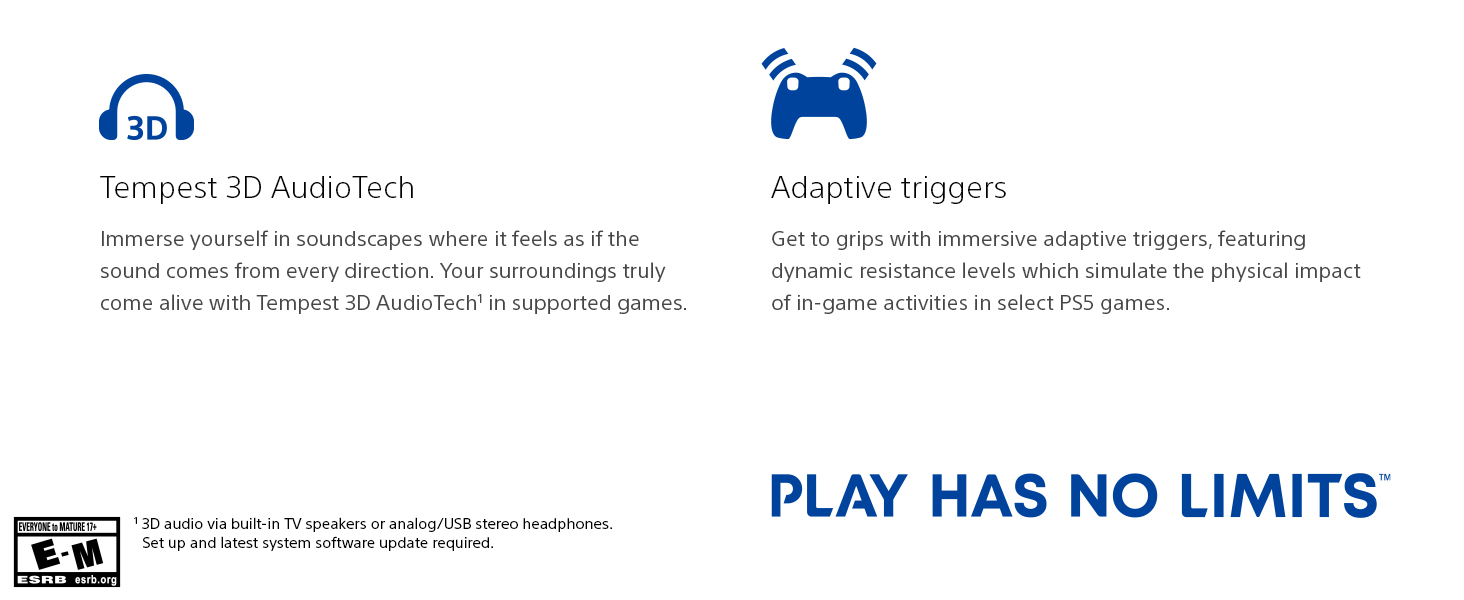
Image: The DualSense wireless controller, highlighting its key immersive features: Haptic Feedback for dynamic sensory responses, Tempest 3D AudioTech for directional sound, and Adaptive Triggers for realistic resistance.
- 触覚フィードバック: Experience dynamic sensory feedback through the controller, simulating environmental effects and weapon recoil.
- アダプティブトリガー: Feel varying levels of force and tension as you interact with in-game gear and environments.
- 3Dオーディオ: Immerse yourself in soundscapes where it feels as if the sound comes from every direction, supported by Tempest 3D AudioTech.
公式製品ビデオ
Video: "Play Like Never Before | PS5 Console" - This official video from Sony Interactive Entertainment LLC showcases the immersive features and next-generation gaming experience offered by the PlayStation 5 console.
メンテナンス
- クリーニング: Regularly wipe the console and controller with a soft, dry cloth. Do not use liquid cleaners or solvents.
- 換気: Ensure the console's vents are not blocked to prevent overheating. Keep the console in a well-ventilated area.
- ストレージ: When not in use for extended periods, store the console in a cool, dry place away from direct sunlight and dust.
トラブルシューティング
| 問題 | 考えられる解決策 |
|---|---|
| コンソールの電源が入りません。 | Check power cord connection to both console and wall outlet. Ensure the outlet is functional. |
| No image on TV. | Verify HDMI cable connections. Ensure TV input is set to the correct HDMI port. Try a different HDMI cable or port. |
| コントローラーが応答しません。 | Ensure controller is charged. Connect via USB cable to re-pair. Reset the controller using the small button on the back. |
| ゲームディスクが読み込まれません。 | Clean the disc with a soft cloth. Ensure the disc is inserted correctly. |
仕様
| 特徴 | 詳細 |
|---|---|
| モデル番号 | IFC-1102A |
| 寸法(約) | 18 x 18 x 12インチ |
| 重量(約) | 15.17ポンド |
| 発売日 | 22年2021月XNUMX日 |
| メーカー | ソニー |
| バッテリー | 1 個のリチウムイオン電池が必要 (付属) |
保証とサポート
For detailed warranty information and customer support, please refer to the official documentation included with your PlayStation 5 console or visit the official PlayStation support webサイトでご確認ください。保証請求に備えて購入証明書を保管してください。
オンラインサポート: www.playstation.com/support