
1. はじめに
This manual provides instructions for the proper setup, operation, and maintenance of your Bytech TBMOMO119AC Foldable Tablet Stand. Please read this manual thoroughly before using the product to ensure optimal performance and longevity.
2. 特徴
The Bytech TBMOMO119AC Foldable Tablet Stand is designed to provide a stable and adjustable platform for your tablet or other compatible portable electronic devices. Key features include:
- 折りたたみ式デザイン: コンパクトに収納でき、持ち運びも簡単です。
- 調整可能 View角度: Provides multiple height and angle settings for comfortable viewing。
- 換気: Open design helps prevent device overheating.
- 幅広い互換性: Suitable for tablets and other devices ranging from 7 to 15 inches.
- 耐久性のある構造: Made from robust materials for long-lasting use.
3. パッケージ内容
パッケージにすべてのアイテムが揃っていることを確認してください:
- 1 x Bytech TBMOMO119AC Foldable Tablet Stand
4. セットアップ手順
Follow these steps to set up your tablet stand:
- スタンドを展開します。 Gently pull the two main support arms outwards until the stand is fully extended and stable on a flat surface.
- 高さと角度を調整します: The stand features adjustable hinges. Carefully lift or lower the support arms to achieve your desired viewing height and angle. Ensure both sides are adjusted evenly for stability.
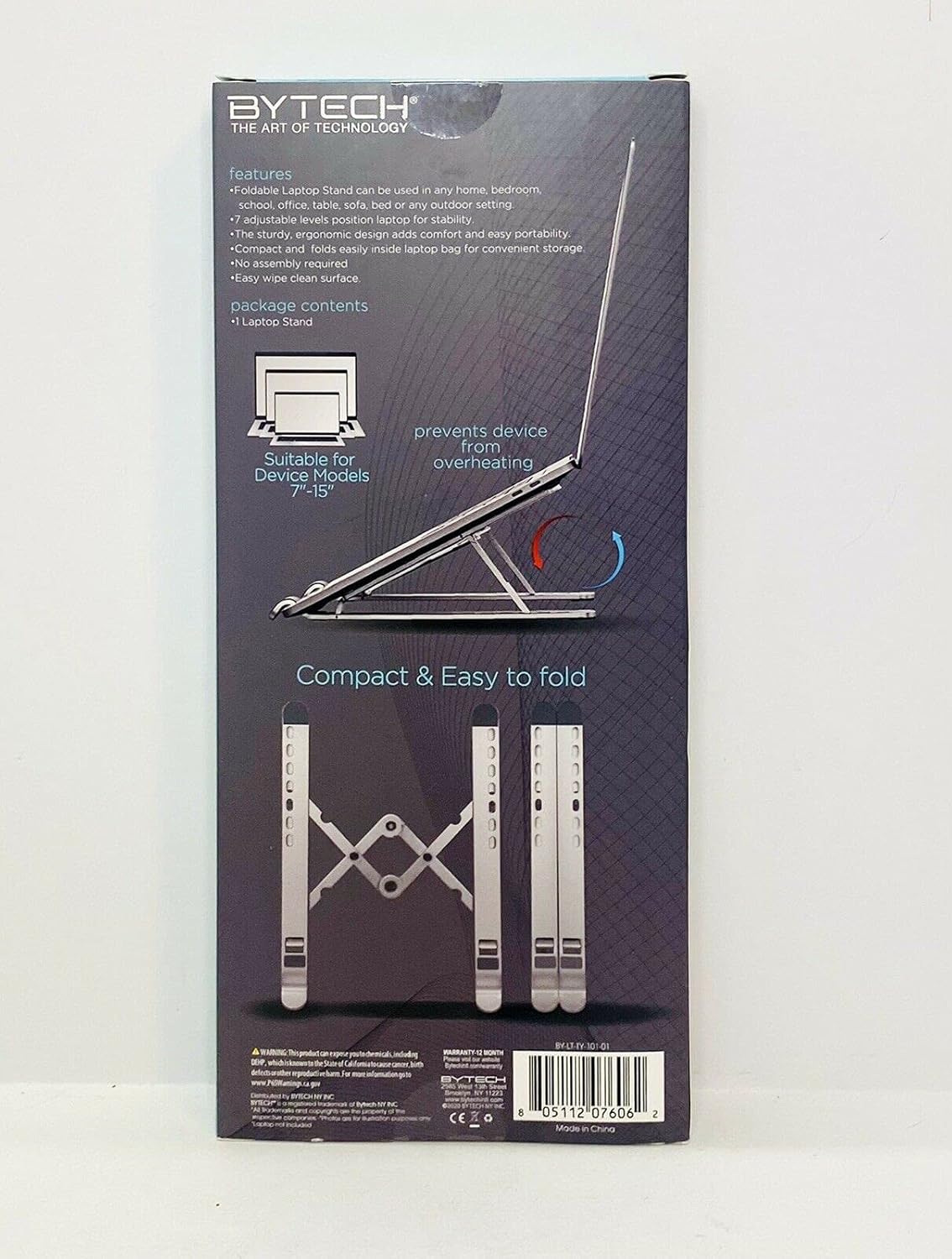
Image 1: The Bytech TBMOMO119AC Foldable Tablet Stand fully extended and ready for use. This image shows the stand's adjustable arms and base, designed to securely hold a tablet.

Image 2: The Bytech TBMOMO119AC Foldable Tablet Stand in its compact, folded state, illustrating its portability and ease of storage.
5. 操作手順
To use your tablet stand:
- デバイスを配置する: Carefully place your tablet or compatible device onto the support hooks at the front of the stand. Ensure the device rests securely against the back support.
- 最終調整: Make any final adjustments to the stand's height and angle to achieve your preferred viewing position. Ensure the stand remains stable with your device in place.
6. メンテナンス
To maintain your Bytech TBMOMO119AC Foldable Tablet Stand:
- クリーニング: スタンドを柔らかくて乾いた布で拭いてください。amp 布で埃や汚れを拭き取ってください。刺激の強い化学薬品や研磨剤入りの洗剤の使用は避けてください。
- ストレージ: 使用しないときは、スタンドをコンパクトに折りたたんで、直射日光を避けて乾燥した場所に保管してください。
7。 トラブルシューティング
If you encounter issues with your tablet stand, consider the following:
- スタンドの不安定性: Ensure the stand is fully unfolded and placed on a flat, stable surface. Verify that both adjustable arms are set to the same height and angle.
- デバイスが安全ではありません: Confirm that your device is properly seated on the support hooks and rests against the back support. The stand is designed for devices between 7 and 15 inches.
8. 仕様
| ブランド | バイテック |
| モデル番号 | TBMOMO119AC |
| 色 | 黒 |
| 対応デバイス | タブレット(7~15インチ) |
| 取り付けタイプ | 折りたたみ可能 |
| 調整可能な長さ | はい |
| アイテム重量 | 0.17キログラム |
| 材料 | プラスチック |
| 欧州連合 | 805112077328 |
9.保証とサポート
The Bytech TBMOMO119AC Foldable Tablet Stand comes with a 12ヶ月保証 from the date of purchase. This warranty covers manufacturing defects under normal use. For warranty claims or technical support, please contact your retailer or the Bytech customer service department.