
1. はじめに
This manual provides detailed instructions for the setup, operation, and maintenance of your Bytech BYMCWC101BLK PC Web Camera. Please read this manual thoroughly before using the product to ensure proper functionality and longevity.
2. パッケージ内容
以下にリストされているすべてのアイテムが製品パッケージに含まれていることを確認してください。
- バイテック BYMCWC101BLK PC Web カメラ
- ユーザーマニュアル(このドキュメント)
- 一体型USBケーブル
3. セットアップ
Follow these steps to set up your Bytech BYMCWC101BLK PC Web カメラ:
- 配置: 配置する webcam on top of your computer monitor, laptop screen, or a flat surface. The adjustable clip allows for secure attachment.
- コンピュータに接続します: 内蔵USBケーブルを webカメラをコンピュータの使用可能な USB ポートに接続します。
- ドライバーのインストール: の webcam is typically plug-and-play. Your operating system (Windows, macOS, Linux) should automatically detect and install the necessary drivers. Wait for the installation to complete.
- 検証: Open a video conferencing application (e.g., Zoom, Skype, Microsoft Teams) or your computer's camera application to confirm the webカメラが認識され、ビデオが表示されています。
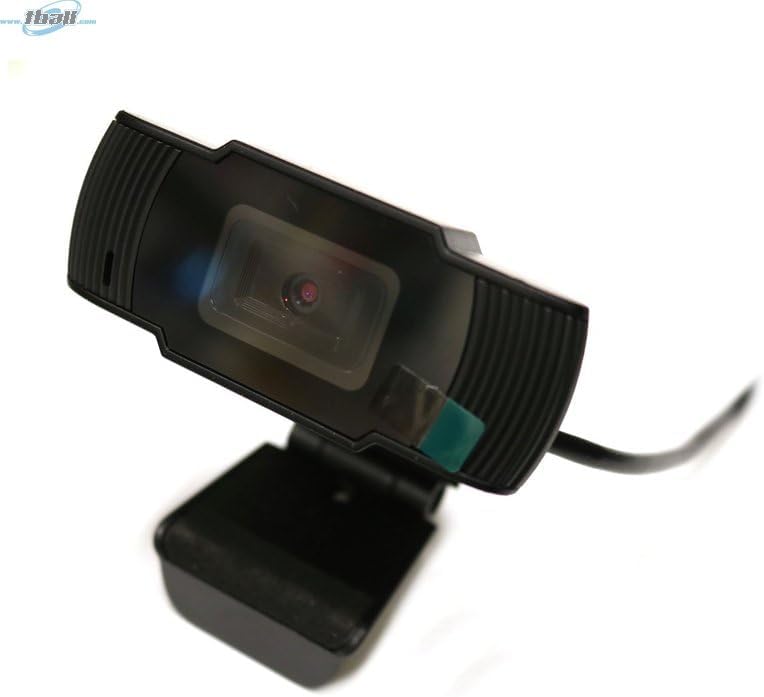
Image: The Bytech BYMCWC101BLK PC Web Camera securely mounted on top of a computer monitor, demonstrating its adjustable clip design.
4. 操作手順
Once installed, the Bytech BYMCWC101BLK PC Web Camera can be used with various applications:
- ビデオ会議: Select the Bytech webcam as your video input device within your preferred video conferencing software (e.g., Zoom, Skype, Google Meet).
- ストリーミング: For live streaming platforms, configure the webcam as your primary video source in your streaming software (e.g., OBS Studio).
- 録音: Use your computer's built-in camera application or third-party software to record video.
- 低照度性能: の webcam features BSI CMOS photo sensor technology and is designed to perform effectively in low-light conditions, providing clear video even with limited ambient lighting.
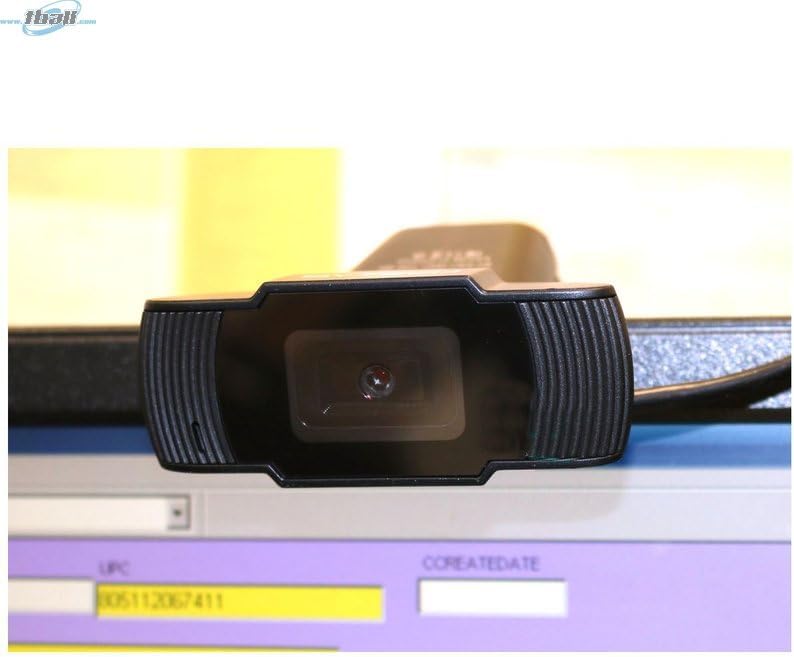
画像: クローズアップ view of the Bytech BYMCWC101BLK PC Web Camera's lens, highlighting its design and integrated privacy cover (if applicable, otherwise just lens).
5. メンテナンス
To ensure optimal performance and extend the lifespan of your webカム:
- クリーニング: 柔らかく糸くずの出ない布でレンズを優しく拭いてください。刺激の強い化学薬品や研磨剤の使用は避けてください。
- ストレージ: 使用しないときは、 webcam in a clean, dry environment away from direct sunlight and extreme temperatures.
- ケーブルのお手入れ: USB ケーブルを過度に曲げたり、折り曲げたりしないでください。
6。 トラブルシューティング
問題が発生した場合は、 webcam の場合は、次の一般的な問題と解決策を参照してください。
- 画像/ビデオなし:
- USBケーブルが両方のコンピュータにしっかりと接続されていることを確認してください。 webカメラとコンピューター。
- プラグを差し込んでみてください web別のUSBポートにカメラを接続します。
- コンピュータを再起動します。
- Check your application settings to ensure the Bytech webビデオ入力デバイスとして cam が選択されます。
- ビデオ品質が悪い:
- 環境内に十分な照明があることを確認してください。
- 掃除する webカメラのレンズを柔らかい布で拭いてください。
- Check your application's video settings for resolution and frame rate.
- Microphone Not Working (if applicable):
- 確認する webcam's microphone is selected as the audio input device in your computer's sound settings and within your application.
- Ensure the microphone is not muted in your system or application.
7. 仕様
| 特徴 | 詳細 |
|---|---|
| モデル名 | BYMCWC101BLK |
| ブランド | バイテック |
| 接続技術 | USB |
| フォトセンサー技術 | BSI CMOS |
| ビデオキャプチャフォーマット | MP4 |
| 特集 | 低光量 |
| 色 | 黒 |
| アイテム重量 | 4.9オンス |
| パッケージ寸法 | 7.76 x 4.65 x 2.44インチ |
8. 保証とサポート
For warranty information or technical support, please refer to the documentation included with your purchase or contact your retailer. Keep your proof of purchase for warranty claims.