
導入
The FIXED FIXGRA-BK Touchpen is designed to enhance your digital interaction with compatible tablets, offering precision and a natural writing experience. This manual provides essential information for the proper setup, operation, and maintenance of your touchpen.
パッケージ内容
- FIXED FIXGRA-BK Touchpen
- USB-C充電ケーブル
- Two (2) Spare Tips
- ユーザーマニュアル(このドキュメント)
設定
1. 初期充電
Before first use, fully charge the touchpen. Connect the provided USB-C cable to the charging port on the touchpen and to a compatible USB power source. A full charge provides up to 20 hours of active use.
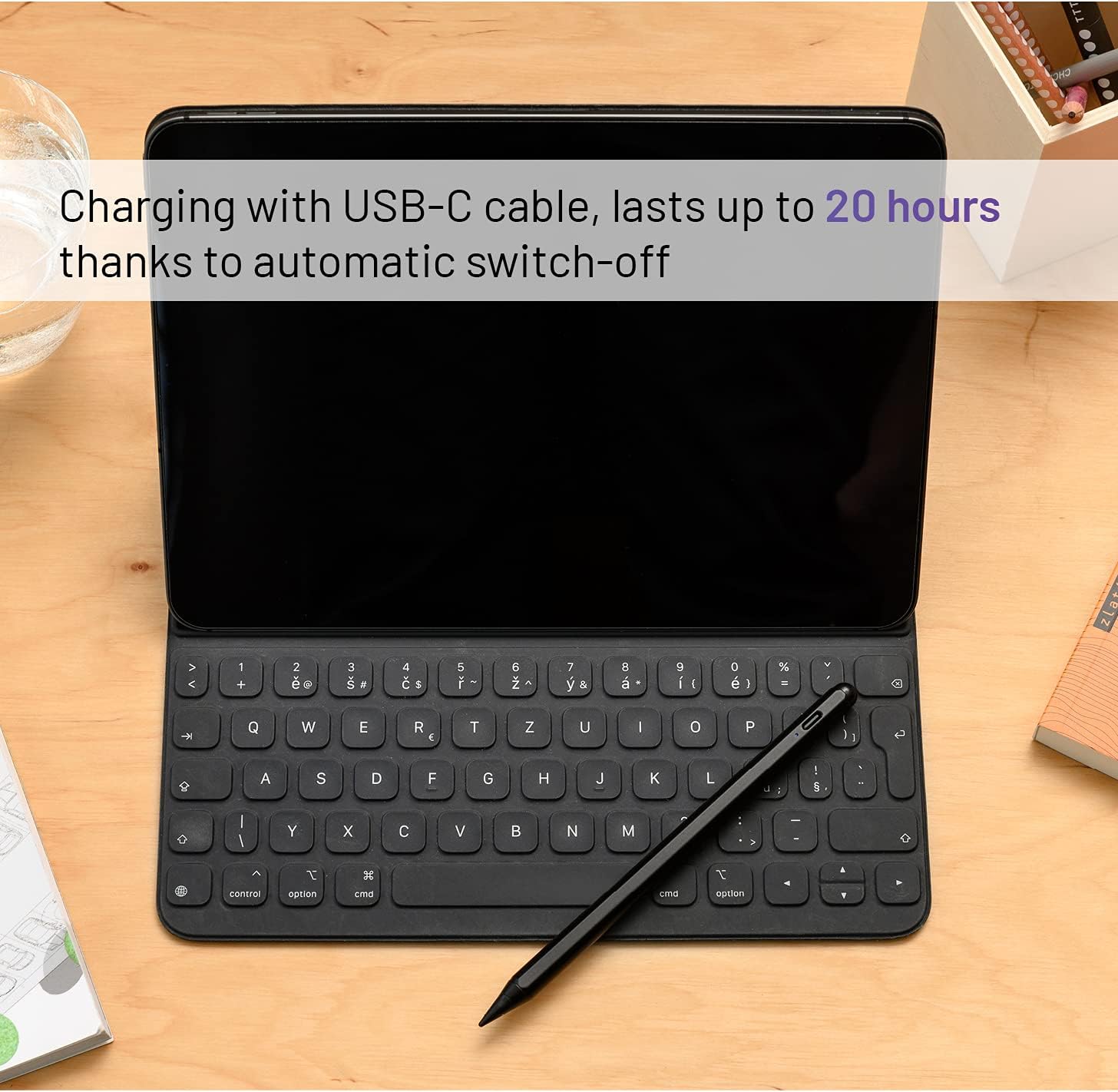
画像: The FIXED FIXGRA-BK Touchpen connected to a USB-C cable for charging, positioned next to an iPad with a keyboard. The image highlights the charging process and the pen's long battery life.
2. デバイスの互換性
The FIXED FIXGRA-BK Touchpen is compatible with Apple iPad models released post-2018. Ensure your iPad's operating system is updated to the latest version for optimal performance.
3. ペアリング(自動)
The touchpen does not require manual Bluetooth pairing. Simply turn it on, and it will automatically connect to a compatible iPad. If the pen does not respond, ensure it is charged and your iPad is compatible.
操作手順
1. 電源のオン/オフ
To power on the touchpen, press the power button (if available, otherwise it's usually tap-to-wake or automatically on when picked up). The pen features an automatic shut-off function that will power it down after 5 minutes of inactivity to conserve battery.
2. 書くことと描くこと
Hold the touchpen as you would a traditional pen. The fine tip allows for precise input, ideal for writing, drawing, and navigating your tablet. The pen offers 1-pixel accuracy for detailed work.

画像: A user interacting with an iPad using the FIXED FIXGRA-BK Touchpen. The pen is shown in active use, highlighting its precision for various tasks.

画像: The FIXED FIXGRA-BK Touchpen poised over an iPad screen displaying colorful artwork, illustrating its capability for precise drawing and note-taking with 1-pixel accuracy.
3. パームリジェクション
The touchpen supports palm rejection, allowing you to rest your hand naturally on the tablet screen while writing or drawing without unintended input. This feature ensures a comfortable and uninterrupted workflow.
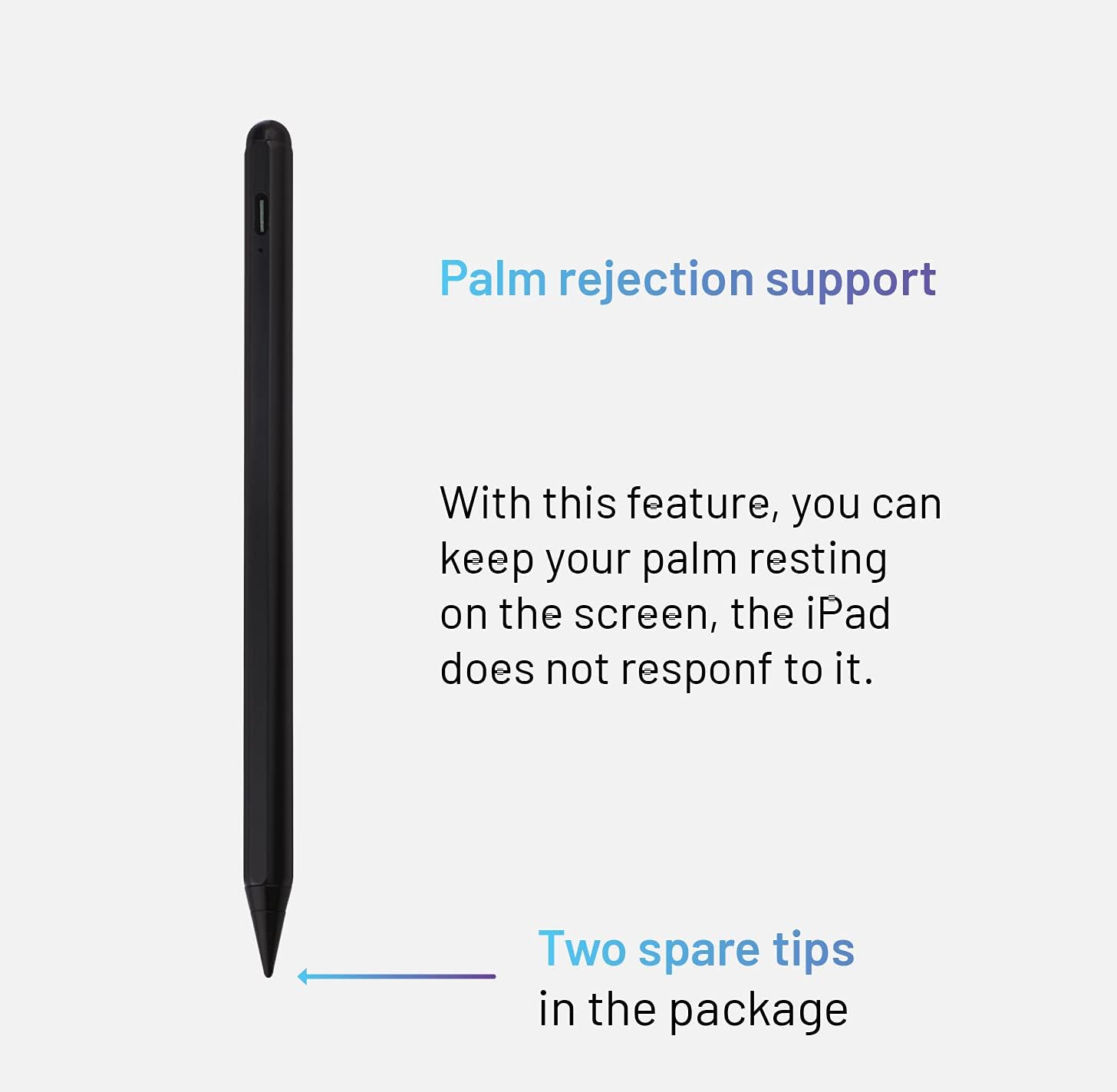
画像: 詳細な view of the FIXED FIXGRA-BK Touchpen, illustrating its design and the benefit of palm rejection support, which allows users to rest their hand on the screen without interference. The image also indicates the inclusion of two spare tips.
4. チルト機能
Adjust the thickness of your lines by simply tilting the touchpen. This feature mimics the natural behavior of a pencil, allowing for varied strokes in drawing and handwriting applications.

画像: A graphic demonstrating the tilt function of the FIXED FIXGRA-BK Touchpen. It shows how tilting the pen at different angles produces lines of varying thickness, from thin to bold.
5. 磁気アタッチメント
The touchpen features built-in magnets, allowing it to securely attach to the side of your compatible iPad for convenient storage and transport.

画像: The FIXED FIXGRA-BK Touchpen shown magnetically attached to the side of an iPad, illustrating its convenient storage feature.
メンテナンス
1. 清掃
Wipe the touchpen with a soft, dry, lint-free cloth. Do not use abrasive cleaners or solvents, as these may damage the finish or internal components.
2. チップの交換
If the pen tip becomes worn or damaged, replace it with one of the provided spare tips. Gently twist the old tip counter-clockwise to remove it, then twist a new tip clockwise until secure.
3. ストレージ
Store the touchpen in a cool, dry place, away from direct sunlight and extreme temperatures. When not in use, attaching it magnetically to your iPad can help prevent loss.
トラブルシューティング
- ペンが応答しない:
- ペンが充電されていることを確認してください。
- Verify your iPad model is compatible (post-2018 models).
- iPadを再起動してください。
- Ensure the pen tip is securely attached.
- 不正確な入力:
- Check if the pen tip is worn and replace if necessary.
- Clean the iPad screen.
- Ensure no other stylus or input device is interfering.
- Pen not charging:
- Ensure the USB-C cable is properly connected to both the pen and the power source.
- 別の USB-C ケーブルまたは電源アダプターを試してください。
- 充電ポートにゴミがないか確認してください。
仕様
| 特徴 | 詳細 |
|---|---|
| ブランド | FIXED |
| モデル番号 | フィックスグラ-BK |
| 寸法 | 6.6 x 0.8 x 0.8 cm |
| 重さ | 70グラム |
| 材料 | アルミニウム |
| 対応デバイス | Apple iPad (post-2018 models) |
| バッテリー寿命 | 最大20時間(アクティブ使用) |
| 充電インターフェース | USB-C |
| 特集 | Palm Rejection, Tilt Function, Magnetic Attachment, Automatic Shut-off, 1-pixel accuracy |
保証とサポート
For warranty information and technical support, please refer to the official FIXED webご購入いただいたサイトをご覧いただくか、販売店にお問い合わせください。保証請求の際に購入証明書を保管してください。