
1.製品オーバーview
The REXING HS01 is a 1080p wireless smart home security camera system designed for both indoor and outdoor use. It features a rechargeable battery, solar panel charging capability, two-way intercom, motion activation, infrared night vision, and cloud storage options. The camera connects to your home WiFi network and is managed via a mobile application.
主な特徴:
- 1080p フル HD ビデオ: Records clear video with a 120-degree wide-angle lens.
- ワイヤレス&充電可能: Operates wirelessly with a 6000mAh rechargeable battery.
- 太陽光発電: Can be continuously charged by the included solar panel.
- 双方向インターホン: Allows for real-time communication via the mobile app.
- 防水設計: IP65 rated for outdoor weather resistance.
- モーション検出: PIR motion sensor with adjustable sensitivity up to 33ft.
- 赤外線ナイトビジョン: Provides clear visibility up to 33ft in low light conditions.
- クラウドストレージ: Offers free 3-day cloud storage with options for extended plans.
- モバイルアプリコントロール: Manage and monitor the camera from your smartphone.
2. パッケージ内容
パッケージに以下の項目が含まれているか確認してください。
- REXING HS01 防犯カメラ
- ソーラーパネル
- 取り付けブラケットとネジ
- USB充電ケーブル
- ユーザーマニュアル
3.セットアップガイド
3.1 初期充電
Before first use, fully charge the camera's internal 6000mAh battery using the provided USB cable. Connect the cable to the camera's charging port and a standard USB power adapter (not included). The charging indicator will show the charging status.
3.2 アプリのインストール
ダウンロード Rexing Home application from your smartphone's app store (available on iOS and Android). 検索する "Rexing Home" and install the application.
3.3 Wi-Fi接続
- Open the Rexing Home app and create an account or log in.
- アプリ内の指示に従って新しいデバイスを追加します。
- スマートフォンがインターネットに接続されていることを確認してください 2.4GHz Wi-Fiネットワーク. The HS01 camera does not support 5GHz Wi-Fi.
- 指示に従って、携帯電話に表示される QR コードをカメラのレンズでスキャンします。
- カメラがWi-Fiネットワークに接続されるまでお待ちください。接続が成功すると音声ガイドが流れます。
3.4 カメラとソーラーパネルの取り付け
The REXING HS01 camera and solar panel can be mounted indoors or outdoors. Choose a location that provides the desired view角度を調整し、太陽電池パネルが amp最適な充電のために、一日を通して直射日光を避けてください。

Image: The REXING HS01 camera with its solar panel mounted on an exterior wall, highlighting its 100% wireless and solar-powered operation. The camera is designed for outdoor use and is weatherproof.
- Use the provided mounting bracket and screws to securely attach the camera to a wall or desired surface.
- Mount the solar panel in a location that receives maximum direct sunlight. Connect the solar panel cable to the camera's charging port.
- Adjust the camera's angle to cover the desired monitoring area.
4. 操作手順
4.1 ライブ View and Remote Playback
Once connected, open the Rexing Home app to access the live video feed from your camera. You can view リアルタイムフーtage from anywhere with an internet connection. The app also allows you to review 記録されたビデオfootage stored in the cloud.

Image: A smartphone screen showing a live view from the REXING HS01 camera, with icons for remote playback and indicating motion alerts. This demonstrates complete control from the Rexing Home App.
4.2 双方向音声通信
The HS01 camera features a built-in microphone and speaker, enabling two-way audio communication. From the live view in the Rexing Home app, you can speak to individuals near the camera and hear their responses.
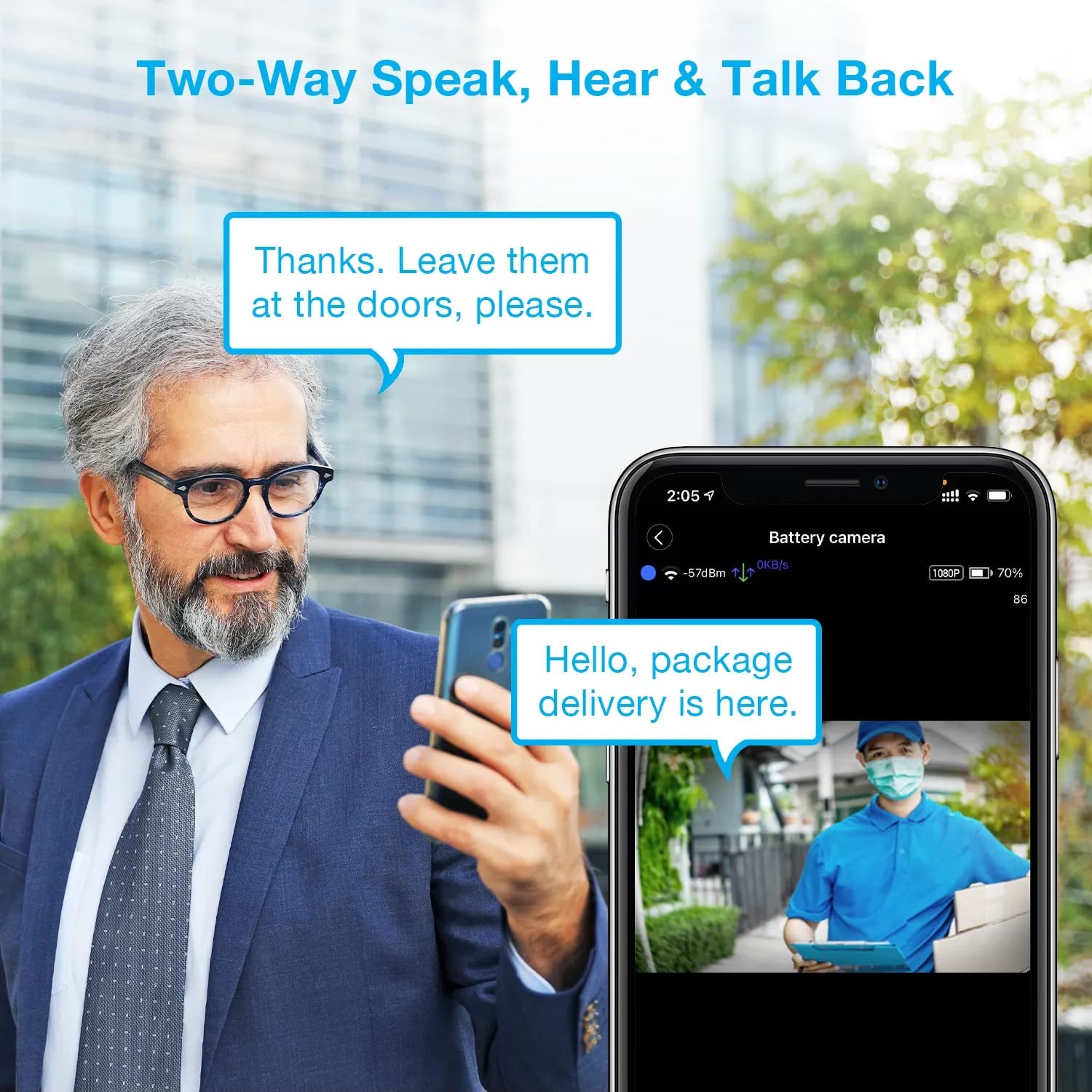
Image: A man using his smartphone to communicate with a delivery person visible on his screen, demonstrating the two-way speak and talk-back functionality of the REXING HS01 camera.
4.3 動きの検出とアラート
The camera utilizes a PIR (Passive Infrared) motion sensor to detect movement. When motion is detected, the camera will begin recording and send instant notifications to your smartphone via the Rexing Home app.
- 感度の調整: You can adjust the PIR motion sensitivity settings within the app, with options up to 33ft.
- 通知設定: Customize alert preferences in the app to receive notifications for every detected motion.
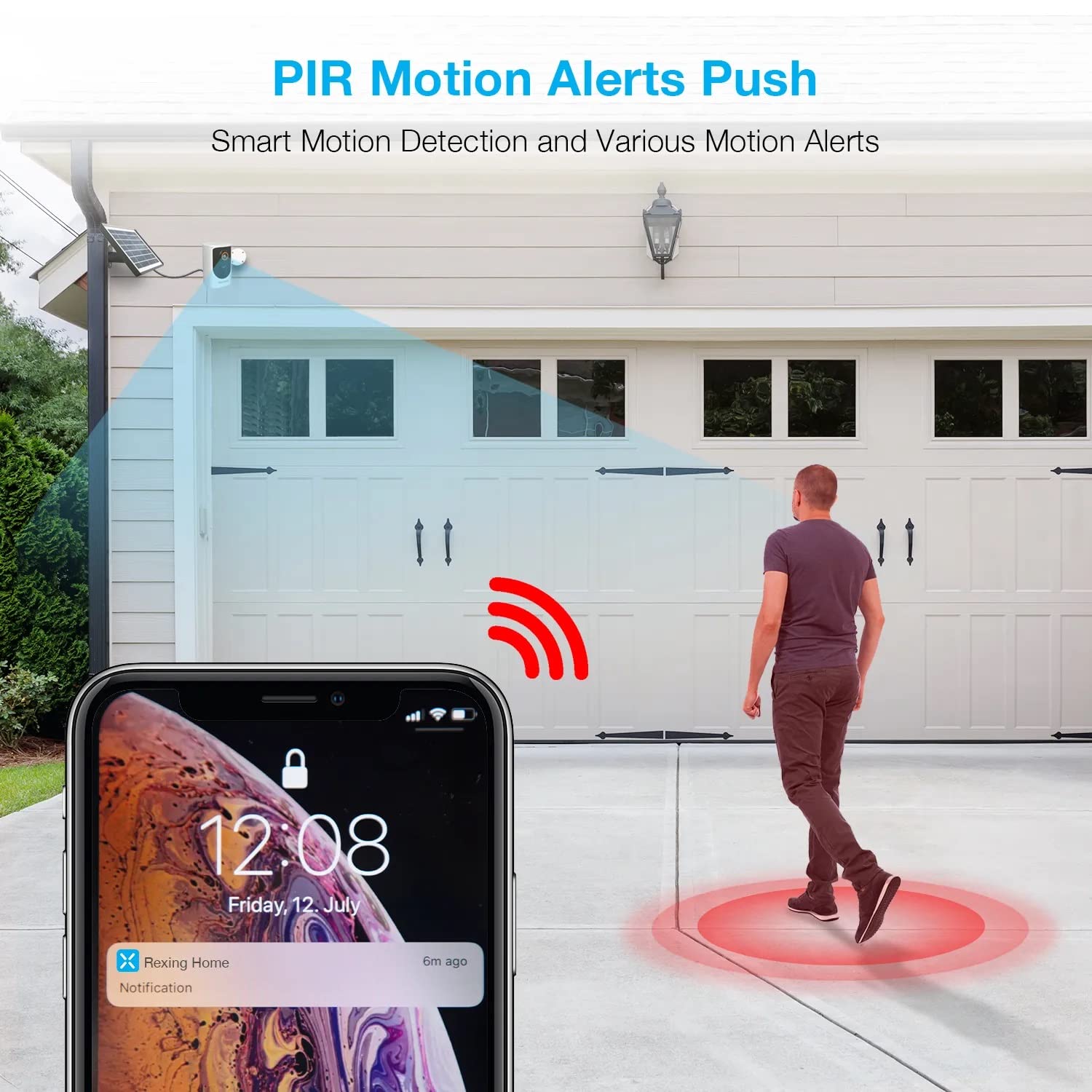
Image: A smartphone screen showing a notification from the Rexing Home app indicating a motion alert, with a visual representation of a person walking into the camera's detection zone.
4.4 ナイトビジョン
The HS01 camera is equipped with 8 built-in 850nm Infrared LEDs and enhanced CMOS imaging sensors, providing clear night vision up to 33ft. The night vision mode activates automatically in low-light conditions.
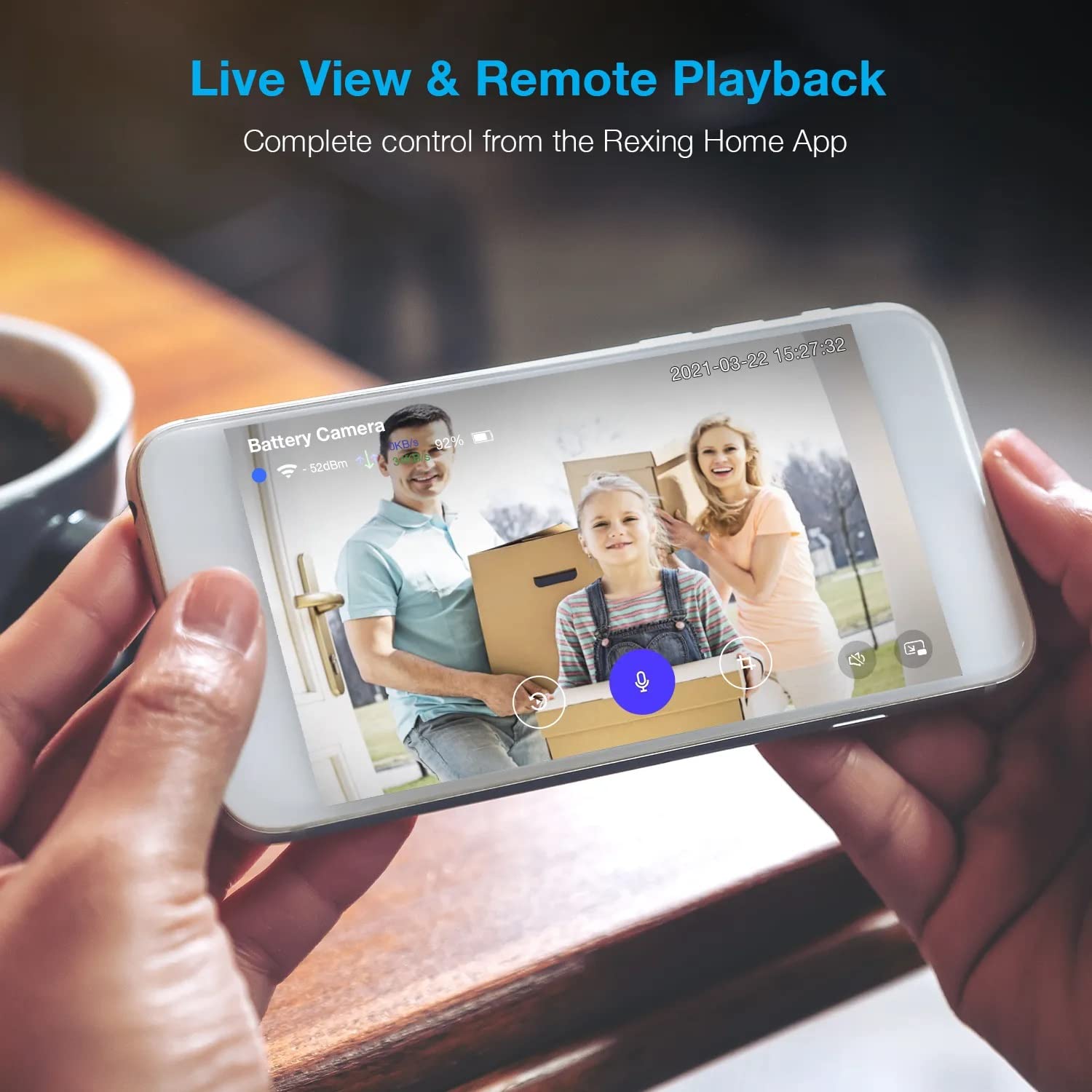
Image: A smartphone displaying a split screen, with one side showing a daytime view of a house in full color and the other side showing the same house in enhanced infrared night vision, demonstrating the camera's 1080p HD and night vision capabilities.
4.5 クラウドストレージ
The camera offers secure cloud storage for recorded video footage. You can access the past 3 days of video recordings for free. Extended cloud storage plans are available for purchase through the Rexing Home app.
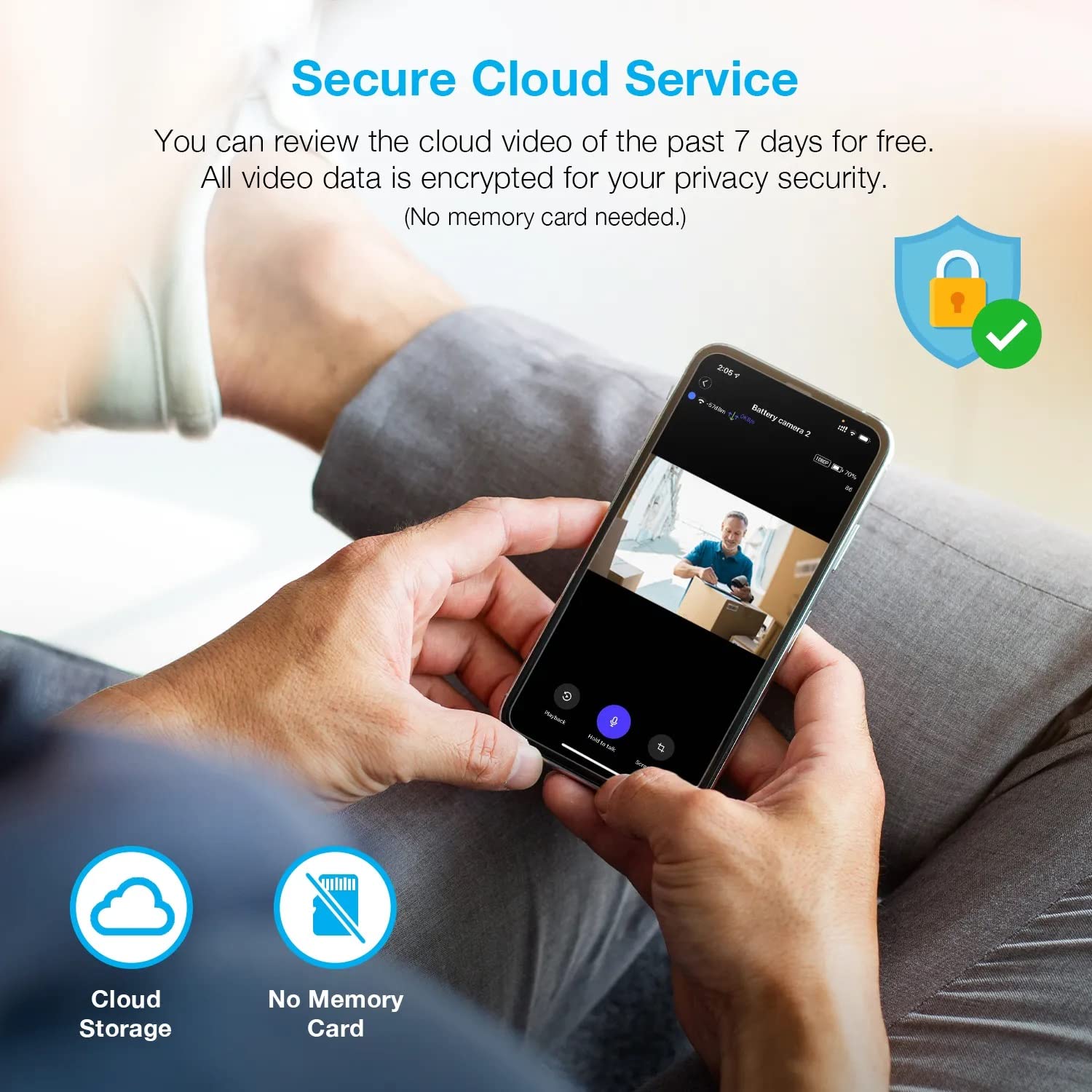
画像: 人物 viewing recorded camera footage on a smartphone, accompanied by icons for cloud storage and indicating that no memory card is needed, highlighting the secure cloud service feature.
5. メンテナンス
5.1 バッテリー管理
The HS01 camera is powered by a 6000mAh rechargeable battery. For continuous operation, ensure the solar panel is positioned to receive adequate direct sunlight. If the camera is used in an area with limited sunlight, periodic manual charging via the USB cable may be required.
5.2 クリーニング
To maintain optimal performance, periodically clean the camera lens and the solar panel surface with a soft, damp 布で拭いてください。表面を傷つける可能性のある研磨剤入りの洗剤や溶剤の使用は避けてください。
6。 トラブルシューティング
- カメラがWi-Fiに接続できない:
- Wi-Fiネットワークが2.4GHzであることを確認してください。カメラは5GHzネットワークをサポートしていません。
- カメラの設置場所の Wi-Fi 信号強度を確認します。
- アプリに入力した Wi-Fi パスワードが正しいことを確認します。
- ルーターとカメラを再起動します。
- ビデオ品質が悪い:
- Wi-Fi信号が強いことを確認してください。信号が弱いとストリーミング品質に影響する可能性があります。
- カメラのレンズが汚れていたり、シミがある場合は、清掃してください。
- モーション検出が機能していない、または敏感すぎる:
- Adjust the PIR motion sensitivity settings in the Rexing Home app.
- カメラの視界を遮るものがないことを確認してください view またはPIRセンサー。
- Check the camera's battery level. Low battery can affect sensor performance.
- Battery not holding charge or solar panel not working:
- ソーラーパネルが毎日数時間直射日光を当てられるように設置されていることを確認してください。
- ソーラーパネルの表面を清掃して、汚れやゴミを取り除きます。
- ソーラーパネルケーブルがカメラにしっかりと接続されていることを確認します。
- If issues persist, try charging the camera directly via USB.
- 音声が出ない、または双方向音声の質が悪い:
- Check the volume settings on your smartphone and in the Rexing Home app.
- Ensure your phone's microphone is enabled for the app.
- Verify a stable internet connection for both the camera and your smartphone.
7. 仕様
| 特徴 | 仕様 |
|---|---|
| モデル番号 | HS01 |
| ビデオ解像度 | 1080pフルHD |
| 分野 View | 120度 |
| 暗視範囲 | 33フィート |
| バッテリー容量 | 6000mAh |
| 接続性 | ワイヤレス(Wi-Fi 2.4GHz) |
| 防水等級 | IP65 |
| 対応デバイス | スマートフォン(Amazon Alexa、Google Assistant) |
| アイテムの寸法 | 8.5 x 7.25 x 3.75インチ |
| アイテム重量 | 1ポンド |
| 電源 | 充電式バッテリー、ソーラーパネル |
8. 保証とサポート
8.1 保証情報
For detailed warranty information regarding your REXING HS01 Smart Home Security Camera System, please refer to the warranty card included with your product or visit the official REXING webサイトをご覧ください。保証条件は地域や販売店によって異なる場合があります。
8.2 カスタマーサポート
If you encounter any issues or have questions about your REXING HS01 camera, please contact REXING customer support. You can typically find support contact information on the official REXING website or within the Rexing Home mobile application.
For the latest updates, FAQs, and additional resources, please visit the official REXING webサイト: www.rexingusa.com