
導入
This manual provides comprehensive instructions for the Mesqool Vibrating Alarm Clock, designed for heavy sleepers, individuals with hearing impairment, and those who prefer a silent wake-up. Please read this manual thoroughly before using the device to ensure proper operation and to maximize its features.
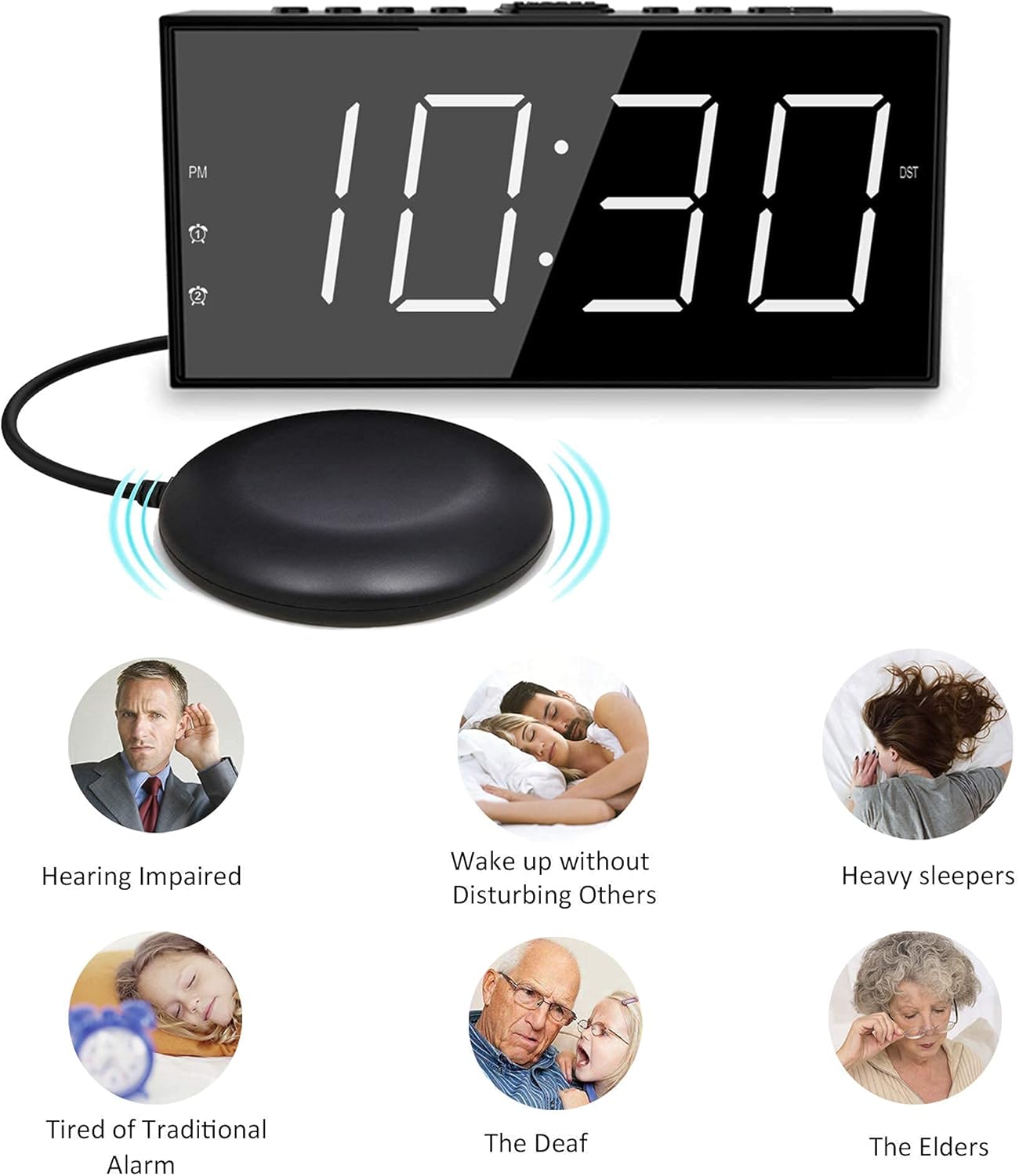
Image: The Mesqool Vibrating Alarm Clock with its bed shaker, illustrating its use for hearing impaired, heavy sleepers, and for waking without disturbing others.
パッケージ内容
パッケージにすべてのアイテムが揃っていることを確認します。
- 1 x Mesqool Digital Alarm Clock
- USプラグ電源アダプター x 1
- 1 x Bed Shaker with 78-inch Cable
- 2 x Black Brackets (for stability)
- ユーザーマニュアル (本書) x 1
製品の特徴
- 複数のウェイクアップモード: Choose from bed shaker only, loud buzzer only, or both.
- 調整可能なブザー音量: 4 levels of buzzer volume to suit individual preferences.
- デュアルアラーム機能: 異なるスケジュールに 2 つの独立したアラームを設定します。
- 大きなスヌーズボタン: 9分間の追加睡眠を提供します。
- 7インチ LED ディスプレイ: Large, clear digits for easy readability.
- 5-Level Brightness Dimmer: Adjustable display brightness from completely dark to extra bright.
- USB充電ポート: Conveniently charge mobile devices (5V/1A output).
- バッテリーバックアップ: Maintains time settings and ensures alarm function during power outages (単4電池2本が必要ですが、付属していません)。
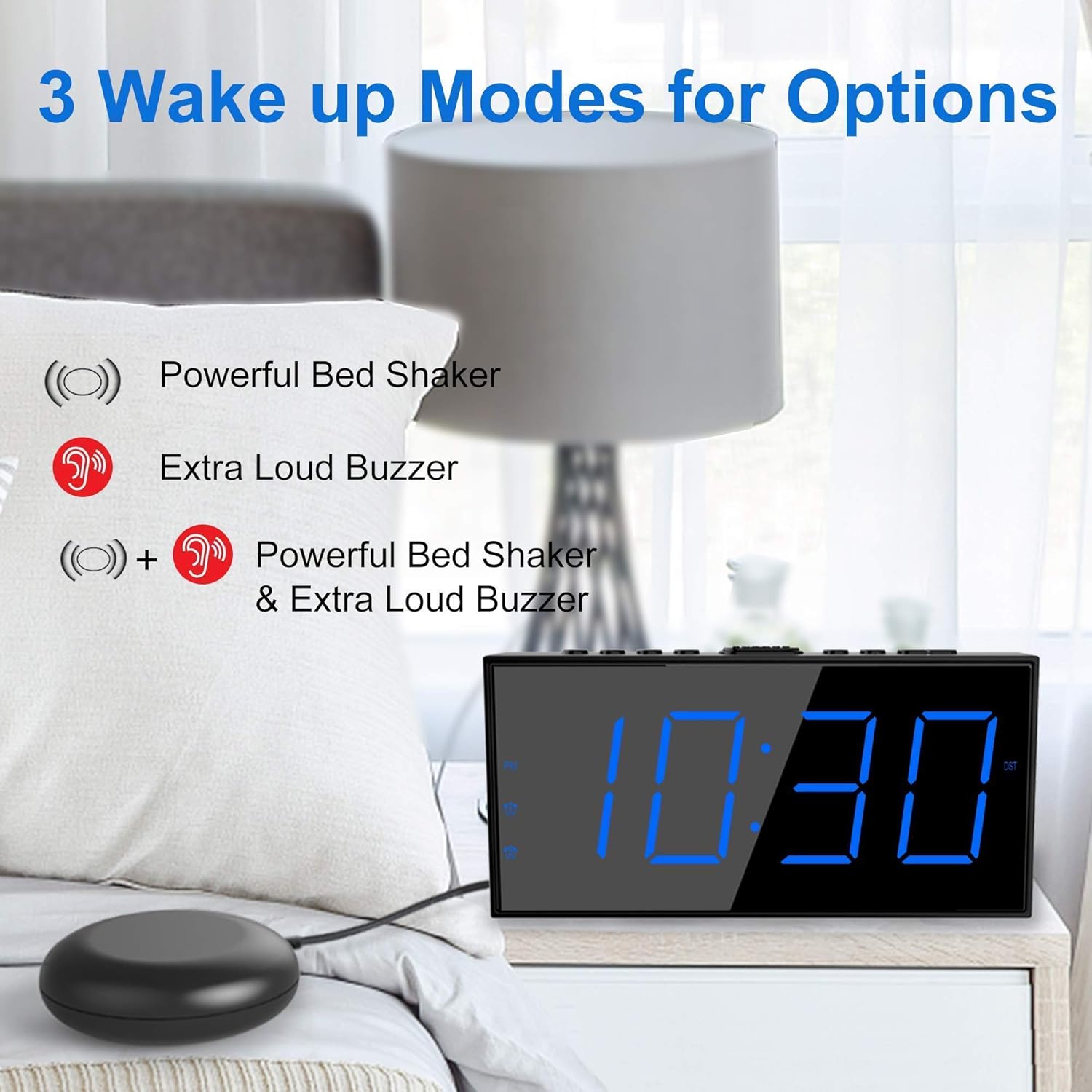
Image: The alarm clock illustrating its three wake-up modes: bed shaker, buzzer, or a combination of both.
コントロールと表示
Familiarize yourself with the buttons and display indicators:

Image: The alarm clock's large LED display, physical dimensions, and the bed shaker with its 78-inch cable.
トップパネルのボタン:
- SET TIME/HOUR: Press to enter time setting mode; use to adjust hour.
- MIN/DIMMER: Press to adjust minute; use to adjust display brightness.
- 12/24時間: Toggle between 12-hour and 24-hour time format.
- DST: Activate/deactivate Daylight Saving Time.
- ALM PAUSE: 一時的にアラームを停止します。
- アラーム1 /アラーム2: Set or activate/deactivate Alarm 1 or Alarm 2.
- ALM OFF: Turn off all active alarms.
- スヌーズ/スリープ: Large button for snooze function.
表示インジケータ:
- 午後: Indicates PM in 12-hour format.
- Alarm 1 Icon: Lights up when Alarm 1 is active.
- Alarm 2 Icon: Lights up when Alarm 2 is active.
- DST: Lights up when Daylight Saving Time is active.
設定
1. 電源接続
- Connect the provided US Plug Power Adapter to the DC IN port on the back of the alarm clock.
- アダプタを標準の壁のコンセントに差し込みます。ディスプレイが点灯します。

画像: 背面 view of the alarm clock highlighting the USB charging port and the battery backup compartment.
2. バッテリーバックアップのインストール(オプションですが推奨)
- Open the battery compartment cover on the bottom of the clock.
- Insert 2 AAA batteries (not included) according to the polarity markings (+ and -).
- Close the battery compartment cover. These batteries will maintain time settings and alarm function during a power outage.
3. ベッドシェーカー接続
- Plug the bed shaker cable into the designated port on the back of the alarm clock.
- Place the bed shaker under your mattress or pillow. Ensure the cable is not pinched or damaged.
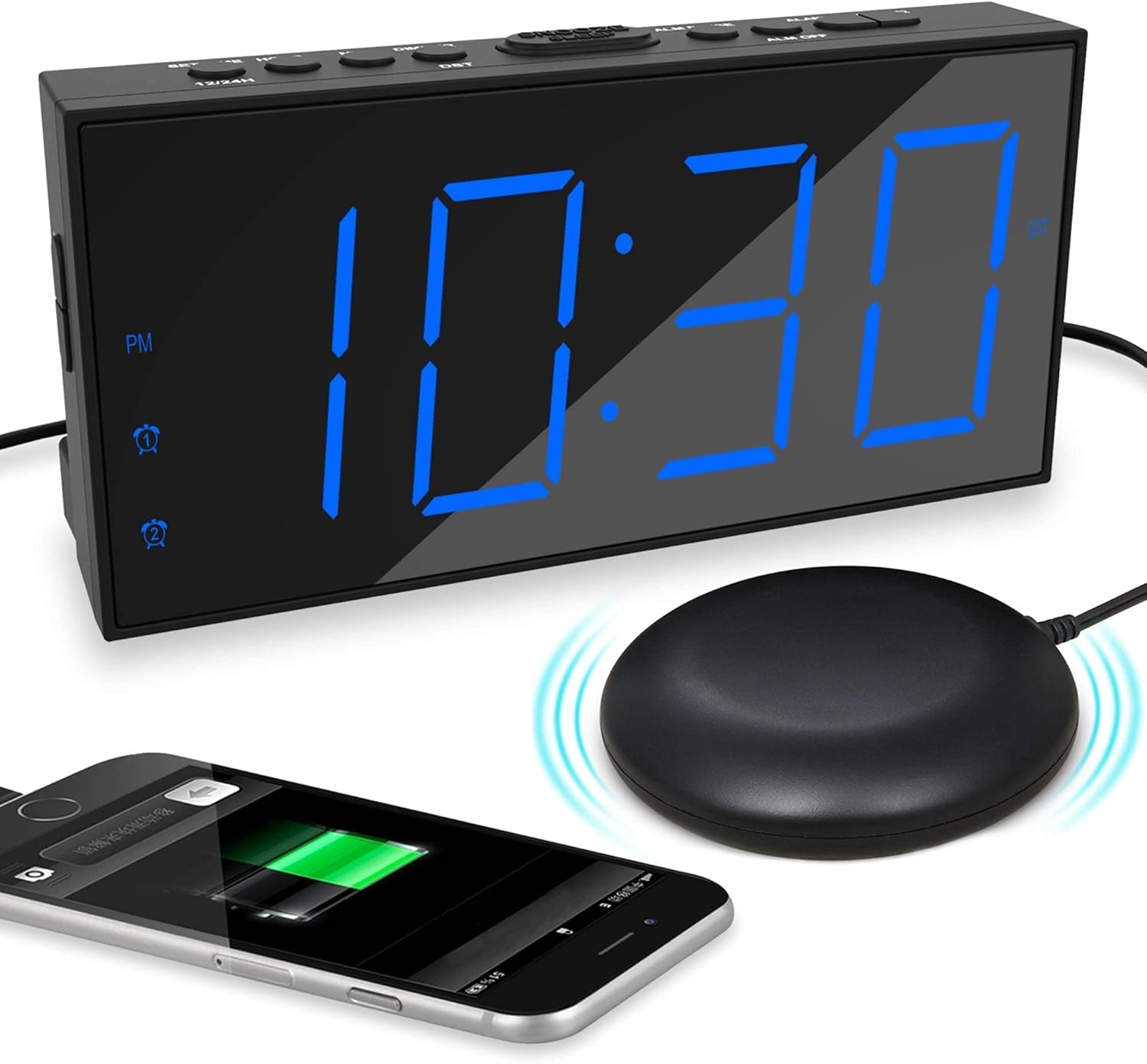
Image: The alarm clock displaying time with a blue LED, connected to a bed shaker, and a smartphone charging from its USB port.
操作手順
時間の設定
- を押し続けます SET TIME/HOUR 時間の数字が点滅するまでボタンを押します。
- プレス SET TIME/HOUR 繰り返し押して時間を調整します。
- を押す MIN/DIMMER ボタンを繰り返し押して分を調整します。
- プレス SET TIME/HOUR again to confirm and exit time setting mode, or wait for 5 seconds for it to exit automatically.
- 12時間形式と24時間形式を切り替えるには、 12/24時間 ボタン。
- To activate/deactivate Daylight Saving Time (DST), press the 夏時間 button. The DST indicator will light up when active.
アラームの設定(アラーム1とアラーム2)
時計は 2 つの独立したアラームをサポートします。

Image: The alarm clock demonstrating its dual alarm capability with two distinct alarm times.
- を押し続けます アラーム1 or アラーム2 アラームの時間の数字が点滅するまでボタンを押します。
- 対応するを押します アラーム ボタンを繰り返し押してアラームの時間を調整します。
- を押す MIN/DIMMER ボタンを繰り返し押してアラームの分数を調整します。
- 対応するを押します アラーム もう一度ボタンを押して時間を確定します。
- Next, select the wake-up mode by pressing the アラーム ボタン:
- ブザーアイコン: Buzzer only.
- Shaker Icon: Bed shaker only.
- Buzzer + Shaker Icons: Both buzzer and bed shaker.
- 対応するを押します アラーム button one more time to confirm the wake-up mode and activate the alarm. The alarm icon will light up on the display.
- アラームを解除するには、対応する アラーム アラームアイコンがディスプレイから消えるまでボタンを押します。
Adjusting Buzzer Volume
アラームが鳴っているときに、を押します MIN/DIMMER button to cycle through the 4 volume levels.
スヌーズ機能

Image: A hand pressing the large snooze button on the alarm clock.
アラームが鳴ったら、大きな スヌーズ/スリープ button to temporarily silence the alarm for 9 minutes. The alarm will sound again after 9 minutes. To cancel snooze and turn off the alarm, press the アラームオフ ボタン。
ディスプレイの明るさを調整する
を押す MIN/DIMMER button (when not in time setting mode) to cycle through the 5 brightness levels (including OFF) for the LED display.
USB充電ポート
The USB port on the back of the clock provides 5V/1A output for charging mobile phones or other small electronic devices. Connect your device's charging cable to this port.
メンテナンス
- クリーニング: 時計は柔らかく乾いた布で拭いてください。研磨剤入りの洗剤や溶剤は使用しないでください。
- 配置: 時計は安定した平らな場所に置いてください。直射日光、極端な温度、高湿度を避けてください。
- Bed Shaker Care: Ensure the bed shaker cable is not tangled or damaged. Avoid placing heavy objects directly on the shaker.
- バッテリー交換: AAA バックアップ電池は毎年、または電池バックアップ機能が信頼できなくなったときに交換してください。
トラブルシューティング
| 問題 | 考えられる原因 | 解決 |
|---|---|---|
| 時計の表示がオフになっています。 | No power, or display brightness set to OFF. | Check power adapter connection. Press MIN/DIMMER 明るさを調整します。 |
| アラームが鳴らない/振動しない。 | Alarm not activated, wrong wake-up mode selected, or volume too low. | Ensure alarm icon is lit. Verify correct wake-up mode (buzzer/shaker). Adjust buzzer volume. Check bed shaker connection. |
| 電源を切ると時間/アラーム設定がリセットされるtage. | バックアップバッテリーが取り付けられていないか、消耗しています。 | 新しい単2電池をXNUMX本取り付けます。 |
| USB充電が機能しません。 | Clock not powered, or device cable faulty. | Ensure clock is plugged into wall power. Try a different USB cable or device. |
仕様
- ブランド: メスクール
- モデル: B096F79526
- 表示タイプ: デジタルLED
- 表示サイズ: 7インチ
- 明るさレベル: 5(OFFを含む)
- アラームモード: Buzzer, Vibrator (Bed Shaker), Both
- ブザー音量: 4つの調整可能なレベル
- 電源: Corded Electric (DC adapter), 2x AAA batteries (backup, not included)
- USB充電出力: 5V/1A
- Bed Shaker Cable Length: Approximately 78 inches (6.5 feet)
- 寸法(概算): 6.77インチ(幅)×3.26インチ(高さ)×1.18インチ(奥行き)
- 材料: プラスチック
保証とサポート
For warranty information or technical support, please refer to the contact details provided on the product packaging or visit the official Mesqool webサイト。 保証請求に備えて購入時のレシートを保管しておいてください。
Mesqool Official Store: Visit Mesqool Store on Amazon