
1.製品オーバーview
The Ratakee Digital Alarm Clock Radio is designed to provide reliable timekeeping, dual alarm functionality, and AM/FM radio reception. It features a large LED display with adjustable brightness for comfortable viewing day and night. This manual provides detailed instructions for setting up and operating your device.

画像: 正面 view of the Ratakee Digital Alarm Clock Radio, displaying the time 12:00 in blue LED digits.
2. セットアップ
2.1電源接続
To power the clock radio, plug the AC adapter into any standard 110V wall outlet. The display will illuminate, indicating the unit is receiving power.
2.2 バッテリバックアップのインストール
For battery backup, insert two (2) AAA batteries (not included) into the battery compartment located on the bottom of the unit. These batteries will preserve your time and alarm settings during a power outage, but will not power the display or alarm functions.
2.3 初期時間設定
Upon first power-up or after a prolonged power interruption without battery backup, the display may show a default time. Refer to the 'Setting Time' section under 'Operating' for instructions on how to set the current time.
3. 操作手順
3.1 時間の設定
- を押し続けます 時間設定 時間の数字が点滅し始めるまでボタンを押します。
- 使用 時間 そして 分 時間を調整するボタン。
- プレス 時間設定 もう一度押して確認し、時間設定モードを終了します。
3.2 ディスプレイの明るさ(調光)
The clock features a 1.6-inch LED display with adjustable brightness. To adjust the display brightness:
- を押す ディマー button repeatedly to cycle through the 4 available brightness levels. Select the level most comfortable for your environment.

Image: Comparison of the clock display at high and low brightness settings, demonstrating the dimmer function.
3.3 アラームの設定(デュアルアラーム)
This clock supports two independent alarms (Alarm 1 and Alarm 2). Each alarm can be set to a beep sound or a radio station.
- を押し続けます アラーム1 or アラーム2 アラームの時間の数字が点滅するまでボタンを押します。
- 使用 時間 そして 分 ボタンを押して希望のアラーム時間を設定します。
- を押す アラーム1 or アラーム2 button again to select the alarm source (Beep or Radio). The corresponding icon will appear on the display.
- を押す アラーム1 or アラーム2 button a third time to confirm and activate the alarm.
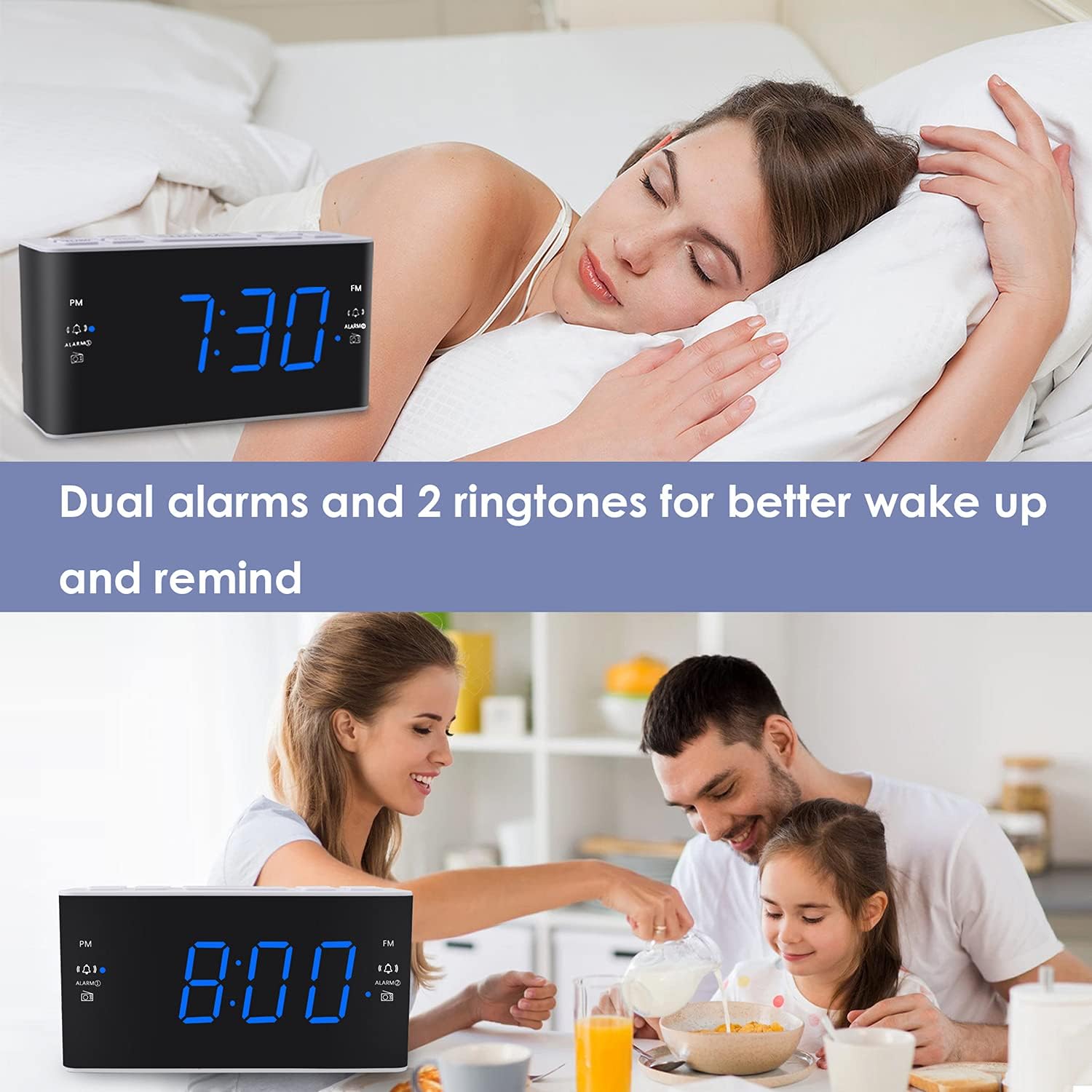
Image: Visual representation of the dual alarm feature, showing the clock used for different wake-up scenarios.
3.4スヌーズ機能
アラームが鳴ったら、大きな スヌーズ button on top of the unit to temporarily silence the alarm for 9 minutes. The alarm will sound again after this period. You can repeat the snooze function up to 5 times.
To turn off the alarm completely for 24 hours, press any other button on the clock (e.g., Radio, Time Set, Alarm 1/2) while the alarm is sounding.
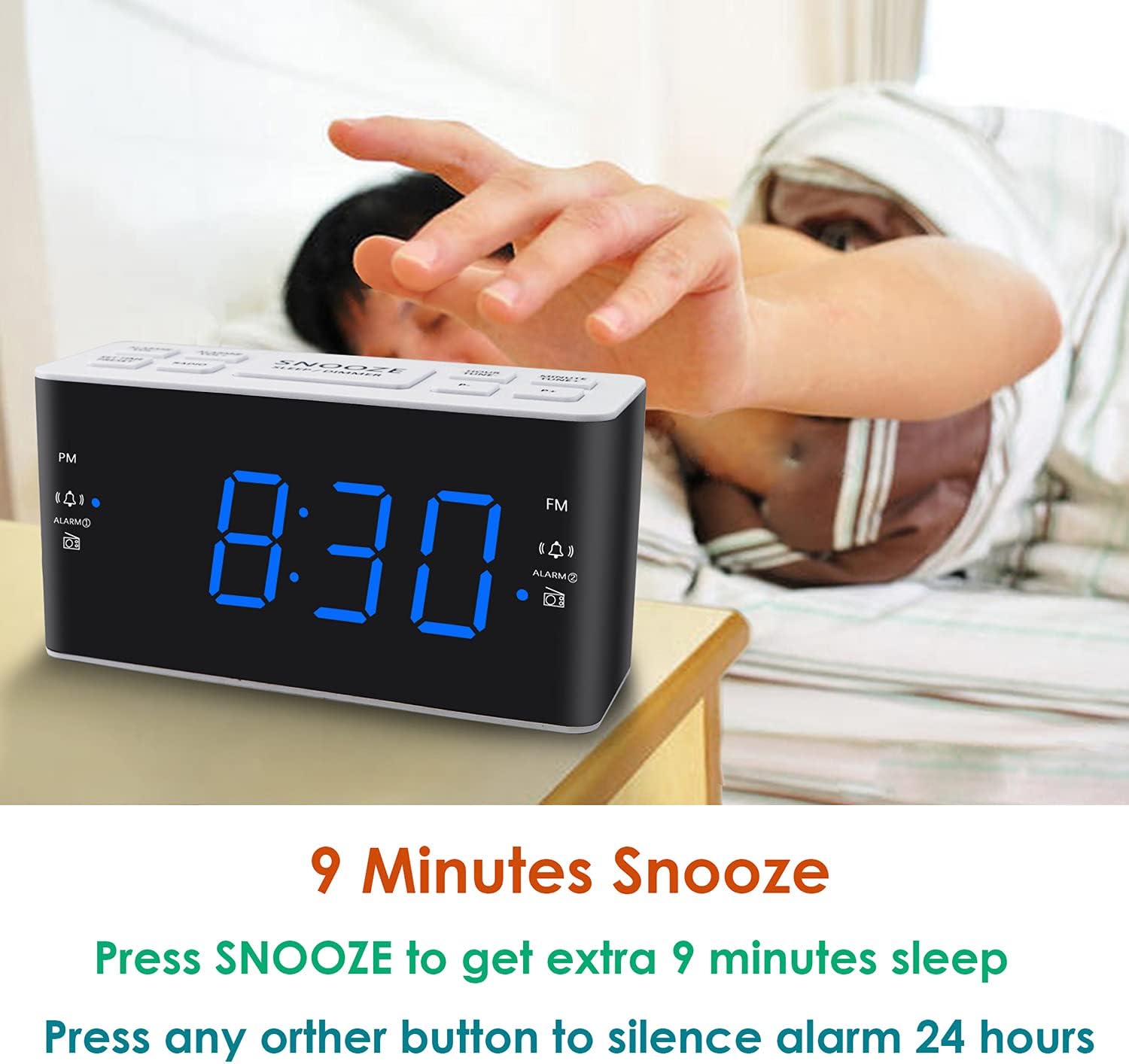
Image: Demonstrates the easy access and function of the snooze button for an additional 9 minutes of sleep.
3.5 AM/FMラジオの操作
The clock radio features digital tuning for AM and FM bands.
- を押す 無線 ラジオのオン/オフを切り替えるボタン。
- 使用 TUNE + そして 曲- 希望の周波数に手動でチューニングするためのボタン。
- 押し続ける TUNE + or 曲- 次に利用可能な放送局を自動スキャンします。
- を使用して音量を調整します 巻+ そして vol- buttons (0-15 levels).
3.6 Saving Radio Presets
You can save up to 20 AM stations and 20 FM stations for quick access.
- 目的のラジオ局にチューニングします。
- を押し続けます プリセット プリセット番号が点滅するまでボタンを押します。
- 使用 TUNE + or 曲- ボタンを使用して、希望のプリセット番号 (P01-P20) を選択します。
- プレス プリセット もう一度クリックしてステーションを確認し、保存します。
保存したプリセットを呼び出すには、 プリセット ボタンを繰り返し押すと、保存したステーションが順に切り替わります。
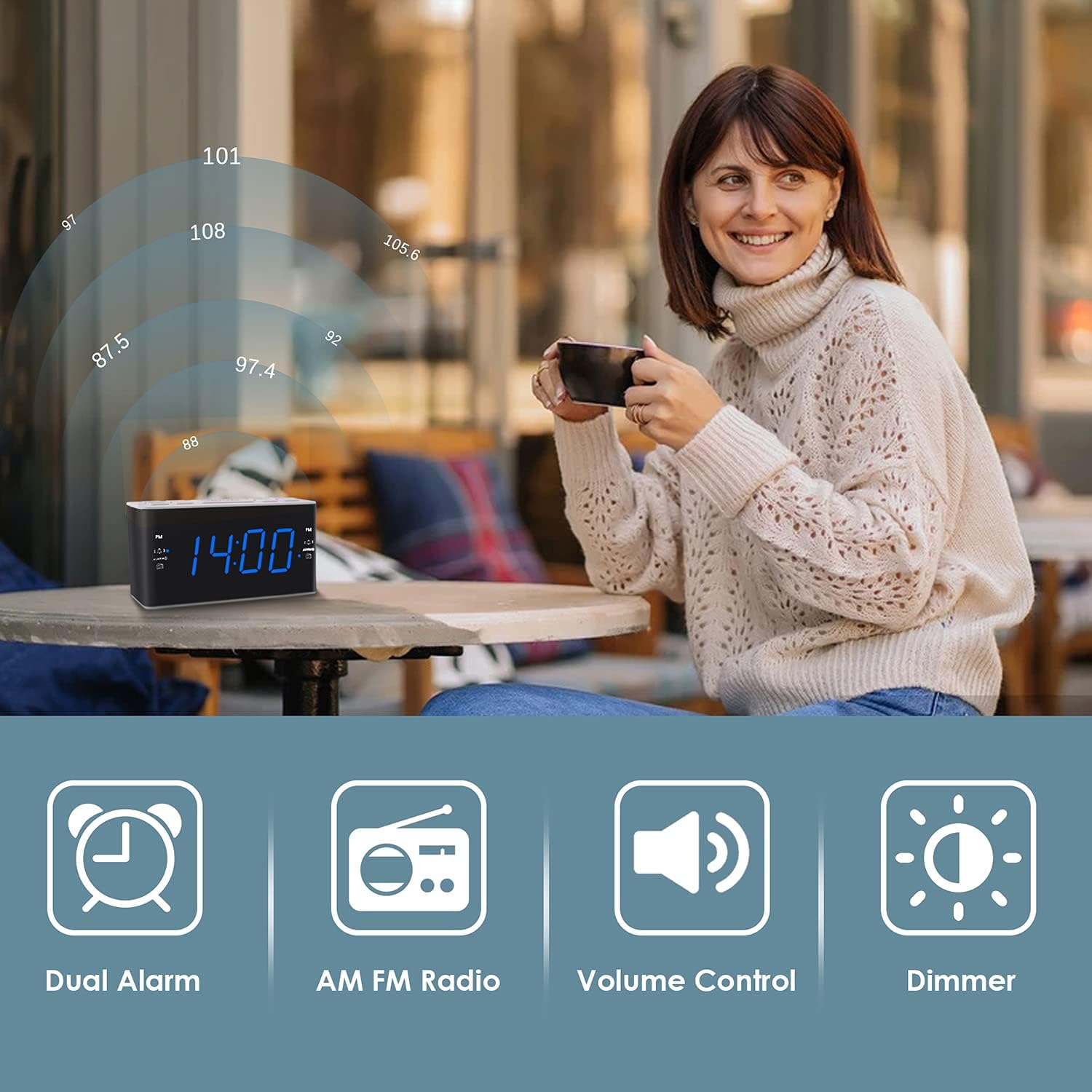
Image: Illustrates the various features of the clock radio, including AM/FM radio functionality.
3.7スリープタイマー
スリープ タイマーを使用すると、ラジオを聞きながら眠ることができ、一定時間が経過するとラジオは自動的にオフになります。
- ラジオの再生中に、 寝る button repeatedly to cycle through the available sleep timer durations (10-90 minutes).
- ラジオは選択した時間再生され、その後自動的にオフになります。
4. メンテナンス
4.1 クリーニング
To clean the clock radio, gently wipe the surface with a soft, dry cloth. Do not use abrasive cleaners, waxes, or solvents as they may damage the finish. Ensure the unit is unplugged before cleaning.
4.2 電池の交換
停電中に時計の時刻やアラーム設定がずれた場合tage, the AAA backup batteries may need replacement. Replace both batteries simultaneously with new ones, ensuring correct polarity.
5。 トラブルシューティング
If you encounter issues with your Ratakee Digital Alarm Clock Radio, please refer to the following common solutions:
- 電源なし/ディスプレイオフ: Ensure the AC adapter is securely plugged into both the clock and a working wall outlet. Check if the outlet has power.
- アラームが鳴らない: Verify that the alarm is activated (alarm icon visible on display) and the alarm time is correctly set. Check the alarm volume level.
- Radio Static/Poor Reception: Extend the FM wire antenna fully for better reception. Try repositioning the clock radio to a different location to improve signal strength. For AM reception, rotate the unit to find the best signal.
- 電源を切ると時間/設定が失われるtage: 新しい AAA 電池がバッテリー バックアップ コンパートメントに正しく取り付けられていることを確認します。
これらの解決策を試しても問題が解決しない場合は、カスタマー サポートに連絡してサポートを受けてください。
6. 仕様
| ブランド | ラタキー |
| モデル番号 | H249US |
| 色 | 青色LED |
| 製品寸法 | 15.49 x 7.87 x 5.59 cm |
| アイテム重量 | 350グラム |
| 材料 | プラスチック |
| 表示タイプ | 導かれた |
| 電源 | AC Powered (110V) |
| バッテリーバックアップ | 単2電池XNUMX本(別売) |
| FM周波数範囲 | 87.5-108 MHz |
| AM周波数範囲 | 520-1710KHz |
| 特集 | Alarm, Brightness Dimmer, Radio |

Image: Product dimensions of the Ratakee Digital Alarm Clock Radio.
7. 保証とサポート
Ratakee is committed to providing quality products and customer satisfaction. If you have any questions regarding the operation, setup, or performance of your alarm clock radio, please do not hesitate to contact our customer support team.
In the event that the product is deemed defective, you may be eligible for a hassle-free replacement or refund. For specific inquiries or to report an issue, please reach out to us directly. We are dedicated to assisting you and ensuring a positive experience with your Ratakee product.