
導入
Thank you for choosing the MEDION MD 10319 Tower Fan. This manual provides essential information for the safe and efficient operation of your new fan. Please read these instructions carefully before use and keep them for future reference.
重要な安全上の注意事項
火災、感電、人への傷害のリスクを減らすために、電気製品を使用するときは常に基本的な安全上の注意事項に従ってください。
- 電源のボリュームを確認してくださいtage はファンの定格ラベルと一致します。
- コードやプラグが損傷している状態でファンを作動させないでください。コードが損傷している場合は、危険を避けるため、製造元、サービス代理店、または同等の資格を持つ担当者に交換を依頼してください。
- ファンを水やその他の液体に近づけないでください。ファンを水に浸さないでください。
- ファンが作動している間は、グリル内に指や異物を入れないでください。
- ファンを使用していないとき、別の場所へ移動するとき、および清掃する前には、ファンを電源コンセントから抜いてください。
- この機器は、安全に責任を負う人物による機器の使用に関する監督または指示がない限り、身体的、感覚的、または精神的能力が低下している人、あるいは経験と知識が不足している人(子供を含む)による使用を想定していません。
- 子供が機器で遊ばないように監督する必要があります。
- ファンが倒れないように、安定した平らな場所に置いてください。
パッケージ内容
パッケージに次のコンポーネントが含まれているかどうかを確認してください。
- MEDION MD 10319 Tower Fan
- Base (two halves)
- ナットの固定
- 4 Mounting Screws for Base
- Remote Control (with 2 x AAA batteries)
- 取扱説明書
組み立てとセットアップ
タワーファンを組み立てるには、次の手順に従ってください。
- パッケージからすべてのコンポーネントを慎重に取り出します。
- Assemble the two halves of the base by interlocking them.
- Align the assembled base with the bottom of the fan unit. Ensure the power cord passes through the designated slot in the base.
- Secure the base to the fan unit using the 4 mounting screws provided.
- Tighten the securing nut from underneath the base to firmly attach it to the fan body.
- Insert the 2 AAA batteries into the remote control, observing polarity.
- ファンをしっかりとした水平な面に置いてください。
- 電源コードを適切な電源コンセント (220V) に差し込みます。
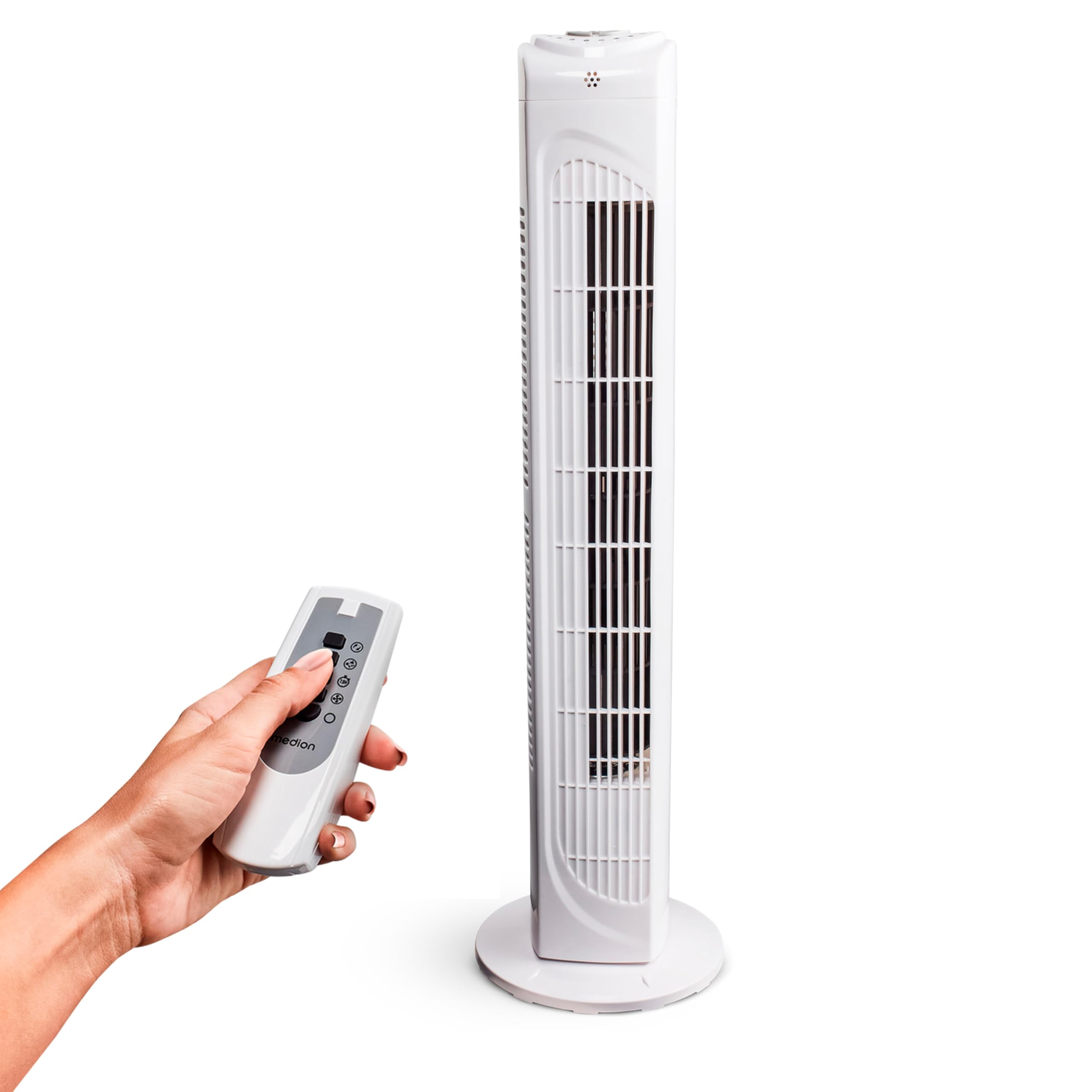
Image: The MEDION MD 10319 Tower Fan, fully assembled with its base, ready for use.

Image: A hand demonstrating the integrated carrying handle on top of the fan for easy portability.
製品終了view
コントロールパネル
The control panel is located on the top of the fan unit. It features buttons for power, speed, oscillation, and timer functions.

画像: 詳細 view of the fan's top control panel, showing buttons for power, speed settings (3 levels), timer, and oscillation.
リモートコントロール
The included remote control allows you to operate all fan functions from a distance.
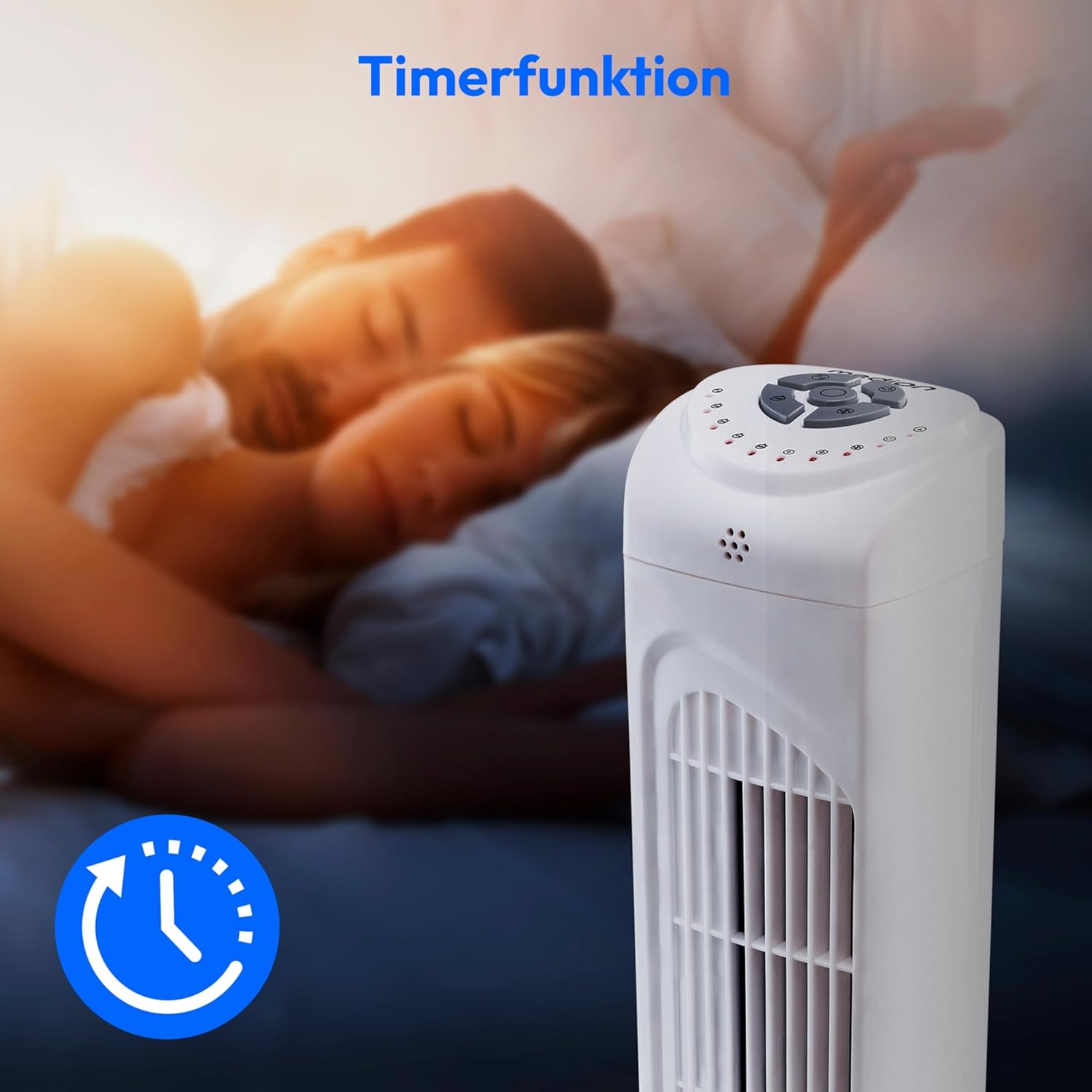
Image: A hand holding the remote control, which features buttons for power, speed, oscillation, and timer, mirroring the main control panel.
操作手順
電源オン/オフ
- を押す 力 button on the control panel or remote control to turn the fan ON.
- を押す 力 ボタンをもう一度押すとファンがオフになります。
ファン速度の調整
The fan has 3 speed settings: Low, Medium, and High.
- を押す スピード button repeatedly to cycle through the speed settings.
- The current speed level will be indicated by LED lights on the control panel.
発振機能
The oscillation function allows the fan to rotate horizontally, distributing air over a wider area.
- を押す OSC button on the control panel or remote control to activate oscillation. The fan will rotate approximately 60 degrees.
- を押す OSC button again to stop oscillation. The fan will stop in its current position.

Image: The tower fan oscillating, indicated by blue arrows showing a 60-degree rotation for wider air distribution.
タイマー機能
The timer function allows you to set the fan to automatically turn off after a specified period, up to 7.5 hours.
- を押す タイマー button repeatedly to set the desired operating time (e.g., 0.5h, 1h, 2h, 4h, up to 7.5h).
- The selected timer duration will be indicated by LED lights on the control panel.
- To cancel the timer, cycle through the settings until no timer LEDs are illuminated, or turn the fan off.

Image: The fan with a timer icon, illustrating its use for setting automatic shut-off, ideal for use during sleep.
メンテナンス
Regular cleaning will help maintain the performance and extend the lifespan of your fan.
- 清掃する前に必ずファンを電源コンセントから抜いてください。
- 柔らかくてamp ファンの外側を布で拭いてください。研磨剤入りの洗剤や溶剤は使用しないでください。
- ブラシ付きの掃除機を使用して、吸気口と排気口のグリルからほこりを丁寧に取り除きます。
- ファン内部に水が入らないようにしてください。
- 長期間使用しない場合は、ファンを涼しく乾燥した場所に保管してください。
トラブルシューティング
If you encounter any issues with your MEDION MD 10319 Tower Fan, please refer to the following common problems and solutions:
| 問題 | 考えられる原因 | 解決 |
|---|---|---|
| ファンが作動しません。 | 電源がありません。 電源ボタンが押されていません。 | 電源コードが機能しているコンセントにしっかりと差し込まれているかどうかを確認します。 Press the POWER button on the fan or remote. |
| リモコンが動作しません。 | 電池が切れているか、正しく挿入されていません。 リモコンとファンの間に障害物があります。 | Replace batteries (2 x AAA) and ensure correct polarity. 信号経路を遮る物体があれば取り除いてください。範囲内にいることを確認してください。 |
| ファンが異常な音を立てています。 | ファンが水平面上にありません。 Obstruction in the fan grille. | ファンを安定した平らな面に置いてください。 Unplug the fan and carefully check for any foreign objects in the grilles. |
| Oscillation function is not working. | Oscillation button not activated. | Press the OSC button on the control panel or remote control. |
仕様
| 特徴 | 詳細 |
|---|---|
| ブランド | MEDION |
| モデル名 | メリー10319 |
| タイプ | Tower Fan / Floor Fan |
| 色 | 白 |
| 電源 | コード式電気 |
| ワットtage | 45ワット |
| 巻tage | 220ボルト |
| 速度の数 | 3 |
| 特集 | Oscillating, Timer Function |
| 振動角度 | 60° |
| タイマー機能 | 最大7.5時間 |
| 制御方法 | リモコン、本体ボタン |
| 騒音レベル | 50デシベル |
| 製品寸法(奥行き×幅×高さ) | 28 cm x 28 cm x 79 cm |
| アイテム重量 | 2.5キログラム |
| 材料 | プラスチック |
| 主電源コネクタのタイプ | CEE 7/7(シュコー) |

Image: The MEDION MD 10319 Tower Fan with its height (79 cm) and base width (28 cm) clearly indicated.
保証とサポート
Your MEDION MD 10319 Tower Fan comes with a manufacturer's warranty. Please refer to the warranty card included in your package for detailed terms and conditions, including the warranty period and coverage.
技術サポート、サービス、またはスペアパーツについては、MEDIONカスタマーサービスまでお問い合わせください。連絡先は通常、MEDIONの公式ウェブサイトに掲載されています。 webサイトまたは保証書に記載されています。