
1.製品オーバーview
The Netac N530S is a 2.5-inch SATA III Solid State Drive designed to enhance the performance of your laptop, desktop computer, or gaming console. It offers fast data transfer speeds, improved system responsiveness, and a durable, energy-efficient design.
- 高速パフォーマンス: Achieves sequential read speeds up to 550 MB/s and write speeds up to 510 MB/s, significantly reducing boot times and application load times.
- Enhanced System Responsiveness: Improves overall system performance compared to traditional hard disk drives (HDDs).
- 耐久性と信頼性: Features error correction code, wear leveling, and TRIM technology for stable operation and extended lifespan. It is also shock, vibration, and temperature resistant.
- エネルギー効率: Consumes less power than traditional HDDs, contributing to longer battery life in laptops and reduced energy costs for desktops.
- 幅広い互換性: Standard 2.5-inch form factor with SATA interface, suitable for a broad range of devices.

Image: Netac N530S SSD highlighting read speed up to 550 MB/s and write speed up to 500 MB/s. Performance may vary based on internal testing, drive capacity, host device, and usage conditions.
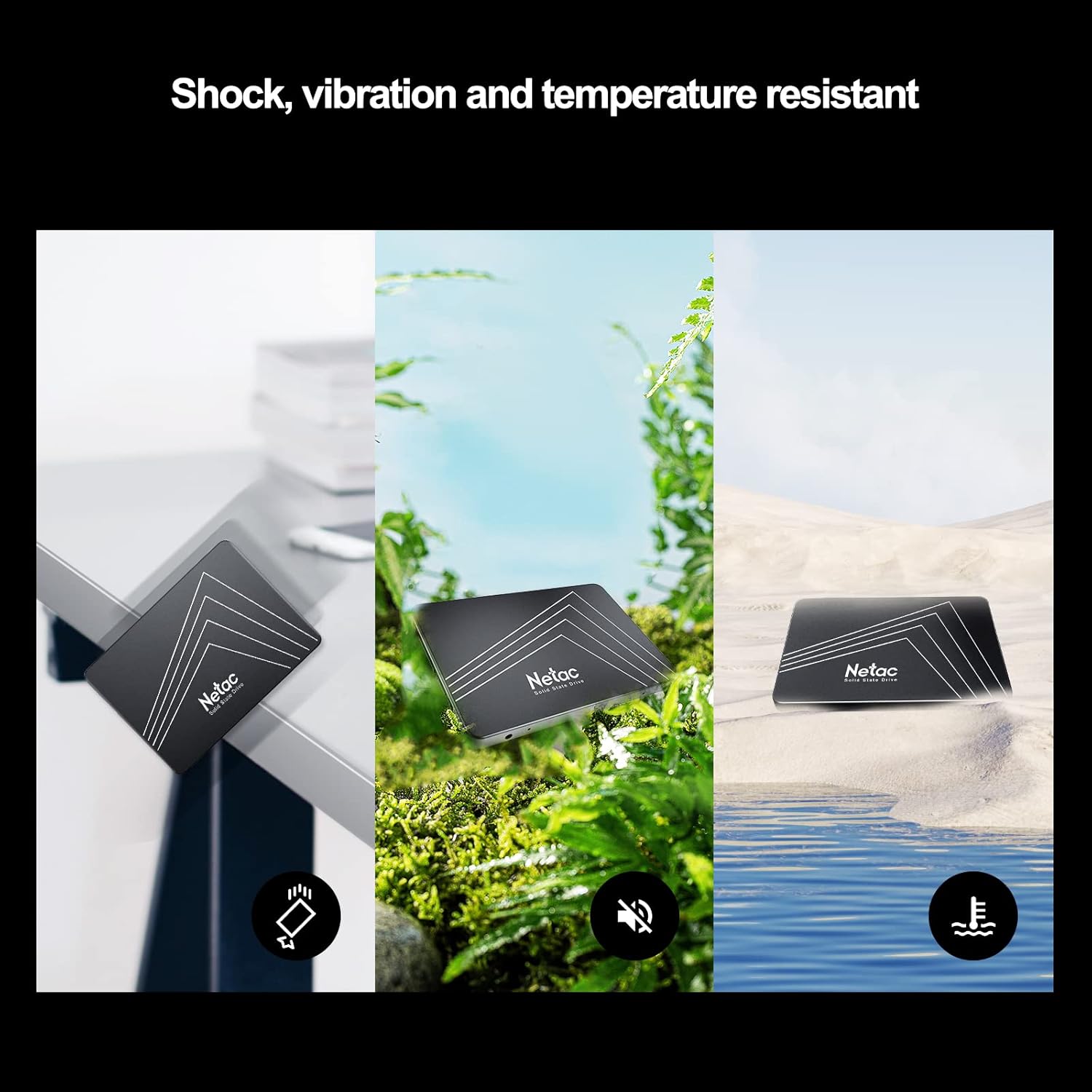
Image: The Netac N530S SSD is designed to be resistant to shock, vibration, and extreme temperatures, ensuring data integrity and reliability in various environments.
ビデオ: 紹介ビデオasing the Netac N530S Solid State Drive, highlighting its features and benefits for various computing needs.
2. セットアップとインストール
This section provides general guidelines for installing your Netac N530S SSD. Specific steps may vary depending on your computer model. It is recommended to back up your data before proceeding with any hardware changes.
2.1 必要なツール
- プラスドライバー
- SATA data cable (if not already present in your system)
- SATA power cable (usually from your power supply)
- Optional: 2.5-inch to 3.5-inch drive bay adapter (for desktop PCs without 2.5-inch bays)
2.2 Installation Steps (Desktop PC)
- 電源を切って切断します: コンピュータを完全にシャットダウンし、電源ケーブルを壁のコンセントから抜きます。
- ケースを開く: 内部コンポーネントにアクセスするには、コンピューター ケースのサイド パネルを取り外します。
- ドライブベイを見つけます: Identify an available 2.5-inch drive bay. If only 3.5-inch bays are available, use a 2.5-inch to 3.5-inch adapter.
- SSDをマウントします: Secure the Netac N530S SSD into the drive bay or adapter using screws.
- ケーブルを接続する:
- SATA データ ケーブルの一方の端を SSD に接続し、もう一方の端をマザーボード上の使用可能な SATA ポートに接続します。
- Connect a SATA power cable from your power supply unit to the SSD.

Image: A hand connecting the SATA power and data cables to the Netac N530S SSD inside a computer case. This illustrates the simple operation suitable for DIY installation.
- ケースを閉じて電源を入れます: Reattach the side panel, reconnect the power cable, and power on your computer.
- Initialize and Format (New SSD): For a new SSD, you may need to initialize it in Disk Management (Windows) or Disk Utility (macOS) and format it before use. Refer to your operating system's documentation for detailed steps.
2.3 Installation Steps (Laptop)
- 電源を切って切断します: Shut down your laptop, disconnect the power adapter, and remove the battery (if removable).
- アクセスドライブベイ: Consult your laptop's manual to locate and open the hard drive bay. This usually involves removing a panel on the bottom of the laptop.
- 古いドライブを削除します: Carefully disconnect and remove the existing hard drive. Note how it is connected and mounted.
- 新しい SSD をインストールします。 Place the Netac N530S SSD into the drive bay. Secure it with any brackets or screws that held the old drive. Connect the SSD to the laptop's SATA connector.
- 閉じて電源をオンにします: Reattach the panel, reinsert the battery, reconnect the power adapter, and power on your laptop.
- オペレーティング システムをインストールします: If replacing the primary drive, you will need to install your operating system onto the new SSD.
3. SSDの操作
Once installed, your Netac N530S SSD operates like any other storage device. For optimal performance and longevity, consider the following:
- オペレーティングシステムのサポート Ensure your operating system supports TRIM functionality, which helps maintain SSD performance over time. Modern operating systems (Windows 7+, macOS, Linux) typically support TRIM automatically.
- デフラグを避ける: Unlike HDDs, SSDs do not benefit from defragmentation. In fact, defragmenting an SSD can reduce its lifespan by causing unnecessary write cycles. Disable any automatic defragmentation tools for your SSD.
- 空きスペースを残す: It is generally recommended to leave at least 10-15% of the SSD's capacity free. This allows the SSD's wear-leveling algorithms to function effectively and maintain performance.
- Use as Boot Drive: For the best performance improvement, install your operating system and frequently used applications on the SSD.
Image: The Netac N530S SSD significantly speeds up boot times and application loading, enhancing the overall responsiveness of your system.
Image: The Netac N530S SSD facilitates seamless multitasking, allowing users to run multiple applications and processes smoothly without slowdowns.
4. メンテナンス
Proper maintenance can extend the life and maintain the performance of your Netac N530S SSD.
- ファームウェアの更新: Periodically check the Netac official website for any available firmware updates for your N530S SSD. Firmware updates can improve performance, stability, and compatibility.
- SSD の状態を監視する: Use S.M.A.R.T. (Self-Monitoring, Analysis, and Reporting Technology) tools to monitor the health and estimated lifespan of your SSD. Many operating systems and third-party utilities offer this feature.
- 定期的なバックアップ: While SSDs are reliable, no storage device is infallible. Regularly back up important data to another drive or cloud storage.
5。 トラブルシューティング
If you encounter issues with your Netac N530S SSD, try the following troubleshooting steps:
- SSD が検出されません:
- すべての SATA データおよび電源ケーブルの接続をチェックして、安全であることを確認します。
- BIOS/UEFI 設定でマザーボード上の SATA ポートが有効になっていることを確認します。
- Try connecting the SSD to a different SATA port or using different cables.
- Ensure the SSD is properly initialized and formatted in Disk Management (Windows) or Disk Utility (macOS) if it's a new drive.
- パフォーマンスが遅い:
- Confirm that TRIM is enabled for your operating system.
- Ensure the SSD is connected to a SATA III (6Gb/s) port for optimal speed.
- ドライブを大量に使用している可能性のあるバックグラウンド プロセスまたはアプリケーションを確認します。
- Ensure there is sufficient free space on the SSD (at least 10-15%).
- Update SSD firmware if available.
- オペレーティング システムが起動しない:
- Verify the boot order in your BIOS/UEFI settings to ensure the SSD is set as the primary boot device.
- If you cloned your old drive, ensure the cloning process was successful and the new SSD is bootable.
6. 仕様
Detailed technical specifications for the Netac N530S 1TB Internal SSD.
| 特徴 | 仕様 |
|---|---|
| ブランド | ネットアック |
| モデル番号 | N530S |
| デジタルストレージ容量 | 1TB |
| ハードディスクインターフェース | シリアルATA(SATA III 6Gb/s) |
| ハードディスクのフォームファクタ | 2.5インチ |
| 対応デバイス | デスクトップ、ゲーム機、ノートパソコン |
| インストールタイプ | 内蔵ハードドライブ |
| アイテムの寸法(LxWxH) | 3.94 x 2.76 x 0.28 インチ (100 x 70 x 7 mm) |
| アイテム重量 | 2.39オンス |
| ハードウェアプラットフォーム | PC |
| シーケンシャル読み取り速度 | 最大550MB/秒 |
| シーケンシャル書き込み速度 | 最大510MB/秒 |

Image: Visual representation of the Netac N530S SSD's dimensions (100mm x 70mm) and various available capacities, including 120GB, 128GB, 240GB, 256GB, 480GB, 512GB, 1TB, and 2TB.
7. 保証とサポート
Netac provides a limited warranty for its products. For specific warranty terms, conditions, and duration, please refer to the warranty information included with your product packaging or visit the official Netac website. For technical support, product inquiries, or warranty claims, please contact Netac customer service through their official channels.