
1. はじめに
The Qilmy 1080P Wireless WiFi Home Security Camera is designed to provide reliable surveillance for your home. This device combines a high-definition camera with motion detection, night vision, and remote viewing capabilities, all integrated into a standard light bulb form factor for easy installation. This manual will guide you through the installation, setup, and operation of your new security camera.
2. 主な特徴
- フルHD 1080P解像度: 鮮明で詳細なビデオ映像を提供tage.
- ワイヤレス WiFi 接続: Easy connection to your home network for remote access.
- Motion Detection & Instant Alarm: Automatically detects movement and sends alerts to your connected device.
- クリアな夜間視界: 暗い場所でも視認性を確保します。
- リモート Viewing: Monitor your property from anywhere using a smartphone app.
- 統合型フラッドライト: Features 3 built-in flood lights that can activate automatically upon motion detection.
- 簡単なインストール: Screws into a standard E27 light socket.
- マイクロSDカードスロット: 録音のローカル保存用。

画像: 上view of the Qilmy Home Security Camera's key features, including 1080P resolution, video recording, 360 panoramic viewing, Wi-Fi connection, light function, motion detection, remote viewing、および Micro SD カード スロット。
3. 箱の中身
- Qilmy 1080P Wireless WiFi Home Security Camera (Bulb-shaped)
- E27 Light Socket Adapter (for mounting)
- 取り付けネジと壁アンカー
- クイックスタートガイド

Image: Contents of the Qilmy Home Security Camera package, showing the camera, an E27 socket adapter, mounting hardware, and a quick start guide.
4. セットアップ
4.1物理的な設置
- 場所を選択: Select a location with a standard E27 light socket that provides the desired view角度が適切で、2.4GHz Wi-Fi ネットワークの範囲内にあること。
- 電源を切る: 取り付ける前に、回路ブレーカーでライトソケットの電源がオフになっていることを確認してください。
- カメラをインストールします: Carefully screw the Qilmy security camera into the E27 light socket. If no existing socket is available, use the provided E27 adapter and mounting hardware to install it on a wall or ceiling.
- 電源オン: Restore power to the light socket. The camera will power on and emit a voice prompt indicating it is ready for configuration.

Image: A person's hands installing the Qilmy Home Security Camera into a ceiling light fixture, demonstrating its easy and quick installation process.
4.2 Wi-Fi接続とアプリのセットアップ
- アプリをダウンロードする: Download the recommended mobile application (e.g., "iCSee" or similar as indicated in the Quick Start Guide) from your smartphone's app store.
- アカウント登録: Open the app and register a new user account if you don't already have one.
- デバイスを追加: Follow the in-app instructions to add a new device. This typically involves scanning a QR code on the camera or selecting the device type and following prompts.
- Wi-Fiに接続します: Connect the camera to your 2.4GHz Wi-Fi network. Ensure your smartphone is also connected to the same 2.4GHz network during the setup process.
- 構成: The camera will confirm successful connection with a voice prompt. Once connected, you can access live video and adjust settings through the app.

Image: A smartphone displaying the live feed from the Qilmy Home Security Camera, illustrating Wi-Fi connection and remote viewing capabilities from anywhere, anytime.
5. 操作手順
5.1 ライブ View録音と録音
- モバイルアプリを開いて view カメラからのライブフィード。
- アプリのインターフェースを使用して、手動でビデオを録画したり、スクリーンショットをキャプチャしたりします。
- 記録された foo にアクセスするtage stored on the Micro SD card or cloud storage (if subscribed).
5.2 動きの検出とアラート
- アプリ設定でモーション検出を有効にします。
- 誤報を最小限に抑えるために感度レベルを調整します。
- 動きが検出されると、スマートフォンですぐにプッシュ通知を受け取ります。
- The camera can automatically activate its floodlights and siren alarm upon detecting motion, deterring intruders.
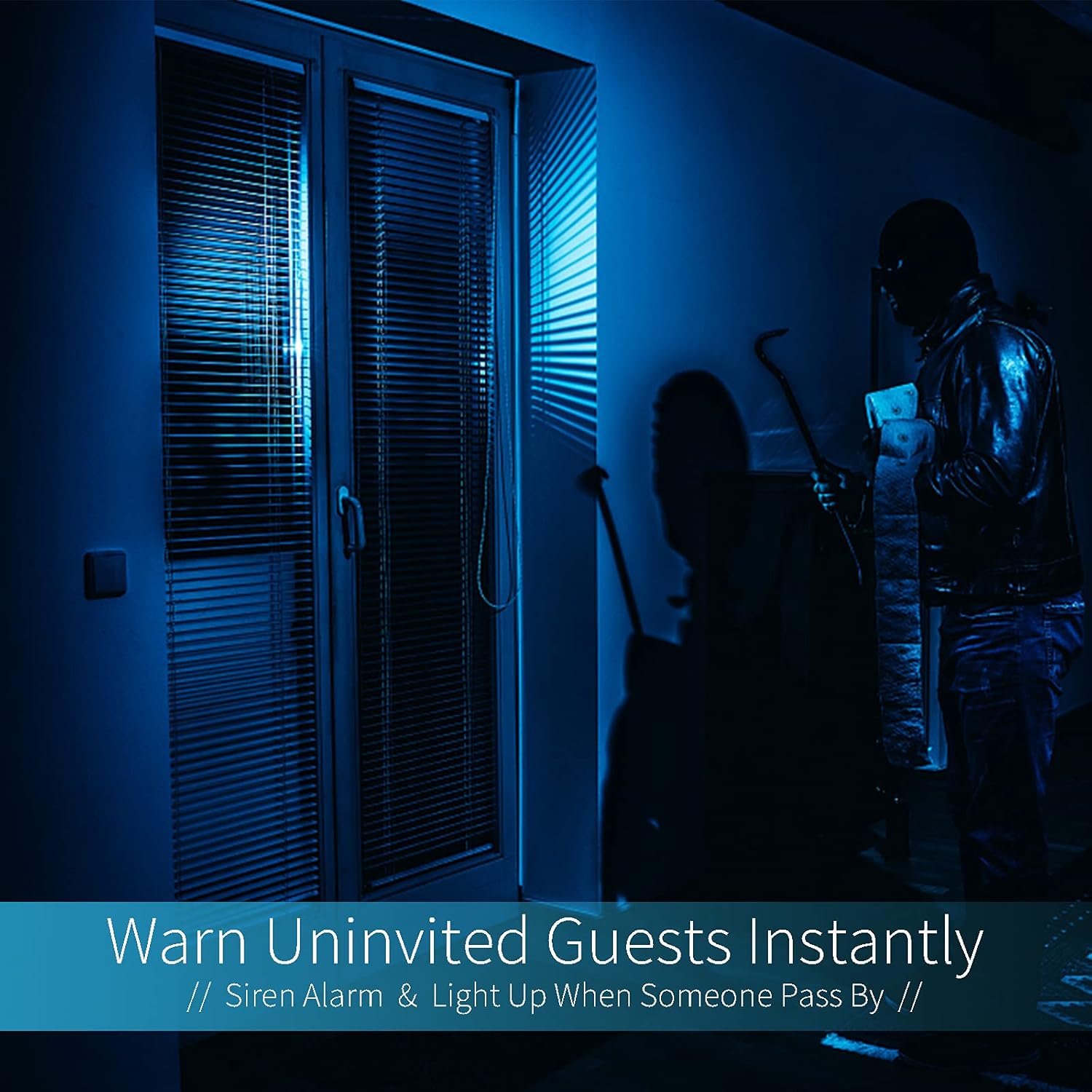
Image: A dark room with a security camera's light illuminating a figure, depicting the camera's ability to warn uninvited guests instantly with a siren alarm and light activation upon motion detection.
5.3ライト機能
- The camera features built-in floodlights.
- Control the floodlights manually through the app.
- Configure the floodlights to turn on automatically when motion is detected, especially during nighttime.

Image: A comparison of a standard light bulb and the Qilmy Home Security Camera, highlighting its dual function as both a light bulb and a security camera with 3W consumption.
6. メンテナンス
- クリーニング: カメラのレンズと本体は、柔らかく乾いた布で優しく拭いてください。刺激の強い化学薬品や研磨剤入りの洗剤は使用しないでください。
- ファームウェアの更新: 最適なパフォーマンスとセキュリティを確保するために、モバイル アプリで利用可能なファームウェア アップデートを定期的に確認してください。
- SDカード管理: Micro SDカードを使用している場合は、定期的にview 古いfooを削除するtage to free up space, or enable loop recording if supported by the app.
- ネットワークの安定性: カメラの操作が中断されないように、Wi-Fi ネットワークが安定していて強力であることを確認してください。
7。 トラブルシューティング
| 問題 | 考えられる原因 | 解決 |
|---|---|---|
| カメラの電源が入りません。 | No power to the light socket; camera not screwed in properly. | Check the circuit breaker. Ensure the camera is securely screwed into the E27 socket. |
| Wi-Fiに接続できません。 | Wi-Fi パスワードが正しくありません。カメラがルーターから遠すぎます。5GHz Wi-Fi ネットワークが使用されています。 | Wi-Fiパスワードを確認してください。カメラをルーターに近づけてください。2.4GHzのWi-Fiネットワークに接続していることを確認してください。 |
| モーション検出アラートはありません。 | モーション検出が無効です。感度が低すぎます。アプリの通知がブロックされています。 | Enable motion detection in the app. Increase sensitivity. Check app notification settings on your phone. |
| ビデオ品質が低い。 | Wi-Fi 信号が弱い、レンズが汚れている。 | Wi-Fiの信号強度を改善してください。カメラのレンズを柔らかい布で拭いてください。 |
| リモート viewing が機能しません。 | Internet connection issue on camera or phone; app not updated. | Check internet connectivity for both camera and phone. Update the app to the latest version. |
8. 仕様
- モデル番号: 2023011 ...
- ビデオキャプチャ解像度: 1080pフルHD
- 接続技術: ワイヤレス(Wi-Fi)
- ワイヤレス通信技術: Wi-Fi(2.4GHzのみ)
- 電源: AC/DC (E27 light socket)
- ワットtage: 3ワット
- 特別な機能: Motion Sensor, Night Vision, Integrated Flood Light
- フォームファクター: Dome (Bulb-shaped)
- 取り付けタイプ: Wall Mount (via E27 adapter)
- 商品の寸法 (長さ x 幅 x 高さ): 6.45 x 4.1 x 3.54インチ
- 商品の重量: 7.8オンス(222グラム)
- 国際保護等級: IP67
- 対応デバイス: スマートフォン
- 国際コード: 605660998393
9. 保証とサポート
Specific warranty information and detailed support contact details are typically provided with the product packaging or on the manufacturer's official website. Please refer to the documentation included with your purchase for the most accurate and up-to-date warranty terms and customer support options.