
導入
This manual provides essential information for the safe and efficient use of your Apple 11-inch iPad Pro (2021 Model). It covers setup, operation, maintenance, and troubleshooting to help you maximize your device's capabilities. The iPad Pro features the Apple M1 chip, an 11-inch Liquid Retina display, advanced camera systems, and high-speed Wi-Fi connectivity.
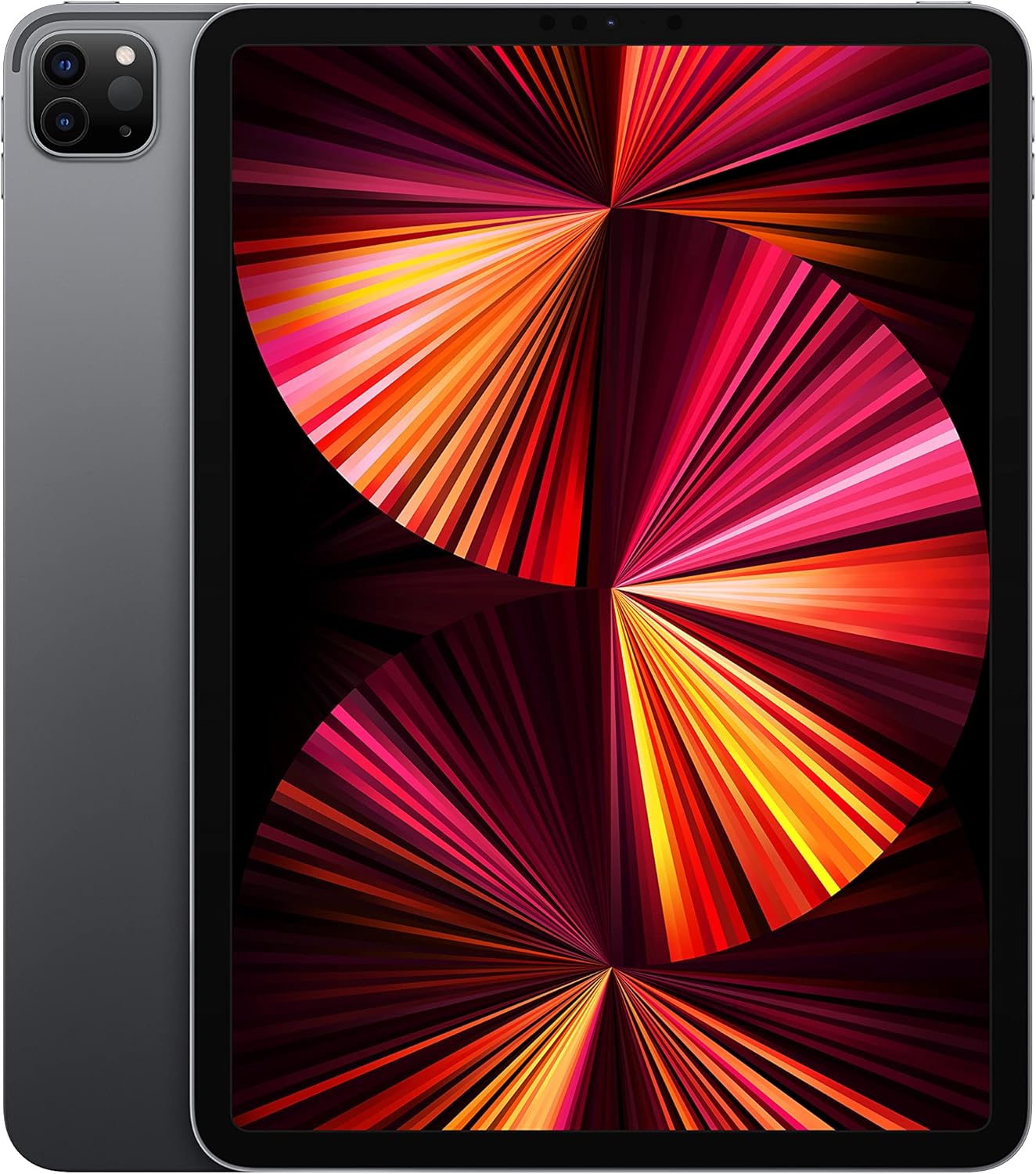
Image: The Apple 11-inch iPad Pro (2021 model) in Space Gray, showcasing its sleek design with the display active and the rear camera module visible.
設定
1. 開封と内容物
すべての付属品をパッケージから慎重に取り出してください。以下の部品が含まれていることを確認してください。
- iPadプロ
- USB-C充電ケーブル(1メートル)
- 18W USB-C電源アダプター
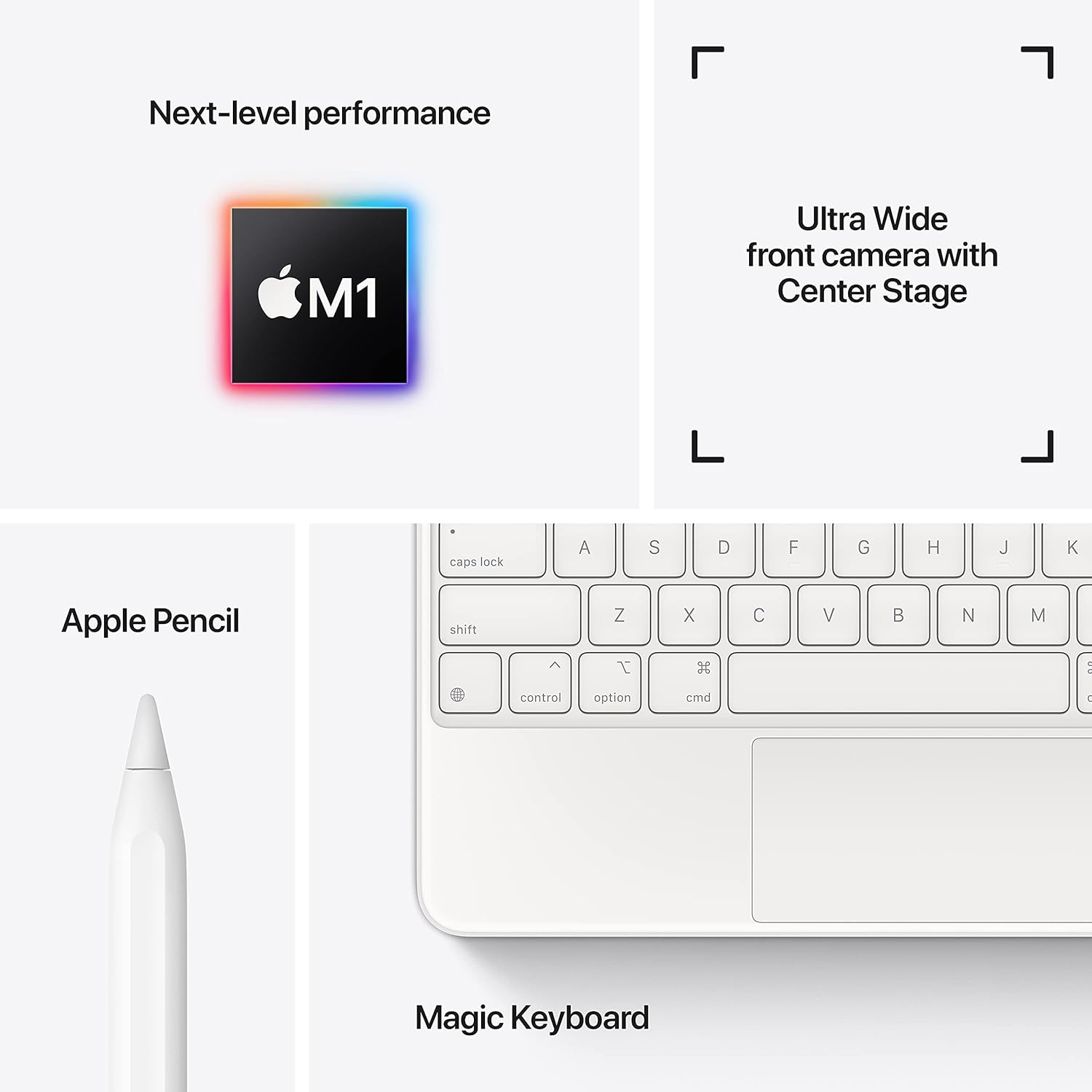
Image: A visual representation of the items included in the iPad Pro packaging: the iPad Pro device, a USB-C charging cable, and a USB-C power adapter.
2. 初期費用
Before first use, connect your iPad Pro to the power adapter using the provided USB-C cable and charge it until the battery indicator shows a full charge. This ensures optimal battery calibration.
3.電源のオン/オフ
- 電源を入れるには: Apple ロゴが表示されるまで上部のボタンを押し続けます。
- 電源を切るには: Press and hold the top button and either volume button simultaneously until the power off slider appears. Drag the slider to shut down the device.
4. 初期設定手順
Follow the on-screen instructions to configure your iPad Pro:
- 言語と地域を選択します。
- Wi-Fi ネットワークに接続します。
- Set up Face ID for secure authentication.
- Apple ID でサインインするか、新しい ID を作成してください。
- Configure data and privacy settings.
オペレーティング
1. 基本的なナビゲーション
The iPad Pro uses intuitive multi-touch gestures for navigation:
- ホーム画面: 画面の下端から上にスワイプします。
- アプリスイッチャー: 下端から上にスワイプし、画面の中央で停止します。
- コントロールセンター: 画面の右上隅から下にスワイプします。
- 通知: Swipe down from the top-left corner or center of the screen.
2. Face ID
Face ID allows you to securely unlock your iPad, authorize purchases, and sign in to apps using facial recognition. Ensure your face is clear and visible to the TrueDepth camera.
3. アクセサリの接続
The iPad Pro supports various accessories to enhance productivity and creativity:
- Apple Pencil (2nd Generation): Attach the Apple Pencil magnetically to the side of your iPad Pro to pair and charge it.
- Magic Keyboard / Smart Keyboard Folio: Attach the keyboard magnetically to the Smart Connector on the back of your iPad Pro. No pairing is required.

Image: A user engaged in creative work on an iPad Pro, utilizing both the Magic Keyboard and Apple Pencil for enhanced interaction.

Image: An infographic illustrating the core features of the iPad Pro, including the M1 chip for performance, the Ultra Wide front camera with Center Stage, and compatibility with Apple Pencil and Magic Keyboard.
4. カメラの使用
The iPad Pro features a 12MP Wide camera, 10MP Ultra Wide camera, and a LiDAR Scanner on the rear, and a 12MP Ultra Wide TrueDepth front camera with Center Stage. センターStagビデオ通話中は自動的にあなたをフレーム内に収めます。
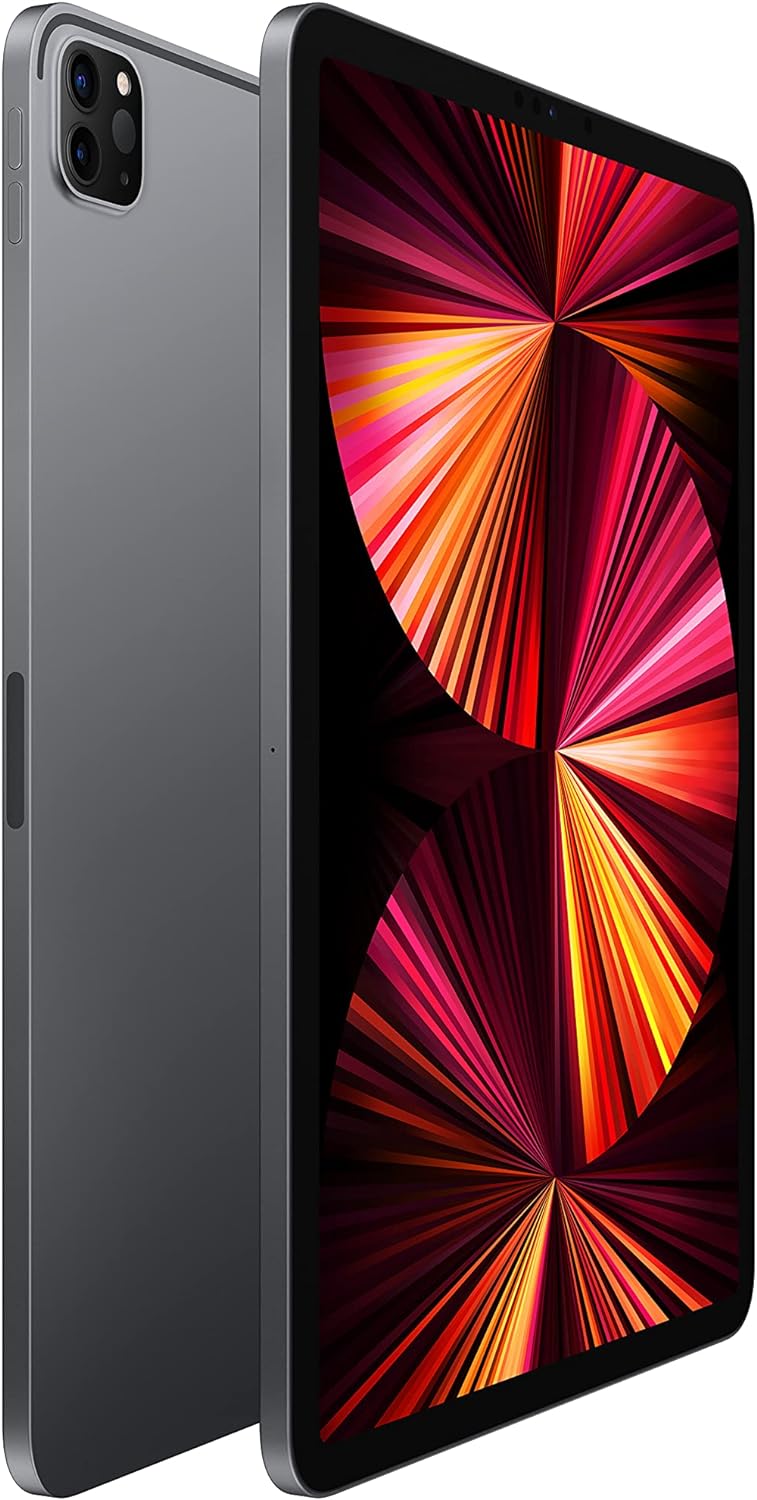
Image: A detailed close-up of the iPad Pro's advanced camera system and its sleek side design, with a glimpse of the Magic Keyboard in the background.
5.Wi-Fi接続
Wi-Fiネットワークに接続するには、 設定 > Wi-Fi, select your desired network, and enter the password if prompted. The iPad Pro supports ultrafast Wi-Fi for reliable internet access.
メンテナンス
1. ディスプレイのクリーニング
ディスプレイのクリーニングには、柔らかく糸くずの出ない布を使用してください。頑固な汚れには、軽く拭いてください。amp布に水を含ませて拭いてください。研磨剤や化学洗剤の使用は避けてください。
2. バッテリーのお手入れ
バッテリー寿命を延ばすには:
- 極端な温度を避けてください。
- Keep the software updated.
- Optimize settings such as screen brightness and background app refresh.
The iPad Pro offers up to 10 hours of web surfing on Wi-Fi or video playback.
3. ソフトウェアの更新
Regularly check for and install software updates to ensure your iPad Pro has the latest features, security enhancements, and performance improvements. Go to 設定 > 一般 > ソフトウェアアップデート.
トラブルシューティング
1. デバイスが応答しない
If your iPad Pro is unresponsive, perform a force restart:
- 音量アップボタンを押してすぐに放します。
- 音量ダウンボタンを押してすぐに放します。
- Apple ロゴが表示されるまでトップボタンを押し続けます。
2. Wi-Fi接続の問題
- Wi-Fiが有効になっていることを確認してください 設定 > Wi-Fi.
- Wi-Fiルーターを再起動します。
- Forget the network and reconnect: Settings > Wi-Fi > (i) icon > Forget This Network.
3. App Not Working Correctly
- アプリを閉じて再度開きます。
- App Store でアプリのアップデートを確認してください。
- アプリを削除して再インストールしてください。
4. 工場出荷時設定へのリセット(最後の手段)
If issues persist, you may need to erase all content and settings. This will delete all data on your iPad. Go to 設定 > 一般 > iPadを転送またはリセット > すべてのコンテンツと設定を消去. 続行する前にデータをバックアップしてください。
仕様
| 特徴 | 詳細 |
|---|---|
| モデル番号 | MHQR3LL/A |
| ブランド | りんご |
| モデル名 | iPadプロ |
| 製品寸法 | 9.74 x 7.02 x 0.23 インチ (247.6 x 178.5 x 5.9 mm) |
| アイテム重量 | 1.03 ポンド (466 グラム) Wi-Fi モデル |
| 画面サイズ | 11インチ |
| 画面 | Liquid Retina display with ProMotion technology and True Tone |
| ディスプレイ解像度最大 | 2388-by-1668-pixel resolution at 264 pixels per inch (ppi) |
| チップ | Apple M1 chip (8-core CPU, 8-core GPU, 16-core Neural Engine) |
| 容量 | 128GB (as per this model variant) |
| リアカメラ | 12MP Wide and 10MP Ultra Wide cameras with Smart HDR and LiDAR Scanner |
| ビデオ録画 | 4K video at 24 fps, 30 fps, or 60 fps |
| フロントカメラ | 12MP Ultra Wide TrueDepth front camera with Portrait mode, Portrait Lighting, and Smart HDR 3 |
| バッテリー寿命 | 最大10時間 web surfing on Wi-Fi, watching video, or listening to music |
| コネクタ | USB-C |
| バッテリー | 1 リチウムポリマー電池 (付属) |
| 初回利用可能日 | 30年2021月XNUMX日 |
保証とサポート
Your Apple iPad Pro is covered by Apple's standard limited warranty. For detailed warranty information, please refer to the documentation included with your purchase or visit the official Apple webサイト。
For technical assistance, troubleshooting, and service, please visit the Apple サポート webサイト または、Apple カスタマーサービスに直接お問い合わせください。