
導入
Thank you for choosing the Showasaki USB 1080P Dash Camera. This manual provides detailed instructions for the installation, operation, and maintenance of your dash camera. Please read this manual thoroughly before use to ensure proper functionality and to maximize your driving recording experience.
パッケージ内容
以下にリストされているすべてのアイテムがパッケージに含まれていることを確認してください。
- Showasaki USB 1080P Dash Camera
- USBケーブル
- 32GB マイクロ SD カード
- ユーザーマニュアル

製品の特徴
The Showasaki Dash Cam is equipped with several features designed to enhance your driving safety and recording experience:
- 1080P Clear Recording: Captures high-definition video for clear and detailed footage.
- 超クリアな夜間視界: Utilizes Super Vision technology to record clear videos and images in low-light conditions.
- 170°広角 View: Provides an extra-large wide-angle vision, covering multiple lanes to capture more events.
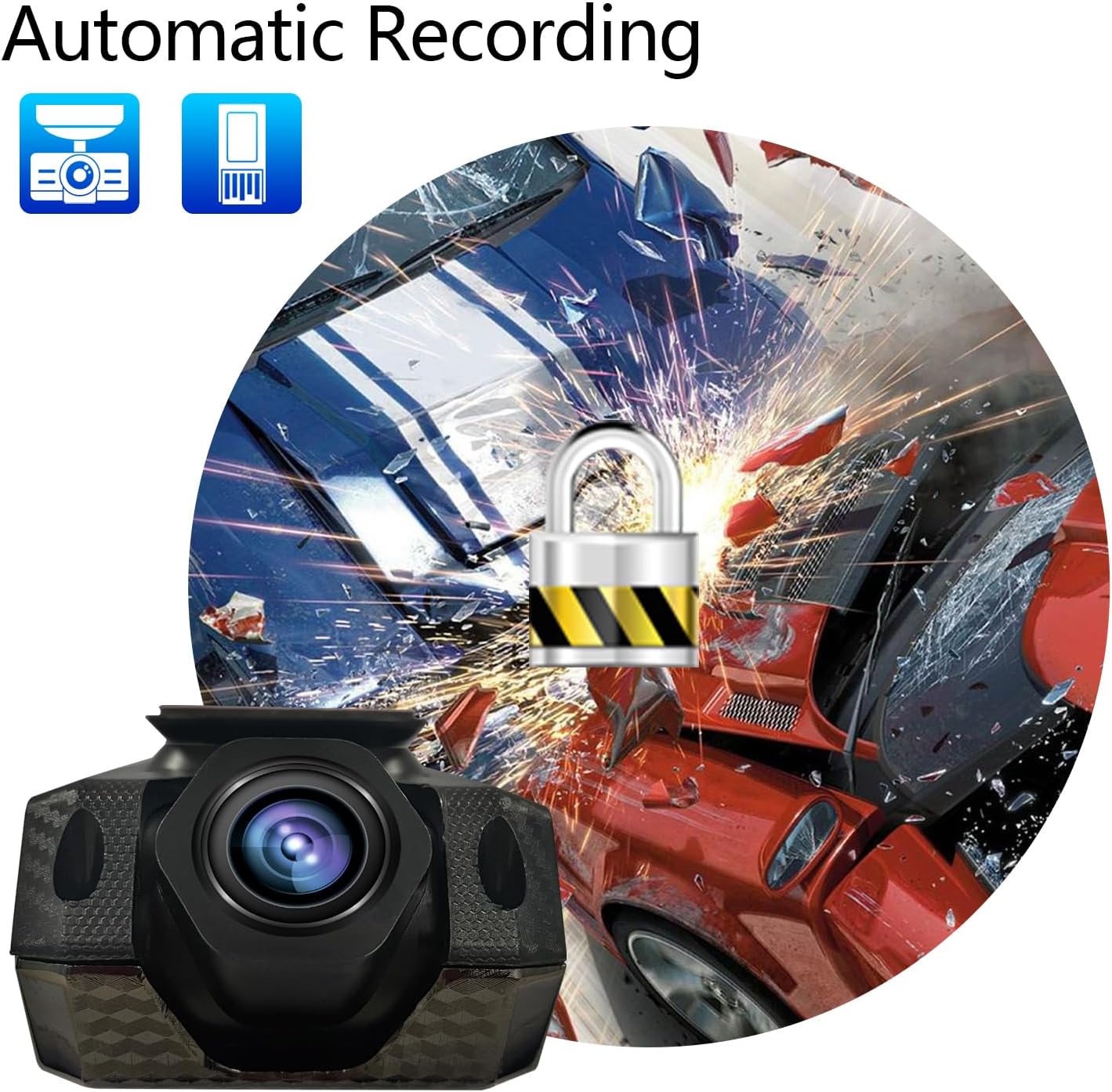
- 自動録音: Initiates recording automatically when powered on and supports cyclic covering recording.
- Gセンサー: Detects sudden movements or impacts and automatically locks the current video file 上書きを防ぐためです。
- Included 32GB Micro SD Card: Provides immediate storage for recordings.


インストールガイド
Follow these steps to properly install your Showasaki Dash Cam:
- 取り付け面を準備します。 Clean the area on your windshield where you intend to mount the dash cam. Ensure it is free from dust and grease for optimal adhesion.
- ダッシュカムを取り付けます: Remove the protective film from the adhesive pad on the dash cam mount. Firmly press the dash cam onto the chosen spot on your windshield, typically behind the rearview ミラーが視界を遮らないように view.
- マイクロ SD カードを挿入します。 Gently insert the provided 32GB Micro SD card into the designated slot on the dash cam until it clicks into place.
- 接続電源: Connect the USB cable to the dash cam and route the cable neatly along the edge of the windshield and dashboard to your car's USB port or cigarette lighter adapter (if using a USB adapter, not included).
- 電源を入れてテストします。 Start your vehicle. The dash cam should power on automatically and begin recording. Adjust the camera angle to ensure it captures the desired view 道路の。

操作手順
自動記録
The Showasaki Dash Cam is designed for convenience. Once connected to power and your vehicle starts, the camera will automatically power on and begin recording. When the vehicle is turned off, the camera will save the current recording and power down.
ループ録音
The dash cam features loop recording, which means it continuously records. When the Micro SD card is full, the oldest unlocked video filesは新しい録音によって上書きされます。これにより、手動操作なしで継続的な録音が可能になります。
Gセンサー(緊急録画)
In the event of a sudden impact or collision, the built-in G-Sensor will detect the event and automatically lock the current video segment. This prevents the footagループ録画による上書きを防ぎ、重要な証拠を保存します。
ナイトビジョン
The Super Night Vision technology automatically adjusts to low-light conditions, ensuring clear video capture even during nighttime driving. No manual settings are required for this feature.
お手入れとメンテナンス
- Keep the lens clean: Regularly wipe the camera lens with a soft, lint-free cloth to ensure clear recordings.
- Avoid extreme temperatures: Do not expose the dash cam to prolonged direct sunlight or extreme cold, as this can affect its performance and lifespan.
- Secure mounting: Periodically check that the dash cam is securely mounted to prevent it from falling during driving.
- Format Micro SD card: It is recommended to format the Micro SD card every few months to maintain optimal recording performance and prevent data corruption. Back up any important file■フォーマットする前。
トラブルシューティング
| 問題 | 解決 |
|---|---|
| ダッシュカムの電源が入りません。 | Ensure the USB cable is securely connected to both the dash cam and a working power source (car's USB port or cigarette lighter adapter). Check the vehicle's power outlet. |
| Recording stops unexpectedly or records only short segments (e.g., 1 minute). | This might be due to a full Micro SD card or an issue with loop recording. Format the Micro SD card. If the issue persists, the card might be faulty and require replacement. Ensure G-Sensor sensitivity is not set too high, causing frequent emergency recordings. |
| ビデオfootagぼやけたり不明瞭になったりします。 | Clean the camera lens. Ensure the protective film has been removed from the lens. Check if the windshield area where the camera is mounted is clean. |
| ドライブレコーダーは動作中に熱くなります。 | It is normal for dash cams to generate some heat during operation. If it becomes excessively hot or emits smoke, disconnect power immediately and contact customer support. |
| できません view recordings on a computer. | Ensure the Micro SD card is properly inserted into your computer's card reader. Use a compatible video player. If files are corrupted, try formatting the card in the dash cam. |
技術仕様
| 特徴 | 仕様 |
|---|---|
| モデル名 | RM |
| ビデオキャプチャ解像度 | 1080p |
| 接続技術 | USB |
| 特集 | G-Sensor, Night Vision, Wide Angle View |
| 取り付けタイプ | フロントガラスマウント |
| 含まれるコンポーネント | Dash Camera, USB Cable, 32GB Micro SD Card, User Manual |
| アイテム重量 | 6.7オンス |
| 色 | 黒、赤 |
| メーカー | Showasaki |
保証とサポート
保証情報
The Showasaki Dash Cam comes with a 1年間保証 購入日から製造上の欠陥をカバーします。さらに、 30-day exchange and return policy 対象商品にご利用いただけます。
カスタマーサポート
For any questions, technical assistance, or warranty claims, please contact Showasaki customer support. We aim to provide high-quality service with quick replies within 24 hours.
