
導入
Thank you for choosing the Arenti IN1 WiFi Pet Camera. This manual provides detailed instructions on how to set up, operate, and maintain your camera. Please read this manual thoroughly before use to ensure proper functionality and safety. Keep this manual for future reference.
製品終了view
The Arenti IN1 WiFi Pet Camera is designed to provide reliable indoor surveillance with advanced features for monitoring your pets, children, or home. It offers high-definition video, two-way audio, and smart detection capabilities.
主な特徴:
- 1080p フル HD ビデオ: 鮮明で詳細な映像を撮影tage at 25 frames per second.
- 強化されたナイトビジョン: Provides clear images even in low-light conditions, ensuring 24/7 monitoring.
- AI Human & Sound Detection: Intelligently detects human movement and abnormal sounds, sending instant notifications to your smartphone.
- 双方向オーディオ: Built-in microphone and speaker allow for seamless communication with your pets or family members.
- プライバシーモード: Offers features like one-touch sleep mode, geofencing, and off-timer settings to protect your privacy.
- クラウドとSDカードストレージ: Securely store recordings on AWS cloud service or a local SD card.
- スマートホーム統合: 音声制御用の Alexa および Google Assistant と互換性があります。
- Arenti App Control: Manage all camera settings, monitor live view, and share access through the intuitive Arenti smartphone application.
パッケージ内容:
- Arenti IN1 WiFi Pet Camera
- 電源アダプター
- USBケーブル
- 取り付けキット(ネジ、壁アンカー)
- ユーザーマニュアル
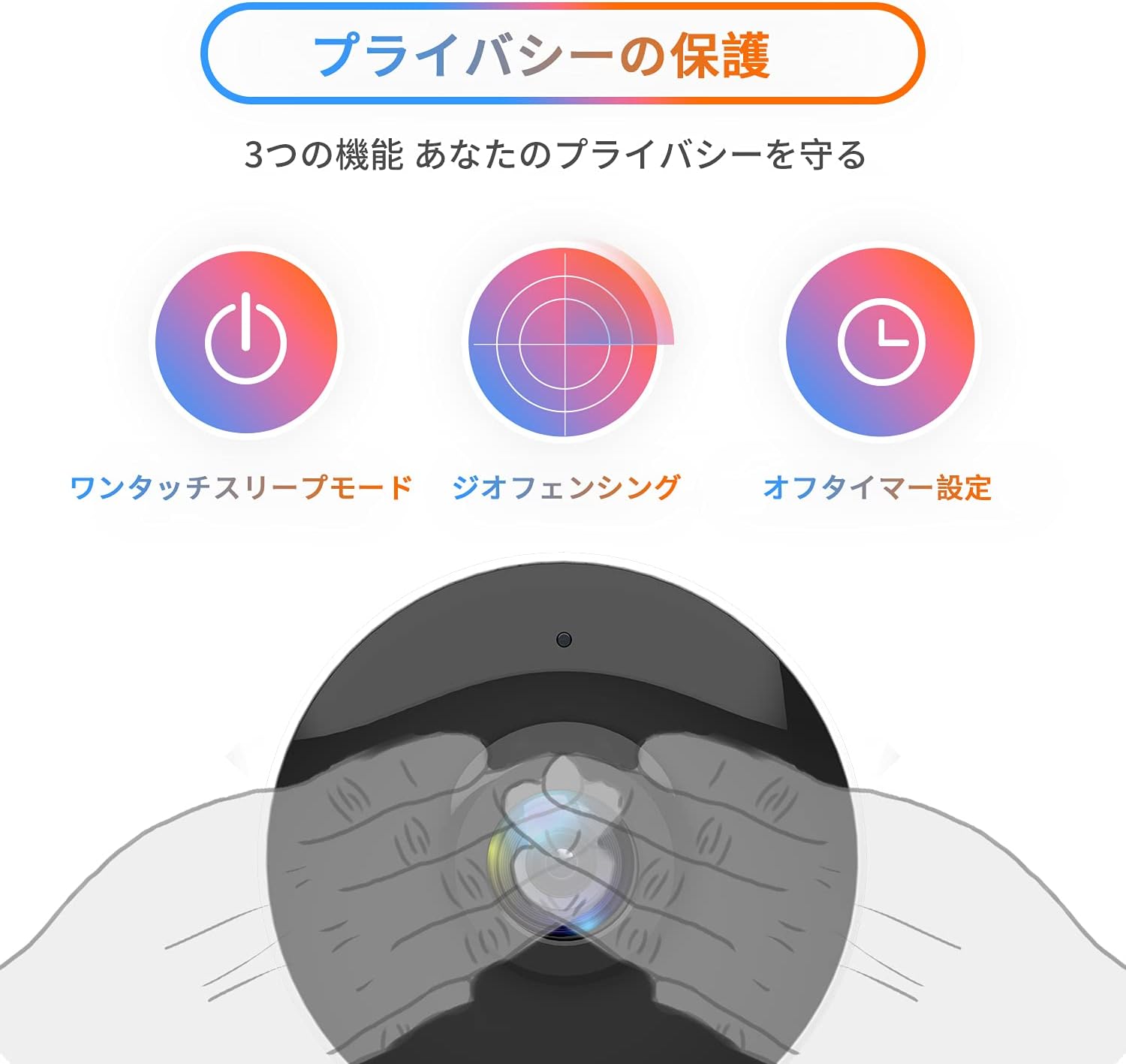
Image: The Arenti IN1 WiFi Pet Camera, a compact indoor camera with a white body and black lens, shown with its adjustable stand.
セットアップガイド
Follow these steps to set up your Arenti IN1 WiFi Pet Camera:
- Download the Arenti App: 検索する "Arenti" in the App Store (iOS) or Google Play Store (Android) and download the application.
- アカウントを作成する: Open the Arenti app and register for a new account or log in if you already have one.
- カメラの電源をオンにする: Connect the camera to a power outlet using the provided USB cable and power adapter. The camera's indicator light will turn on.
- デバイスを追加: In the Arenti app, tap the "+" icon to add a new device. Select your camera model (IN1) from the list.
- Wi-Fiに接続します: Follow the in-app instructions to connect your camera to your 2.4GHz Wi-Fi network. You may need to scan a QR code displayed on your phone with the camera lens.
- 配置: Place the camera on a flat surface or mount it to a wall or ceiling using the included mounting kit. Ensure it has a clear view 監視したいエリアの


Image: A series of smartphone screenshots illustrating the process of downloading the Arenti app, adding a device, and viewライブフィードを視聴します。
操作手順
ライブ View:
Arentiアプリを開いてカメラを選択して view ライブフィード。ピンチ操作で画像を拡大したり、パンしたりできます。
双方向オーディオ:
ライブのマイクアイコンをタップします view to speak through the camera's speaker. Tap again to end. This allows you to communicate with anyone near the camera.

Image: A child smiling while a speech bubble indicates communication with a person via the Arenti camera, demonstrating the two-way audio feature.
動きと音の検出:
The camera uses AI to detect human movement and abnormal sounds. When an event is detected, you will receive a push notification on your smartphone. You can adjust the detection sensitivity and set specific detection zones within the app.

Image: An illustration highlighting the camera's features including night vision, human detection, motion/sound detection, privacy mode, and compatibility with Alexa voice control.
ナイトビジョン:
The camera automatically switches to night vision mode in low-light conditions, providing clear black and white images. This ensures continuous monitoring day and night.
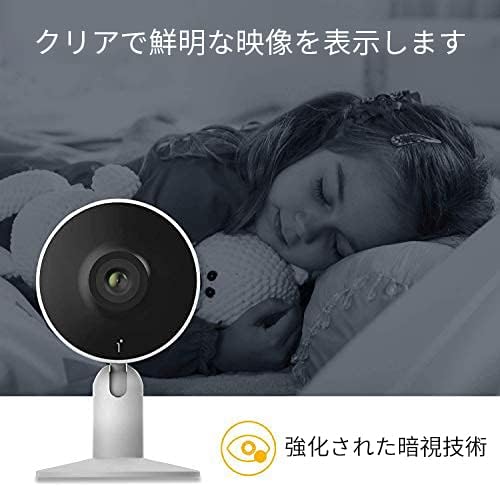
Image: A child sleeping peacefully in a dimly lit room, with the Arenti camera in the foreground, demonstrating its enhanced night vision capabilities for clear monitoring.
プライバシーモード:
Activate privacy mode through the app to temporarily disable recording and live view. Options include one-touch sleep mode, geofencing (automatically activating privacy when you are home), and setting an off-timer.

Image: Three icons illustrating privacy protection features: a power button for one-touch sleep mode, a radar for geofencing, and a clock for off-timer settings.
記録と保存:
The camera supports both cloud storage (via Arenti Cloud Service, powered by AWS) and local storage using a microSD card (up to 128GB, sold separately). You can review 記録されたfootage through the app's history timeline.
スマートホーム統合:
Connect your Arenti camera to Amazon Alexa or Google Assistant for convenient voice control. For example, you can say, "Alexa, show me the living room camera."
ビデオ: 将軍view video demonstrating the features and usage of the Arenti camera, including app interface and live monitoring.
メンテナンス
- クリーニング: カメラのレンズと本体のお手入れには、柔らかく乾いた布をご使用ください。表面を傷つける可能性のある、刺激の強い化学薬品や研磨剤の使用は避けてください。
- ファームウェアの更新: Regularly check the Arenti app for available firmware updates. Keeping your camera's firmware up-to-date ensures optimal performance and security.
- ストレージ管理: If using a microSD card, periodically check its storage capacity and delete old recordings if necessary. For cloud storage, manage your subscription and data retention settings within the app.
- 電源サイクル: カメラに問題が発生した場合は、電源プラグを数秒間抜いてから再度差し込んでみてください。
トラブルシューティング
| 問題 | 考えられる原因 | 解決 |
|---|---|---|
| カメラがオフライン | 電源なし、Wi-Fiが切断、信号不良 | 電源接続を確認してください。カメラとルーターを再起動してください。カメラがWi-Fiの範囲内にあることを確認してください。 |
| Wi-Fiに接続できません | Incorrect password, 5GHz Wi-Fi, network issues | Verify Wi-Fi password. Ensure you are connecting to a 2.4GHz network. Try resetting the camera and repeating setup. |
| 通知なし | App settings, phone settings, detection sensitivity | Check notification settings in the Arenti app and on your smartphone. Adjust motion/sound detection sensitivity. |
| ビデオ品質が悪い | Low bandwidth, dirty lens | Ensure stable internet connection. Clean the camera lens with a soft cloth. |
| 双方向オーディオが機能しない | Microphone/speaker disabled, volume low | Check audio settings in the app. Ensure phone volume is up. |
仕様
| 特徴 | 詳細 |
|---|---|
| ビデオ解像度 | 1080p(フルHD) |
| フレームレート | 25fps |
| 接続性 | Wi-Fi(2.4GHzのみ) |
| ナイトビジョン | はい |
| オーディオ | 双方向オーディオ |
| 検出 | Motion Sensor, Sound Detection |
| ストレージオプション | クラウドストレージ、MicroSDカード(最大128GB) |
| 対応デバイス | スマートフォン(iOS/Android) |
| 寸法 | 21.2 x 18.4 x 6.6 cm(パッケージサイズ) |
| 重さ | 480 g(パッケージ重量) |
保証とサポート
Arenti products typically come with a limited warranty. For specific warranty details, please refer to the warranty card included with your product or visit the official Arenti website. If you encounter any issues or require technical assistance, please contact Arenti customer support through their official website or the Arenti app.