
導入
Thank you for choosing the BALDR 359V2-BL Digital Weather Station. This device provides accurate indoor and outdoor temperature and humidity readings, a 12-hour weather forecast, time display, alarm clock, and moon phase information. It supports up to three wireless outdoor sensors for comprehensive monitoring of various locations. Please read this manual carefully to ensure proper setup and operation.
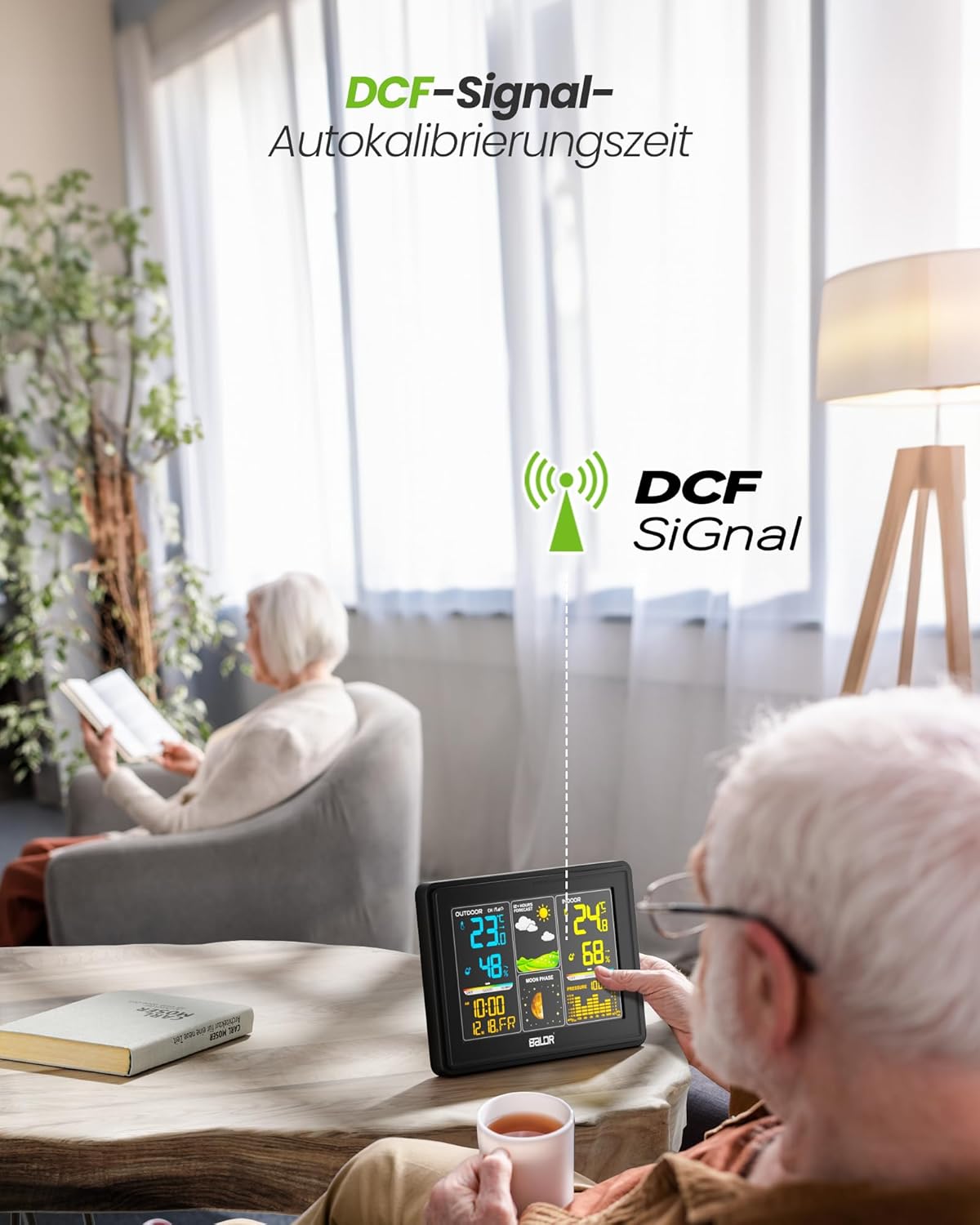
Image: The BALDR 359V2-BL Digital Weather Station main unit, showcasing its vibrant display with various weather and time data.
設定
1. 本体の電源供給
The main unit can be powered by the included AC adapter or by batteries (not included) for backup. For continuous display and optimal performance, it is recommended to use the AC adapter.
- ACアダプター: Connect the AC adapter to the power port on the back of the main unit and plug it into a wall outlet.
- 電池: Open the battery compartment on the back of the main unit and insert 3 x AAA batteries (not included), observing the correct polarity.
2. 屋外センサーへの電源供給
The outdoor sensor requires 2 x AA batteries (not included).
- 屋外センサーの背面にある電池ケースを開きます。
- Insert 2 x AA batteries, ensuring correct polarity.
- 電池ケースをしっかりと閉めてください。

Image: Powering the main unit via AC adapter and battery installation for the outdoor sensor.
3. 屋外センサーのペアリング
Once both units are powered, the main unit will automatically search for the outdoor sensor. The outdoor temperature and humidity should appear on the display within a few minutes. If not, manually initiate pairing:
- を押し続けます チャネル button on the main unit for 3 seconds to initiate a search for outdoor sensors.
- を押す TX button inside the outdoor sensor's battery compartment to send a signal.

Image: Wireless connection between the main unit and the outdoor sensor.
4. 屋外センサーの配置
For accurate readings, place the outdoor sensor in a shaded, dry location, protected from direct sunlight and rain. Avoid placing it near heat sources or metal objects that could interfere with the wireless signal.

Image: Guidelines for optimal outdoor sensor placement to ensure accurate data.
5. DCF Signal for Automatic Time Calibration
The weather station features a DCF radio-controlled clock function, which automatically synchronizes the time with the atomic clock signal. This ensures precise timekeeping. The DCF signal icon will appear on the display when successfully synchronized.

Image: The weather station receiving the DCF signal for automatic time calibration.
オペレーティング
1. 表示終了view
The main unit's color display is divided into several sections:
- 屋外セクション: Displays outdoor temperature, humidity, and channel number.
- 天気予報: Shows animated icons predicting weather for the next 12-24 hours.
- 屋内セクション: 室内の温度、湿度、快適度インジケーターを表示します。
- 時間と日付: 現在の時刻、日付、曜日を表示します。
- 月相: Illustrates the current phase of the moon.
- 大気圧: Displays current atmospheric pressure and a historical bar chart.

Image: The VA screen offers a clear viewing angle, displaying comprehensive weather data.
2. 天気予報
The weather station analyzes changes in atmospheric pressure to predict weather conditions for the next 12 to 24 hours. The forecast icons include Sunny, Partly Cloudy, Cloudy, Rainy, and Snowy.

Image: Visual representation of weather changes predicted for the next 12 hours.
3.バックライト制御
The display features adjustable backlight settings for comfortable viewing in various lighting conditions. Press the スヌーズ/ライト button to cycle through different brightness levels (Off, 10%, 50%, 100%).

Image: Adjusting the backlight to create a comfortable view雰囲気。
4. 快適レベルインジケーター
The indoor section includes a comfort level indicator (DRY, GOOD, HUMID) based on the indoor temperature and humidity, helping you maintain an optimal indoor environment.

Image: The comfort status display helps monitor indoor conditions.
5. 複数のセンサー監視
The weather station supports up to three outdoor sensors (one included). You can switch between sensor channels by pressing the チャネル button on the main unit. This allows monitoring of different areas like a garden, garage, or basement.

Image: Monitoring temperature and humidity from up to three different locations using multiple outdoor sensors.
メンテナンス
- クリーニング: ディスプレイを拭いてasingを柔らかく、damp 布で拭いてください。研磨剤や溶剤は使用しないでください。
- バッテリー交換: Replace batteries in both the main unit and outdoor sensor when the low battery indicator appears on the display. Ensure correct polarity when inserting new batteries.
- センサー環境: Periodically check the outdoor sensor's placement to ensure it remains protected from extreme weather conditions and direct sunlight for accurate readings.
トラブルシューティング
| 問題 | 考えられる原因 | 解決 |
|---|---|---|
| 屋外の温度/湿度の読み取りがありません。 | センサーがペアリングされていないか範囲外です。センサーの電池残量が少なくなっています。 | Ensure sensor is within 100m of the main unit. Replace sensor batteries. Press and hold チャネル on main unit for 3 seconds, then press TX on sensor. |
| 時間の表示が正しくありません。 | DCF signal not received; manual time not set. | Ensure main unit is placed away from interference. Manually set time if DCF signal is consistently unavailable. |
| ディスプレイが暗いか空白です。 | Low main unit battery; AC adapter not connected. | Replace main unit batteries or connect the AC adapter. Adjust backlight using the スヌーズ/ライト ボタン。 |
| 温度/湿度が不正確です。 | センサーが直射日光や雨にさらされ、換気が悪い。 | Relocate outdoor sensor to a shaded, dry area. Ensure proper air circulation around both units. |
仕様
- モデル番号: 359V2-BL
- 本体寸法: 16 x 11 x 2 cm (長さ x 幅 x 高さ)
- 屋外センサーの寸法: 10 x 3.6 x 1.8 cm(高さx幅x奥行き)
- 重さ: 400 grams (main unit)
- 接続技術: 433MHzワイヤレス
- 温度精度: ±2℃
- 推奨用途: 気圧、気温、湿度、月齢
- 特別な機能: Clock, Transparent display (VA screen)
- 含まれるコンポーネント: 1 Main Unit, 1 Outdoor Sensor

Image: Dimensions of the BALDR 359V2-BL Digital Weather Station main unit.
保証
BALDR products are manufactured to high-quality standards. This product is covered by a standard manufacturer's warranty against defects in materials and workmanship. Please refer to the product packaging or BALDR's official web具体的な保証条件と期間については、サイトをご覧ください。
サポート
For further assistance, technical support, or inquiries regarding your BALDR 359V2-BL Digital Weather Station, please visit the official BALDR webメーカーのウェブサイトをご覧いただくか、カスタマーサービス部門にお問い合わせください。連絡先は通常、製品のパッケージまたはメーカーのウェブサイトに記載されています。 webサイト。